

Tailscale creates a secure private network that connects all your devices — laptops, phones, home servers, cloud VMs — as if they were on the same local network. Setup takes under 3 minutes per device. Here’s what it does, who needs it, and how it compares to traditional VPNs.
What Tailscale Actually Does
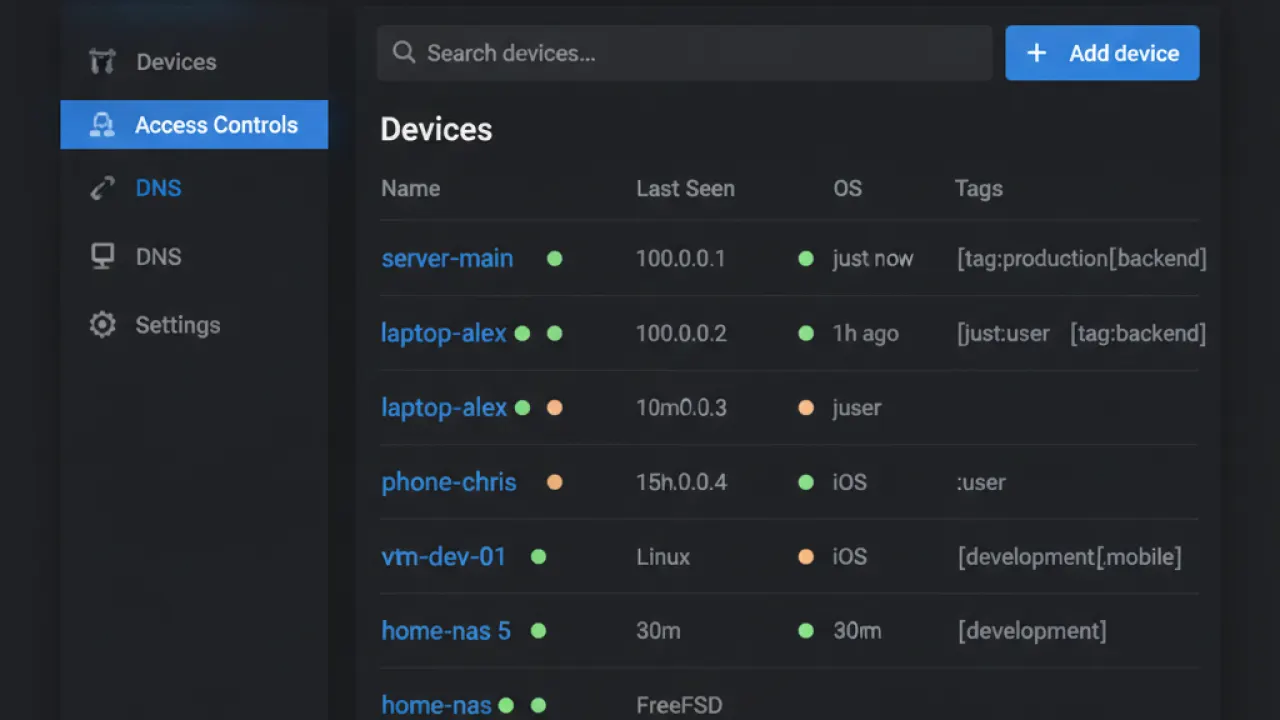
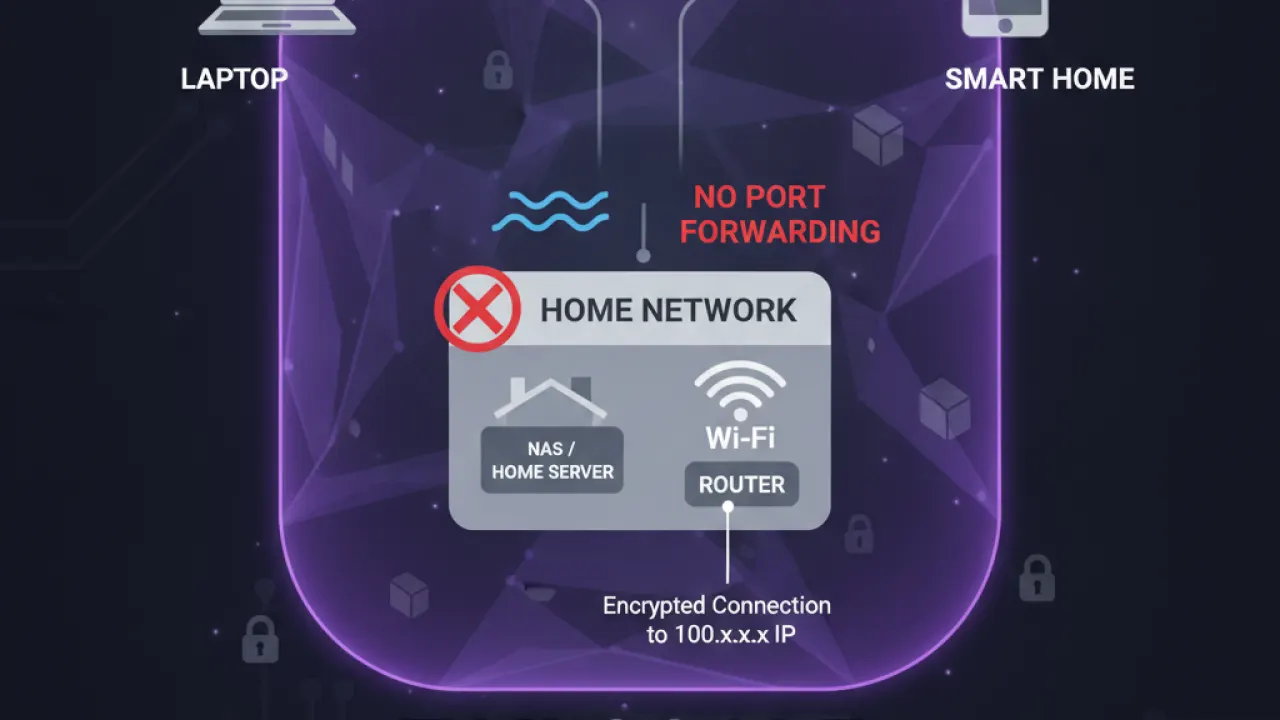
Tailscale gives every device you add a private IP address in the 100.x.x.x range. These devices can communicate with each other directly and securely through any internet connection. From your work laptop, you can SSH into your home server, access files on your NAS, or connect to a database running on a home machine — as if you were home, from anywhere.
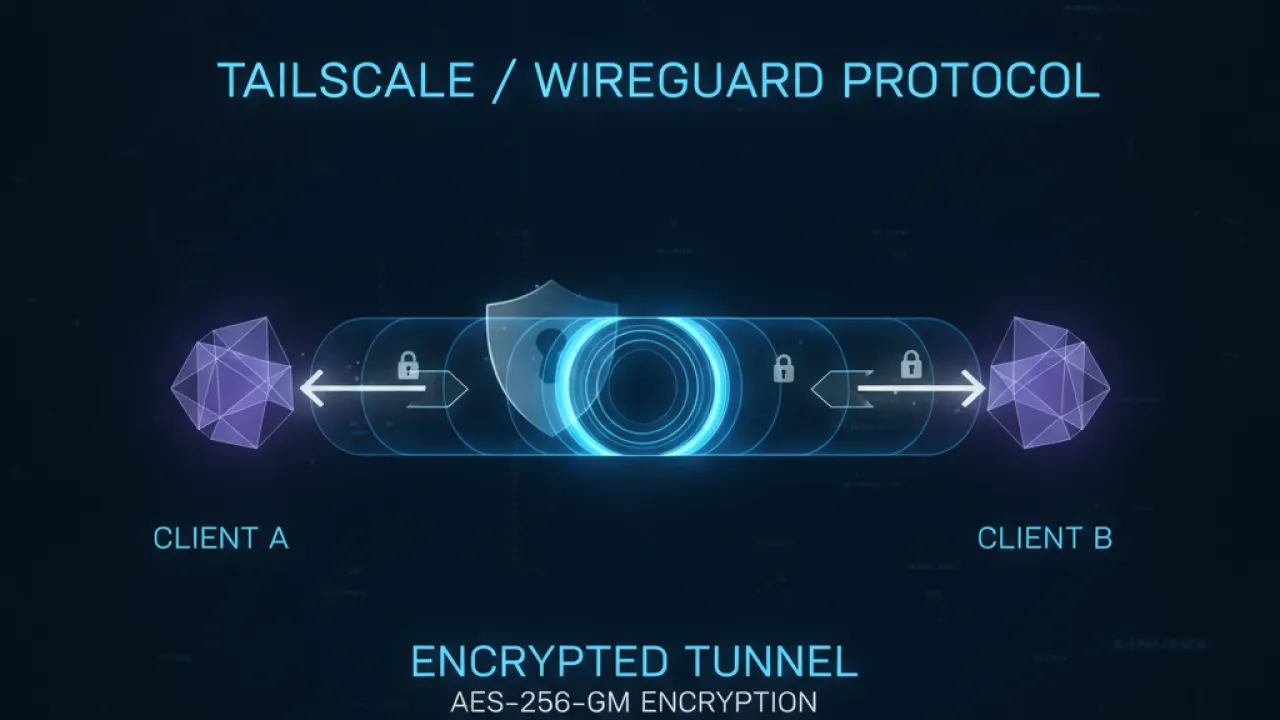
Under the hood, Tailscale uses WireGuard for the encrypted tunnels and adds its own key management layer that makes it zero-configuration. You don’t manage certificates, firewall rules, or port forwarding. Tailscale handles NAT traversal automatically, making peer-to-peer connections work even between devices behind different firewalls.
Setup: Genuinely Zero-Config
Install the Tailscale app on each device, log in with Google or GitHub, and the device appears in your admin console. All devices in your tailnet can immediately reach each other. No configuration after the initial login. Works on Windows, macOS, Linux, iOS, Android, and Raspberry Pi.
Exit Nodes: Using Tailscale Like a Traditional VPN
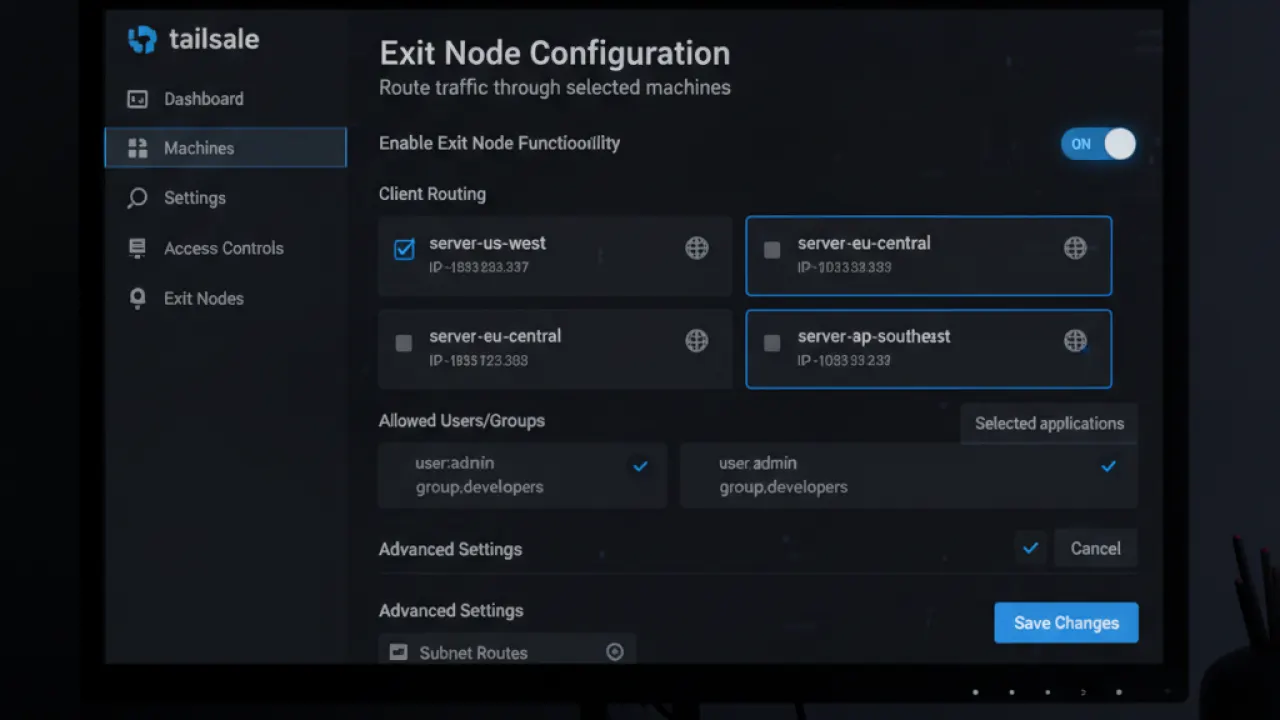
Configure any device as an exit node and all your internet traffic routes through it. Your phone’s traffic goes through your home computer, appearing as your home IP address to websites. This bypasses geographic content restrictions that don’t block residential IPs, and lets you use your home internet from anywhere. Unlike commercial VPNs, no ongoing subscription cost — just the electricity for your home machine to stay on.
Free vs Paid Plans
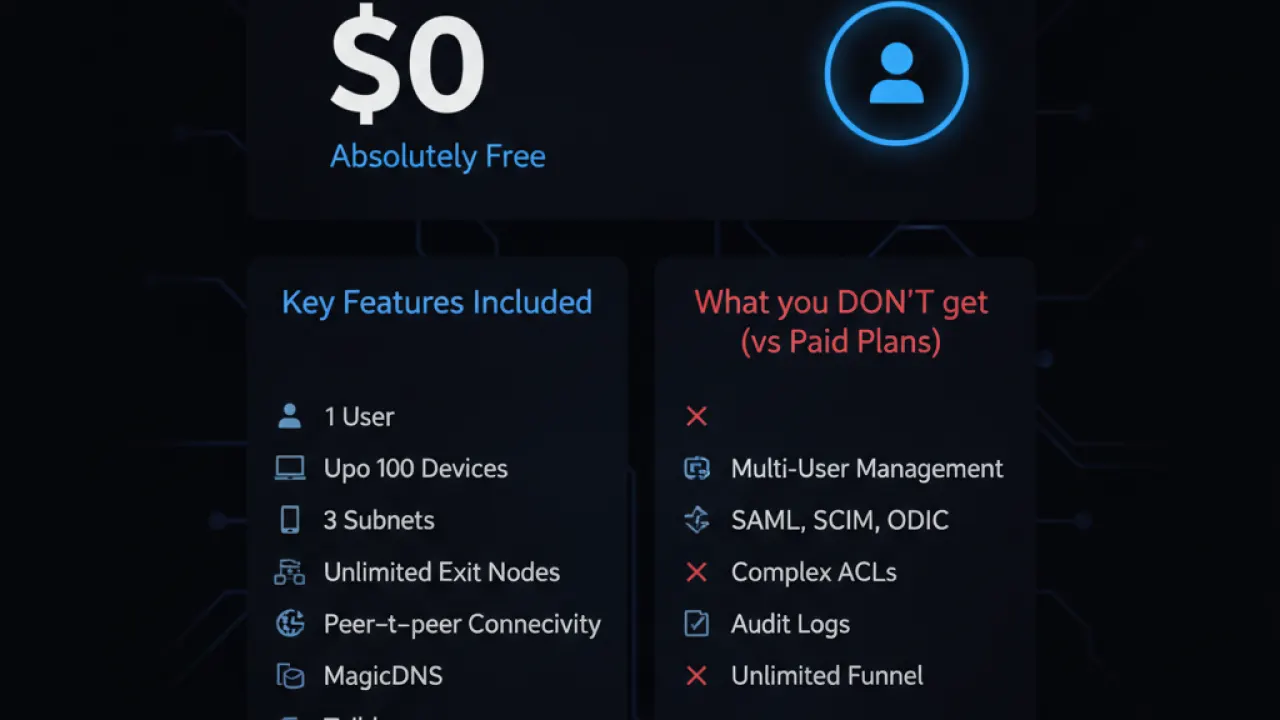
Tailscale’s free personal plan supports 1 user with up to 100 devices. For connecting your own laptop, phone, tablet, and home server, the free plan covers everything. Paid plans add team management, user permissions, compliance logging, and larger device limits for business use.
Tailscale vs Commercial VPN
These serve different needs. Commercial VPNs (like Mullvad) hide your IP from websites, encrypt traffic on public Wi-Fi, and provide internet privacy from your ISP. Tailscale connects your own devices — it doesn’t hide your identity from websites or provide general internet privacy. Many people use both: Tailscale for accessing their own infrastructure, a commercial VPN for internet privacy.
Best Use Cases for Tailscale
- Remote access to home server or NAS from work or travel
- Secure SSH to servers without exposing ports to the internet
- Developer workflow — share a local development server with colleagues
- Family network — connect family devices for shared file access or remote tech support
For users considering Tailscale alongside other privacy tools, our basic cybersecurity tips guide explains how VPNs, DNS blockers, and Tailscale serve different aspects of network privacy. See our Pi-hole vs AdGuard Home guide for DNS-level ad blocking that complements Tailscale in a complete home network setup.
Are you using Tailscale, and what’s your primary use case? Leave a comment with your setup — remote access scenarios are especially useful for readers deciding whether Tailscale solves their specific problem.

