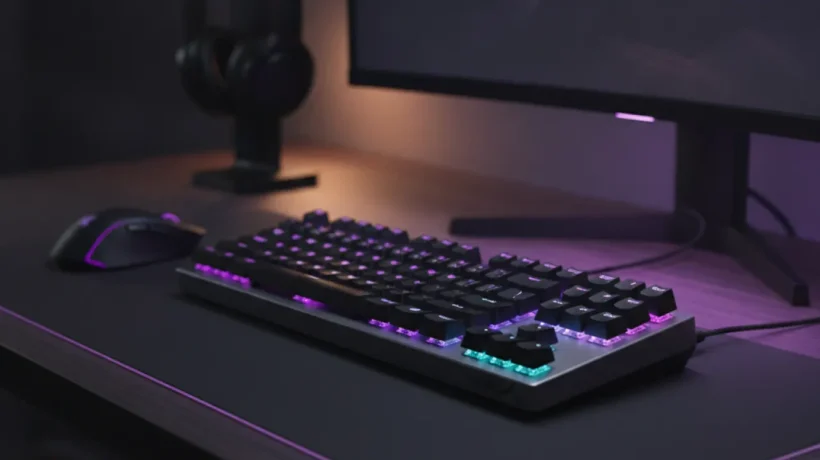

The best mechanical keyboards under $80 in 2026 offer genuine improvements over membrane keyboards: tactile feedback, durability measured in millions of keystrokes, and build quality that makes daily typing more comfortable. Here’s what to buy based on your layout preference and switch type.
Understanding Mechanical Keyboard Basics
Switch Types
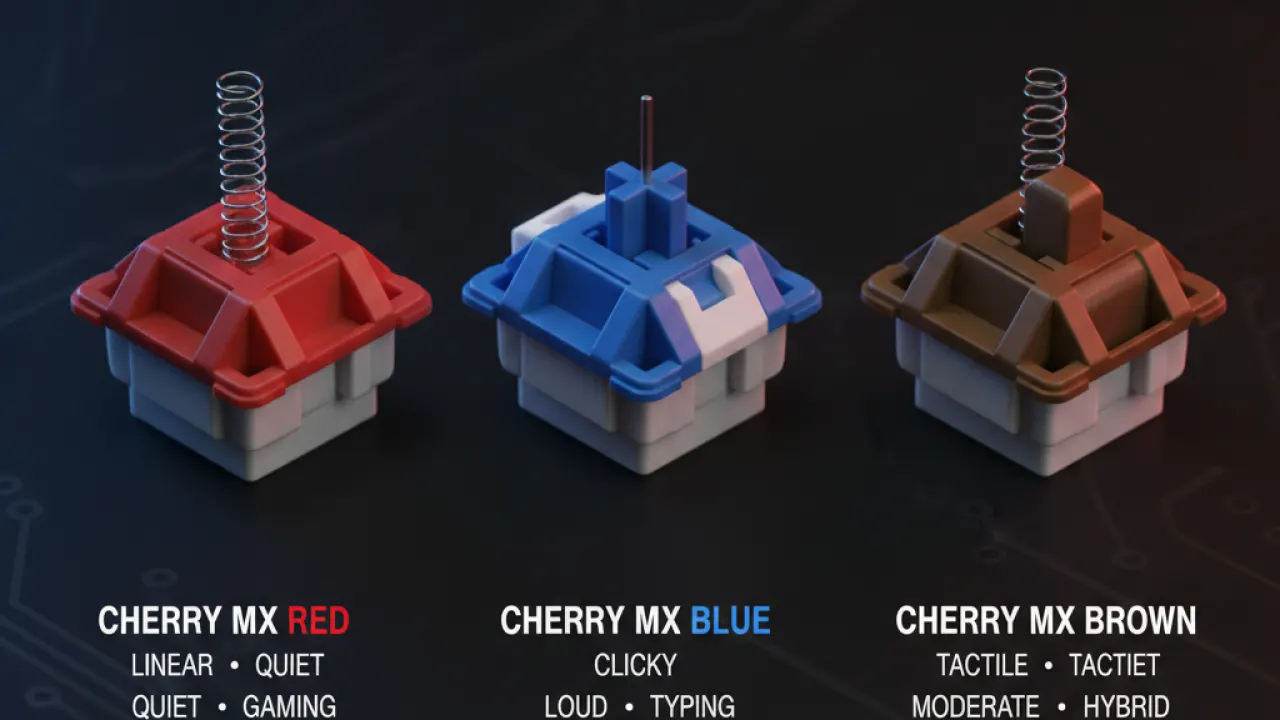
Linear switches (Red, Silver): Smooth keystroke with no bump or click. Favored by gamers for fast actuation and by typists who prefer quiet operation. Good for fast typing once you adjust to the lack of feedback.
Tactile switches (Brown, Clear): A small bump in the middle of the keystroke indicates the actuation point. No audible click. Good balance between typing feel and office noise. The most popular switch type for general use.
Clicky switches (Blue, Green): A tactile bump with an audible click. Satisfying to type on but noticeably loud — inappropriate for open offices or shared spaces. Good for home use if you enjoy the typing sound.
Keyboard Layouts
- Full-size (100%): All keys including numpad. Best for data entry and people who use numeric keypad regularly. Takes up the most desk space.
- TKL (80%): Full-size minus numpad. Good balance of features and desk space.
- 65%: No numpad, no function row, but arrow keys present. Compact and popular for programmers and writers who don’t need function keys often.
- 60%: No numpad, no function row, no arrow keys. Maximum compact size. Requires learning modifier key combinations for missing keys.
Best Mechanical Keyboards Under $80
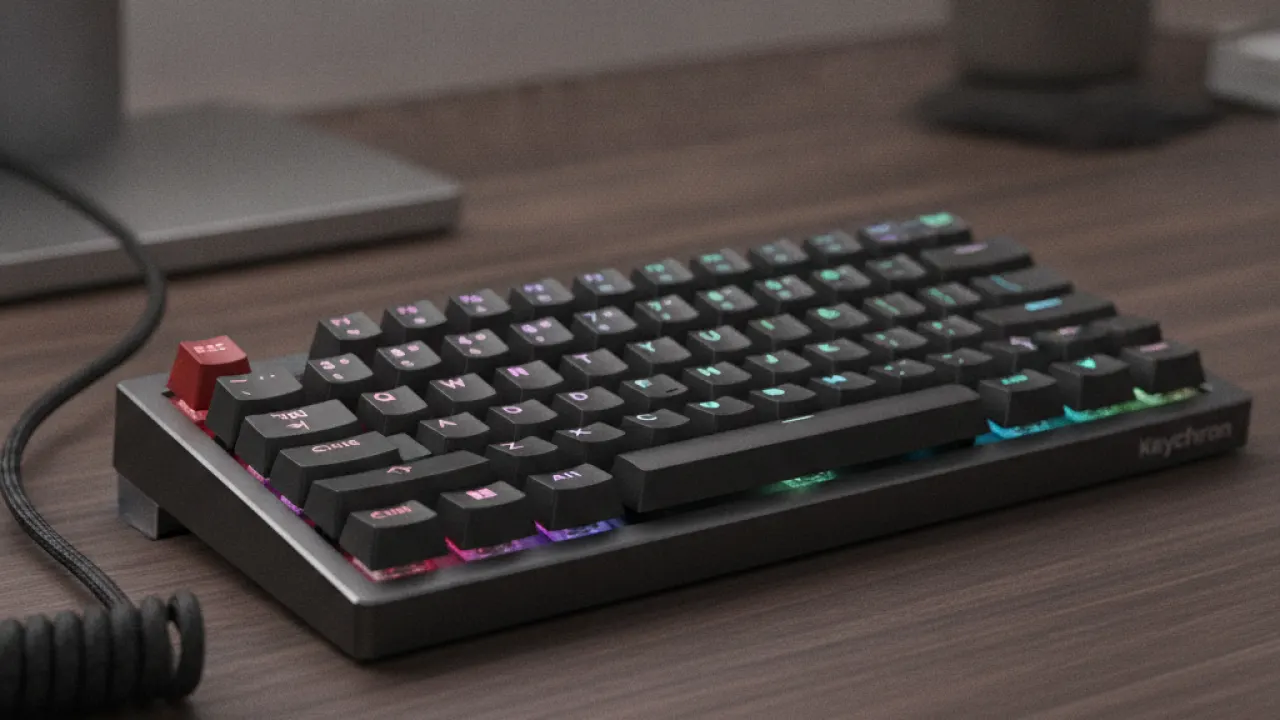
1. Keychron K6 ($65-75) — Best Overall
The Keychron K6 is a 65% layout keyboard with wireless Bluetooth and USB-C connectivity, hot-swappable switches (you can change switches without soldering), RGB backlighting, and a solid aluminum frame. Available with Gateron (Brown, Red, Blue) or Keychron optical switches. The hot-swap feature at this price is exceptional — most keyboards require soldering to change switches.
Works with Windows, Mac, iOS, and Android. The key layout switch (Windows/Mac mode) adjusts modifier keys for each OS. Battery life is approximately 4,000 mAh, which lasts weeks between charges with average backlighting.
2. Royal Kludge RK68 ($50-60) — Best Budget Hot-Swap
The Royal Kludge RK68 is a 65% keyboard with wireless, hot-swap sockets, and RGB at around $50-60. Build quality is slightly below Keychron but still solid for the price. Available in many switch options. For users who want hot-swap capability at the lowest possible price, the RK68 delivers it.
3. Ducky One 3 TKL ($70-80) — Best for Typing
The Ducky One 3 TKL (tenkeyless, no numpad) is built to a higher standard than most keyboards in this price range. Cherry MX switches (the most tested and reliable mechanical switch), double-shot PBT keycaps (more durable and less likely to develop shine over time), and a solid plastic/aluminum construction that doesn’t flex. Less feature-rich than Keychron but better typing feel.
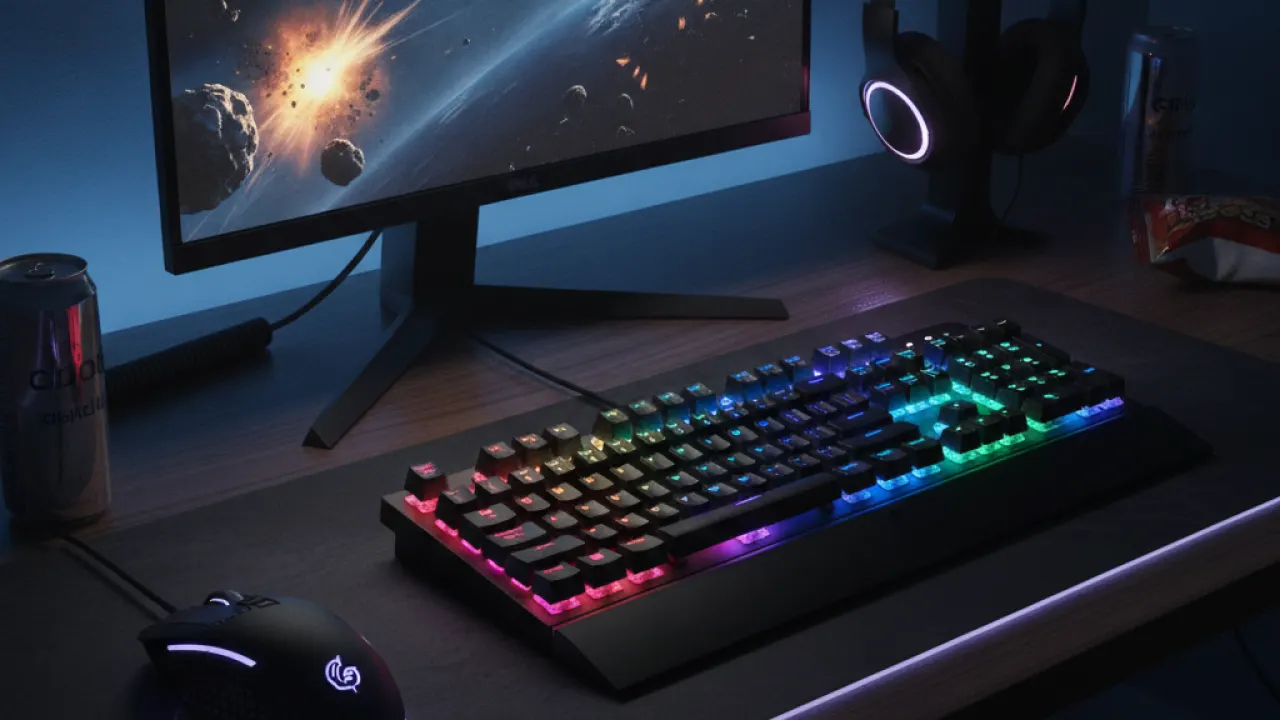
4. Logitech G413 ($60-70) — Best for Gaming
Logitech uses its own Romer-G Tactile switches in the G413, which have a shorter travel distance than standard mechanical switches for faster actuation. The build is sturdy aluminum top plate with a reliable construction. Logitech’s software ecosystem (G HUB) makes macro and lighting customization straightforward if you already use other Logitech peripherals.
Hot-Swap: Why It Matters
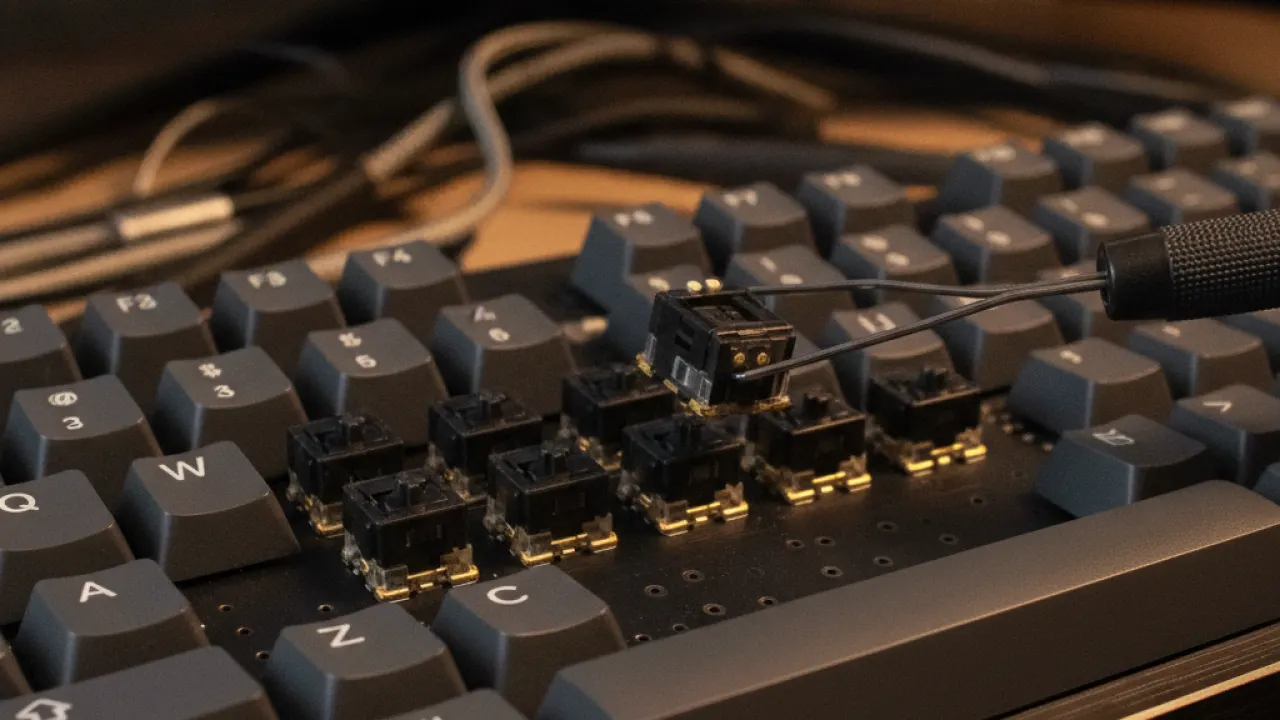
Hot-swap sockets let you remove and replace switches using a switch puller tool (usually included or $3 separately) without any soldering. This means you can buy a keyboard with one switch type and try different switches later without buying a new keyboard. You can also replace a switch that fails without sending the keyboard for repair.
In the under-$80 category, hot-swap capability is a significant feature that narrows to a few keyboards. The Keychron K6 and Royal Kludge RK68 both offer it. If you’re not sure which switch type you prefer, buying a hot-swap keyboard and a switch tester (a set of 10-20 different switches to try, typically $15-20) is a better investment than guessing and buying multiple keyboards.
Keycap Quality: What to Look For
Most budget mechanical keyboards ship with ABS keycaps. ABS develops a glossy shine over time from oil transfer from fingers. PBT keycaps are more durable, retain their texture longer, and feel better. The Ducky One 3 ships with PBT keycaps. Keychron keyboards at this price use ABS but offer PBT sets as add-ons.
Ergonomics: Wrist Support
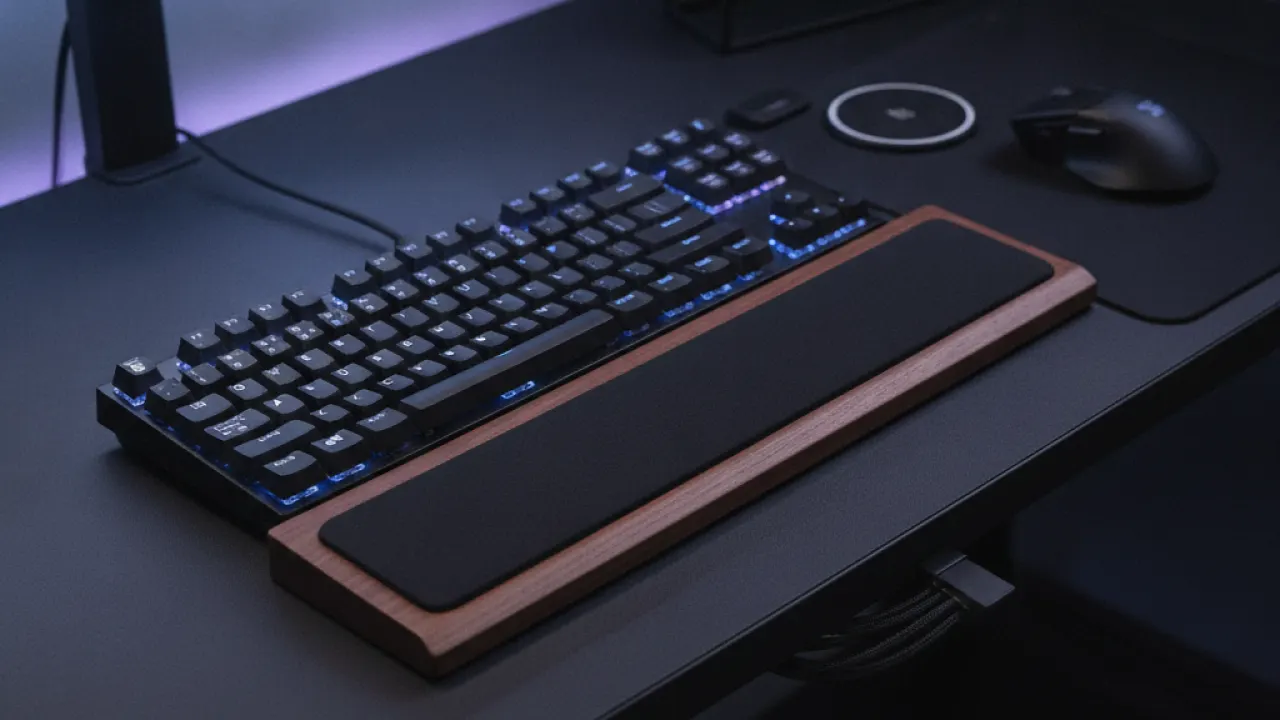
Mechanical keyboards sit higher than membrane keyboards. A wrist rest adds comfort during long typing sessions and reduces strain. Fabric-covered foam wrist rests are comfortable and affordable (£10-20). Adding one to a $70 mechanical keyboard is worth the investment if you type for hours daily.
For a complete work-from-home setup, our guide to the best smartphones covers mobile device choices, and our DDR5 RAM guide guide covers the hardware upgrades that affect PC performance most meaningfully.
Which mechanical keyboard are you using and what switch type did you choose? Leave a comment with your setup and how it’s working for you after extended daily use.

