
Most people think cybersecurity is complicated. It isn’t. The basics that protect you from 95% of real threats take less than an hour to set up, and most of them cost nothing. This guide covers what every person should know and do in 2027 to stay safe online, whether you’re a complete beginner or someone who’s been putting this off.
These aren’t theoretical tips. They’re the same steps security professionals use to protect their own accounts and devices.
Use Strong Passwords and a Password Manager
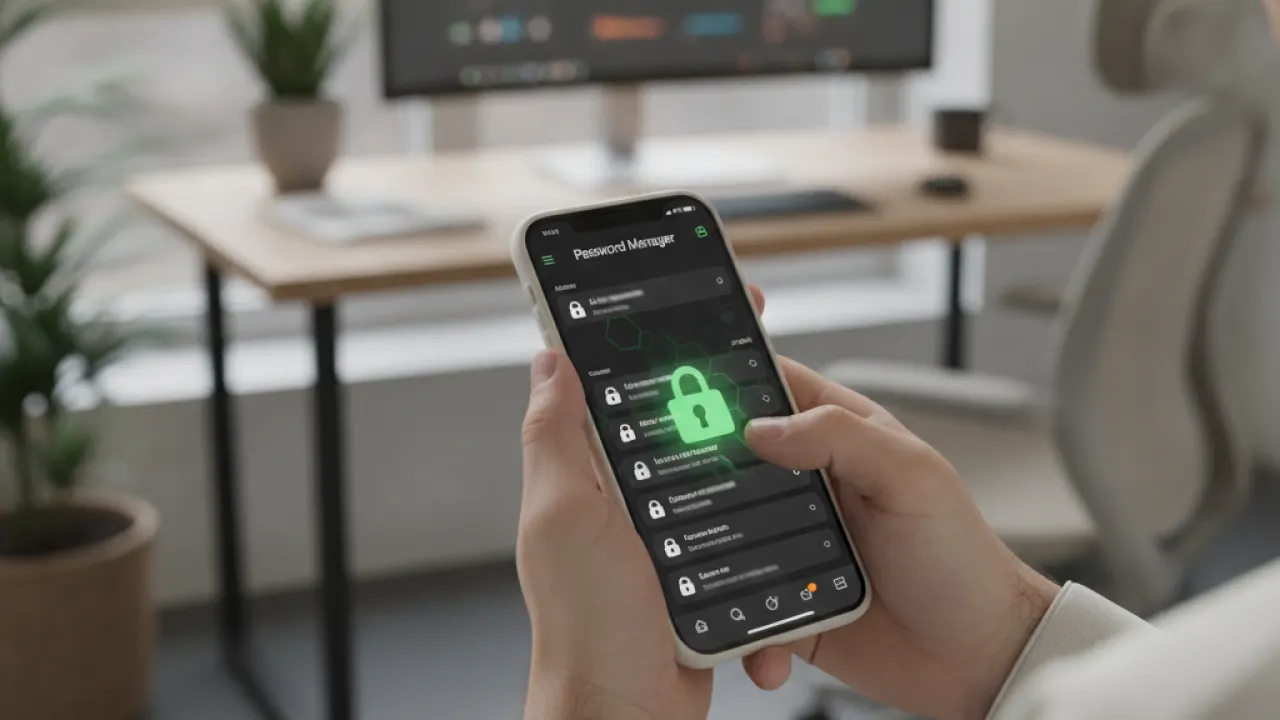
Weak passwords are the single most common way people get hacked. If your password is a word, a name, or a short string of characters, it can be cracked in seconds with modern tools. If you use the same password across multiple sites, one breach exposes all of them.
The fix is simple: use a password manager. A password manager creates long, random, unique passwords for every account and remembers them for you. You only need to remember one strong master password.
Best Password Managers in 2027
- Bitwarden — Free, open-source, and highly trusted. The free tier handles unlimited passwords across all your devices. This is what most security professionals recommend for personal use.
- 1Password — The best option for families and teams. Clean interface and strong security record. Costs around $3 per month.
- Apple Passwords — Built into iOS, macOS, and Windows now. Good option if you’re in the Apple ecosystem and don’t want a third-party app.
- Google Password Manager — Built into Chrome and Android. Decent for people fully in the Google ecosystem, though it has fewer features than dedicated managers.
What Makes a Strong Master Password?
Your master password should be a passphrase of four or more random words, like “coffee-bridge-lamp-2027.” It should be at least 16 characters, include a number or symbol, and be something you’ve never used anywhere else. Write it down on paper and store it somewhere physically safe. Not in a notes app.
Turn On Two-Factor Authentication Everywhere
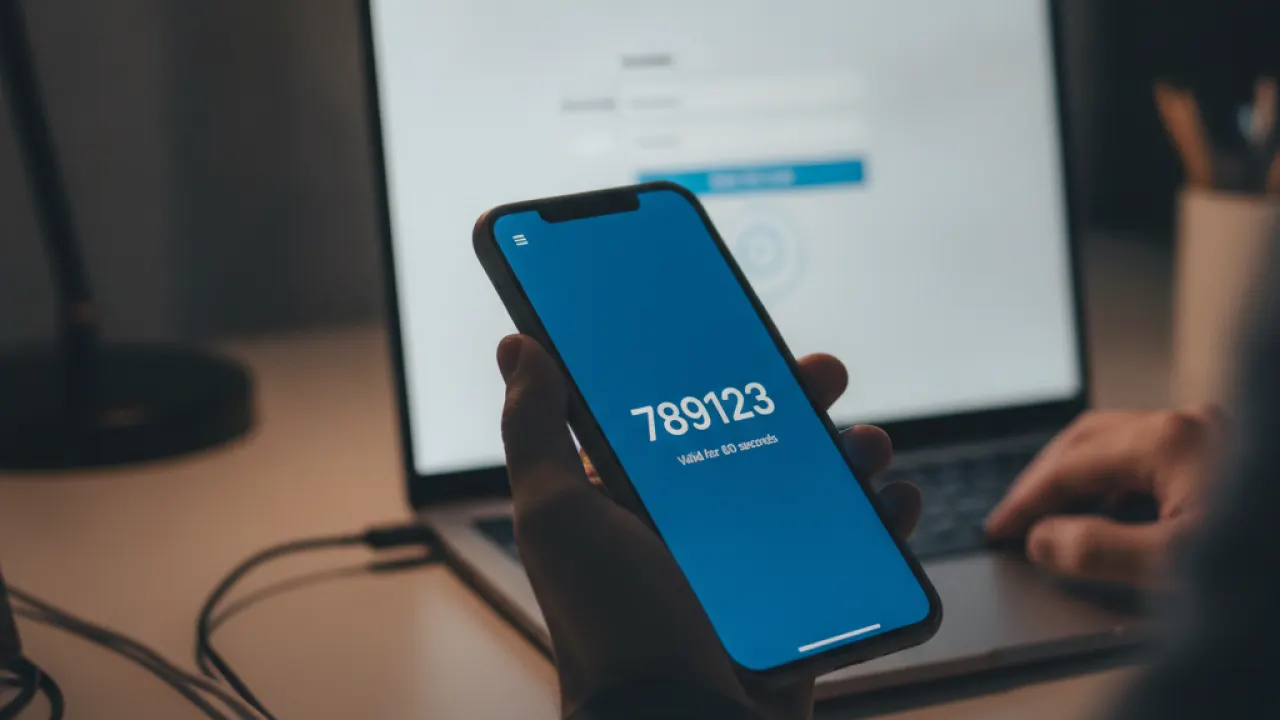
Two-factor authentication (2FA) means you need two things to log in: your password and a second code. Even if someone steals your password, they can’t get into your account without that second code. It’s one of the most effective cybersecurity tips available in 2027.
Set up 2FA on every account that offers it, starting with your email, banking, and social media. Your email account is the most important because it’s used to reset every other password.
Which 2FA Method Is Safest?
Not all 2FA methods are equally secure. Here’s a ranking from most to least secure:
- Hardware security key (like a YubiKey) — The safest option. A physical device you plug in or tap. Almost impossible to phish.
- Authenticator app (Google Authenticator, Authy, or Microsoft Authenticator) — Time-based codes that change every 30 seconds. Much safer than SMS.
- SMS text messages — Better than nothing, but vulnerable to SIM swapping attacks. Avoid it when a better option is available.
- Email codes — Only use this if nothing else is offered. It depends on your email being secure first.
Download an authenticator app today and enable it on your most important accounts. Google Authenticator and Authy are both free and take about two minutes to set up per account.
Keep Your Software and Devices Updated
Software updates fix security vulnerabilities. When a company releases a patch, they’re often closing a hole that hackers already know about and are actively using. Delaying updates gives attackers a window to compromise your device.
The rule is simple: update as soon as updates are available, especially for your operating system, browser, and security software.
Enable Automatic Updates on Every Device
On Windows 11: Settings, then Windows Update, then set to automatically download and install.
On iPhone: Settings, then General, then Software Update, then turn on Automatic Updates.
On Android: Settings, then Software Update, and enable Auto Download over Wi-Fi.
On Mac: System Settings, then General, then Software Update, then enable automatic updates.
Don’t Forget Your Router and Smart Home Devices
Routers, smart TVs, security cameras, and smart home devices also need updates. Many people never update these and they can become entry points into your home network. Check your router’s admin panel every few months for firmware updates. Most manufacturers now offer automatic updates, so look for that option in the settings.
Browser Extensions Need Attention Too
Browser extensions run with significant permissions and can be compromised. Keep extensions updated automatically (browsers usually handle this), and remove any extensions you don’t actively use. Extensions that ask for access to all websites are especially worth auditing.
Be Careful With Phishing Emails and Links
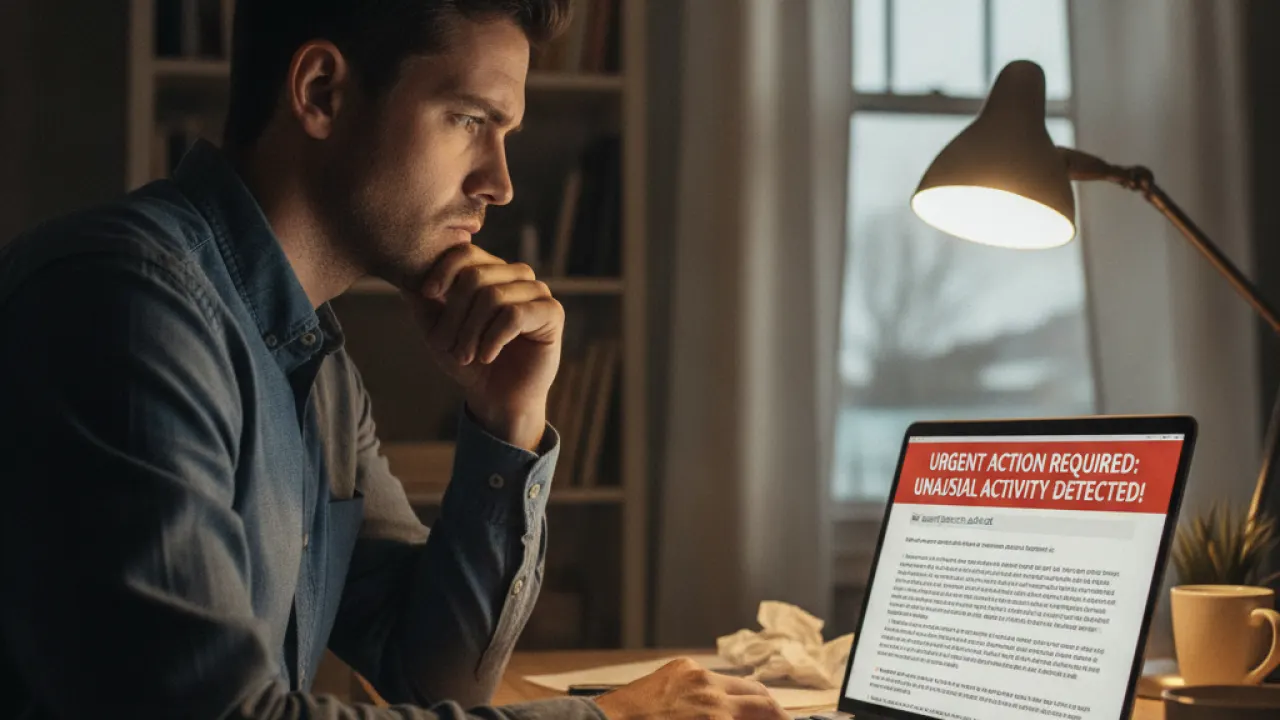
Phishing is when someone sends you a fake email or message designed to trick you into clicking a link or entering your credentials. It’s one of the most common ways people get hacked, and it’s getting harder to spot because attackers now use AI to write convincing messages.
How to Spot a Phishing Email
Check for these warning signs in every suspicious email:
- The sender’s email address doesn’t match the company — Hover over the sender name to see the actual email. A real PayPal email won’t come from paypal.security-alert.com.
- Urgency and threats — “Your account will be closed in 24 hours” is a classic phishing tactic. Real companies don’t threaten you like this.
- Unexpected attachments — Don’t open attachments you weren’t expecting, even from people you know. Their account might be compromised.
- Links that don’t match — Hover over any link before clicking to see the real URL. If it doesn’t go to the company’s official domain, don’t click it.
- Poor spelling and odd grammar — Legitimate companies proofread their emails. Many phishing attempts still contain mistakes.
- Requests for personal information — Banks and legitimate companies will never ask for your password or full credit card number by email.
What to Do if You’re Not Sure
If you receive an email asking you to take action on an account, don’t click the link in the email. Open a new browser tab and go directly to the website by typing the address. This completely eliminates the risk of phishing links.
If you think an email might be legitimate but you’re unsure, call the company directly using the number on their official website, not any number provided in the email.
Secure Your Home Wi-Fi Network
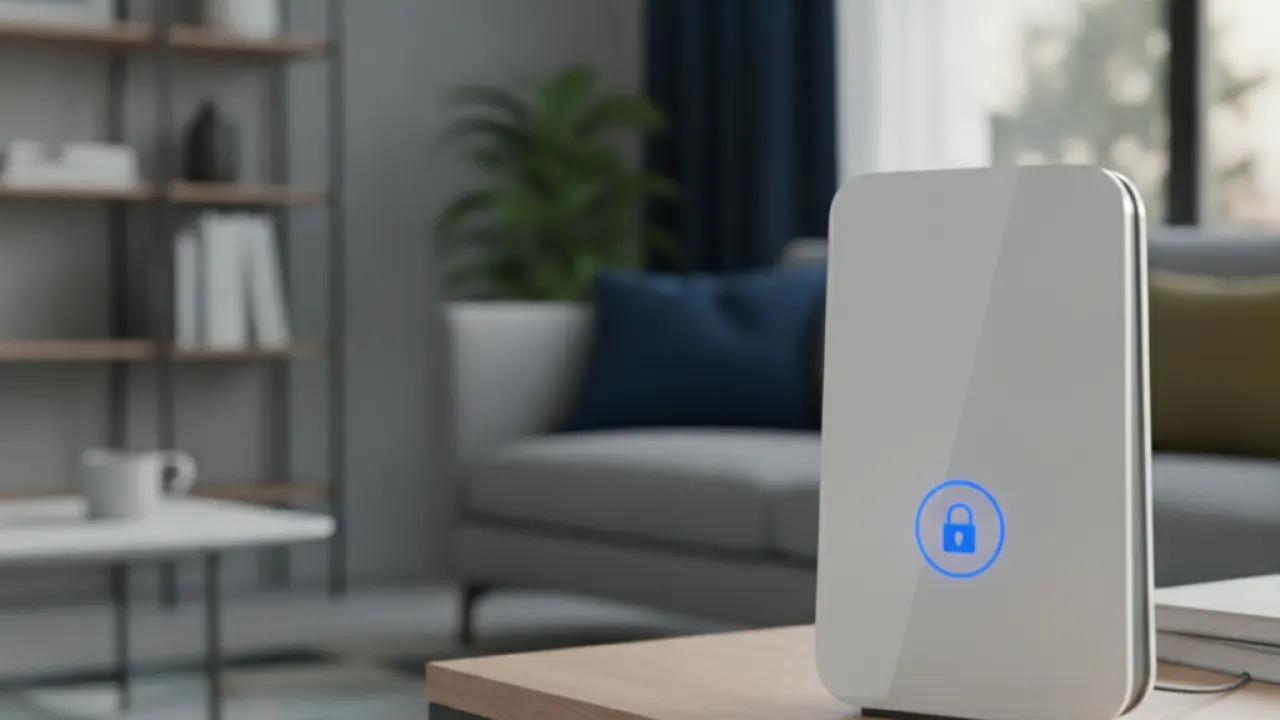
Your home Wi-Fi is the entry point to every device in your house. A poorly secured router lets attackers access your network, intercept your traffic, and potentially reach your computers, phones, and smart home devices.
Basic Router Security Steps
- Change the default admin password — Every router ships with a default username and password (usually “admin” and “password” or “admin”). Change both immediately. These defaults are publicly listed, and attackers scan for routers using them.
- Use WPA3 encryption — Log into your router’s admin panel (usually 192.168.1.1 or 192.168.0.1 in your browser) and set the security protocol to WPA3. If your router doesn’t support WPA3, use WPA2. Never use WEP — it’s broken.
- Change the default network name (SSID) — Don’t use your ISP’s default name like “XFINITY-1234” or “ATT-WIFI.” These reveal your router make and model, which helps attackers. Use a name that doesn’t identify you or your location.
- Create a guest network — If your router supports it, create a separate guest Wi-Fi network for visitors and smart home devices. This keeps them isolated from your main network where your computers and phones connect.
- Disable WPS — Wi-Fi Protected Setup is a security vulnerability. Turn it off in your router settings.
- Check connected devices regularly — Log into your router’s admin panel occasionally and look at the list of connected devices. If you see anything you don’t recognize, change your Wi-Fi password.
Back Up Your Data and Know What to Do if Something Goes Wrong
Even if you do everything right, things can still go wrong. A backup means a ransomware attack or device failure doesn’t cost you years of files, photos, and documents.
The 3-2-1 Backup Rule
Security professionals recommend the 3-2-1 rule: keep at least 3 copies of your data, on 2 different types of storage, with 1 copy offsite.
In practice, this means:
- Your original files on your computer
- A local backup on an external hard drive
- A cloud backup with a service like Backblaze, Google Drive, or iCloud
Cloud backup services like Backblaze cost around $9 per month and back up your entire computer automatically. That’s cheap insurance.
If You Think You’ve Been Hacked
If you suspect your account or device has been compromised, act fast. Change your password from a different device if possible, enable 2FA if it isn’t already on, check your account’s login activity for unfamiliar locations, and notify your bank if financial accounts may be involved. Most platforms have a “recent activity” or “security” section where you can see and revoke active sessions.
Cybersecurity in 2027 isn’t about being paranoid. It’s about making yourself harder to target than the next person. Most attackers are opportunistic. They go for easy targets. Using a password manager, enabling 2FA, keeping software updated, and watching for phishing emails makes you significantly more secure than the average person.
For more guides on staying safe online and the best security tools available, visit TechDeft where we cover cybersecurity topics in plain language.
Which of these cybersecurity tips are you going to set up first, and is there a specific security concern you’d like us to cover in more detail? Let us know in the comments below.
Bitwarden’s security audit results are published publicly at bitwarden.com, which makes it one of the most transparent password managers available.
