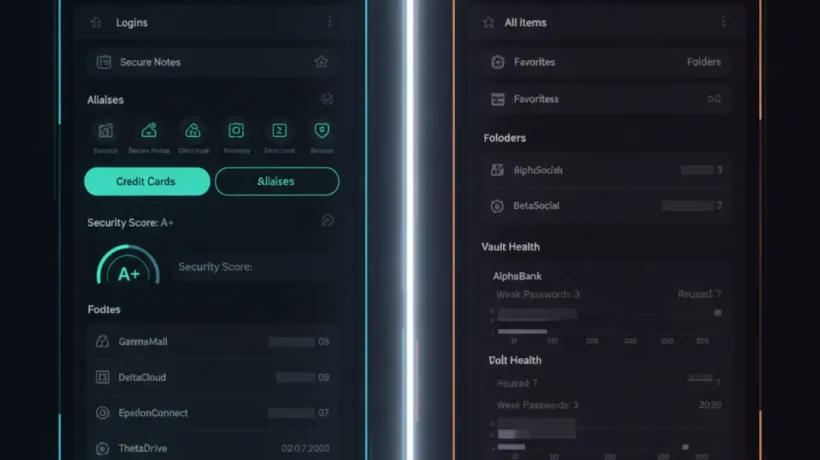

Proton Pass and Bitwarden are both free password managers with real end-to-end encryption and no meaningful limits on the free tier. The choice between them comes down to whether you value the Proton privacy ecosystem and built-in email aliases, or the mature open-source track record and self-hosting option that Bitwarden offers.
What Both Tools Do Well
Before the comparison, it’s worth noting what both password managers get right:
- End-to-end encryption. Neither Proton nor Bitwarden can read your passwords, even with a warrant.
- Free tiers that are genuinely useful without limitations on the number of passwords or devices.
- Browser extensions for Chrome, Firefox, Safari, and Edge.
- Mobile apps for iOS and Android with autofill support.
- Two-factor authentication support for your vault.
- Secure password generation with customizable length and complexity.
Either tool is dramatically better than browser-saved passwords or, worse, reusing the same password across multiple sites.
Proton Pass: What Makes It Different
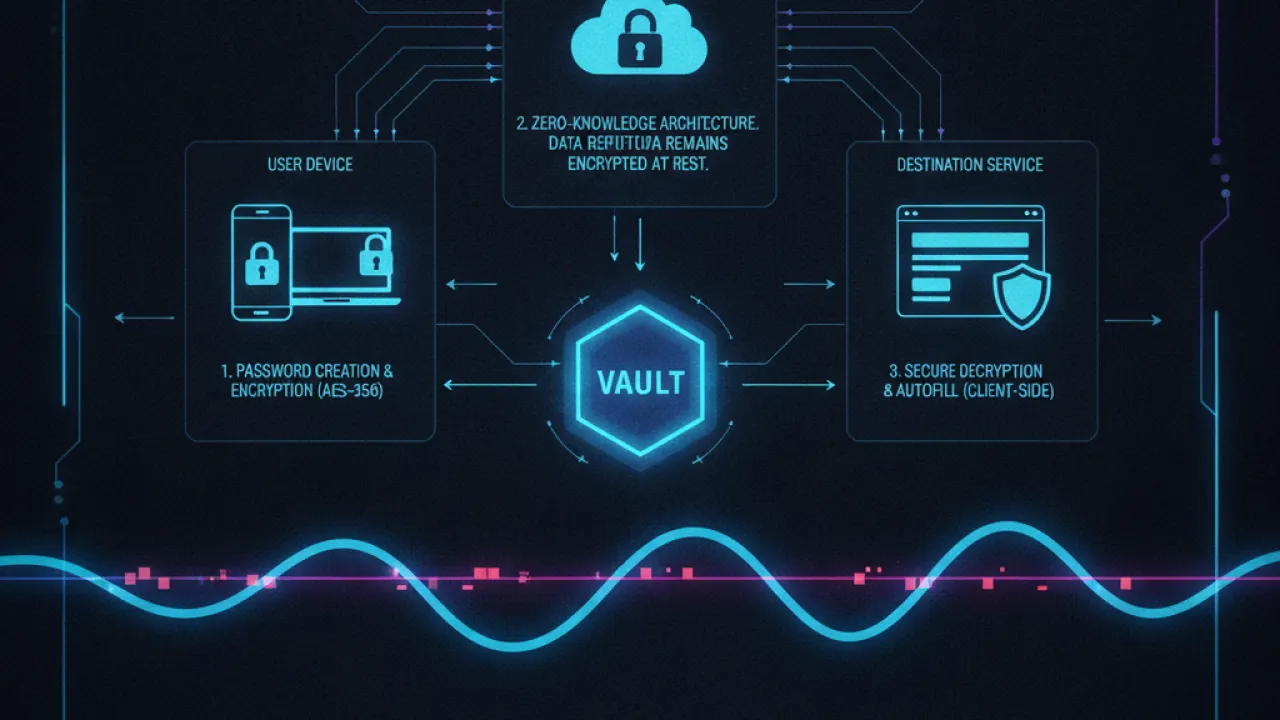
Proton Pass is built by the same Swiss company behind ProtonMail and ProtonVPN. If you already use other Proton products, Pass integrates into a single account that manages your mail, VPN, cloud storage, and passwords together.
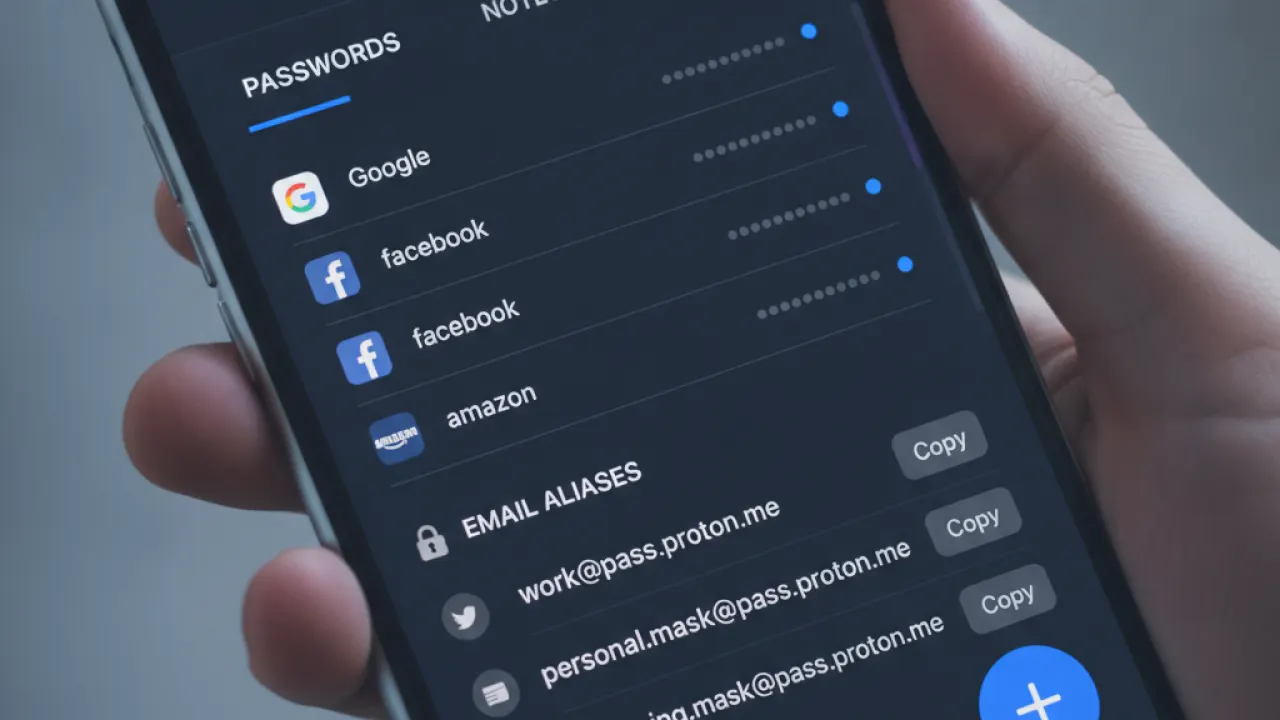
The standout feature of Proton Pass is email alias generation. When you sign up for a new website, you can create a unique alias like randomstring@pm.me that forwards to your real inbox. If that site gets breached or starts sending spam, you delete the alias and the problem stops. Your real email address is never exposed.
This feature is normally a paid add-on through services like SimpleLogin (which Proton now owns). Having it built into a free password manager is a genuine advantage.
Proton Pass also stores secure notes, credit cards, and identity documents alongside passwords. The interface is clean and the apps are well-maintained across all platforms.
The company operates under Swiss privacy law and has a strong track record of resisting data requests from governments. For users whose primary concern is surveillance resistance, Proton’s Swiss jurisdiction is meaningful.
Bitwarden: What Makes It Different
Bitwarden is fully open source. The client apps and the server code are public on GitHub. Independent security researchers have reviewed every line. Multiple third-party audits have confirmed the security claims. If open-source verification matters to you, Bitwarden has the stronger track record simply because it’s been around longer and has more eyes on it.
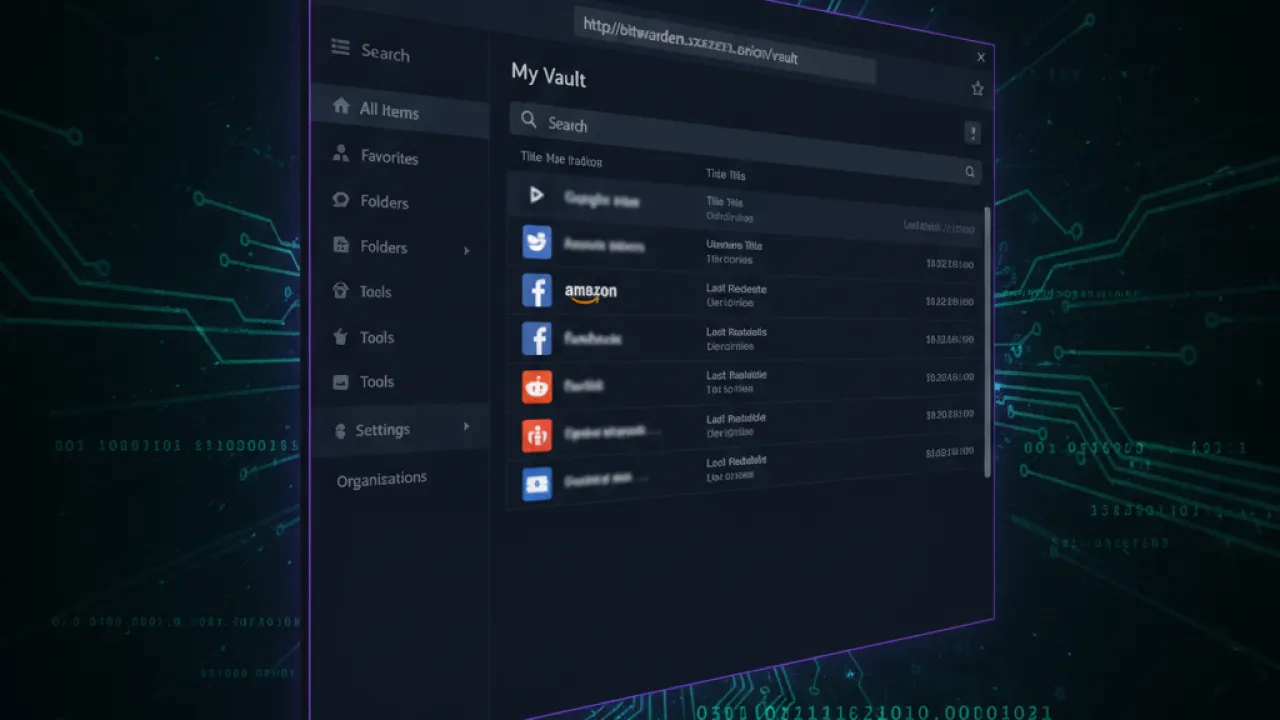
Bitwarden’s web vault is excellent. You can access all your passwords from any browser on any device by going to vault.bitwarden.com without installing anything. This is useful when you’re on someone else’s computer and need a password.
Bitwarden also has better organization features for power users: nested folders, custom fields on vault items, the ability to attach files to entries, and a CLI for scripting and automation.
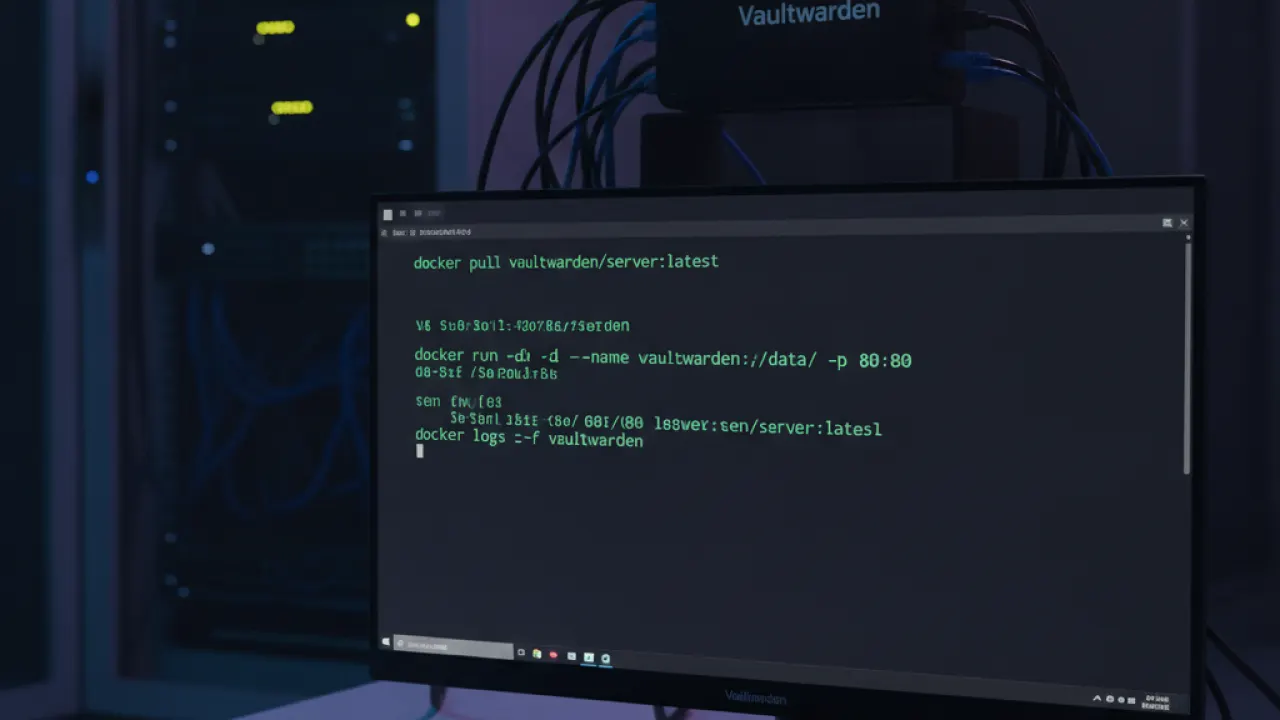
Self-hosting is Bitwarden’s biggest unique feature. Using an open-source implementation called Vaultwarden, you can run the entire password manager on your own server. Your passwords never leave your hardware. This is the most private possible setup for a password manager, and Bitwarden is the only mainstream option that makes it accessible.
Proton Pass Free vs Bitwarden Free
The free tiers differ in meaningful ways:
Proton Pass Free:
- Unlimited passwords and secure notes on unlimited devices.
- Up to 10 email aliases.
- Basic 2FA for vault login.
- Apps for all platforms.
Bitwarden Free:
- Unlimited passwords on unlimited devices.
- Secure notes, credit cards, identities.
- File attachments up to 1GB total on paid plan (not free).
- Emergency access (allowing a trusted contact to access your vault if needed) on paid plan only.
- Basic 2FA support.
Proton Pass’s free tier is slightly more generous with the email alias feature. Bitwarden’s free tier is more generous on vault organization and the ability to attach files on paid.
Which One Should You Use?
Choose Proton Pass if:
- You already use ProtonMail or ProtonVPN and want a unified privacy account.
- You want email alias generation built in without a separate service.
- Swiss privacy law and Proton’s track record matter to you.
- You want a simpler, cleaner interface focused on core password management.
Choose Bitwarden if:
- You want the most audited and community-reviewed open-source password manager.
- You want to self-host your password database on your own server.
- You need advanced organization features like nested folders, custom fields, and file attachments.
- You want to use the web vault without installing anything on a shared computer.
Both are excellent choices that are significantly better than any alternative that isn’t end-to-end encrypted. Using either one consistently is more important than which one you pick.
For a broader look at security tools, our comparison of Pi-hole vs AdGuard Home covers another privacy tool worth combining with a password manager. And our guide to basic cybersecurity tips explains why a strong password manager is the single biggest security improvement most people can make.
Which password manager are you using, and what made you choose it? Share your setup in the comments. If you’ve switched from LastPass or another manager after security incidents, that experience is especially useful for other readers.

