

Pi-hole is excellent, but it’s not the only DNS ad blocker worth using in 2026. AdGuard Home has a better interface and built-in DNS encryption. NextDNS works without any hardware. Blocky is ideal for Docker setups. Here’s when to use each one.
Why Look for a Pi-hole Alternative?
Pi-hole is free, effective, and has a huge community. But it has real limitations: setup requires terminal commands that intimidate non-technical users, DNS over HTTPS requires installing a separate tool (cloudflared), the interface is older, and it only runs on Linux. These limitations push some users toward alternatives that address specific pain points without sacrificing the core functionality.
1. AdGuard Home — Best Direct Pi-hole Alternative
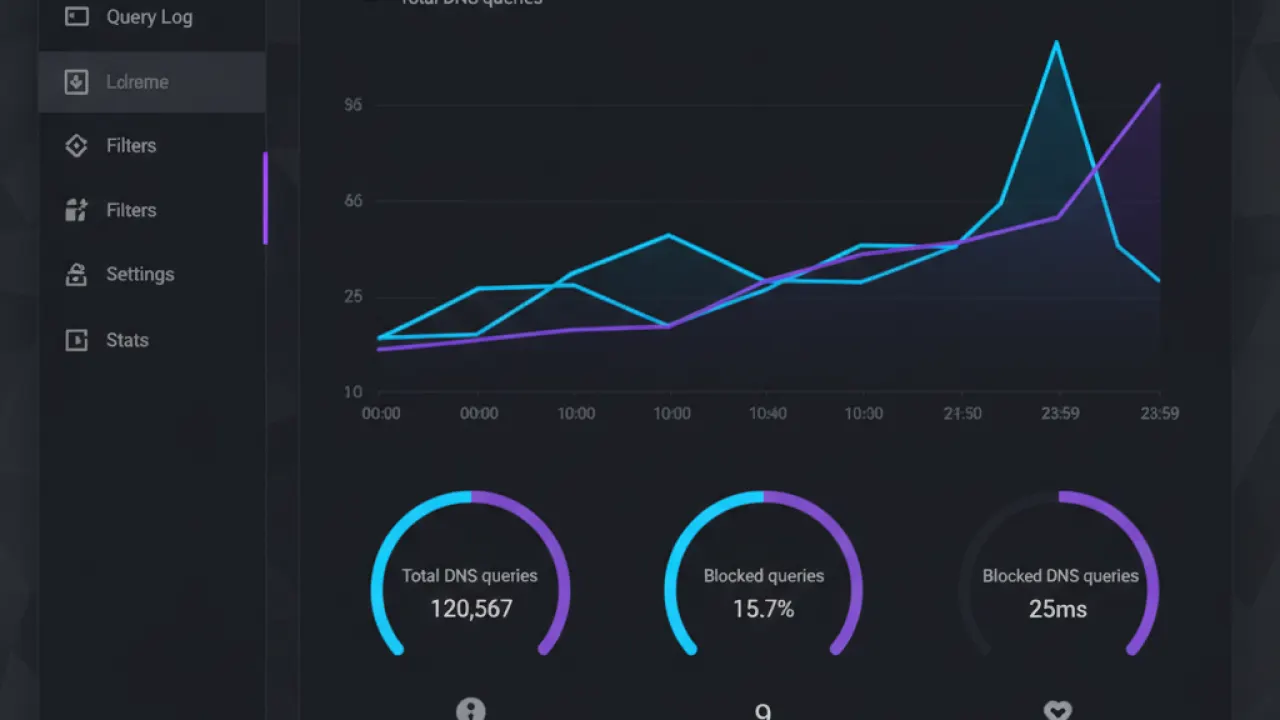
AdGuard Home is the closest Pi-hole alternative in terms of how it works (self-hosted DNS resolver on your own hardware) but addresses Pi-hole’s main weaknesses. Setup uses a web-based wizard instead of terminal commands. DNS over HTTPS is built in with no additional software. The interface is more modern and supports per-device filter rules. It runs on Windows, macOS, Linux, and Raspberry Pi. For users who find Pi-hole’s setup intimidating, AdGuard Home is the better starting point. Our full Pi-hole vs AdGuard Home comparison covers both in detail.
2. NextDNS — Best for No-Hardware Setup
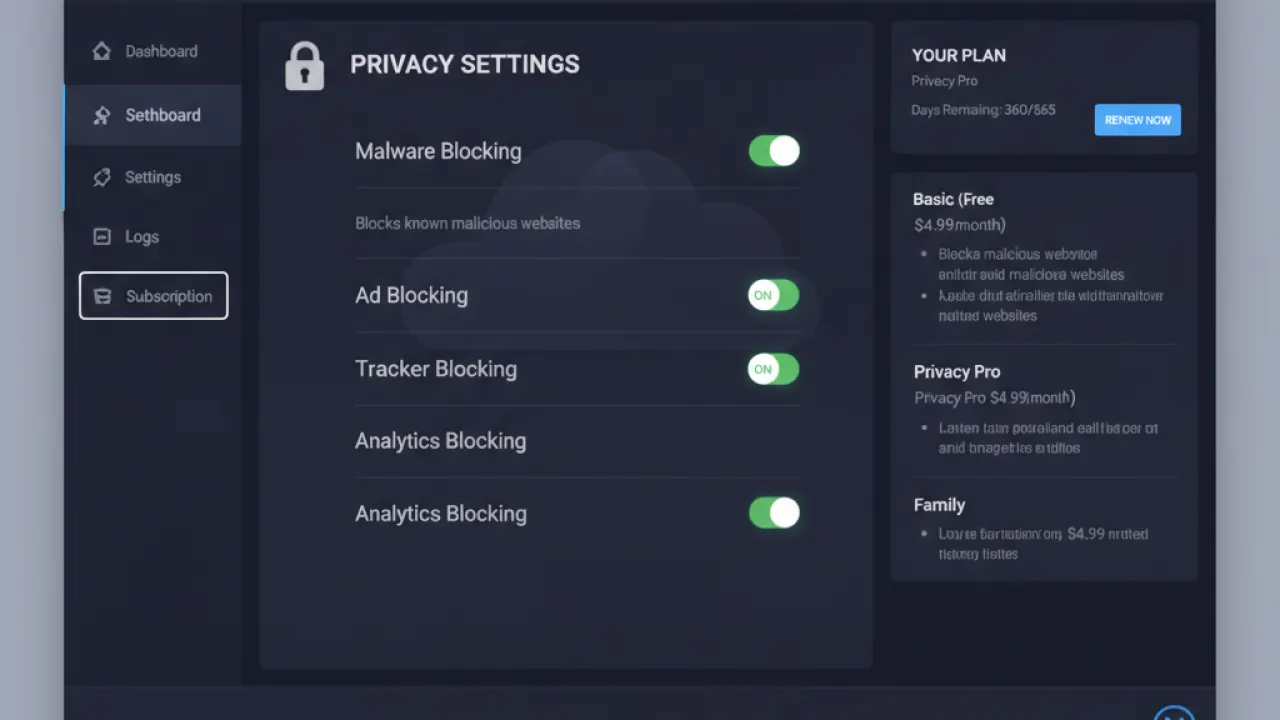
NextDNS is a cloud-based DNS resolver with ad blocking. Create an account, get a custom DNS address, configure your router to use it, and within five minutes every device on your network has ad blocking. No Raspberry Pi, no home server, no Linux terminal.
The free tier allows 300,000 DNS queries per month — enough for a single-person household with light use. A paid plan at $1.99/month or $19.90/year removes limits. NextDNS also works outside your home network: configure your phone to use it and you get ad blocking on mobile data too, not just at home. This is something Pi-hole and AdGuard Home can’t do without additional VPN setup. The trade-off: your DNS queries go to NextDNS’s servers, which requires trusting their privacy policy.
3. Blocky — Best for Docker Environments

Blocky is a Go-based DNS proxy and ad blocker designed specifically for Docker and container-based home server environments. It’s extremely lightweight (near-zero CPU and RAM at idle) and configured through a single YAML file — no web interface by default. This is exactly what container enthusiasts want: a minimal, config-file-driven tool that integrates cleanly into a Docker Compose setup alongside Unraid, TrueNAS Scale, or Proxmox.
If you already run a Docker-based home server and want a lightweight ad blocker that fits the container philosophy, Blocky is the right choice. For users who prefer a GUI, it’s not the right fit.
4. Technitium DNS Server — Most Powerful
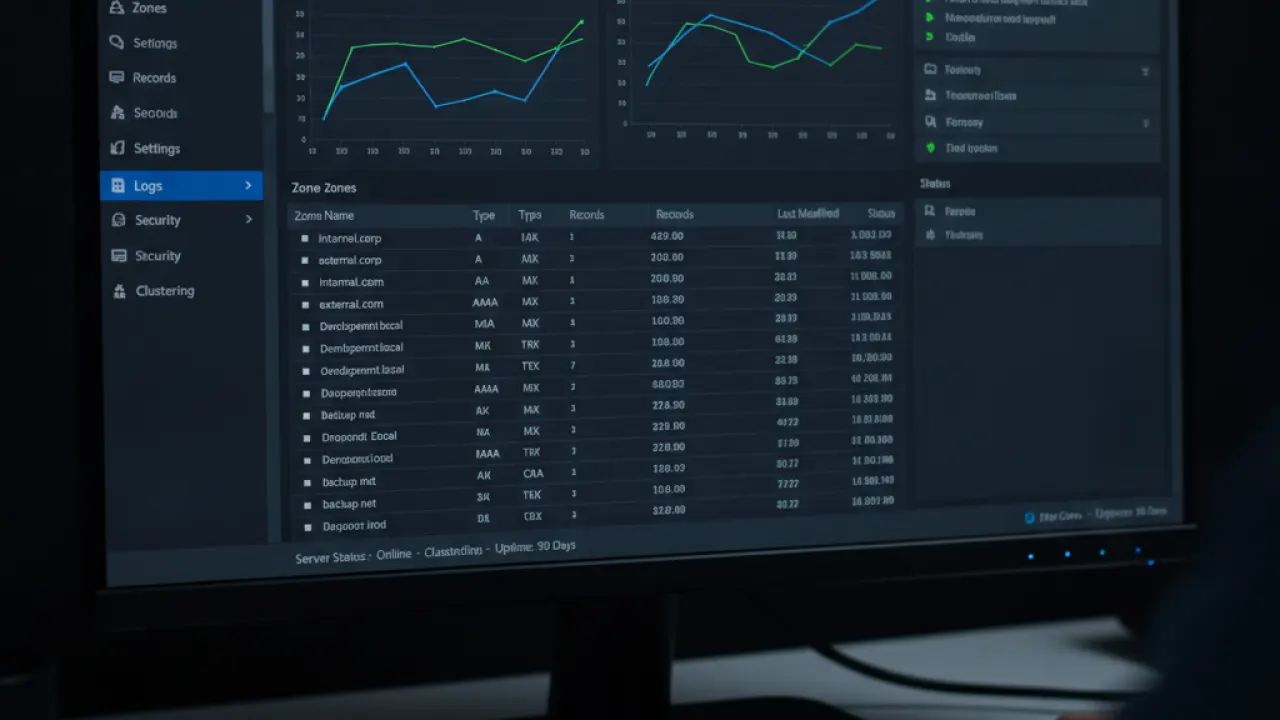
Technitium DNS Server is a full DNS server (not just a resolver) with ad blocking built in. It supports DNSSEC validation, split-horizon DNS (different responses for internal vs external queries), authoritative DNS for local domains, conditional forwarding, and detailed analytics. For home users who want to give their devices names like “nas.home” or “server.home” that resolve correctly on their network, Technitium is the most capable free option.
For most home users, Technitium is overkill. For network enthusiasts who want to run a complete DNS infrastructure, it’s the best free tool available.
When to Stick With Pi-hole
Pi-hole is still the right choice if: you want the largest community and the most troubleshooting resources, you’re comfortable with Linux and enjoy traditional command-line tools, you already have Pi-hole running and it works, or you want the most extensive community-maintained blocklist ecosystem. The community size advantage is real — if you hit an unusual problem at midnight, Pi-hole’s subreddit and forums are more likely to have a thread about your specific issue.

Which Alternative Should You Use?
- Have a Raspberry Pi or Linux server and want a better Pi-hole: AdGuard Home
- Want no hardware or maintenance: NextDNS
- Running a Docker home server: Blocky
- Want full DNS server capabilities: Technitium
- Want maximum community support: Pi-hole
All of these block ads across your entire home network without touching individual devices. DNS-level blocking complements other basic cybersecurity tips measures and is especially effective for devices where browser extensions can’t be installed, like smart TVs, game consoles, and IoT devices.
Which DNS ad blocker are you running, and what made you choose it over the alternatives? Leave a comment with your setup — specific hardware configurations are the most useful context for other readers choosing between these tools.

