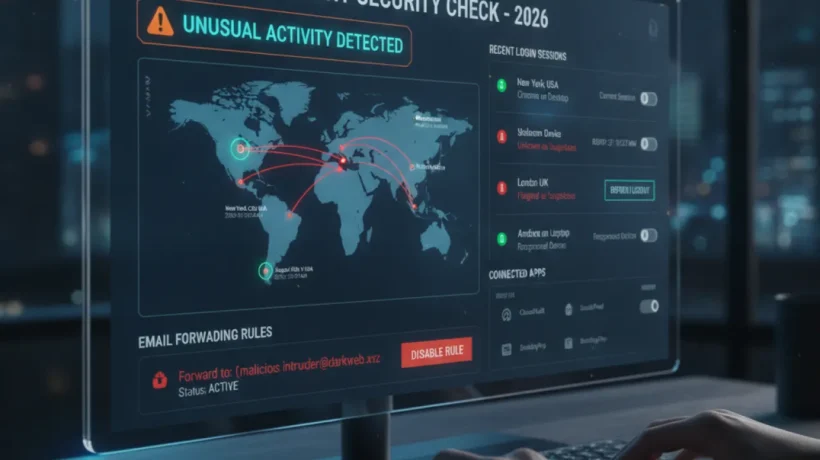

A hacked email account is one of the most damaging compromises you can experience — your email controls password resets for every other account you own. Here’s how to check if your email has been compromised, what signs to look for, and exactly what to do if it has.
Check HaveIBeenPwned First
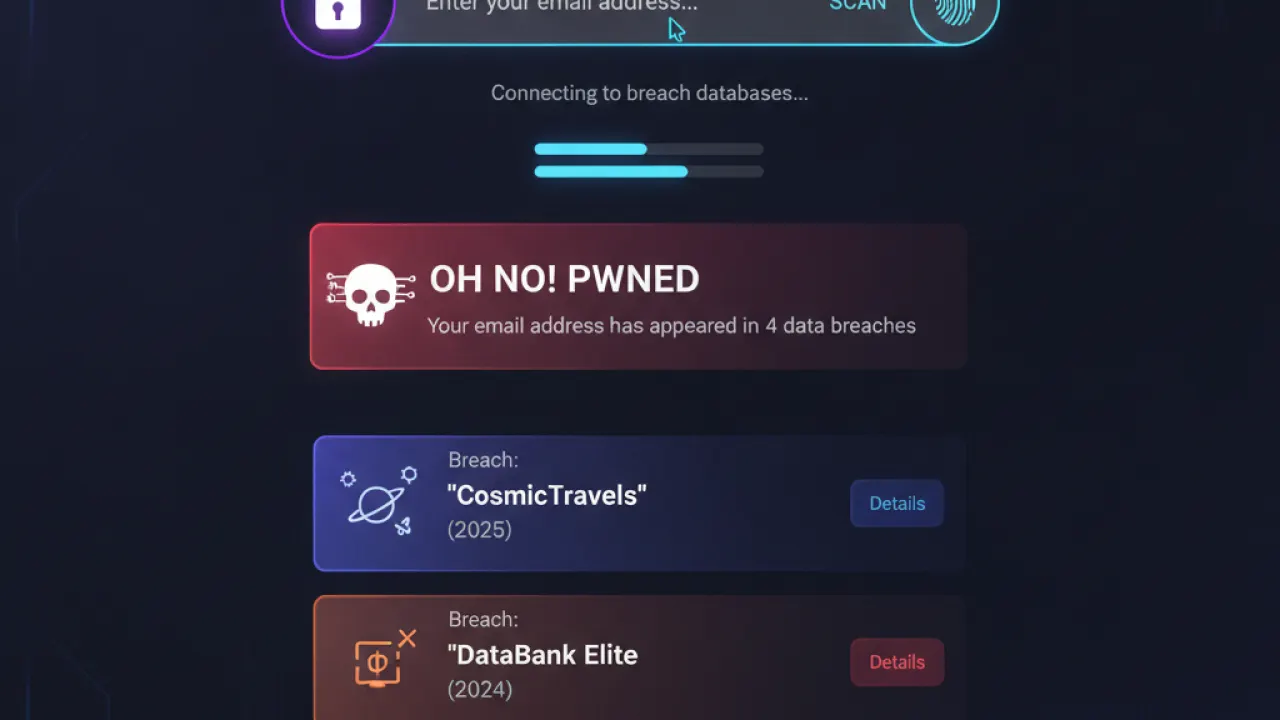
Go to haveibeenpwned.com and enter your email address. This free service checks your email against billions of records from known data breaches. If your email appears in any breach database, you’ll see which breach, when it happened, and what data was exposed. Appearing in a breach doesn’t mean your email account is currently compromised, but it means your credentials from that service may be in attacker databases — especially if you reused the same password elsewhere.
Signs Your Email Is Currently Compromised
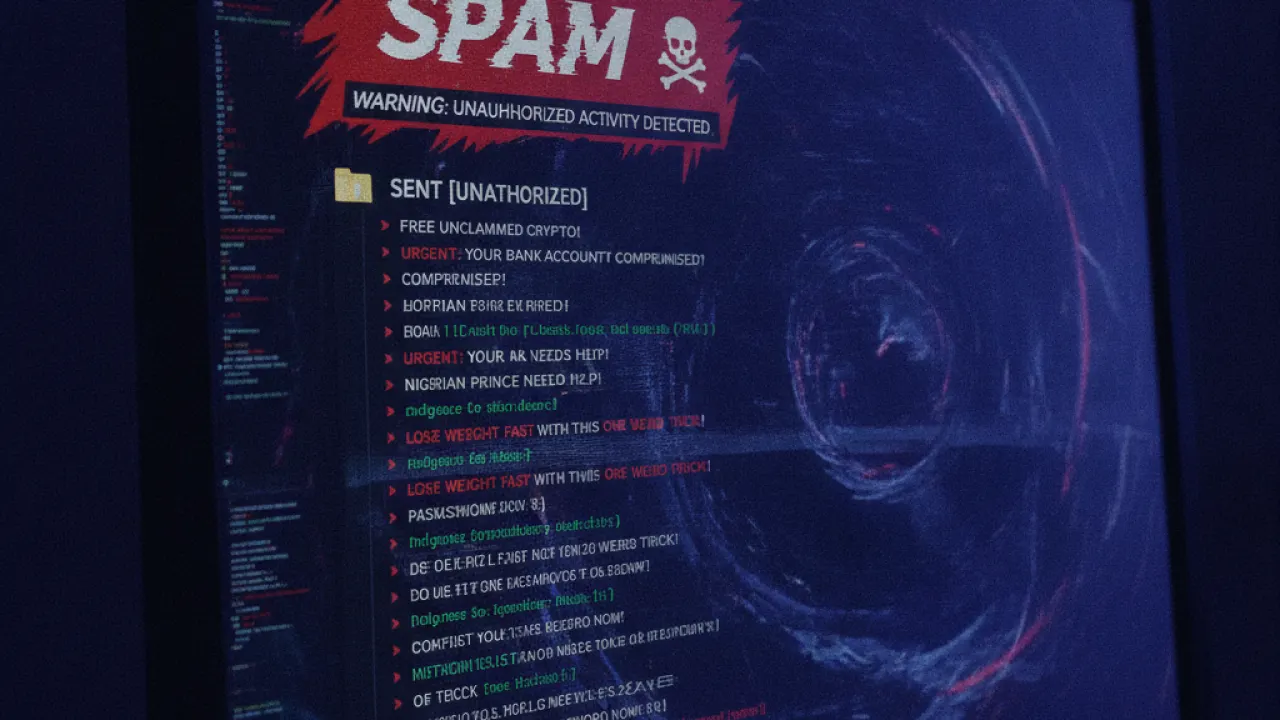
- Emails in Sent you didn’t write. Check your Sent folder for messages you don’t recognize. This is the clearest sign of active compromise.
- Password reset emails you didn’t request. Someone is trying to access your other accounts using your email.
- Contacts report receiving spam from you. Your email is being used to send spam to your address book.
- You can’t log in. Attackers have changed your password to lock you out.
- Unknown filters or forwarding rules in your email settings. Attackers set these up to capture email even after you regain access.
Check Account Activity
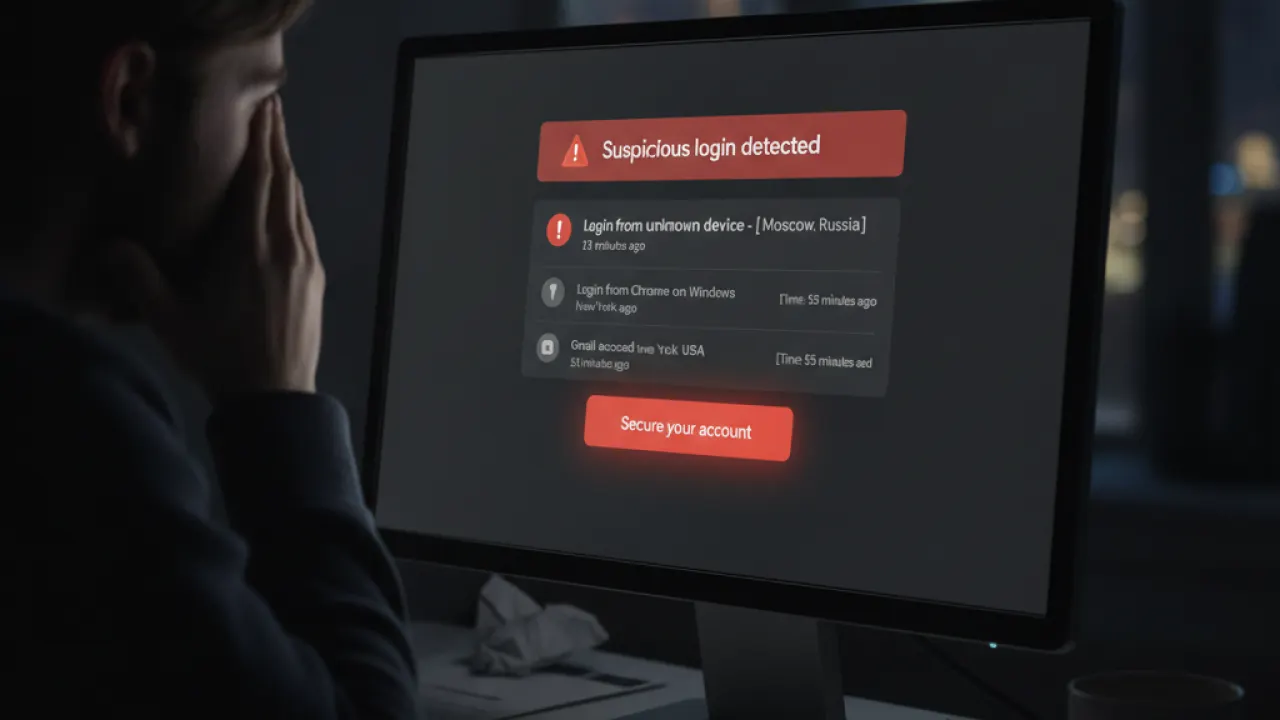
For Gmail: scroll to the bottom of the inbox and click “Last account activity” in small text at bottom right. This shows recent logins by location, time, and device. For Outlook: account.microsoft.com, then Security, then Sign-in activity. For other email providers, look for “Account activity” or “Login history” in security settings. Look for logins from countries you’ve never been to or devices you don’t recognize. A login from an unknown location is a confirmed breach.
Check for Unauthorized Filters and Forwarding
Attackers who gain access often set up email forwarding to capture future emails after you regain control. In Gmail: Settings, then Filters and Blocked Addresses (review all) and Forwarding and POP/IMAP (check no forwarding addresses are set). In Outlook: Settings, then View all Outlook settings, then Mail, then Forwarding. Delete anything you didn’t create.
What to Do If Your Email Has Been Hacked
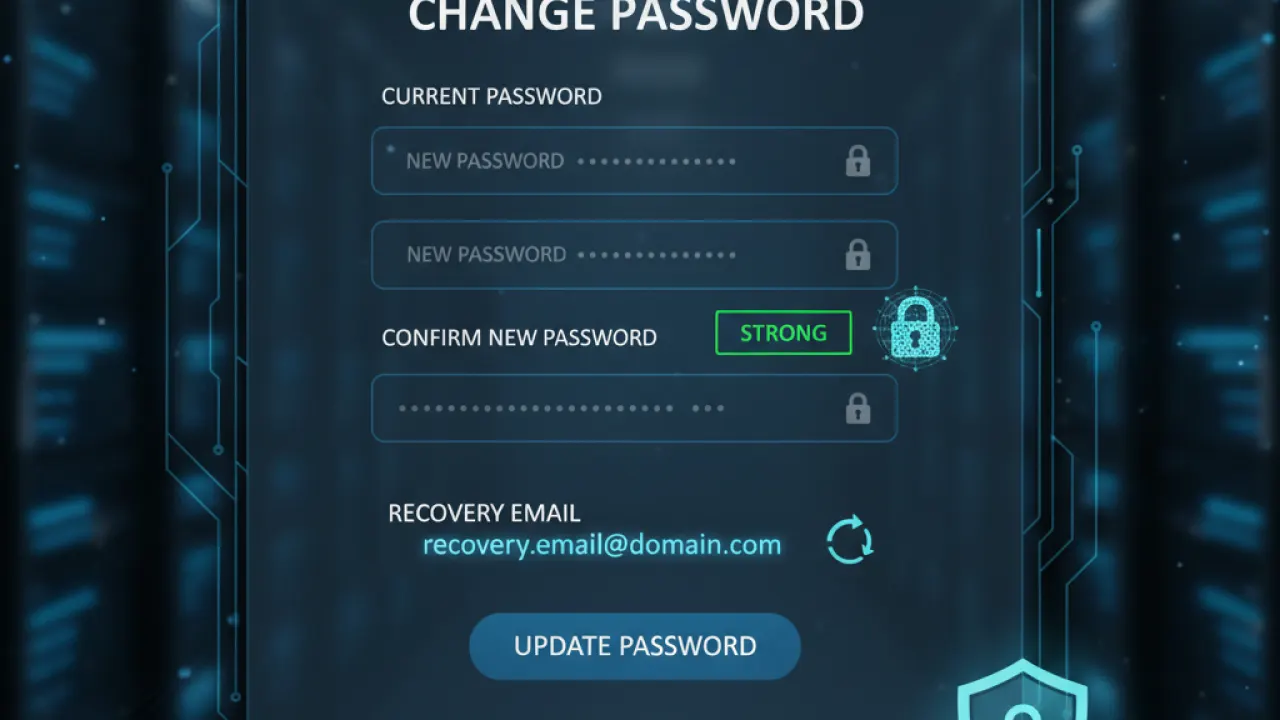
- Change your email password immediately from a device you trust (not the device that might be compromised).
- Revoke all active sessions. Gmail: Security settings, then Your devices, then sign out all other sessions. Outlook: Account page, then security, then Sign out everywhere.
- Check and update recovery options. Make sure recovery phone number and backup email are current and under your control.
- Review connected apps. Remove any OAuth apps you don’t recognize that have access to your email.
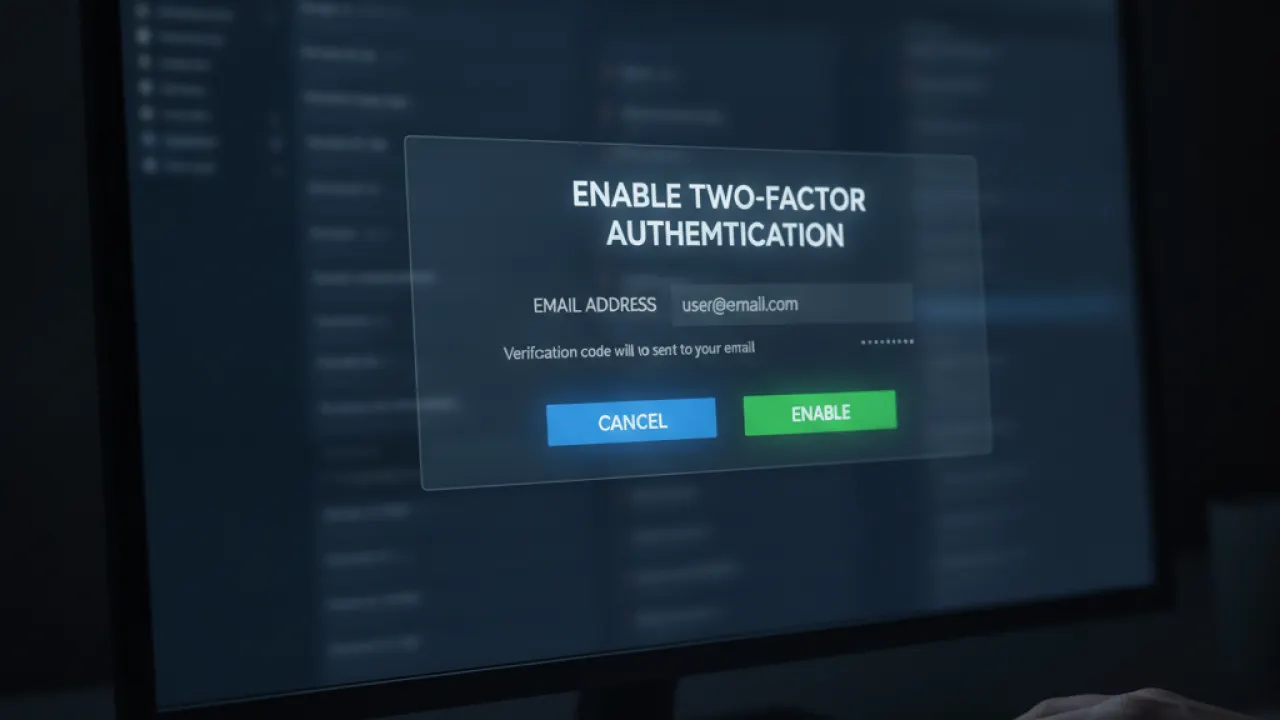
- Enable two-factor authentication immediately.
- Check your other accounts. Change passwords on any service that uses this email for password resets, especially banking, shopping, and social media.
Prevention: Stop the Next Compromise
A unique password for your email (different from every other site) limits the damage from any single breach. Our guide to the best free password manager covers the free options that make unique passwords manageable. And our full basic cybersecurity tips guide covers two-factor authentication setup — the single best prevention against future email compromise even if your password is stolen.
Have you ever had an email account compromised? Share what gave it away in the comments — specific breach stories help other readers know what to watch for.

