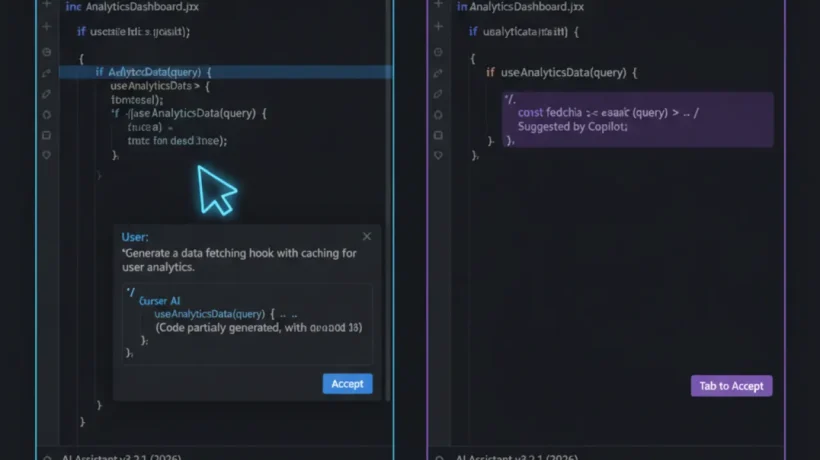

Cursor and GitHub Copilot both accelerate coding, but they work differently. Cursor is an editor built around AI. Copilot is an AI extension for editors you already use. Your choice depends on whether you want a purpose-built AI coding environment or AI layered onto your existing workflow.
How Cursor Works
Cursor is a fork of VS Code with AI integrated at the editor level rather than added as an extension. This gives it capabilities that extension-based tools can’t match.

Composer mode: Describe a task and Cursor writes code across multiple files simultaneously. Add a new feature and it updates the route, the tests, and the documentation in one operation. This is the feature that separates Cursor from everything else in the category.

Tab prediction: Cursor’s Tab completion predicts not just the next line but the next logical edit anywhere in the file. After changing a variable name in one place, Tab accepts the predicted change in all other locations. After writing a function signature, Tab accepts the implementation.

Codebase chat: Ask questions about your entire codebase and Cursor reads relevant files to answer accurately. “How does authentication work in this app?” gets a specific answer referencing your actual code, not a generic explanation.
How GitHub Copilot Works
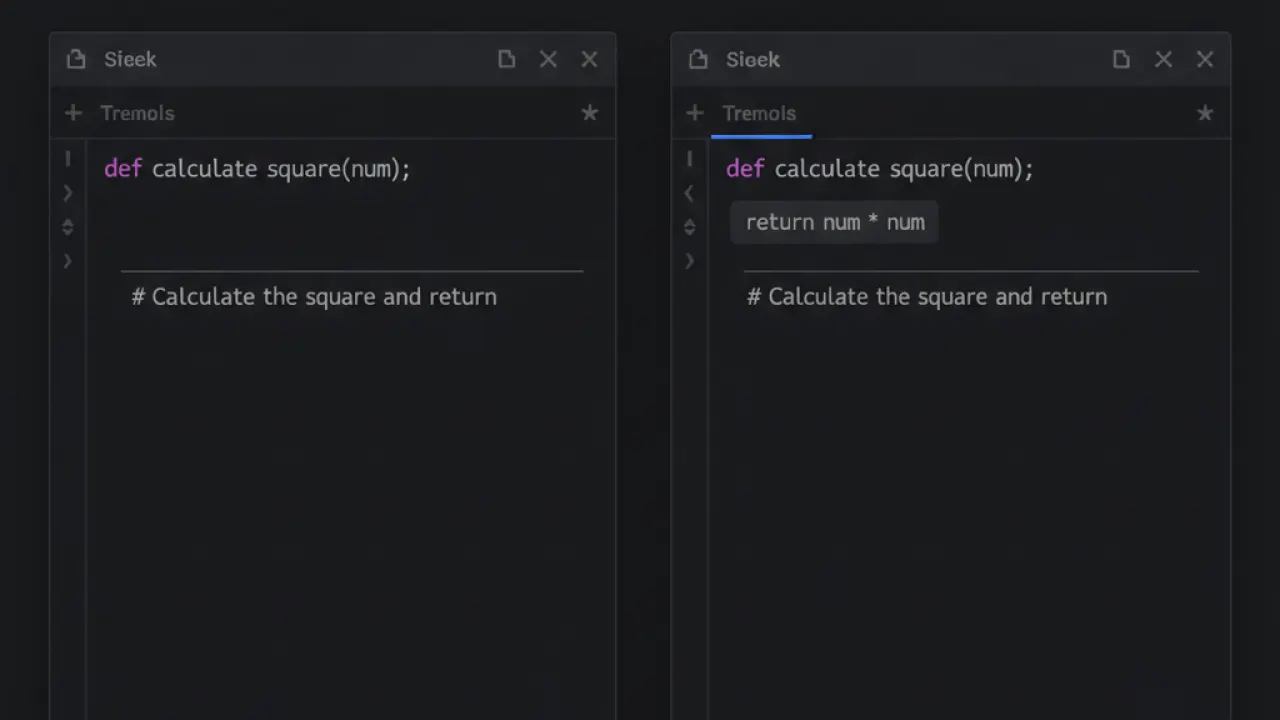
Copilot is an extension for VS Code, JetBrains, Neovim, and other editors. It adds inline completions as you type and a chat sidebar for more complex requests. The inline completions are fast and smooth — after a few days they feel natural. The chat sidebar handles refactoring, explanation, and test generation.
Copilot’s workspace feature indexes your GitHub repository, giving it context across your project. On GitHub.com, Copilot can review pull requests and suggest improvements. The GitHub ecosystem integration is unique to Copilot.
Pricing
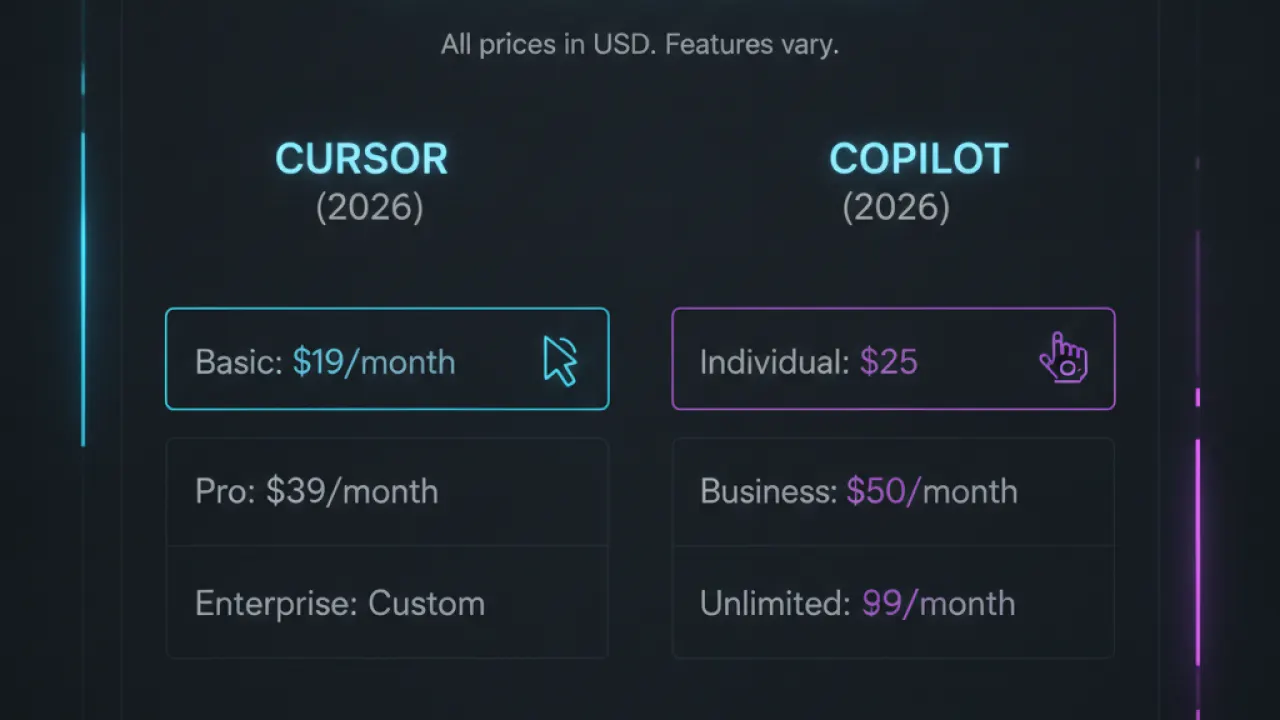
Cursor Pro: $20/month (unlimited Claude and GPT-4o requests). Free tier available with limited requests. GitHub Copilot: Free tier (2,000 completions + 50 chat messages/month), Pro $10/month (unlimited), Business $19/user/month.
For most developers, Copilot Pro at $10/month is the starting point. If you find yourself repeatedly frustrated by context limits and want Composer-mode multi-file editing, Cursor Pro at $20/month delivers that capability clearly.
Which Should You Use?
Cursor: You want the deepest AI integration. You do significant multi-file refactoring and new feature development. You’re willing to switch your primary editor. $20/month budget.
Copilot: You want AI in your current editor without switching. You use multiple editors. You need GitHub PR review integration. $10/month starting point. Also consider using Codeium (free Copilot alternative) before paying for either.
Many professional developers use both: Copilot for daily completions and Cursor for large tasks where Composer mode saves hours. Our best AI coding agent comparison covers the full landscape of AI coding tools including Codeium, Claude Code, and Gemini Code Assist.
Which AI coding tool are you using? Leave a comment with your workflow — experienced developers who’ve tried multiple tools have the most useful perspective for others deciding.

