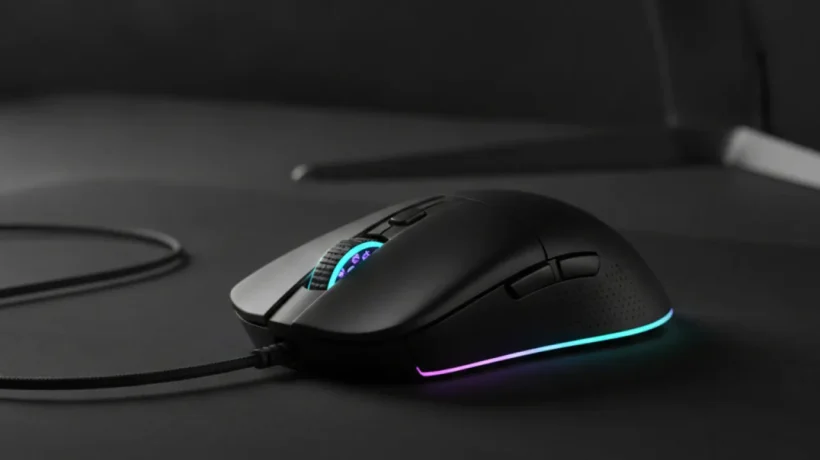

Gaming mice under $50 in 2026 deliver genuine quality with reliable sensors and comfortable designs. The market has matured, and the gap between budget and mid-range has shrunk considerably. Here’s what to look for and the best options at this price.
What to Look for in a Budget Gaming Mouse
Sensor: Look for PixArt or Razer optical sensors at this price — both are reliable and accurate. The DPI number matters less than sensor quality. Most users play between 400-1600 DPI regardless of a mouse’s 16,000+ DPI maximum.
Polling rate: 1000Hz is standard for gaming. Avoid 125Hz polling rates — they add noticeable cursor lag.
Wired vs wireless: Under $50, wired mice offer better value. Wireless adds manufacturing cost that competes with sensor and build quality.
Weight: 70-90g suits fast FPS movements; 90-110g suits slower, more controlled gaming and productivity use.

Match Your Grip Style
Palm grip (whole hand on mouse): larger mouse with high rear hump. Claw grip (arched hand): medium mouse. Fingertip grip (only fingertips touch): smaller, lighter mouse. Wrong grip style causes discomfort regardless of how good the sensor is.
Best Gaming Mice Under $50 in 2026
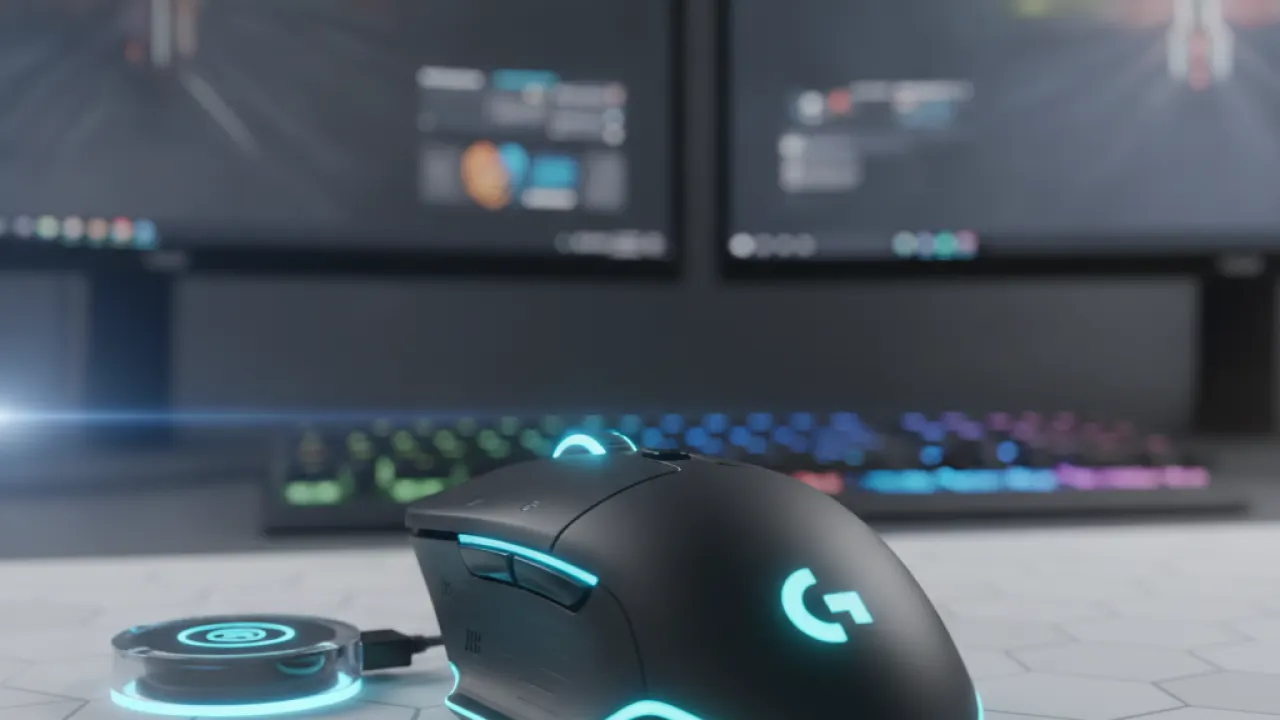
Logitech G305 ($40-50) — Best Wireless Under $50
Logitech’s HERO sensor is excellent at this price. 250-hour battery from a single AA battery. 99g lightweight. No detectable wireless lag. For users who want wireless without the premium price, the G305 is the benchmark in the sub-$50 category.
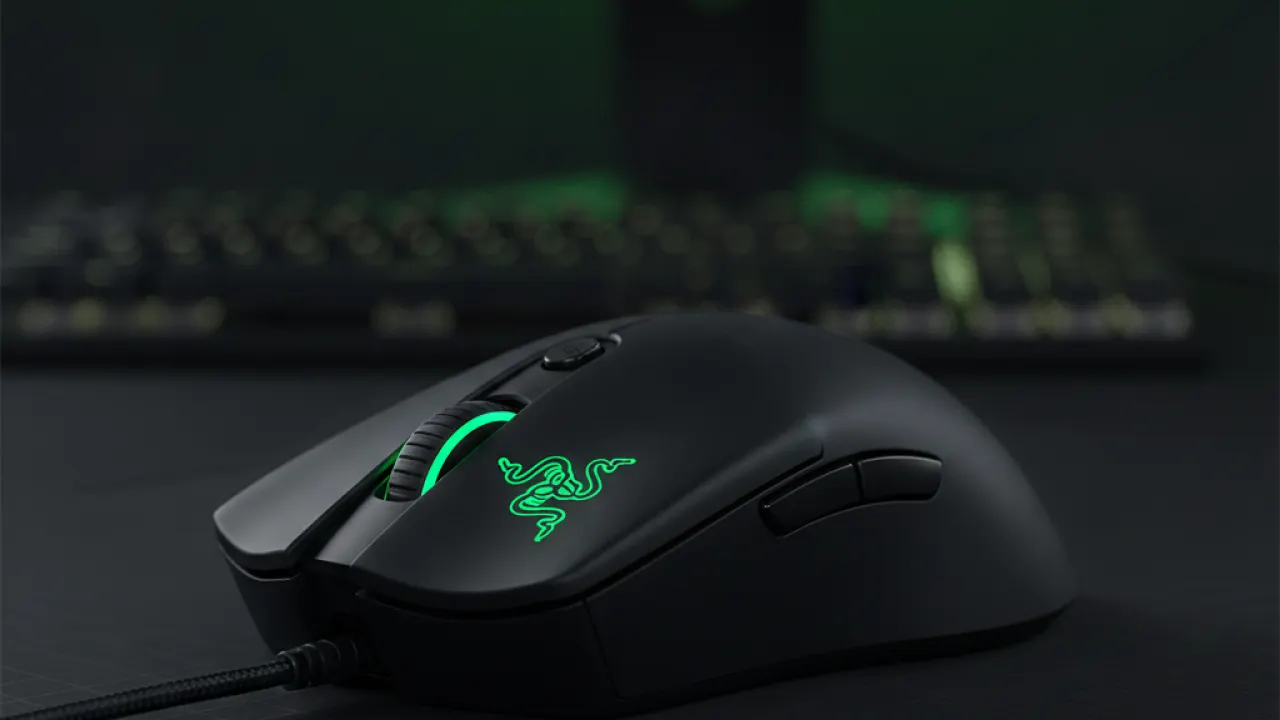
Razer DeathAdder Essential ($30-40) — Best Ergonomic Wired
One of gaming’s most recognized mouse shapes, fitting a wide range of hand sizes and palm grips. 6400 DPI optical sensor, solid build quality. Right-hand only design. Good choice for users who type and game heavily and want ergonomic all-day comfort.
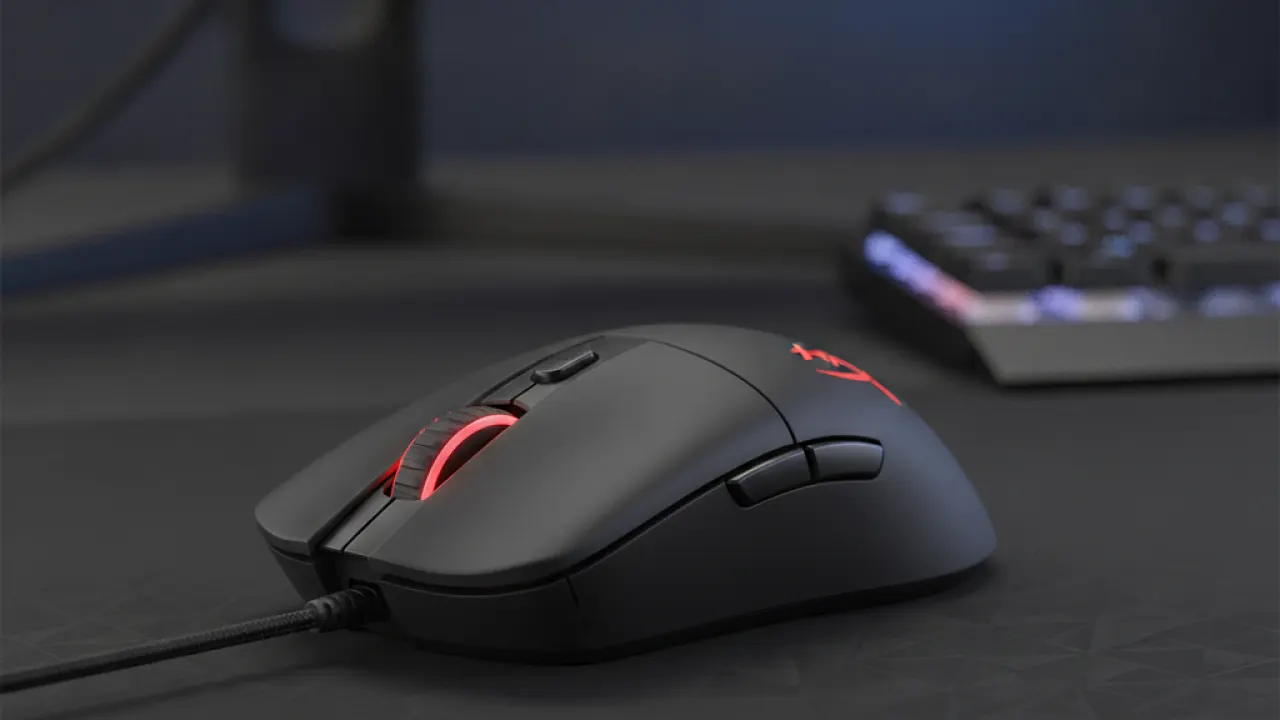
HyperX Pulsefire Core ($30-35) — Best Budget
PixArt 3327 sensor (6200 DPI) in a symmetrical body for left and right-handed users. Around $30, it’s the most affordable recommendation that doesn’t compromise sensor quality. RGB can be disabled. Good starting point for first-time gaming mouse buyers.
Endgame Gear XM1r ($45-50) — Best for Fingertip Grip
PixArt 3370 sensor in a lightweight 70g shell. Unconventional button layout but excellent sensor quality for fingertip grip users who want precision in a sub-50g package.
Gaming Mice on Mac
All four mice work on Mac immediately without drivers for basic functionality. DPI customization requires manufacturer software: Logitech G HUB has solid Mac support, Razer Synapse is functional, HyperX Ngenuity has limited Mac features. Gaming mice are worth considering for Mac users who do precision creative work or prefer more ergonomic shapes than Apple’s Magic Mouse.
For a complete work and gaming setup, the best budget laptops guide covers the hardware that pairs well with a gaming mouse. And our DDR5 RAM guide guide covers RAM upgrades that improve system performance for gaming.
Which gaming mouse are you using and how long have you had it? Leave a comment with your grip style and current mouse — long-term ownership experiences are more useful than first impressions.

