

Brave and Firefox are the two best browser alternatives to Chrome in 2026. Brave blocks ads and trackers by default the moment you install it. Firefox gives you more control with a mature extension ecosystem. The right choice depends on whether you prefer built-in protection or flexible customization.
Brave Browser: Best Out-of-the-Box Privacy
Brave is built on Chromium (the same engine as Chrome) with aggressive privacy protection enabled by default. Install it, open it, and it immediately blocks ads, trackers, and browser fingerprinting without touching any settings. No setup required.
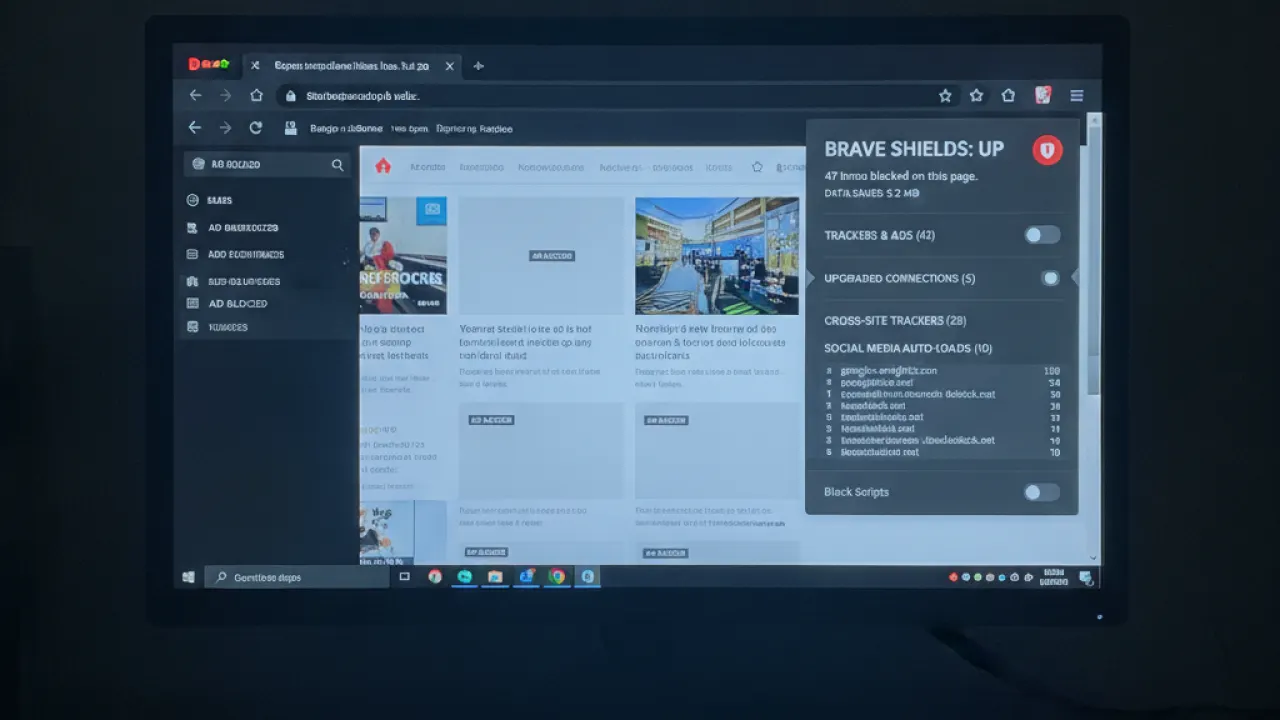
Brave’s Shields system shows a counter on each site of what was blocked. Click it to see ads blocked, trackers blocked, and fingerprinting attempts stopped. For ad-heavy news sites, Brave loads pages 2-3x faster than Chrome because it eliminates the scripts before they load. For YouTube specifically, Brave blocks ads natively without any extension — this is one of Brave’s clearest advantages over Firefox with uBlock Origin, which works on YouTube but requires maintaining filter list updates.
Brave also includes a built-in VPN (paid add-on), a crypto wallet (optional), and Brave Search as the default search engine. These extras are optional and don’t affect the core browser experience if you ignore them.
Firefox: Best Flexible Privacy

Firefox is the only major browser with an engine (Gecko) not based on Chrome or Safari. Using Firefox contributes to a more diverse web where Google doesn’t control the rendering engine that defines web standards. Privacy advocates often cite this as a reason beyond personal protection.
Firefox’s Enhanced Tracking Protection (ETP) in Strict mode blocks social trackers, cross-site tracking cookies, fingerprinters, and cryptominers. Combined with uBlock Origin from Mozilla’s extension store, Firefox becomes the most powerful privacy and ad-blocking combination available in any browser.
The Manifest V3 Problem in Chrome
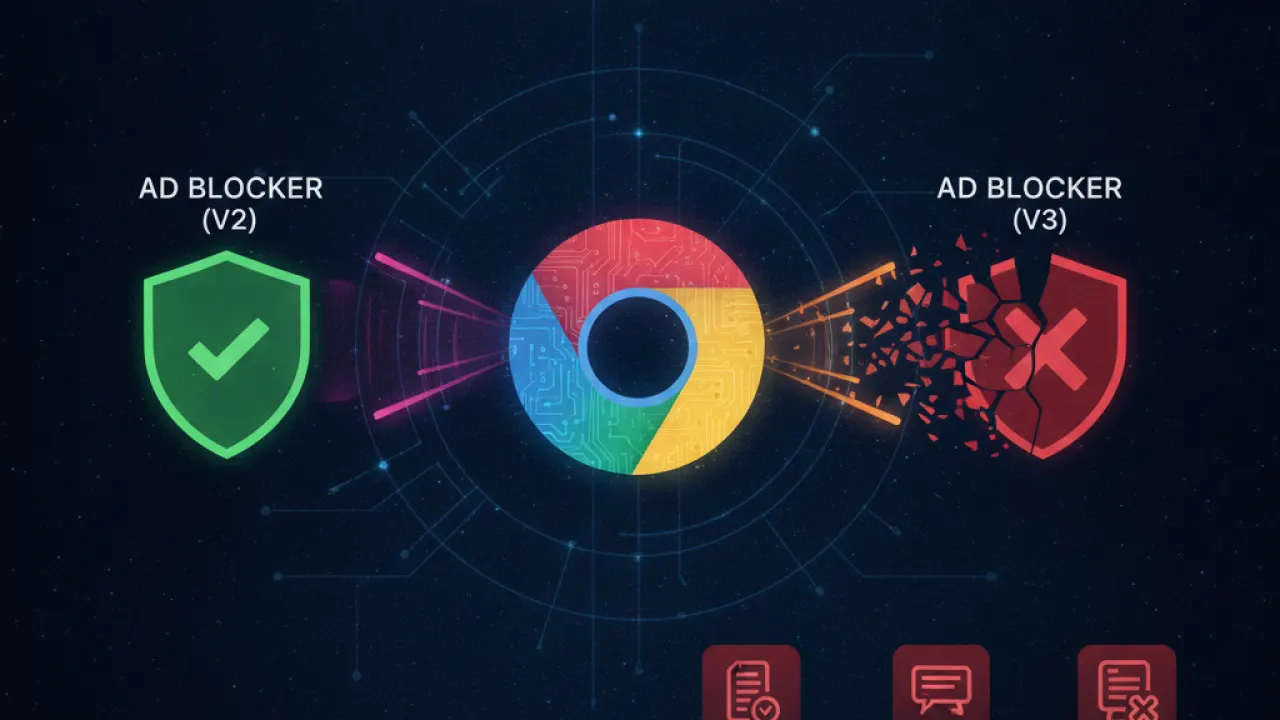
Google’s transition from Manifest V2 to V3 for Chrome extensions limits how ad blockers can work. uBlock Origin’s full version doesn’t run in Chrome under MV3. Firefox still supports MV2 fully, giving uBlock Origin all its capabilities. In Chrome, you get uBlock Origin Lite (reduced blocking power). In Firefox, you get the full version. This is a meaningful practical difference for anyone who relies heavily on ad blocking in their browser.
YouTube Ads: Brave Wins Here
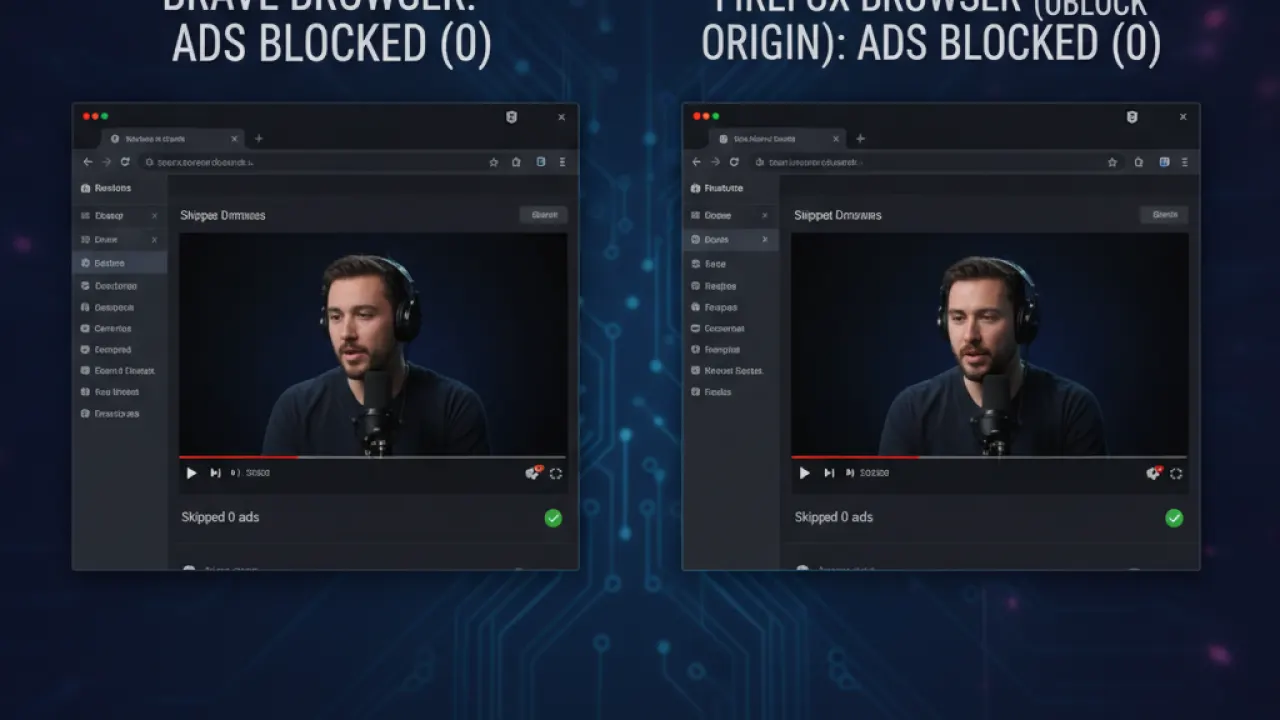
Brave blocks YouTube ads natively through Shields. Firefox requires uBlock Origin to block YouTube ads, and Google has been actively trying to detect and block uBlock Origin in Chrome. In Firefox, uBlock Origin still works reliably for YouTube ad blocking in 2026, but the situation changes as Google finds new detection methods and filter list maintainers respond. Brave sidesteps this entirely by handling blocking at the browser engine level.
Speed Comparison
Both browsers load ad-heavy websites faster than Chrome by eliminating the ad scripts before they load. On minimal, clean websites (no ads), the differences are small. For news sites, social media, and content sites where ads are prevalent, both Brave and Firefox with uBlock Origin are noticeably faster. Brave has a slight edge because its blocking happens at the engine level before any parsing occurs, while Firefox’s extension-based blocking happens slightly later in the load process.
Which Should You Use?
Choose Brave if: You want the best out-of-the-box privacy without any configuration. You want YouTube ads blocked without extensions. You’re switching from Chrome and want familiar controls. You want the fastest page load on ad-heavy sites.
Choose Firefox if: You want to support browser engine diversity beyond Chromium. You want the most powerful ad blocking through uBlock Origin. You prefer fine-grained control through a mature extension ecosystem. You want more configuration flexibility.
Both are dramatically better for privacy than Chrome with no extensions. Either one is worth switching to if you’re currently using Chrome without any privacy protections. For network-level ad blocking that works on every device, our Pi-hole vs AdGuard Home guide covers DNS-based blocking that complements either browser. And our guide to basic cybersecurity tips covers the full privacy setup that pairs well with either browser choice.
Which browser are you using and what made you switch from Chrome? Leave a comment with your setup — reader migration stories from Chrome to Brave or Firefox are some of the most useful information for people considering the same move.

