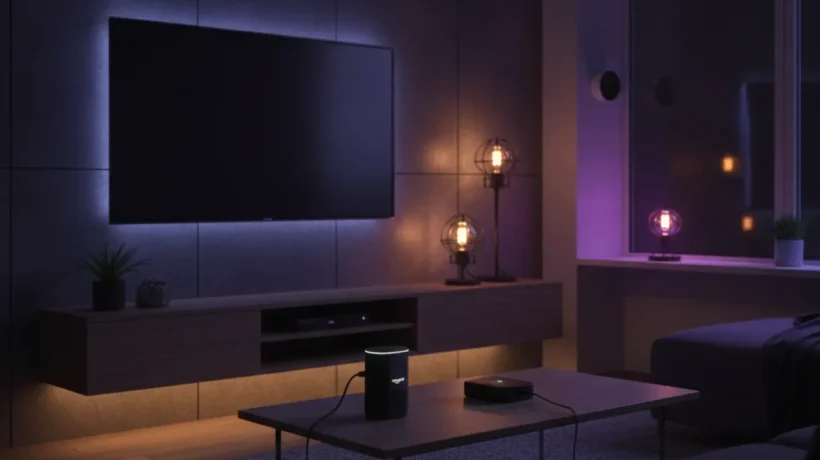

The best smart home gadgets under $100 in 2026 cover the upgrades with the highest impact per dollar: control your lights from anywhere, monitor your energy use, see who’s at the door on your phone, and stop heating an empty house. Here’s what to buy and what to skip at this price.
Best Smart Speaker / Hub: Amazon Echo Dot (4th or 5th Gen) — $40-50
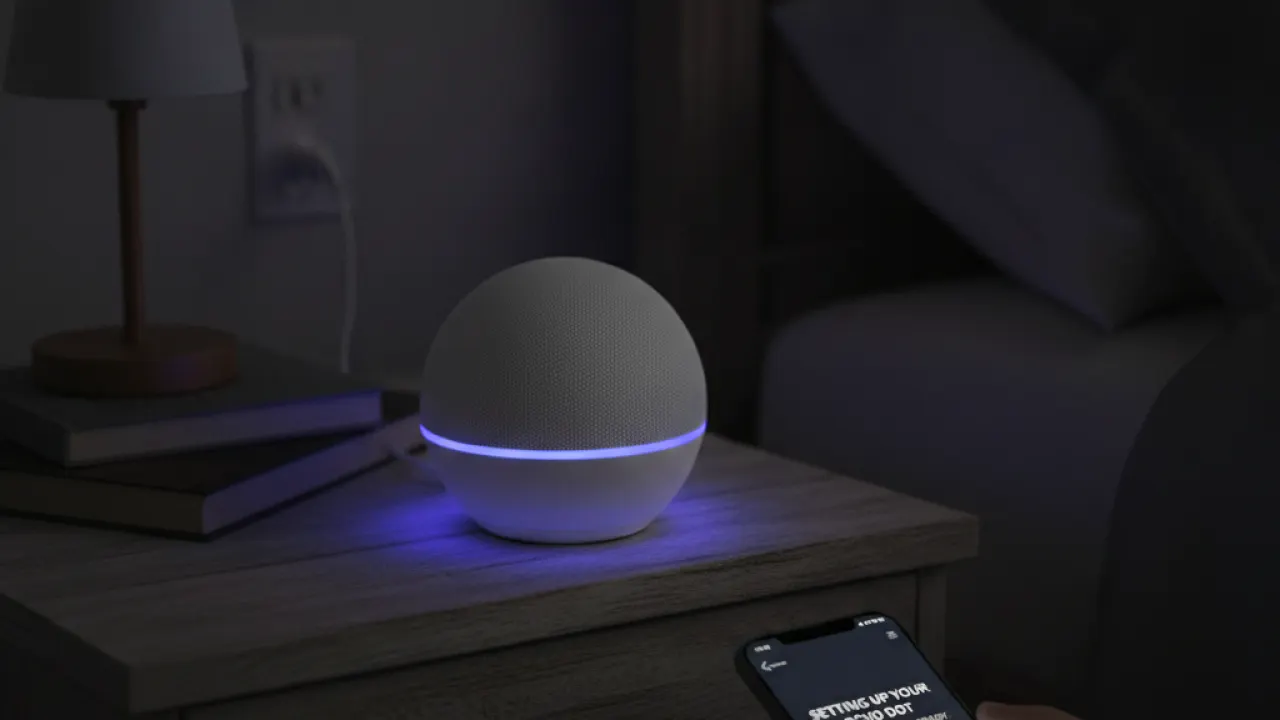
A smart speaker is the most useful starting point for a smart home because it coordinates everything else. The Amazon Echo Dot is the best value option at this price. It sounds better than its size suggests, responds quickly to wake word detection, and works with most smart home devices through Alexa.
The 5th generation Echo Dot added temperature sensing, which is useful for automations. You can set the thermostat to adjust when the room temperature drops below a certain level, for example.
If you prefer Google’s ecosystem, the Google Nest Mini is a comparable option at a similar price and works better if you heavily use Google services like Google Calendar and Gmail for reminders and events.
Best Smart Plug: Kasa EP25 or TP-Link Tapo P125 — $10-20 each
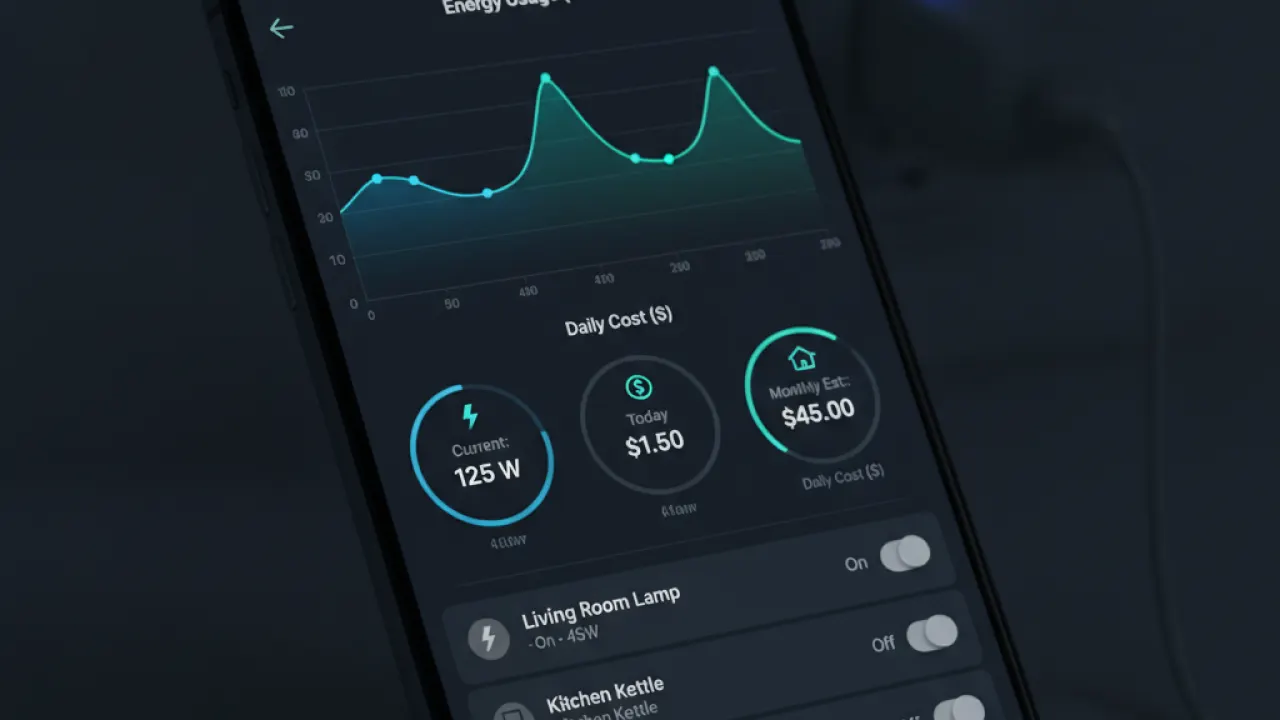
Smart plugs are the most versatile smart home device at the lowest price. Any device you plug into a smart plug becomes remotely controllable: lamps, fans, heaters, coffee makers, Christmas lights, and anything else you plug into a wall outlet.
The TP-Link Kasa and Tapo ranges are consistently reliable and have good apps. The EP25 model includes energy monitoring, which shows you how much electricity each device uses. Discovering that an old space heater costs £30 per month to run for a few hours each evening is the kind of information that changes behavior.
Buy 4-6 smart plugs to start. They’re immediately useful anywhere you want remote control: a lamp you can turn off after going to bed, a fan you can schedule to run when you wake up, and a coffee maker that starts before your alarm goes off.
Best Smart Bulbs: Govee or IKEA Tradfri — $15-40 for a pack
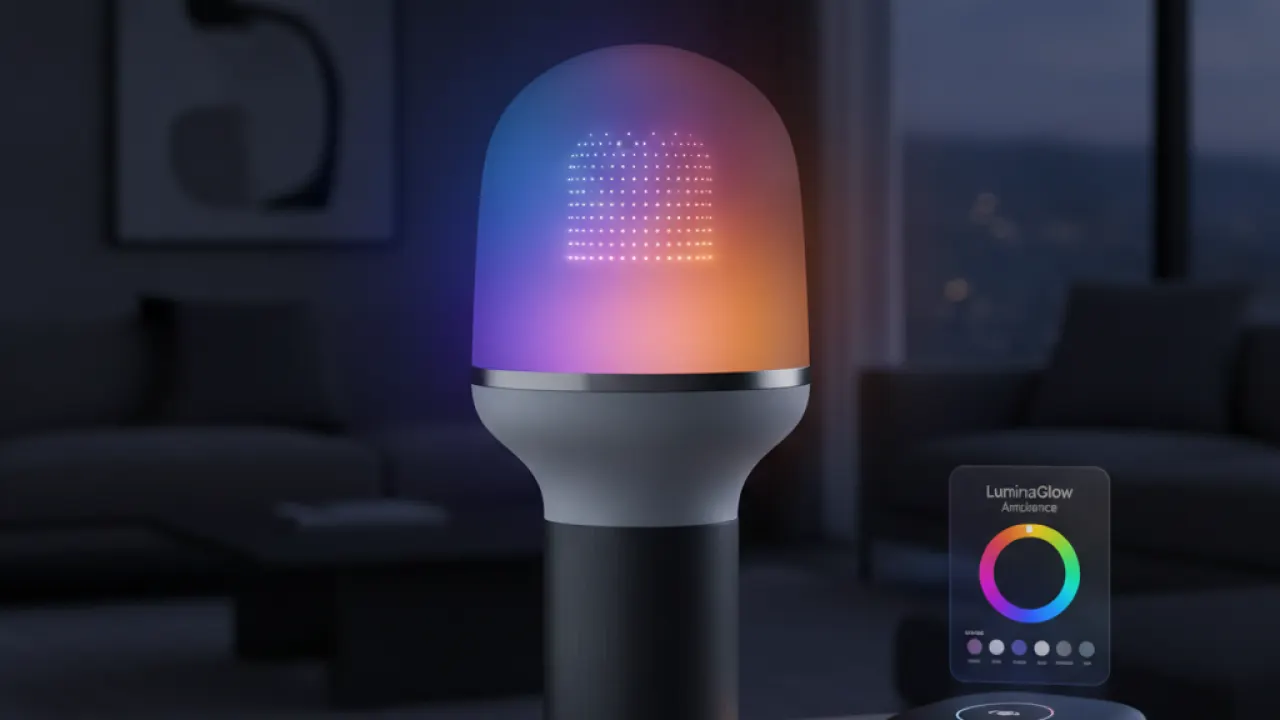
Smart bulbs let you control brightness, color temperature (warm or cool white), and for RGB models, any color in the spectrum. The most useful feature is scheduling: lights that gradually brighten in the morning act as a gentle alarm, and lights that automatically turn off at midnight eliminate the question of whether you forgot to turn them off.
IKEA Tradfri bulbs use the Zigbee standard and work with Apple HomeKit, Google Home, and Amazon Alexa. They’re not the most exciting bulbs but they’re reliable, available everywhere, and reasonably priced at about £8-10 per bulb.
Govee offers more affordable RGB color-changing bulbs with good app control. The colors are accurate and the app is well-maintained. For rooms where you want color ambiance (bedroom, home office), Govee delivers at a better price point than Philips Hue.
Best Video Doorbell Under $100: Ring Video Doorbell Essentials — $60-80
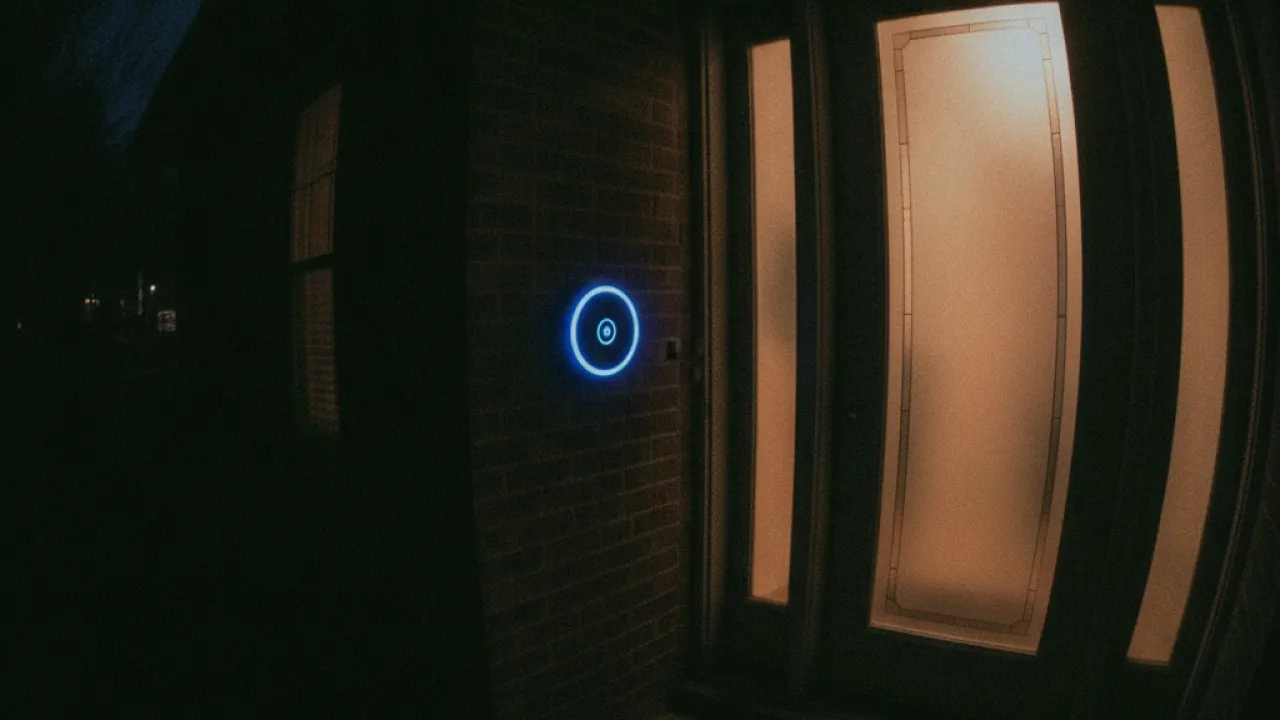
The Ring Video Doorbell Essentials replaced the older Wired version and starts around $60-80. It requires a wired connection to your existing doorbell wiring for power (or can use an optional battery pack, sold separately).
The camera records in 1080p HDR, has motion detection with customizable zones, and lets you have a two-way conversation with whoever is at your door through the Ring app. Night vision is clear enough to identify faces.
The Ring Protect Plan (£3.49/month in the UK, $4.99/month in the USA) is required to access recorded video history. Without it, you get live view and motion alerts but can’t review footage after the fact. For the security use case to work fully, the subscription is effectively required.
Eufy’s doorbell is a good alternative if you’d rather avoid a subscription. Eufy stores video locally on a home base unit rather than requiring cloud storage fees.
Best Smart Thermostat Under $100: Ecobee Smart Thermostat Essential — $80-100
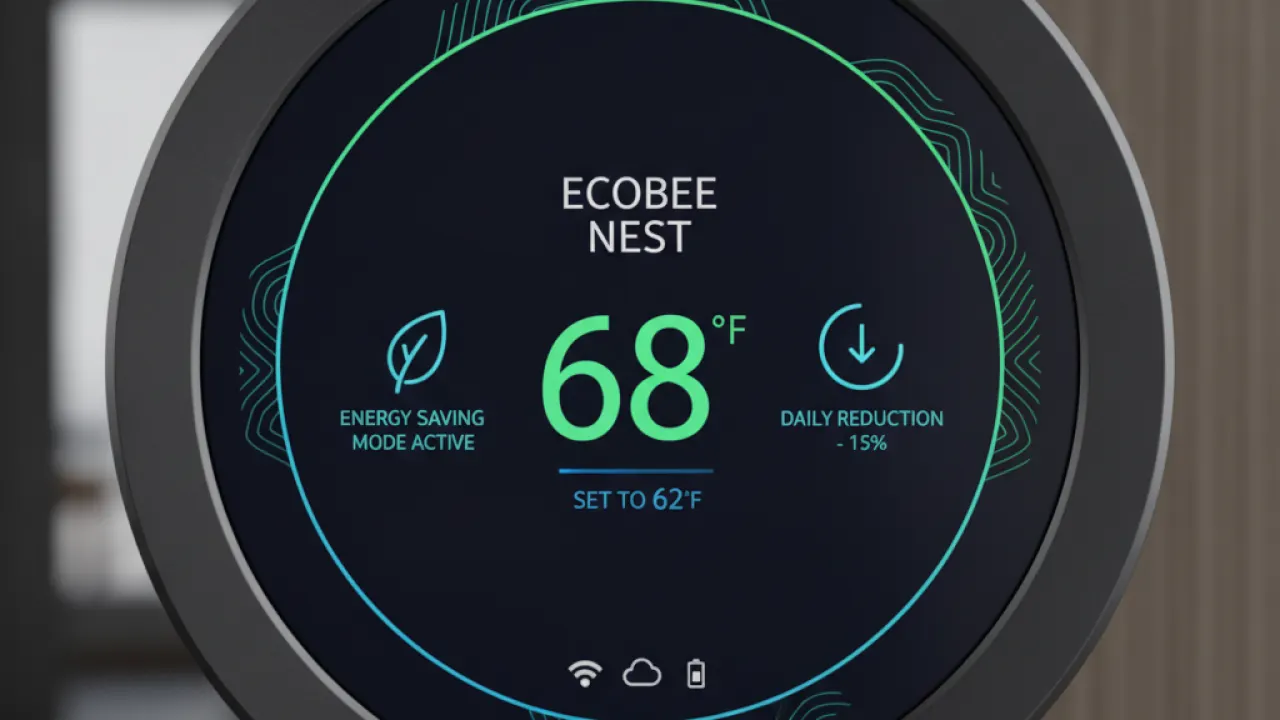
The Ecobee Smart Thermostat Essential is the lowest-priced Ecobee model with the features that matter. It learns your schedule, adjusts automatically when you leave and return home using your phone’s location, and integrates with Alexa, Google, and Apple HomeKit.
Smart thermostats pay for themselves. At UK energy prices, reducing heating by 2-3 degrees Celsius during empty hours saves £100-200 per year. A £100 thermostat returns its cost in the first year and continues saving indefinitely.
Professional installation is easy enough that most people can do it themselves if they’re comfortable with a screwdriver and following step-by-step instructions. The Ecobee app guides you through the installation process.
What to Skip Under $100
- Smart locks under $50: At this price, build quality and reliability suffer. A smart lock that fails to unlock is a significant problem. Spend $120-150 for a reliable one from Yale, Schlage, or Kwikset.
- No-name security cameras: Unknown brands often have poor app support, security vulnerabilities (your camera feed is accessible from the internet), and no ongoing firmware updates.
- Cheap robot vacuums: Budget robot vacuums under $100 miss large areas, get stuck constantly, and need more maintenance than they save. The $200-300 range is where they become genuinely useful.
For complete context on smart home technology and how all these devices work together, our guide on speed up Android covers the mobile side of managing a smart home. And for securing your smart home devices against potential vulnerabilities, the basic cybersecurity tips guide covers the network-level steps that matter most.
Building a Smart Home on $300
If you’re starting from zero with a $300 budget, this combination covers the highest-impact upgrades:
- Amazon Echo Dot: $50
- 4x Smart plugs (TP-Link Kasa): $40 total
- 4x Smart bulbs (IKEA Tradfri): $40 total
- Ring Video Doorbell Essentials: $70
- Smart thermostat (Ecobee Essential): $100
That covers voice control for your home, energy monitoring and remote control of appliances, automated lighting, security at the front door, and energy savings on heating. The thermostat pays back within the first year. Everything else adds convenience that’s hard to put a number on but easy to appreciate daily.
Which smart home device made the biggest difference to your daily routine? Leave a comment with the product and what changed when you added it. First-hand experiences from readers who’ve been through the setup process are the most useful information for people just starting out.

