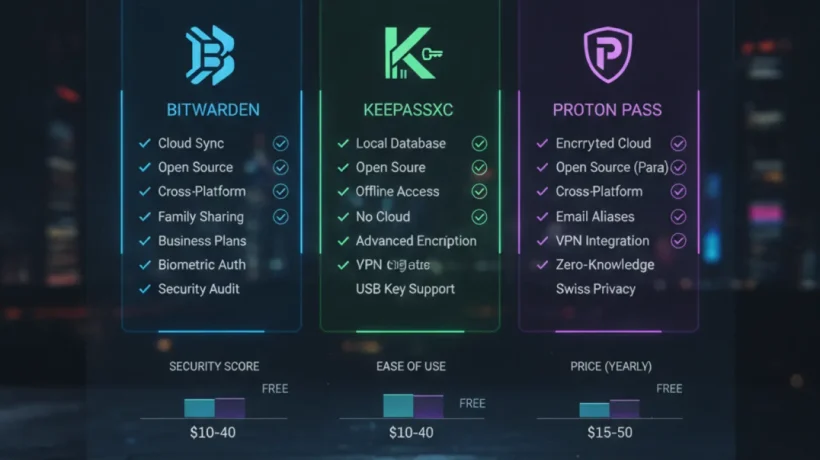

The best free password managers in 2026 are Bitwarden, KeePassXC, and Proton Pass. All three use end-to-end encryption, have no meaningful limits on the free tier, and are significantly better than browser-saved passwords. Here’s how to choose the right one.
Why You Need a Password Manager
Data breaches expose billions of records every year. When a site you use gets breached, attackers try your username and password on every major site: your email, bank, Amazon, PayPal. This works because most people reuse passwords. A password manager generates a unique random password for every site. You remember one strong master password. The manager handles everything else.
Bitwarden: Best Overall Free Password Manager
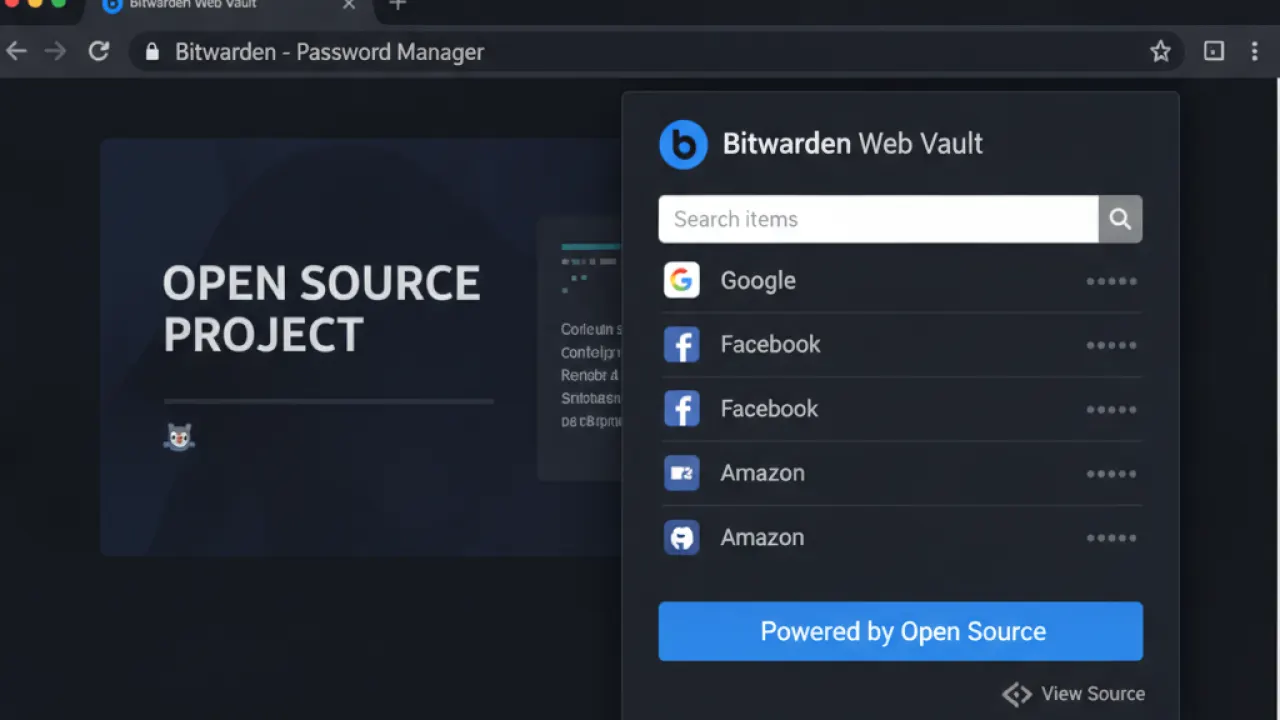
Bitwarden’s free tier includes unlimited passwords on unlimited devices with full sync. That means passwords available on your phone, laptop, tablet, and desktop with no limits. Apps exist for every platform: Windows, macOS, Linux, iOS, and Android. Browser extensions cover Chrome, Firefox, Edge, Safari, and Opera. A web vault gives access from any browser without installation.
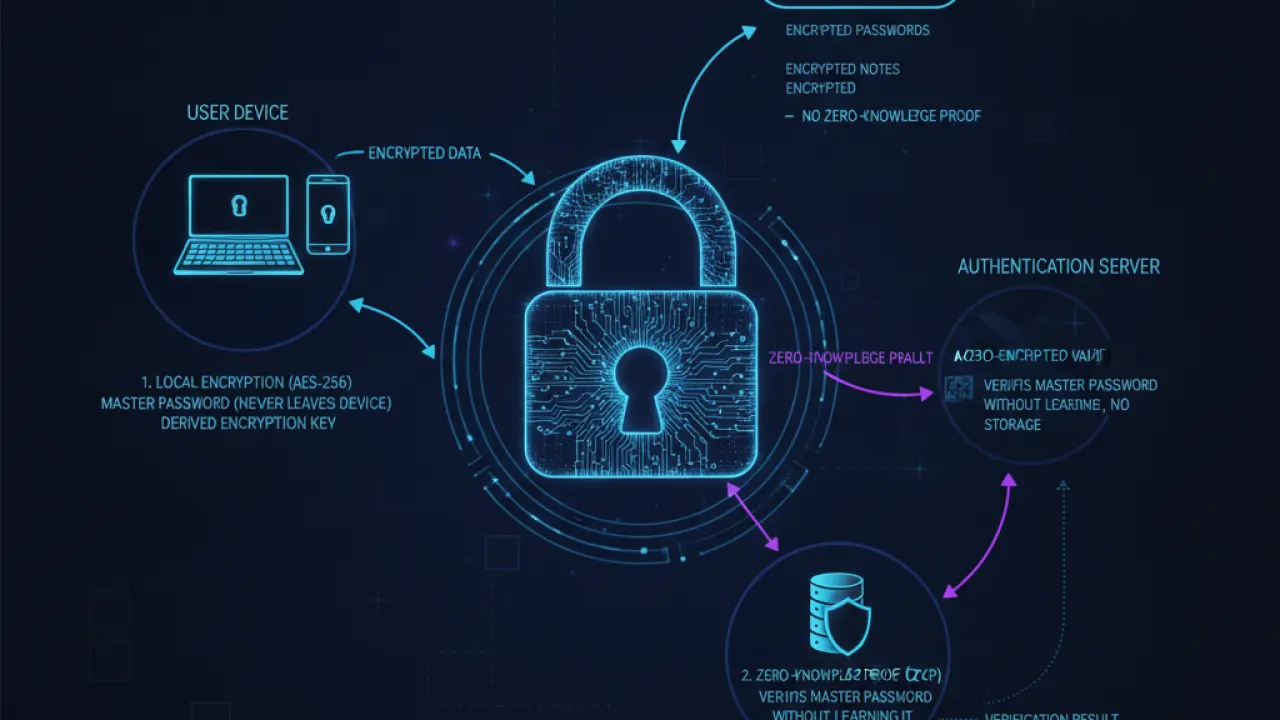
Bitwarden is fully open source. Three independent security audits have confirmed the encryption claims. If open-source verification matters to you, Bitwarden has the strongest track record of any free password manager. It can also be self-hosted using Vaultwarden if you want your password database on your own server with no cloud dependency.
Free tier includes: unlimited passwords, all devices, all platforms, secure notes, basic two-factor authentication. Missing from free: emergency access, advanced two-factor (hardware keys), encrypted file attachments.
KeePassXC: Best for Maximum Privacy
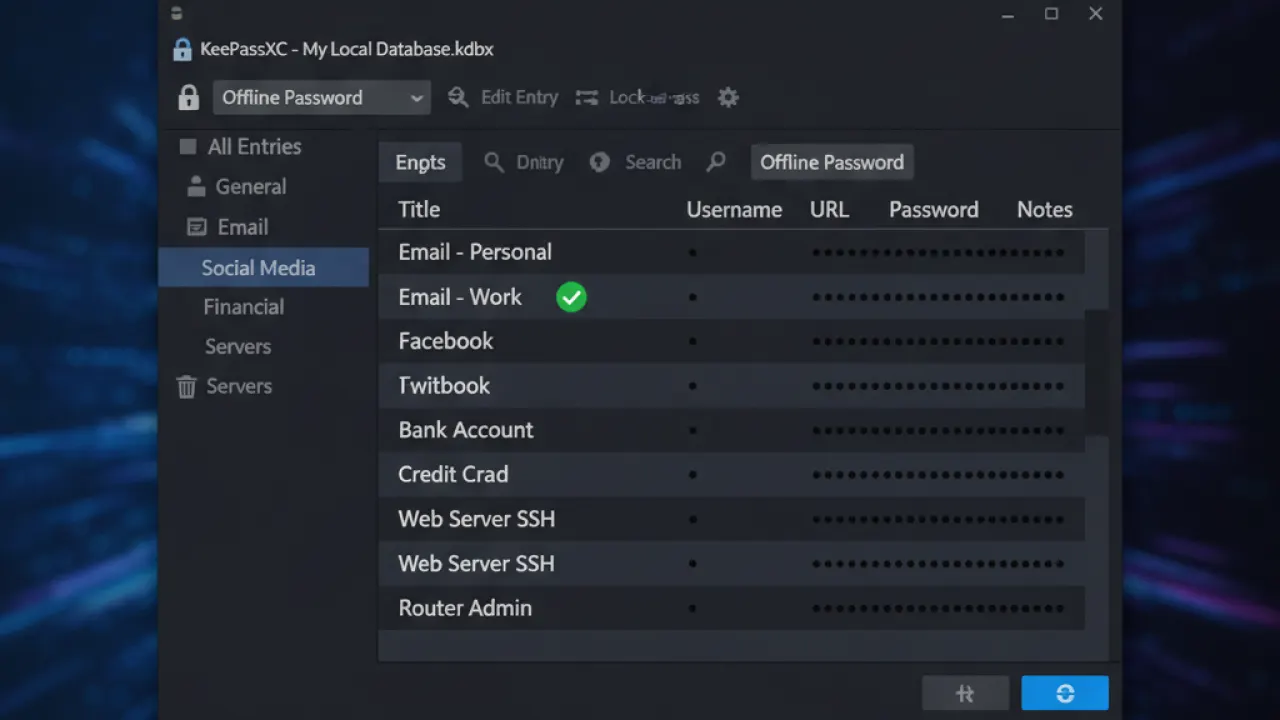
KeePassXC stores passwords in an encrypted database file on your own device. Nothing goes to a cloud server. There is no account to create. There is no company that could hand over your data because they don’t have it. This makes KeePassXC the most private option available.
The trade-off is manual syncing. For multiple devices, you sync the database file yourself using Syncthing, a USB drive, or a cloud storage folder you control. KeePassXC runs on Windows, macOS, and Linux. Mobile apps like KeePassDX (Android) and Strongbox (iOS) open the same database format for mobile access.
Best for: security-focused users who don’t want any cloud storage, people who want complete control over their password database, and users on restricted or air-gapped networks.
Proton Pass: Best for Proton Ecosystem Users
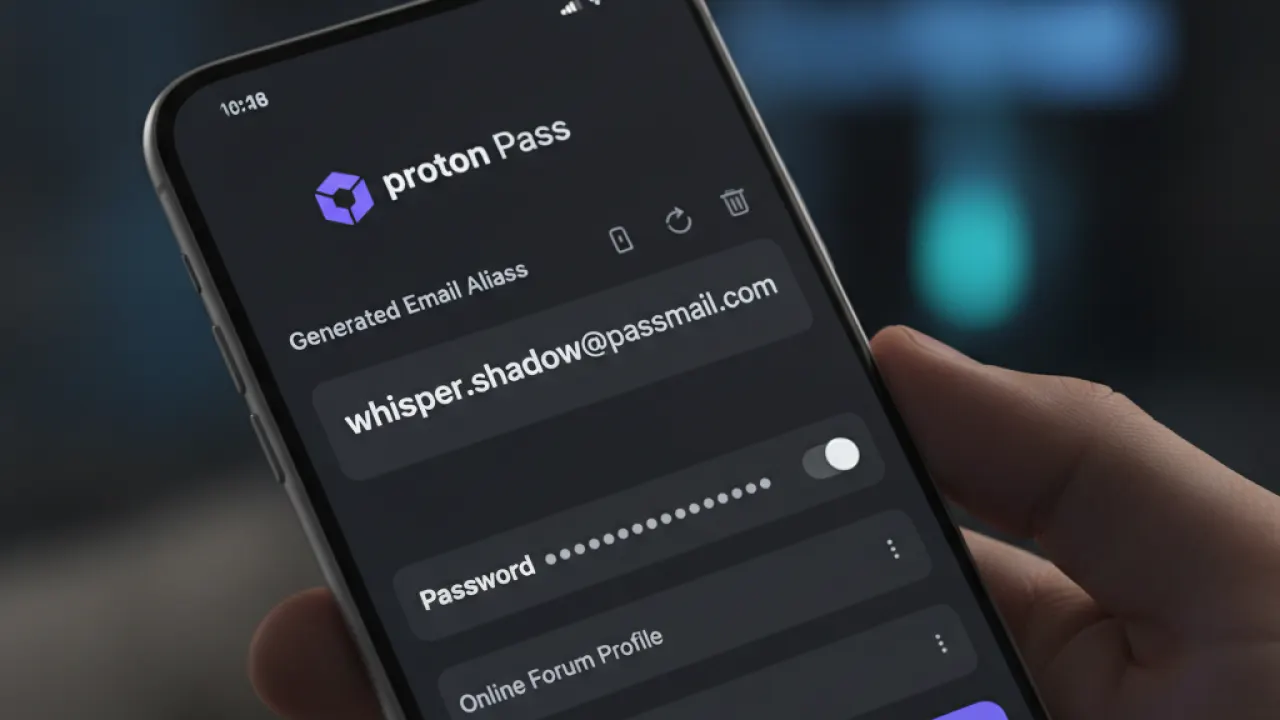
If you already use ProtonMail or ProtonVPN, Proton Pass makes sense because everything lives under one account. The free tier includes unlimited passwords and 10 email aliases. Email aliases let you sign up for new websites with a unique forwarding address instead of your real email. If the site starts sending spam or gets breached, you delete the alias. The website never gets your real address.
This feature is normally a paid add-on through services like SimpleLogin. Having it built into a free password manager is a genuine advantage. The interface is clean and well-maintained across all platforms. Proton operates under Swiss privacy law with a strong track record from ProtonMail.
Browser-Saved Passwords: Why They’re Not Enough
Chrome, Firefox, Safari, and Edge all save passwords. This is better than nothing but worse than a dedicated manager: passwords are tied to one browser ecosystem, don’t work cross-browser, and can be targeted by malware that specifically attacks browser password storage. A dedicated manager works across all browsers and devices regardless of who makes them.
How to Choose
- Easiest setup, full device sync for free: Bitwarden.
- Maximum privacy, no cloud storage: KeePassXC.
- You use ProtonMail and want email aliases: Proton Pass.
Any of these tools, combined with our guide to basic cybersecurity tips, covers the two most important security practices for 2026: unique passwords for every site, and two-factor authentication on important accounts. See our full comparison of Proton Pass vs Bitwarden for more detail on how those two tools specifically compare.
Which password manager are you using, and how long did it take before using it felt natural? Leave a comment with your experience. If you’ve recently switched from browser-saved passwords, share how the transition went for other readers considering the same move.

