

The best free AI tools for students in 2026 cover research, writing, math, coding, and note organization. Most don’t need a credit card. Here’s what to use for each type of academic task.
1. ChatGPT Free (GPT-4o mini) — Research and Explanations
ChatGPT’s free tier includes GPT-4o mini, which handles most student tasks well. The most valuable use cases are explaining difficult concepts in simple language, walking through logical steps, and helping draft outlines for essays and reports.

Good prompt habits with ChatGPT: ask it to explain something as if you’ve never seen this topic, then follow up with questions to fill gaps. This builds understanding faster than reading textbook chapters alone. Always verify any specific facts against primary sources — ChatGPT generates plausible content but can be wrong on specifics.
2. Perplexity AI Free — Research With Citations
Perplexity AI searches the web in real time and returns answers with numbered source citations that link to the original pages. For research tasks where you need verifiable information, this is significantly more useful than ChatGPT.
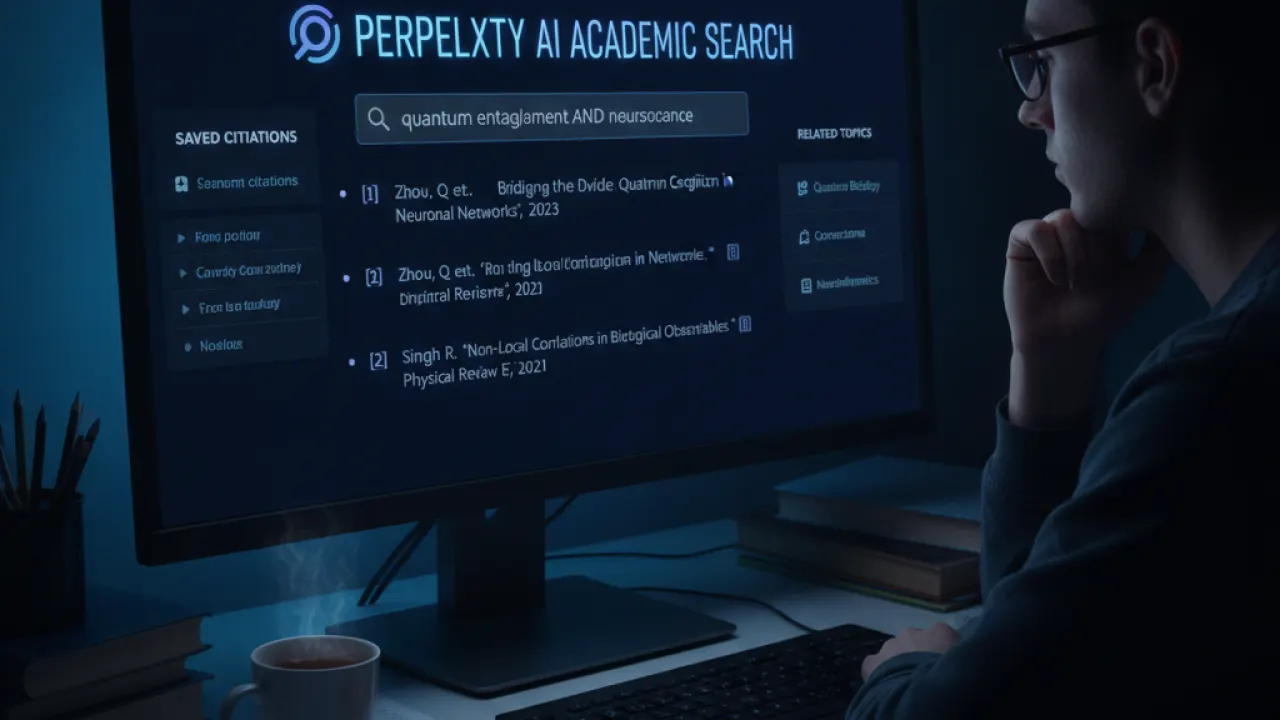
Ask a research question and Perplexity shows a summary with citations. Click through to verify each source is credible. The free tier includes unlimited standard searches and limited Pro searches per day. Standard searches handle most research tasks well.
3. Wolfram Alpha Free — Math and Science Problem Solving
Wolfram Alpha is a computational knowledge engine that solves math problems step by step. Enter a calculus problem, a chemistry equation, statistics calculations, or physics formulas, and it shows every step of the solution.

For STEM students, this is one of the most valuable free tools available. Use it to check your work and understand why each step is taken, not to copy answers without understanding. An exam question will require you to reproduce the reasoning.
4. Grammarly Free — Writing Quality
Grammarly’s free tier catches grammar mistakes, spelling errors, and awkward sentence constructions. It works as a browser extension in Google Docs, as a desktop app, and as a Microsoft Word plugin.

Use Grammarly as a final pass before submitting written work. It catches technical errors well. It doesn’t evaluate argument quality, academic structure, or citation format — those still need your own review. The free tier is sufficient for most student needs. Premium adds style suggestions and tone adjustments.
5. Claude AI Free — Long-Form Analysis
Anthropic’s Claude AI has a free tier that handles longer analytical tasks well. Where ChatGPT is strong at quick explanations, Claude produces more organized, structured analysis for comparative essays, research summaries, and academic writing outlines.

Claude also tends to flag uncertainty more explicitly than ChatGPT, which makes it slightly safer for research use. Ask it to compare two historical arguments, outline an ethical debate, or help structure a research paper and the results are thorough and organized.
6. Elicit Free — Literature Review
Elicit searches academic papers and summarizes findings for a research question you enter. For any research-heavy assignment, it speeds up the initial literature survey significantly. The free tier gives you limited searches per month, enough for several assignments.
7. GitHub Copilot Free for Students
Students with a verified university email get GitHub Copilot Pro free through the GitHub Student Developer Pack. If you study any subject that involves coding, Copilot is one of the most practical tools available. See our guide to the best AI coding agent for how to use it effectively.
8. Notion AI (Free in Notion) — Notes and Study Plans
Notion’s free plan includes AI features within usage limits. Students use it for organizing lecture notes, creating study schedules, summarizing readings, and generating quiz questions from notes. Paste lecture notes into a page and ask the AI to create 20 flashcard questions from the content.
Tips for Using AI Tools Responsibly
- Check your institution’s policy on AI use before submitting AI-assisted work. Policies differ across universities and departments.
- Use AI for understanding and research assistance. Write your own analysis and arguments.
- Always verify facts from AI tools against primary sources.
- Cite AI assistance where your institution requires it.
- Use AI to learn faster, not to avoid learning. Understanding the material matters for exams.
For the broader landscape of AI tools beyond studying, our roundup of the best AI tools covers the full picture. And our weekly latest AI news keeps you current with new tools as they launch throughout the year.
Which AI tool has made the biggest difference to your studying? Leave a comment with the tool, the subject, and how you’re using it. Student-to-student advice on AI study tools tends to be the most practical.

