

An undetectable VPN uses obfuscation technology to disguise VPN traffic as regular HTTPS web browsing. Standard VPN traffic has recognizable patterns that firewalls, ISPs, and network administrators detect and block. Obfuscated VPNs hide these patterns, making them much harder to block.
Why Standard VPNs Get Blocked
Standard VPN protocols — OpenVPN, WireGuard, IKEv2 — produce traffic with distinctive signatures. Deep Packet Inspection (DPI) systems used by ISPs, corporate networks, schools, and governments identify this pattern and block it. When you connect a standard VPN to school or corporate Wi-Fi, the network’s DPI system sees VPN-shaped traffic and stops it.
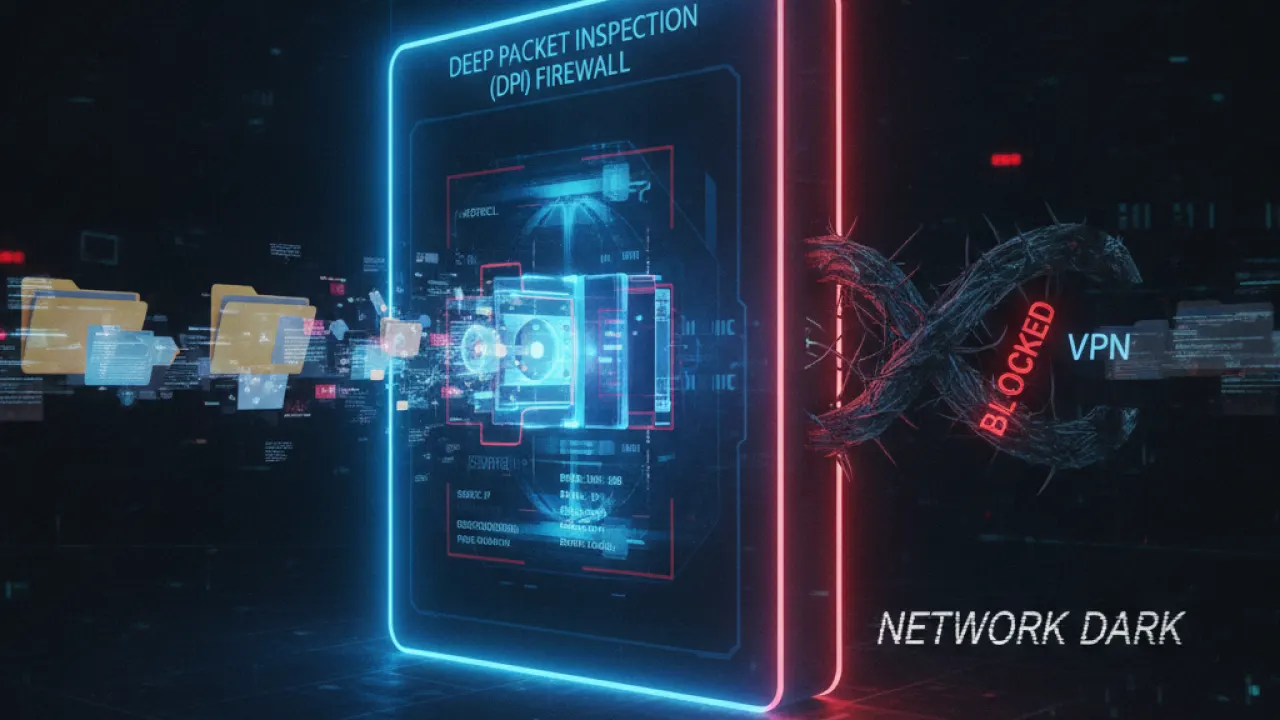
Streaming services use similar detection to block VPN IP addresses. ISPs in restrictive countries throttle or block VPN traffic. Obfuscation solves this by making VPN traffic look like normal web traffic. The DPI system sees what looks like standard HTTPS requests and lets it through.
How VPN Obfuscation Works
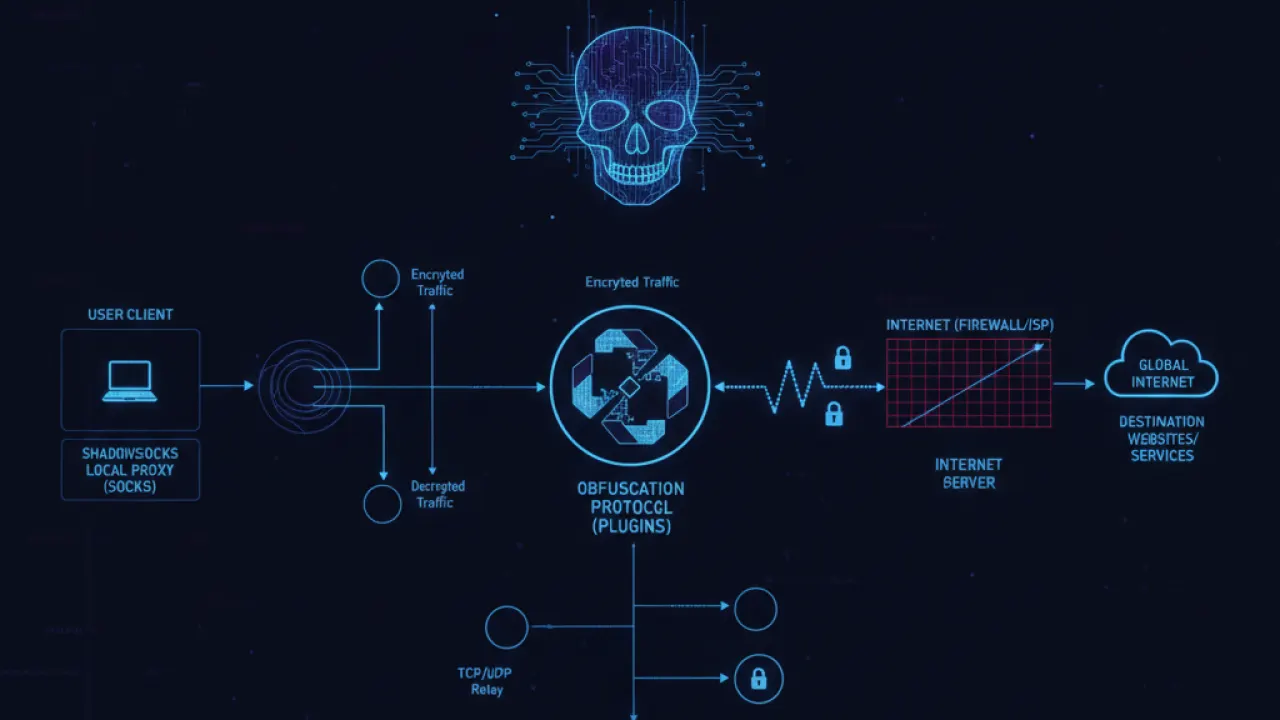
Different VPNs use different obfuscation techniques. Shadowsocks was originally developed to bypass China’s Great Firewall. It wraps traffic in a way that makes it look like standard HTTPS and is included in Mullvad, NordVPN, and others. Obfsproxy/Obfs4, developed by the Tor Project, transforms traffic to remove all recognizable patterns entirely. V2Ray and VLESS are more sophisticated protocols that mimic HTTPS in a way that’s harder to detect.

DAITA (Mullvad’s Defense Against AI Traffic Analysis) adds random padding and dummy traffic to packets, making pattern recognition by machine learning systems significantly harder. This newer approach is specifically designed to defeat AI-powered DPI systems that are increasingly common.
Best VPNs With Obfuscation in 2026
Mullvad VPN with DAITA and Shadowsocks — Mullvad’s combination provides multi-layer obfuscation. DAITA defeats traffic analysis. Shadowsocks defeats DPI. Together they represent the most comprehensive technical approach. See the full Mullvad VPN for complete details on Mullvad’s privacy features.
NordVPN Obfuscated Servers — NordVPN routes traffic through specially configured servers using OpenVPN over obfuscation. Works reliably on most corporate and school networks. Enable it by switching to OpenVPN protocol in settings and toggling obfuscated servers.
ExpressVPN Lightway — Lightway has built-in obfuscation that activates automatically when it detects blocking. The hands-off approach makes it the easiest option for users who don’t want manual configuration.
ProtonVPN Stealth Protocol — Wraps WireGuard traffic to bypass VPN blocking. Available on all Proton plans and works well on networks that block standard VPN protocols.
When You Need an Undetectable VPN

Most users in the USA, UK, Canada, and Australia don’t need obfuscation for everyday home use. Standard WireGuard works fine on home networks and most public Wi-Fi. You need obfuscation specifically for: school or university Wi-Fi that blocks VPN traffic, corporate networks restricting non-business traffic, hotel or airport Wi-Fi that blocks VPNs, streaming services that detect and block VPN IP addresses, and countries with active internet censorship.
Limitations
Nothing is truly undetectable in all situations. Nation-state level DPI can sometimes detect even obfuscated traffic. VPN providers update their obfuscation when new detection methods emerge, which creates an ongoing back-and-forth. For everyday use in tier-1 countries, obfuscated VPNs work well. For use in countries with highly sophisticated network monitoring, occasional detection remains possible.
A VPN is one layer of protection. Combined with good basic cybersecurity tips habits including strong passwords, two-factor authentication, and keeping your software updated, it forms a practical complete security approach.
Are you using an obfuscated VPN, and what network situation made you switch? Share your use case in the comments. Specific situations help other readers determine whether they need obfuscation.

