
Most people who buy a VPN use it wrong. They turn it on when they remember, pick the nearest server without thinking, and believe it protects them from threats it was never designed to stop. Here’s how to use a VPN correctly in 2026 and avoid the mistakes that cancel out its benefits.
Mistake 1: Only Turning It On Sometimes
The most common VPN mistake is treating it like an umbrella — only enabling it when you remember or when you think you need it. The problem is that the times you forget are often exactly when you need it: logging into accounts on coffee shop Wi-Fi, checking email on a hotel network, or browsing on a mobile network that throttles certain content.
Set your VPN to connect automatically when you open your device, or configure it as an always-on VPN in your phone’s settings. Most modern VPN apps have an automatic connection setting. Use it. The performance overhead is minimal on good VPNs.
Mistake 2: Not Enabling the Kill Switch
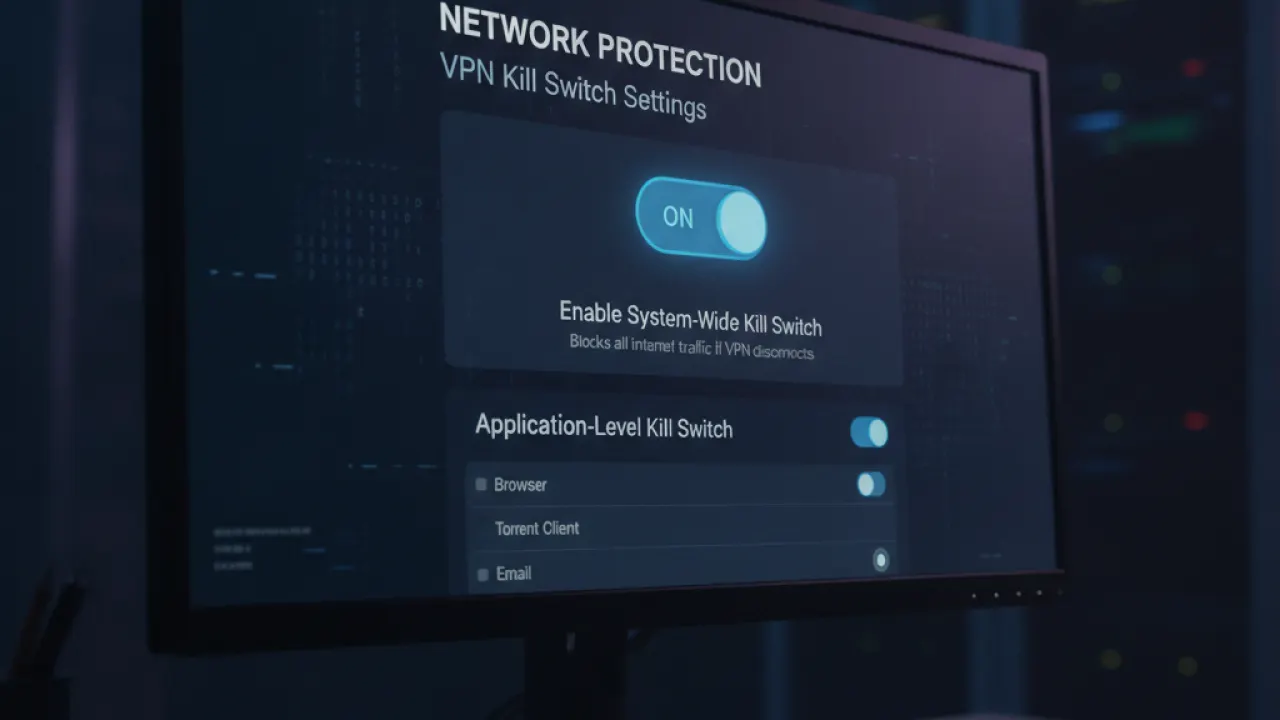
VPN connections occasionally drop — due to network changes, software updates, or server issues. When the VPN drops without a kill switch, your device automatically falls back to your regular internet connection, potentially exposing your real IP address or sending traffic over an unsecured network.
A kill switch blocks all internet traffic the moment the VPN connection drops, until you reconnect. Every reputable VPN has a kill switch option. Find it in your VPN app’s settings and enable it. This is especially important if you’re using a VPN for privacy or security rather than just geo-unblocking.
Mistake 3: Never Testing for Leaks
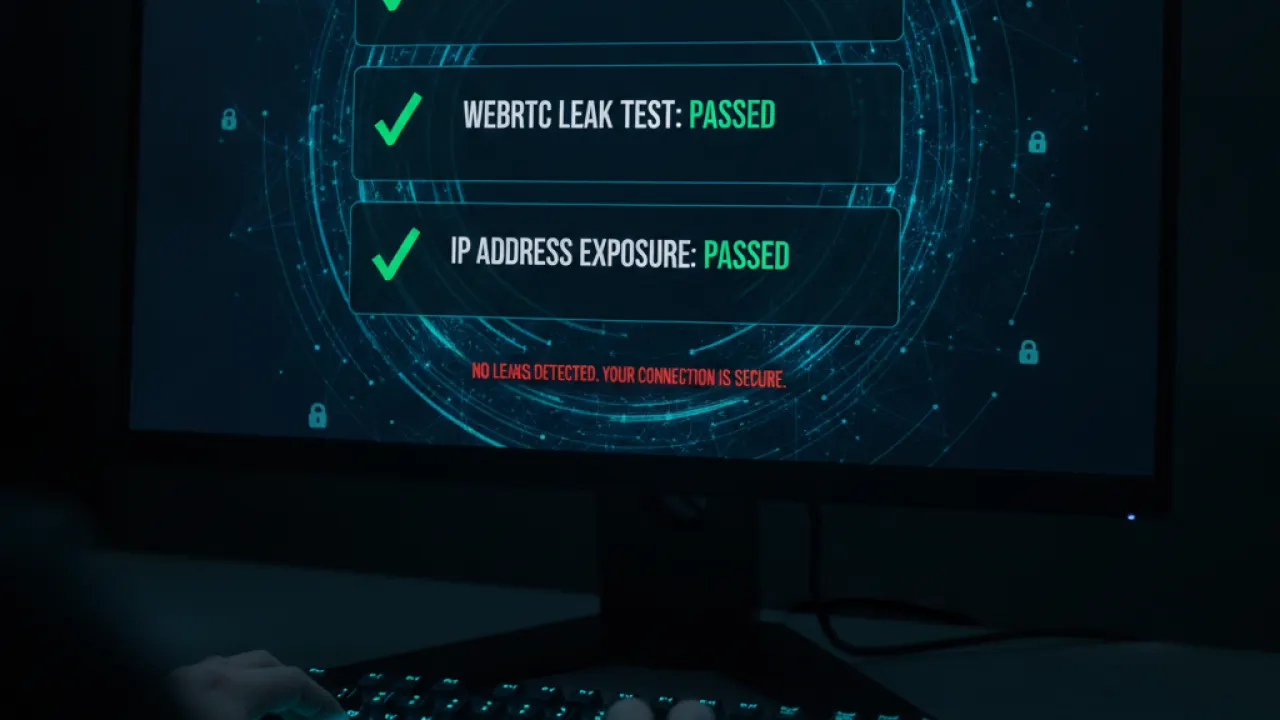
Some VPN configurations leak your real IP address or DNS queries despite appearing connected. Test this: connect your VPN, then visit dnsleaktest.com and ipleak.net. If your real IP or ISP’s DNS servers appear in the results, your VPN is leaking. Try switching protocols (WireGuard to OpenVPN or vice versa), disabling IPv6 in system settings, or contacting your VPN provider’s support. A leaking VPN provides a false sense of security.
Mistake 4: Choosing the Nearest Server for Everything
The nearest server is fastest, which makes sense for privacy use. But for other use cases, server location matters: for streaming content from another country, choose a server in that country. For accessing services from home while traveling, choose a server in your home country. For maximum speed on your current location, the nearest server is correct. Match the server to the goal, not just the speed.
Mistake 5: Not Checking the Logs Policy and Jurisdiction
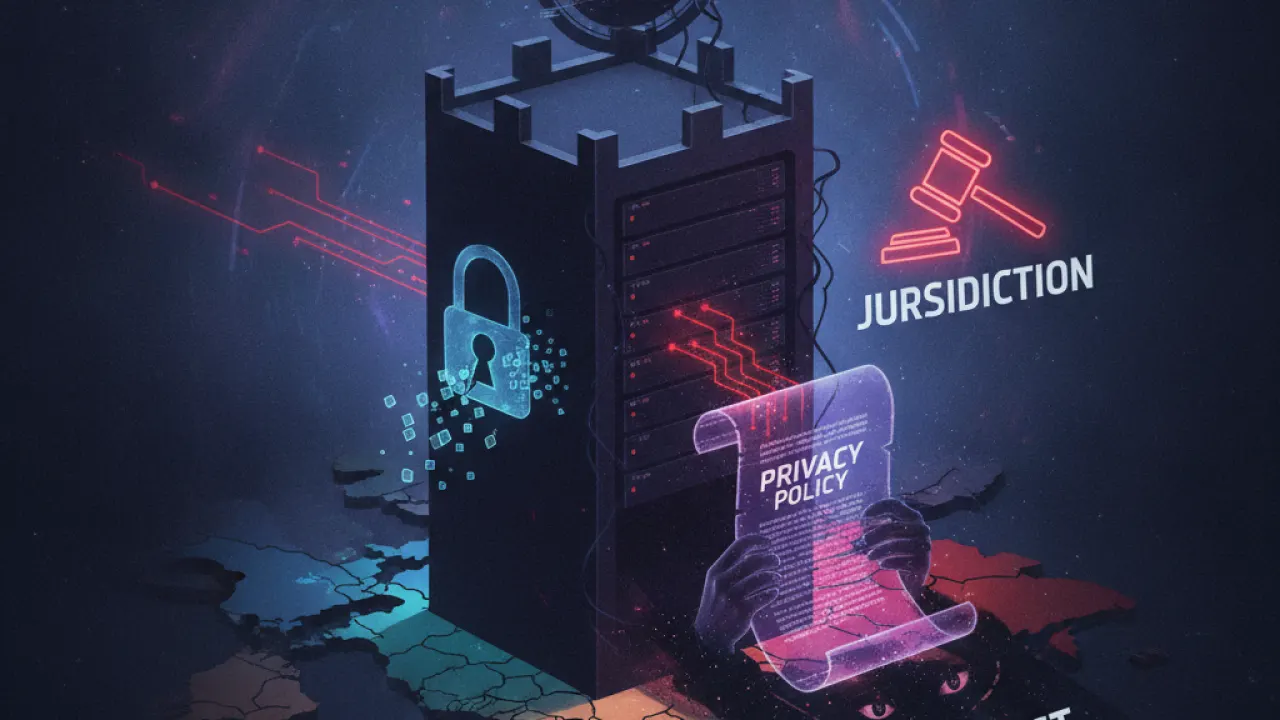
A VPN is only as trustworthy as its privacy policy and the legal environment it operates in. Check that your VPN has a credible no-logs policy (independently audited, not just claimed), and understand its jurisdiction. Providers in countries within the 14 Eyes intelligence alliance (including USA, UK, Canada, Australia) are subject to broader data requests than those in Switzerland or Panama. For maximum privacy, choose audited no-logs VPNs in jurisdictions with strong privacy laws. Our Mullvad VPN review covers how to evaluate these factors.
What a VPN Doesn’t Protect Against
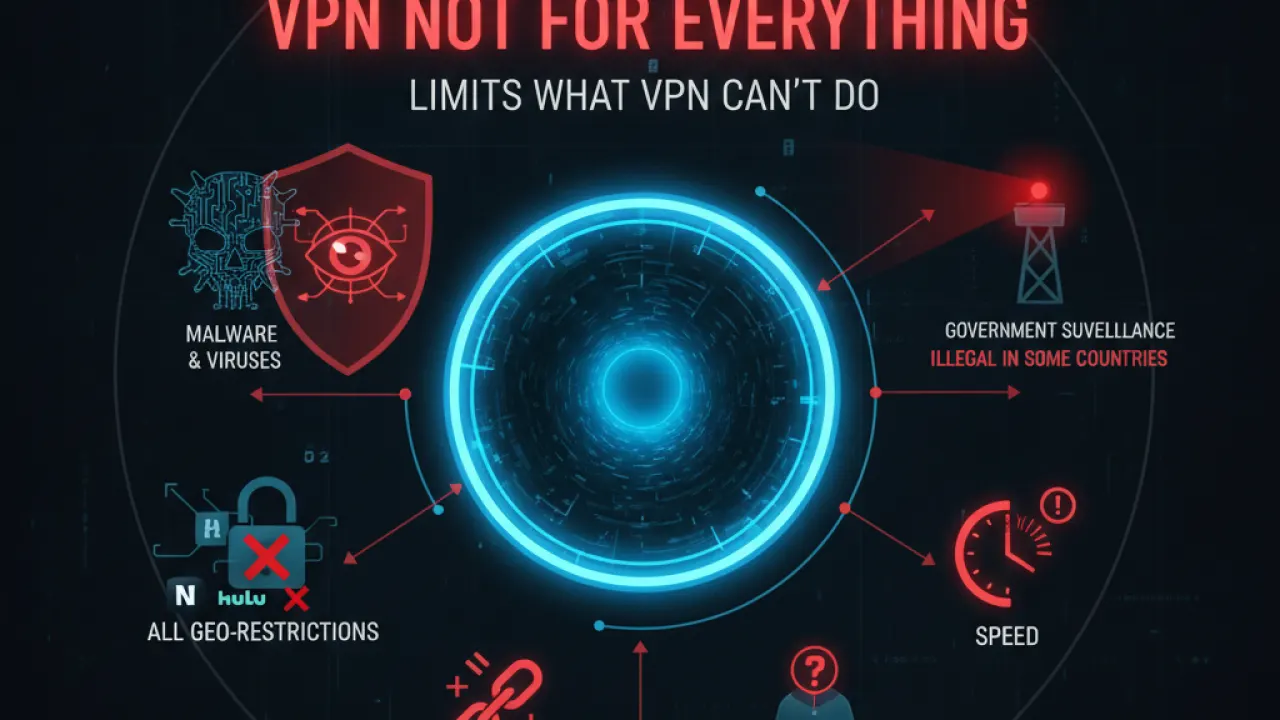
This is the most important section. A VPN protects your network traffic from your ISP and network observers. It does not protect against:
- Malware on your device: If your computer is infected, the VPN doesn’t stop it from operating.
- Phishing: Clicking a malicious link while connected to a VPN is equally dangerous. The VPN doesn’t check link safety.
- Website tracking: Websites can track you through cookies, browser fingerprinting, and login sessions regardless of VPN. Our Brave vs Firefox comparison covers browser-level tracking protection.
- Account compromise: If someone has your password, a VPN doesn’t stop them from logging in.
- Data you voluntarily share: Logging in to Google while on a VPN means Google still sees your activity.
A VPN is one layer in a complete security approach, not a complete solution by itself. Combined with basic cybersecurity tips practices, a best free password manager managing unique passwords, and a browser configured for privacy, a VPN completes the network layer of your protection.
What’s the most important VPN tip you’d add to this list? Leave a comment with the mistake you made before you understood VPNs properly — experience-based advice is more useful than theoretical guidance.

