
The best free AI writing tools in 2026 cover drafting, editing, summarizing, and improving content without any subscription. Here’s what each tool is best at and how to get the most from the free tier.
Claude AI Free — Best for Long-Form and Analysis

Claude (claude.ai, free tier) is the strongest AI for structured writing tasks. Essays, research summaries, comparative analyses, and technical documentation all come out organized and coherent. Where ChatGPT tends toward conversational structure, Claude produces more formal, argument-driven writing with clear logical organization. For academic writing help, business reports, or any long-form content requiring clear structure, Claude is the tool to start with.
The free tier includes a generous daily message limit. Claude also handles document analysis well — paste a long article or document and ask Claude to summarize, critique, or explain it. Useful for understanding dense content quickly.
ChatGPT Free (GPT-4o mini) — Best for Quick Drafts

ChatGPT’s free tier accesses GPT-4o mini, which handles most everyday writing tasks: email drafts, social media posts, product descriptions, meeting agendas, and first drafts of shorter content. It’s particularly good at generating multiple variations quickly — ask for 5 different subject lines and pick the best, or 3 different ways to phrase a difficult message.
The key limitation is factual reliability. ChatGPT generates plausible-sounding content but can be wrong about facts. Use it for structure, tone, and phrasing — verify any specific claims independently before publishing.
Grammarly Free — Best for Editing and Correction
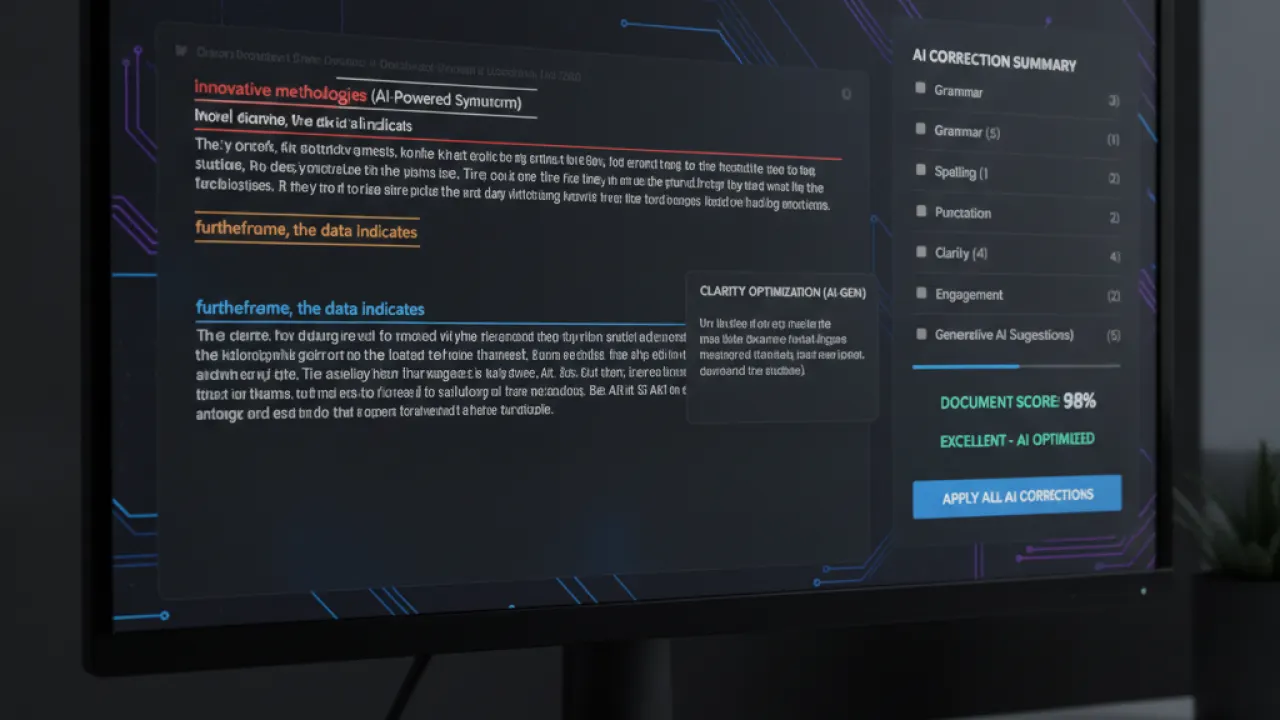
Grammarly’s free tier catches grammar errors, spelling mistakes, punctuation issues, and awkward sentence constructions in real time. The browser extension works inside Google Docs, email compose windows, and most text fields on the web. For catching technical writing errors before sending or publishing, it’s the most practical free editing tool available.
The free tier doesn’t include style suggestions (those are Premium). For pure error-catching, the free version handles everything most users need.
Notion AI (Free in Notion) — Best for Notes and Docs

Notion’s free plan includes AI access with monthly limits. The AI features useful for writing: “Improve writing” (refines drafts for clarity and flow), “Summarize” (condenses long documents into bullet points), “Change tone” (adjusts from formal to casual or vice versa), and “Continue writing” (extends drafts from where you stopped). For people already using Notion for notes and project management, these features integrate writing assistance directly into the workflow.
Hemingway Editor (Free Online) — Best for Readability
Hemingway Editor (hemingwayapp.com) analyzes your writing for readability. It highlights sentences that are too long, adverbs to remove, passive voice, and complex words with simpler alternatives. Color coding makes problem areas immediately visible. Unlike AI tools, it doesn’t generate content — it analyzes what you’ve written and shows where to improve. Particularly useful for business writing and content where readability is critical.
Copy.ai Free Tier — Best for Marketing Copy
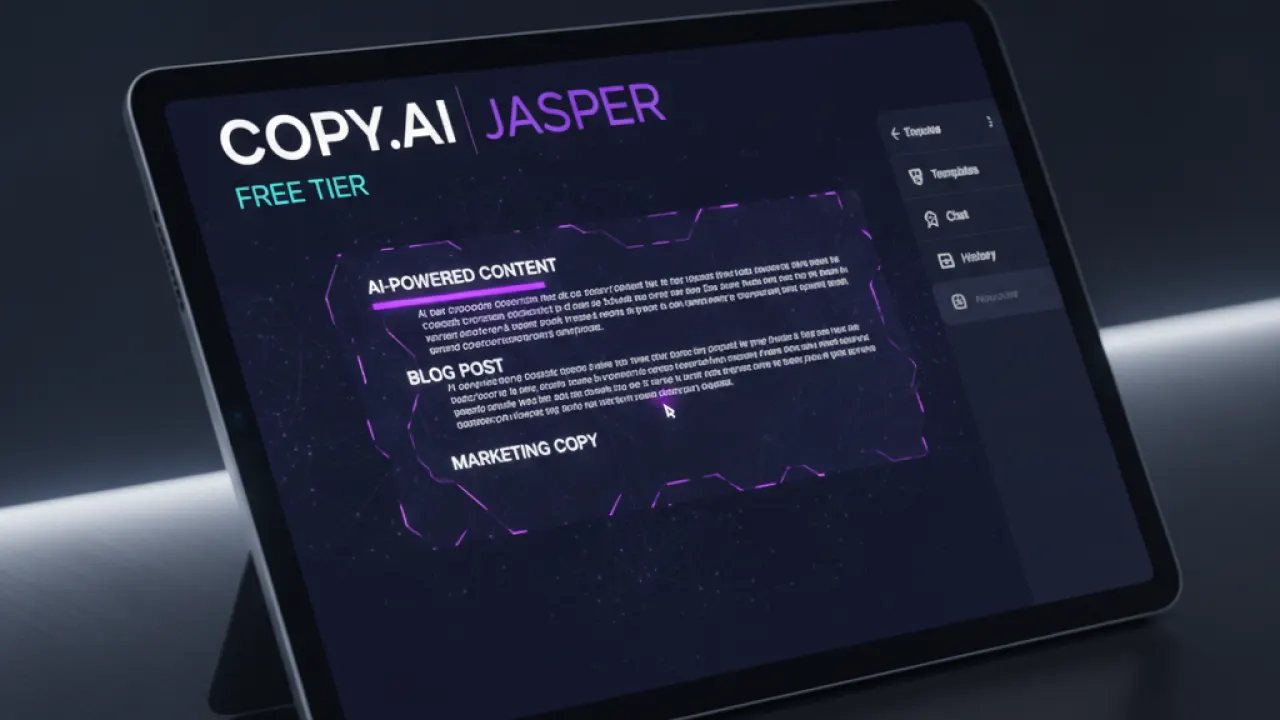
Copy.ai offers a free tier focused on marketing copy: ad headlines, product descriptions, email subject lines, social media captions, and similar short-form commercial content. The free tier allows a limited number of generations per month, enough for occasional use. The templates organized around specific marketing use cases make it faster than prompting a general AI tool from scratch.
Practical Tips for AI Writing Tools
- Start with an outline: Ask the AI to outline the structure first, then draft section by section. Better structure and easier to catch problems.
- Provide context: “Write an email to a client explaining a project delay” produces better results than “write an email about a delay.” More context, better output.
- Always edit: AI writing is a first draft, not a final product. Your knowledge and judgment should always review and revise before publishing.
- Iterate: “Make this more concise” or “change the tone to be more formal” produces better refinements than trying to get it right in one shot.
For broader AI tools beyond writing, our guide to the best AI tools covers research tools, coding assistants, and task automation. And our latest AI news covers new writing tool releases as they launch.
Which AI writing tool do you use most often and what do you use it for? Leave a comment with your workflow — specific use cases are more useful than general opinions about AI writing.

