
Perplexity AI is a search engine that answers questions with source citations instead of returning a list of links. The free tier gives you unlimited standard searches. Here’s how to use it, what makes it different from Google, and where it works best.
What Perplexity Does Differently
Google returns links. Perplexity returns answers. When you ask Google “how does DNS work,” it gives you ten links to articles about DNS. When you ask Perplexity the same question, it reads multiple sources and writes a summary with numbered citations linking to each source. You get the answer immediately and can verify each claim by clicking the citation.
This makes Perplexity faster for factual questions where you want the answer, not the research process. It makes Google better for tasks where you want to choose which sources to read, compare perspectives, or find a specific website rather than extract information.
Free vs Pro Tier
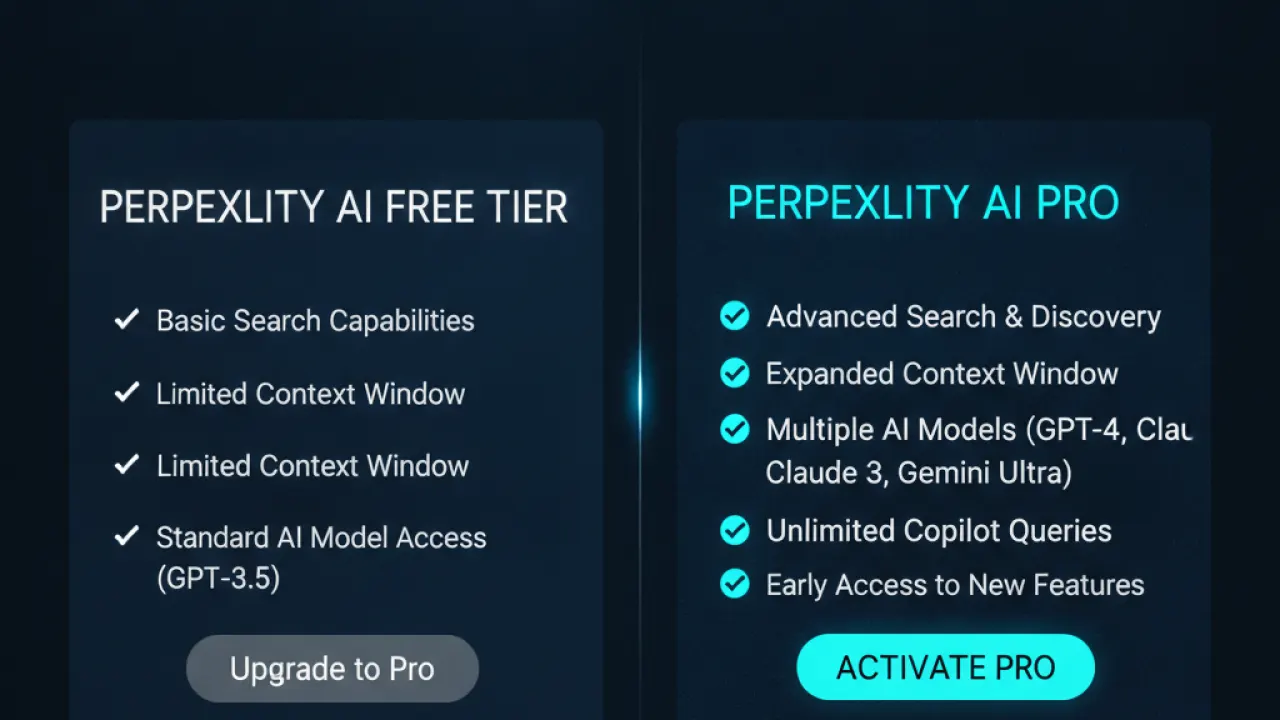
Perplexity’s free tier includes: unlimited standard searches using a base model, basic source citations, image search, access on web and mobile apps. The Pro tier ($20/month or $200/year) adds: unlimited Pro searches using Claude, GPT-4o, or Gemini, file upload and analysis, more detailed answers, and faster response times.
For most research and general use, the free tier is adequate. Pro searches use more capable models that produce better answers for complex technical or analytical questions. The free tier’s model handles most factual lookups, current events, and research summaries well.
How to Search Effectively on Perplexity
Perplexity works differently from Google, so search habits that work on Google don’t always carry over.
Ask complete questions, not keywords. “what is the difference between tcp and udp” works better than “tcp udp difference.” Perplexity understands natural language questions and produces better answers when you write how you’d ask a person.
Use Focus filters for specialized searches.
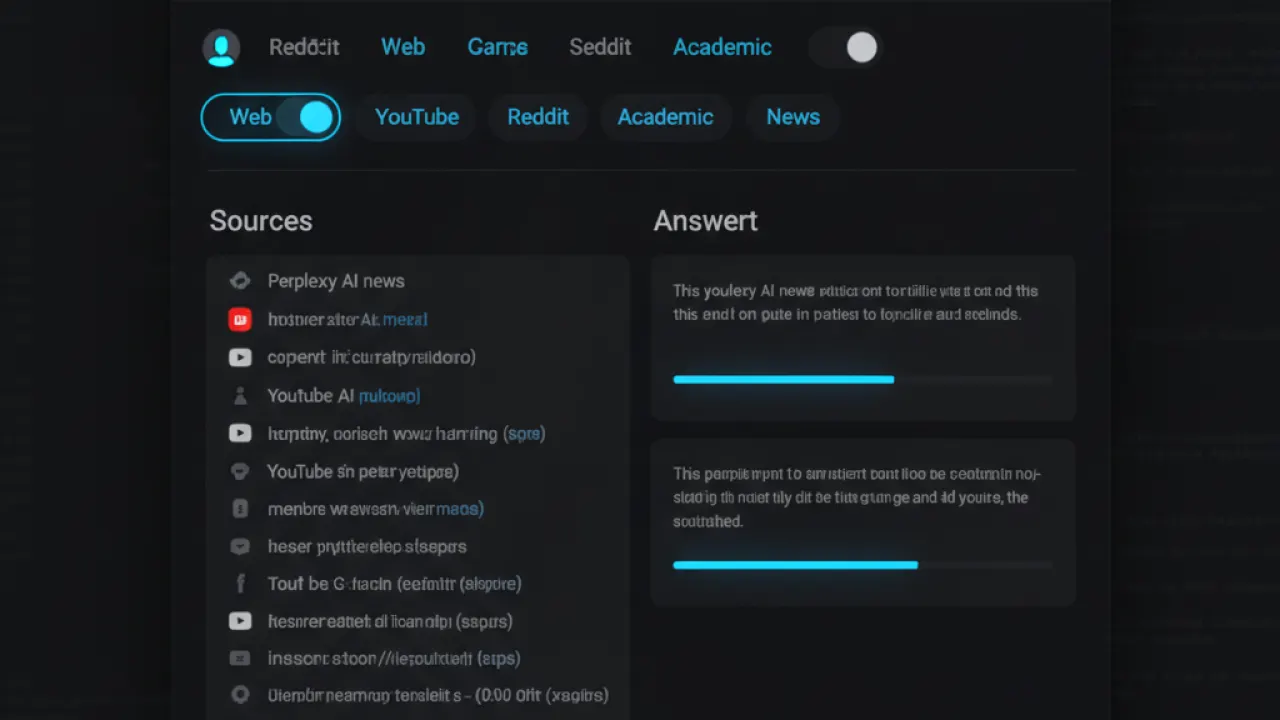
Perplexity Focus lets you limit your search to specific source types: Web (default, all sources), Academic (scholarly papers), YouTube (video content), Reddit (community discussion), News (recent news articles), Wolfram|Alpha (math and data). Switching to Academic mode for a research question gives you answers sourced from peer-reviewed publications instead of general web pages.
Ask follow-up questions in the same thread.
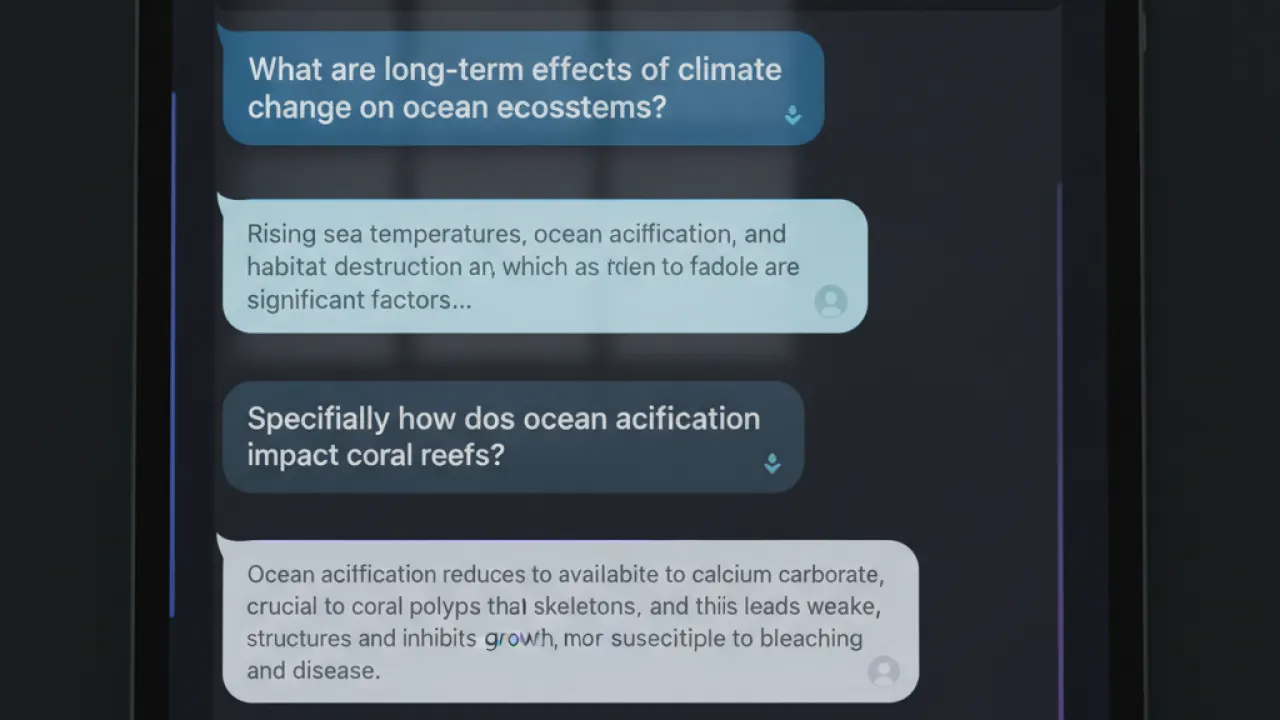
Perplexity maintains context within a conversation thread. After getting an initial answer, you can ask “can you explain the third point in more detail” or “what are the counter-arguments to this” and it continues with that context. This lets you explore a topic progressively rather than starting fresh with each question.
Best Use Cases for Perplexity
- Research for essays and reports: Ask your research question and use the citations as your starting sources. Click through to verify each claim before including it in your work.
- Current events: Perplexity searches the web in real time. Ask about events from today and it finds and summarizes recent news articles.
- Technical explanations: “Explain how TLS certificates work” produces a clear explanation with links to more detailed technical documentation.
- Product comparisons: “Compare MacBook Air M3 vs Dell XPS 13” returns a structured comparison with sources from recent reviews.
- Medical and health questions: Perplexity cites medical literature and official health organization content, making it more reliable than general AI chatbots for health questions that need sourced information.
Where Perplexity Falls Short
Perplexity can make mistakes. It synthesizes information from multiple sources and occasionally gets details wrong or conflates information from different contexts. Always verify important facts by clicking through to the cited source.
For creative tasks, writing help, or conversational AI, ChatGPT or Claude are better tools. Perplexity is optimized for information retrieval and research, not for creative writing, coding assistance, or extended conversation.
For a complete picture of AI tools and how they work together, our guide to the best AI tools covers the full landscape. And for research-focused students, our article on AI tools for students shows how Perplexity fits alongside other tools for academic work.
What do you use Perplexity for most? Leave a comment with your best use case — whether research, current events, or something else entirely. Reader use cases are always more interesting than generic recommendations.

