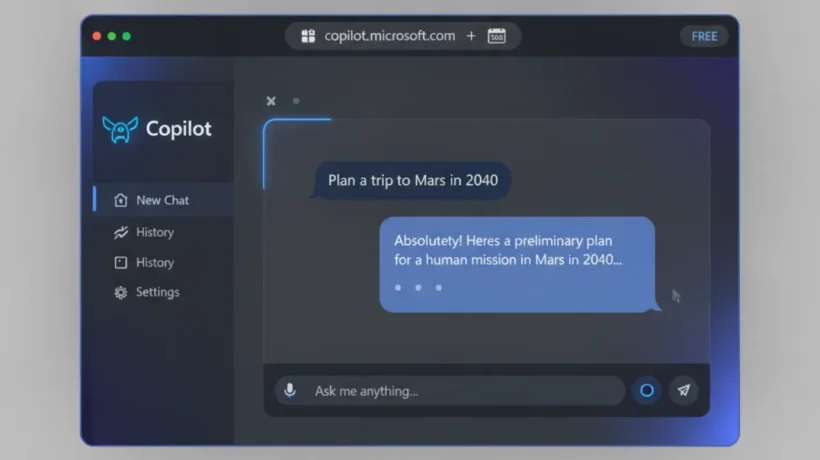

Microsoft Copilot is free to use on the web, in Windows 11, and on iOS and Android. The free version includes GPT-4o, web search with citations, and DALL-E image generation. Here’s how to access it and what it can do.
How to Access Copilot for Free
Three ways to use Copilot at no cost:
1. Web browser: Go to copilot.microsoft.com. Sign in with a Microsoft account (free to create if you don’t have one). You get 30 messages per day without signing in, and more with a free account.
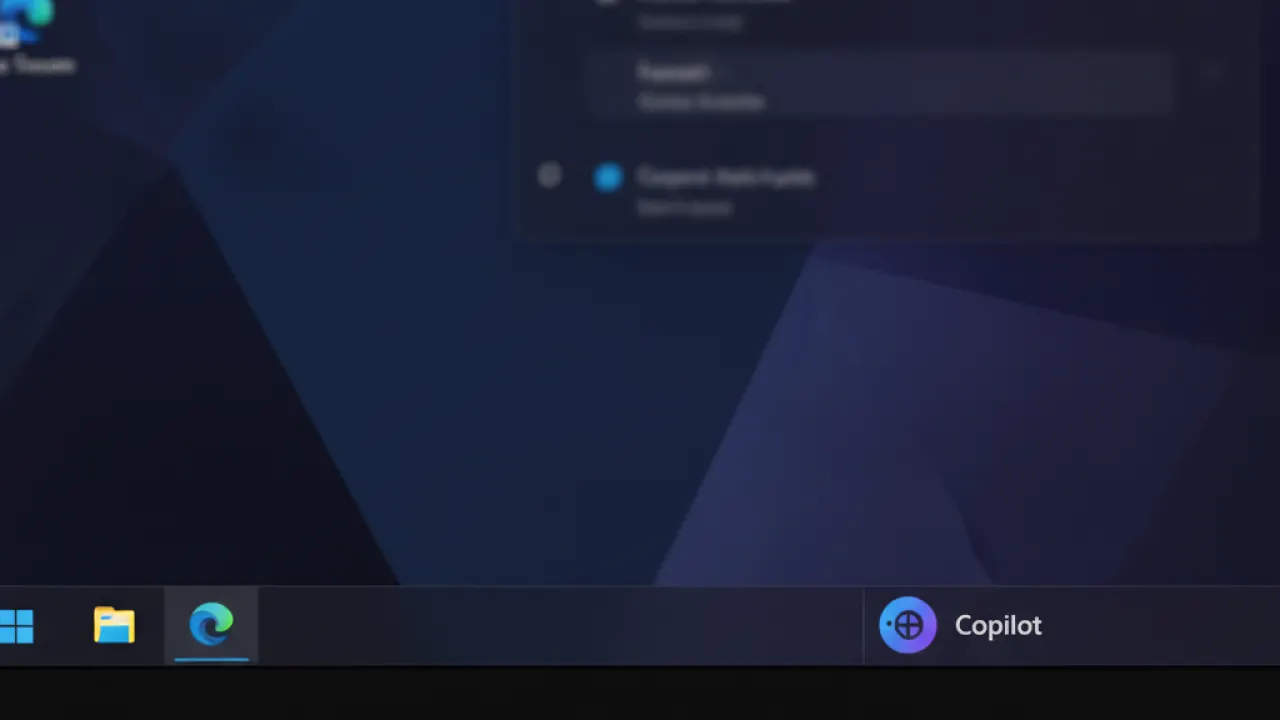
2. Windows 11: Click the Copilot icon in the taskbar (or press Windows + C). Copilot opens as a sidebar that can stay visible alongside any app you’re using.
3. Mobile apps: The Microsoft Copilot app is free on iOS and Android. Available in the App Store and Google Play Store.
What the Free Version Includes
Microsoft’s free Copilot includes access to GPT-4o (the same model as ChatGPT Plus), real-time web search with source citations, DALL-E 3 image generation for creating AI images, and voice conversations on mobile apps. The daily message limit varies but is generally sufficient for casual use.
Creating Images With Copilot
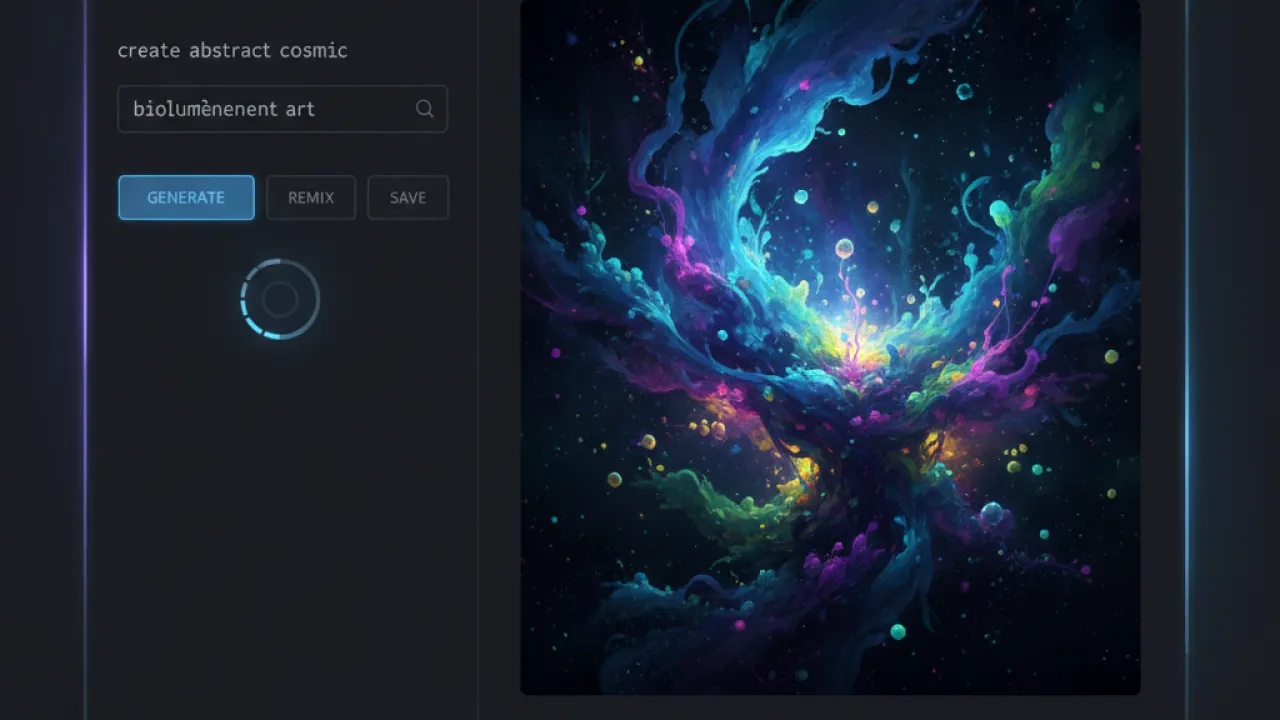
Copilot’s image generation (called Designer or Copilot Image Creator) uses DALL-E 3. Type a description and Copilot generates four image variations. The quality is comparable to ChatGPT’s DALL-E integration. Free users get a generous daily limit of image generations before speeds slow down.
This makes Copilot free a good option for occasional AI image generation without a paid subscription to Midjourney or similar services.
Web Search and Research
Copilot searches Bing in real time and cites sources in its answers. This is similar to Perplexity AI — you get an answer plus references to the web pages it used. For current events and research questions requiring up-to-date information, this is valuable that ChatGPT’s free tier (without web search) doesn’t offer.
Microsoft 365 Copilot: The Paid Version
Microsoft 365 Copilot ($30 per user per month) adds Copilot directly inside Word, Excel, PowerPoint, Outlook, and Teams. In Word, it drafts documents from prompts. In Excel, it analyzes data and suggests charts. In Teams, it summarizes meetings and extracts action items.
This is genuinely useful for business users who work in Microsoft 365 apps all day. For personal use, the free web version covers most needs.
Copilot vs ChatGPT: Key Differences
Both run on GPT-4o, so core capability is similar. The main differences: Copilot includes web search by default in the free version (ChatGPT free tier doesn’t). Copilot integrates with Windows 11 and Microsoft 365. ChatGPT has a larger ecosystem of plugins and custom GPTs. For pure AI conversation, either works. For Windows-integrated use, Copilot wins. For the most extensive AI tool ecosystem, ChatGPT is broader.
For a comparison of AI coding tools where Copilot is also relevant, see our best AI coding agent guide. And for the full picture of free AI tools, our best AI tools guide covers all the major options.
Are you using Copilot regularly, and how does it compare to ChatGPT in your experience? Leave a comment with your primary use case and which features you find most useful.

