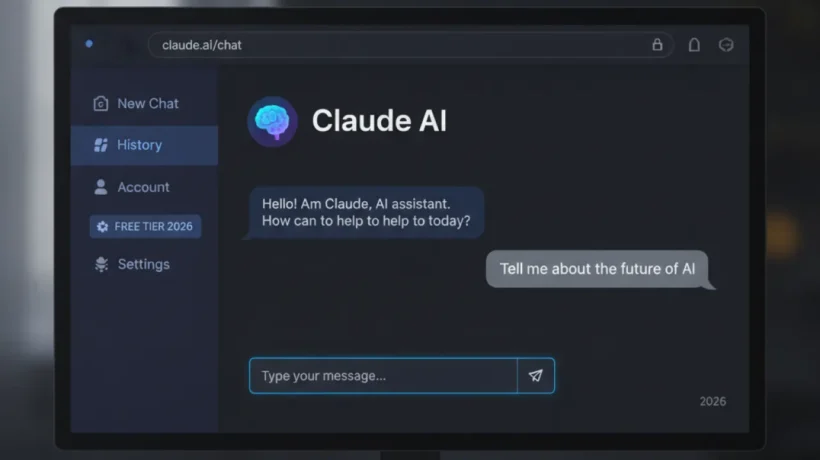

Claude AI from Anthropic is free to use at claude.ai. Sign up with an email address, and you get a generous daily limit of messages with Claude. Here’s how to access it, what it does best, and how to get the most out of it.
How to Access Claude for Free
Go to claude.ai. Click Sign Up and create an account with your email address — no credit card required. You get access to Claude with a daily message limit. The limit is generous enough for casual and moderate use. When you hit the limit, you can wait until the next day or upgrade to Claude Pro ($20/month) for more messages and priority access.
Claude is also accessible through the API (with a free tier for developers) and through various apps and services that have integrated it. But claude.ai is the simplest starting point.
What Claude Does Better Than Most AI Models
Claude handles very long texts better than most alternatives. If you paste a 50-page document and ask questions about it, Claude retains the full context and answers accurately. This makes it particularly good for: analyzing legal contracts, reviewing long research papers, understanding complex technical documentation, and having extended conversations that reference earlier parts of the discussion.

For structured analysis and writing, Claude tends to produce more organized output than ChatGPT on comparative tasks. Asking Claude to “compare these three options on five criteria” typically produces a clean, usable table or structured breakdown without having to specify the format in detail.
The Artifacts Feature
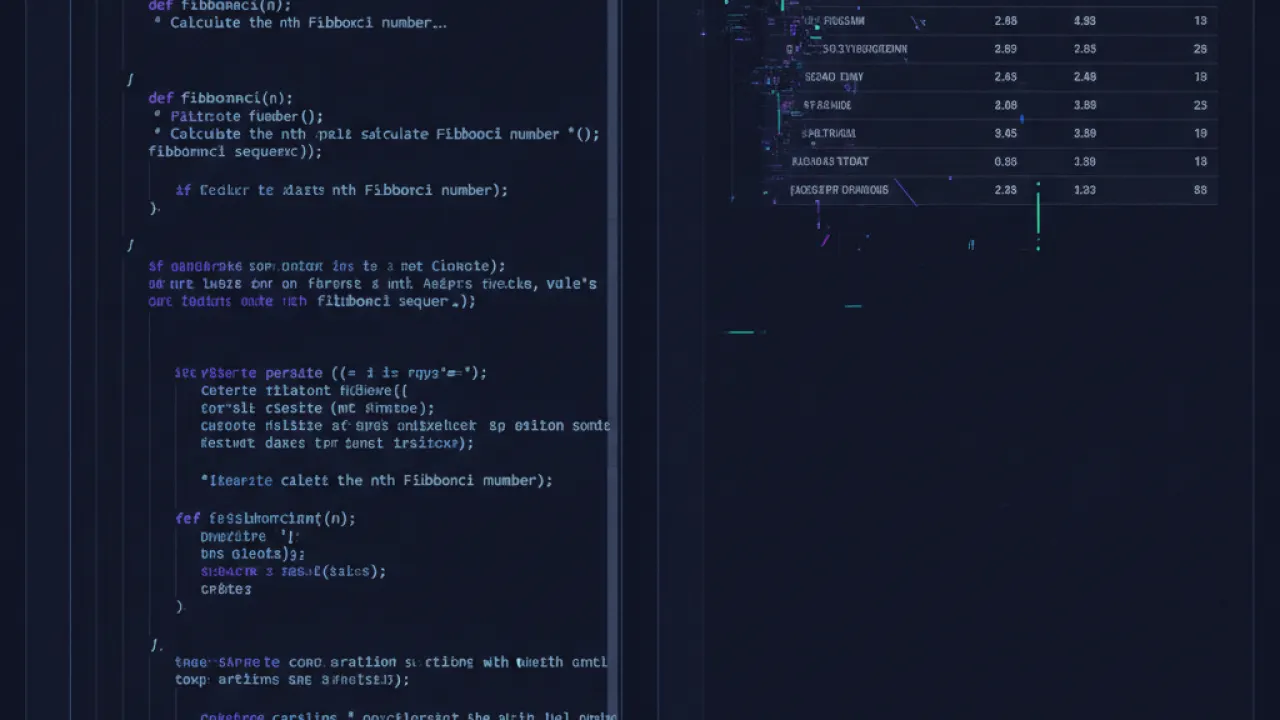
Claude has a feature called Artifacts that creates a preview panel alongside the chat. When you ask Claude to write code, create a document, design a presentation outline, or build an interactive element, Artifacts shows a rendered preview rather than just the raw code or text. This makes it much easier to evaluate what Claude produced and iterate on it.
For web development specifically, you can ask Claude to build a simple HTML page, see it rendered immediately in the Artifacts panel, ask for changes, and see them instantly. For code generation, see the output side-by-side with the code. This interactive preview is one of Claude’s more distinctive features.
Free vs Pro Tier

Claude Free gives you: a daily message limit that resets each day, access to Claude’s latest models during normal demand periods, and full feature access including Artifacts. Claude Pro ($20/month) gives you: significantly more messages per day (approximately 5x more), priority access when demand is high (you don’t get throttled during peak hours), and the ability to use Projects (saved contexts for ongoing work).
For casual use, the free tier is sufficient. For daily professional use — research, writing, coding assistance — Pro is worth the cost if you’re hitting the daily limit regularly.
How Claude Compares to ChatGPT
Both run on comparable frontier models, so raw capability is similar. The differences: Claude handles longer contexts more reliably and produces more structured output on analytical tasks. ChatGPT has a broader ecosystem of custom GPTs and more extensive plugin support. Claude is generally more conservative about producing potentially harmful content, which means it occasionally refuses things that ChatGPT would complete — whether that’s a feature or a bug depends on your use case.
Anthropic’s safety-first approach means Claude is more explicit about uncertainty and more willing to say “I don’t know” than to generate plausible-sounding incorrect information. For research and factual work, this is a genuine advantage.
For the complete picture of AI tools beyond Claude, our guide to the best AI tools covers ChatGPT, Gemini, Perplexity, and specialized tools for different use cases. And for coding specifically, Claude Code is a distinct product covered in our best AI coding agent comparison.
What’s the most useful thing you’ve used Claude for? Leave a comment with your use case and how well it performed — specific applications are more useful than general impressions for readers choosing between AI tools.

