

Knowing how to use ChatGPT in 2027 the right way makes a real difference in what you get out of it. Most people use it like a search engine and wonder why the results are mediocre. This guide covers how to use ChatGPT in 2027 properly: from writing prompts that actually work, to using the tools built into the paid version, to knowing when ChatGPT is the right tool and when something else is better.
ChatGPT is genuinely useful. But it rewards people who understand how it thinks. This guide gives you that understanding.
How to Use ChatGPT in 2027: Start With the Right Model

The first thing to understand when learning how to use ChatGPT in 2027 is that not all ChatGPT versions are the same. OpenAI has several models active at once, and picking the right one for your task changes your results significantly.
GPT-4o (Free and Paid)
GPT-4o is the default model on the free tier and the most capable option for most everyday tasks. It handles text, images, and voice. It’s fast, capable, and a strong starting point for anyone who wants to use ChatGPT without paying.
On the free tier, you get access to GPT-4o but with usage limits. If you hit the limit, it drops you to a less capable model. The paid tier (ChatGPT Plus at $20 per month) gives you priority access and significantly higher usage limits.
GPT-4o with Tools
The paid tier unlocks browsing, code execution (Advanced Data Analysis), image generation with DALL-E 3, and custom GPTs. These tools are where ChatGPT pulls well ahead of what you get from a free account. If you’re using ChatGPT for work, the paid tools are often the whole point.
o3 and o4-mini (Reasoning Models)
OpenAI’s reasoning models (o3, o4-mini) are different from GPT-4o. They think through problems step by step before responding, which makes them better at math, coding, logic puzzles, and complex research. They’re slower and available on paid plans. For creative writing or quick answers, GPT-4o is faster. For hard problems, reasoning models are worth the wait.
Writing Prompts That Get Good Results

The quality of what you get from ChatGPT in 2027 is directly tied to the quality of your prompt. Vague questions get vague answers. Specific, well-structured prompts get specific, useful responses.
Tell ChatGPT Who It Is
Start your prompt by giving ChatGPT a role. “You are an experienced copywriter” or “You are a senior software engineer reviewing this code” gets you a very different response than asking the same question without context. The role changes the vocabulary it uses, the level of expertise it assumes you have, and how it structures its response.
Give Context, Not Just Questions
Bad prompt: “Write me an email.”
Better prompt: “Write a professional email to a client who asked for a project extension. The original deadline was Friday, we need two extra days, and I want to stay positive while being direct about the reason.”
The more specific context you give, the less ChatGPT has to guess about what you actually want. Guessing is where it makes mistakes.
Ask It to Think Step by Step
For any task that involves reasoning, planning, or math, add “think through this step by step before giving me the final answer” to your prompt. This simple instruction significantly reduces errors. ChatGPT is prone to jumping to conclusions. Forcing it to reason out loud reduces that problem.
Tell It What Format You Want
Do you want bullet points or paragraphs? A short answer or a detailed explanation? A table or a list? Specify it. ChatGPT will default to whatever format it thinks fits the question, which may not be what you need. Asking for “a three-paragraph explanation” or “a numbered list of ten items” gets you exactly that.
Use Follow-Up Prompts
Don’t accept the first response if it’s not quite right. Tell ChatGPT what to change. “Make this shorter,” “add more detail to the third point,” “rewrite this in a more casual tone,” or “that’s not quite what I meant, here’s what I’m actually looking for” all work well. It holds the context of the conversation, so corrections don’t require starting over.
Practical Things You Can Do With ChatGPT in 2027
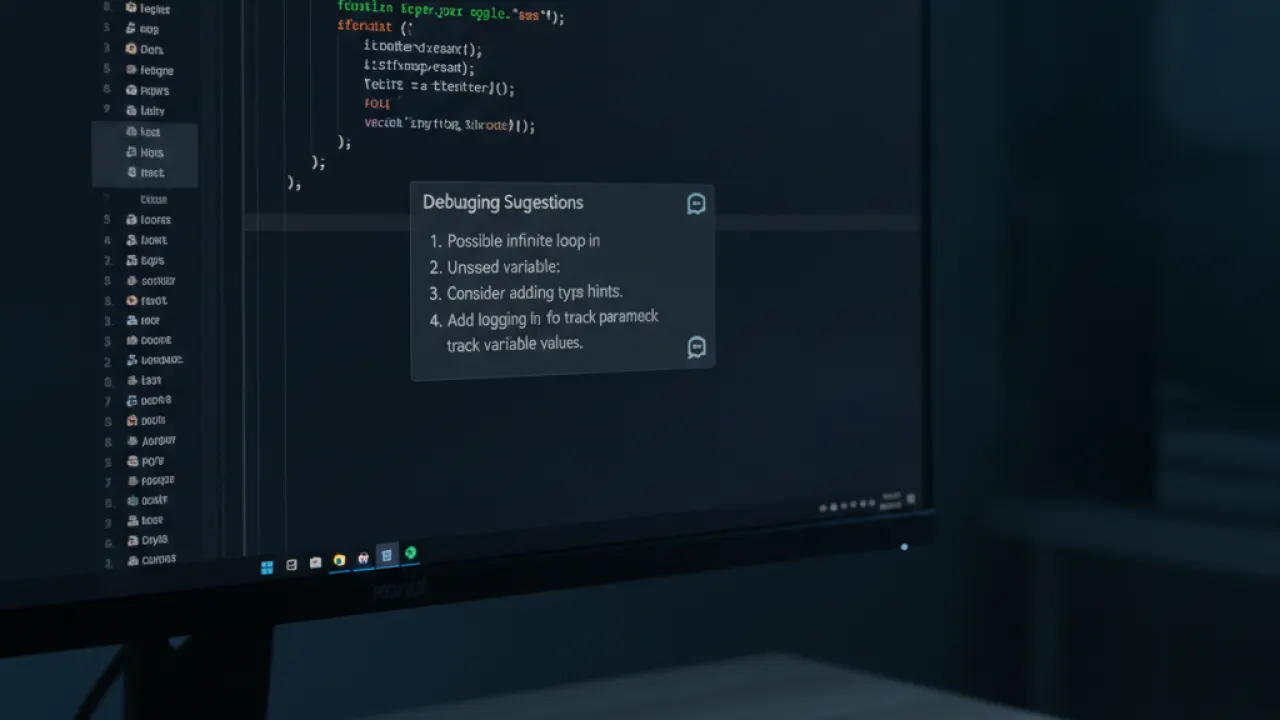
Understanding how to use ChatGPT in 2027 means knowing its best uses, not just its general capabilities. These are the tasks where it genuinely saves time and produces results worth using.
Writing and Editing
ChatGPT drafts, edits, summarizes, and rewrites text well. It’s particularly good at:
- Email drafts — Give it the key points and the tone you want. It writes a draft in seconds that you can edit rather than starting from blank.
- Report summaries — Paste in a long document and ask for a one-page summary. It handles this accurately for most straightforward documents.
- Editing for clarity — Ask it to “make this clearer without changing the meaning” and it tightens wordy sentences effectively.
- Tone adjustments — “Rewrite this to sound less formal” or “make this more confident” works consistently.
- Proofreading — It catches grammar and punctuation errors reliably, though it occasionally misses contextual errors.
- Translating — Solid for common language pairs. Check important translations, but it’s accurate enough for most purposes.
Coding Help
ChatGPT is a strong coding assistant in 2027. It writes code in most languages, explains what code does, finds bugs, and suggests improvements. Useful for:
- Writing boilerplate code you don’t want to type from scratch
- Explaining what someone else’s code does
- Debugging — paste the error message and the relevant code, ask what’s wrong
- Translating code between languages (Python to JavaScript, for example)
- Writing regex patterns, SQL queries, or scripts for specific tasks
- Generating test cases for existing functions
- Writing documentation for functions and modules
For complex projects, use it as a pair programmer rather than expecting it to write complete applications. Smaller, well-defined tasks where you can verify the output are where it shines.
Research and Learning
ChatGPT explains concepts clearly and can go as deep or shallow as you need. Ask it to explain something like you’re a beginner, then ask follow-up questions to go deeper. This works better than reading a Wikipedia article for most people because you can ask questions and get direct answers.
One important caveat: ChatGPT can be confidently wrong on specific facts, dates, statistics, and recent events. Always verify factual claims from ChatGPT against a reliable source before using them in anything important.
Features Most People Don’t Use in ChatGPT 2027

Knowing how to use ChatGPT in 2027 fully means going beyond the chat box. The paid version has several tools that most users either don’t know about or don’t use effectively.
Advanced Data Analysis
Also called the Code Interpreter, this tool lets you upload files (spreadsheets, PDFs, images) and run actual Python code on them inside ChatGPT. You can analyze a spreadsheet without writing any formulas, create charts from your data, or process a CSV file. It’s one of the most underused features in ChatGPT Plus.
To use it: click the paperclip icon to upload a file, then ask your question about the data. “Show me a bar chart of sales by month” or “find any rows where the value is above $1,000” work as-is.
Custom GPTs
OpenAI lets users build Custom GPTs configured for specific purposes. There’s a GPT store with thousands of pre-built options. You can find GPTs configured for resume writing, legal document review, coding in specific frameworks, customer service scripts, and much more. Browse the GPT store from the left sidebar in the chat interface.
Memory
ChatGPT can remember information across conversations when memory is enabled. Tell it your job, your preferences, your recurring projects, or any context you’d otherwise repeat each session. It uses that information automatically in future conversations.
You manage what it remembers in Settings OpenAI’s help center at help.openai.com has up-to-date documentation on memory management and privacy controls across all ChatGPT plans., then Personalization, then Memory. You can view, edit, and delete any stored memory there.
When to Use ChatGPT and When to Use Something Else

ChatGPT is not always the right tool. Knowing how to use ChatGPT in 2027 also means knowing when to reach for something else.
Use ChatGPT When
- You need to generate, edit, or rewrite text
- You want to explain or understand a concept
- You’re coding and need help with specific functions or debugging
- You want to brainstorm or explore options before deciding
- You’re doing analysis on data you can upload
- You need to translate or adapt content for a different audience
Use Something Else When
- You need current, accurate facts — Use Perplexity AI or Google. ChatGPT’s knowledge has a cutoff date and it can hallucinate facts.
- You need images — DALL-E 3 inside ChatGPT works for basic image generation, but Midjourney produces better artistic results.
- You need long-document analysis — Claude handles very large context windows better than ChatGPT’s default configuration.
- You need precise math calculations — Use a calculator or Wolfram Alpha. ChatGPT makes arithmetic errors on complex calculations.
- You’re working with real-time data — ChatGPT with browsing enabled helps, but purpose-built tools for live data are more reliable.
The more you use ChatGPT in 2027, the better you get at understanding what it can handle well and where it falls short. Most of the frustration people have with it comes from using it for the wrong task or writing prompts that don’t give it enough to work with.
Start with the basics: give clear context, specify the format you want, and use follow-up prompts to refine the output. From there, explore the paid tools if you find yourself hitting limits on the free tier. The step-by-step approach works in almost every situation.
More guides on AI tools, productivity apps, and getting the most from technology are at TechDeft, updated as tools change through 2027.
What do you find most useful when you use ChatGPT in 2027, and what’s one thing you’ve tried that didn’t work the way you expected? Share it in the comments so others can learn from your experience.