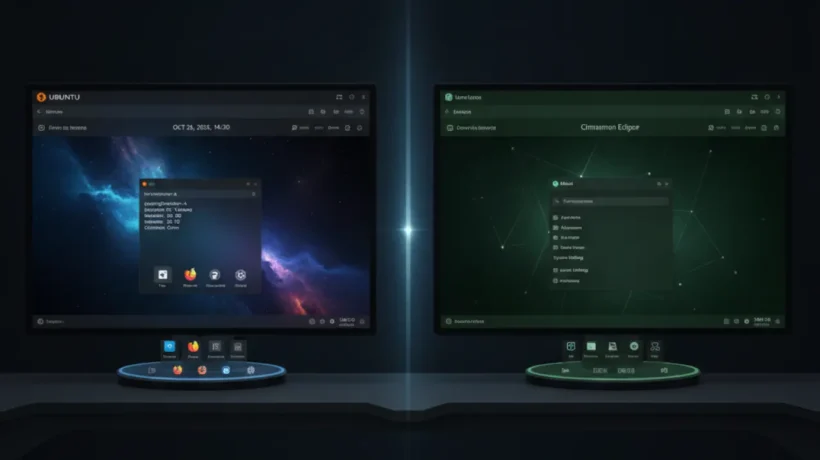

Ubuntu 24.04 and Linux Mint 22 are the two most recommended Linux distributions for users moving from Windows. Both are free, well-supported, and run most software without problems. The difference is in how they look, how they work day to day, and which types of users each one suits. This comparison gives you the honest answer on which one to install in 2026.
The Core Difference: Desktop Environment
Ubuntu uses GNOME as its default desktop. GNOME is a modern, touch-friendly interface built around a central overview screen. There’s no traditional taskbar by default. You press the Super key to see all your open windows and apps. It’s designed to feel modern and clean.
Linux Mint uses Cinnamon by default. Cinnamon looks and works like Windows. There’s a taskbar at the bottom, a start-menu-style application launcher, system tray icons in the bottom right, and a traditional desktop where you can put files and shortcuts. If you’ve used Windows for years, Cinnamon is immediately familiar.
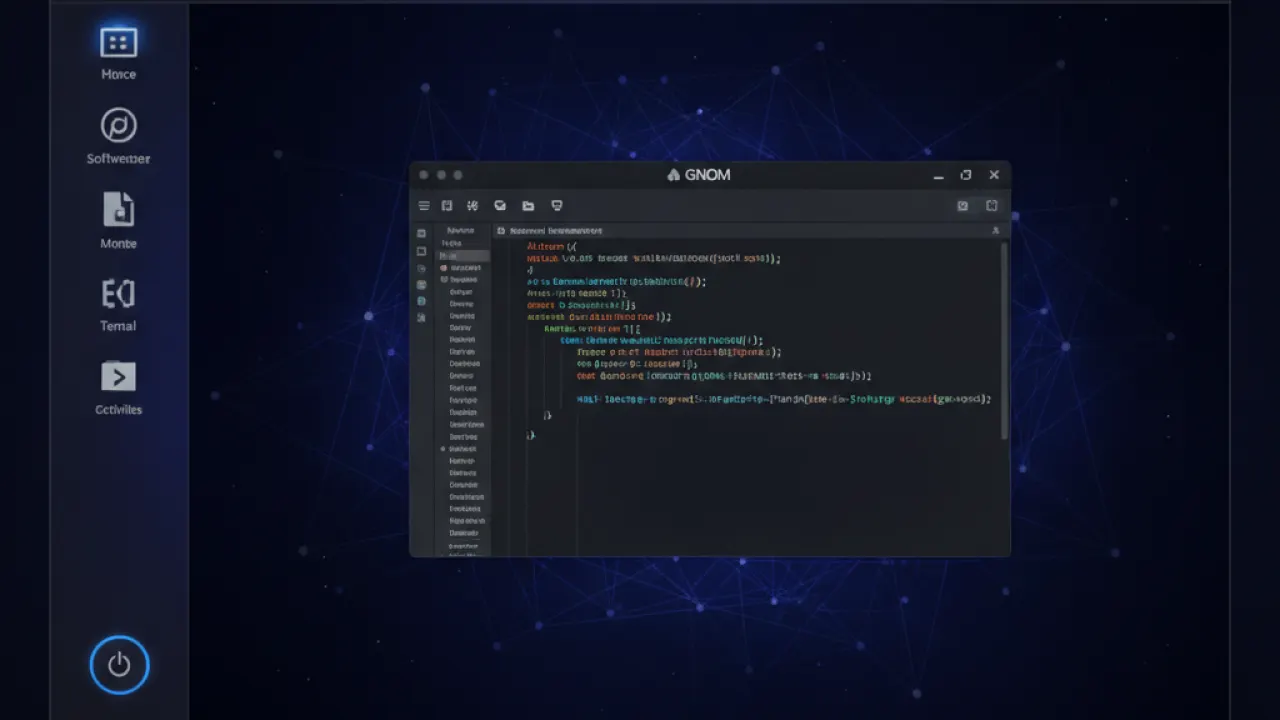
This one difference drives most of the recommendation. If you want something that works like Windows from day one, Mint. If you’re willing to learn a different workflow and want a more modern interface, Ubuntu.
Ubuntu 24.04 LTS: What You Need to Know
Ubuntu 24.04 LTS (Long-Term Support) was released in April 2024. LTS means Canonical supports it with security patches for 5 years, through April 2029. This is the version to install if you want stability over novelty.
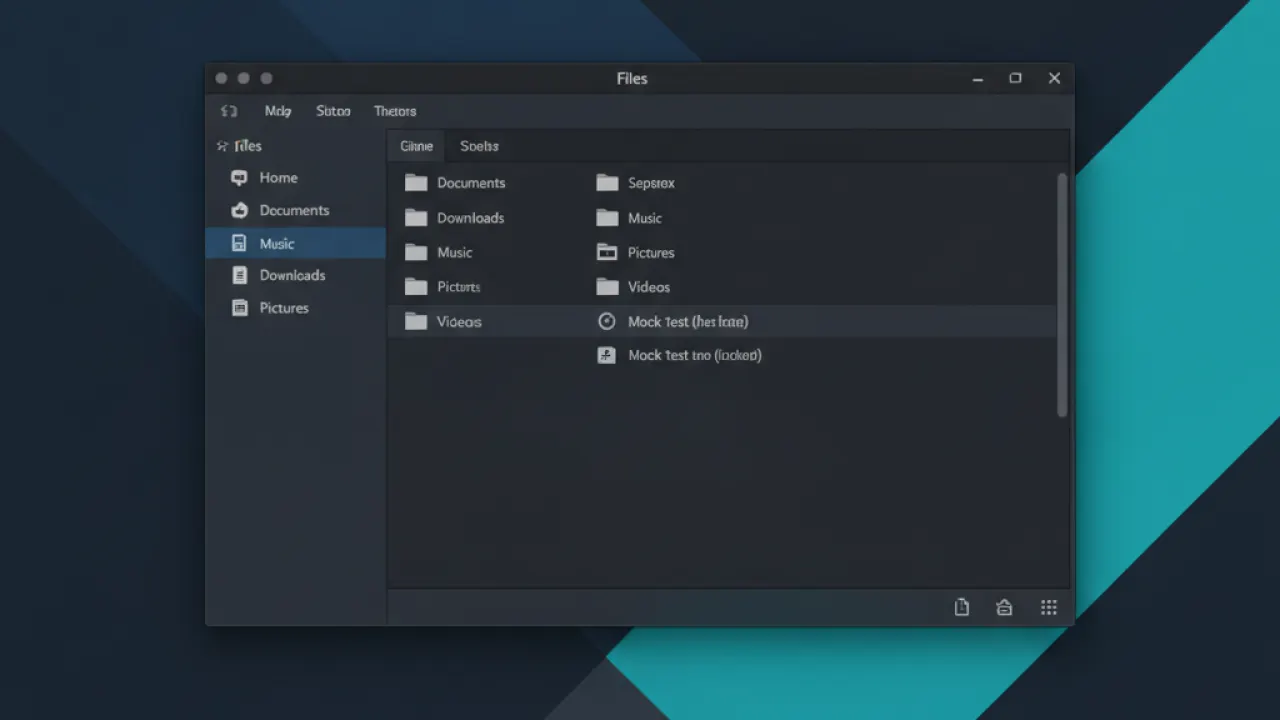
Ubuntu’s software centre has over 50,000 packages. Snap packages (Ubuntu’s universal package format) install many popular apps like Spotify, VS Code, and Firefox out of the box. Some users find Snap packages slower to start and prefer traditional .deb packages, but this matters less in 2026 than it did a few years ago when Snap startup times were noticeably sluggish.
Ubuntu works excellently for developers. The terminal, package management, and toolchain integration are industry-standard. If you’re learning Linux for a career in software development or system administration, Ubuntu is what most tutorials and courses assume you’re using.
Hardware support is excellent. Canonical works closely with laptop and desktop manufacturers. Many modern laptops come with Ubuntu certified drivers pre-tested.
Linux Mint 22: What You Need to Know
Linux Mint 22 (codenamed Wilma) is based on Ubuntu 24.04 LTS, which means it benefits from the same underlying software and long-term security support. It adds the Cinnamon desktop and its own tools on top.
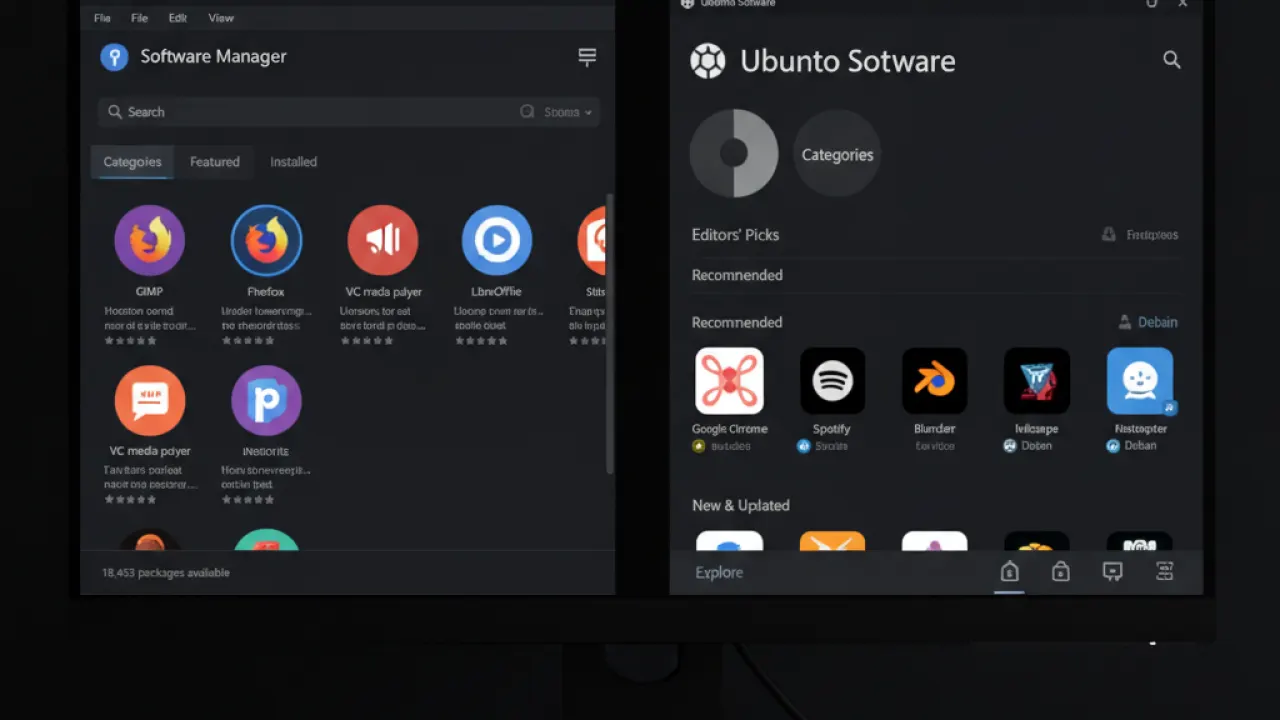
Mint comes with more software pre-installed than Ubuntu. LibreOffice is included for documents, spreadsheets, and presentations. Rhythmbox for music. Celluloid for video. Timeshift for system snapshots. You get a working system without an internet connection to download the basics.
Mint’s software manager is one of the best in the Linux world. It shows star ratings, descriptions, and makes installing and removing software as simple as a mobile app store. For users who are new to Linux and don’t want to use the terminal for anything, Mint’s software manager covers most everyday needs.
Mint avoids Snap packages by default and uses traditional .deb packages and Flatpak instead. Many users prefer this approach for faster app startup and more traditional behavior.
Performance: Which One Is Faster?
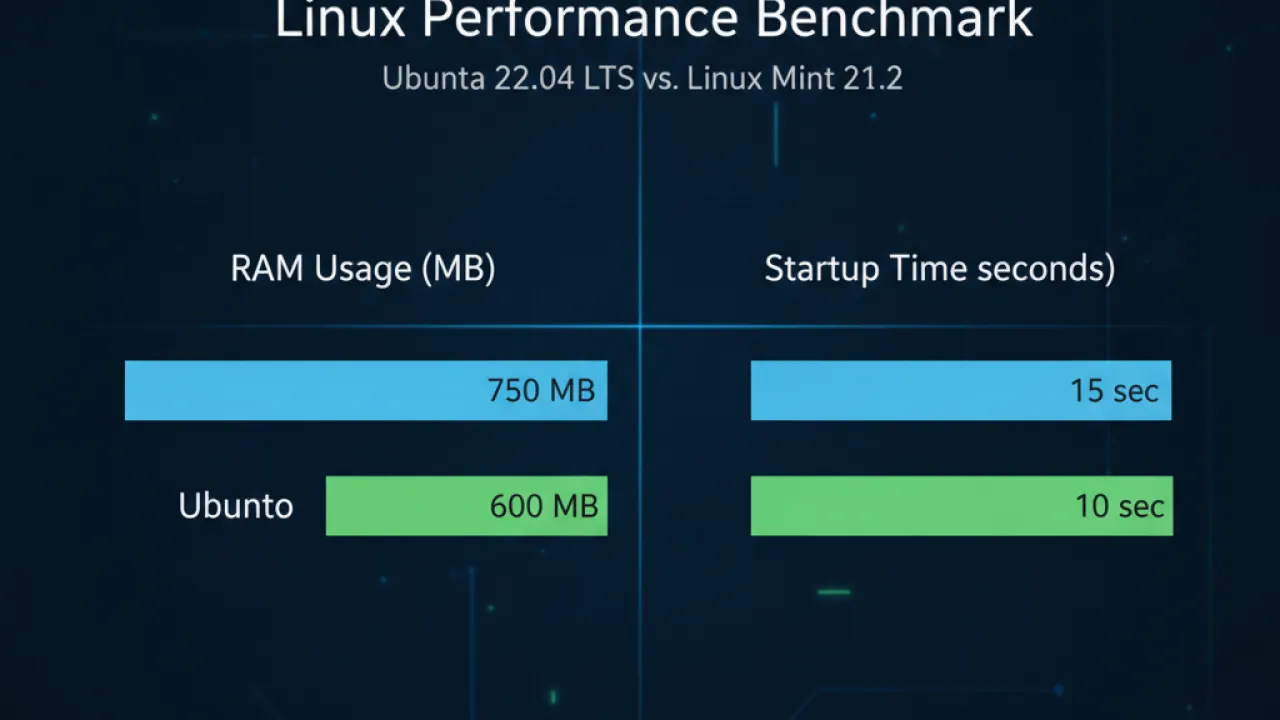
On modern hardware with 8GB or more of RAM, the performance difference between Ubuntu and Mint is small enough not to matter. Both boot quickly, switch apps smoothly, and handle everyday tasks without strain.
On older hardware (4GB RAM or less), Mint has a real advantage. Linux Mint at idle uses around 500-700MB of RAM. Ubuntu GNOME at idle uses around 1-1.2GB. On a machine with 4GB total RAM, that difference matters. Mint also has Xfce and MATE editions for even lighter resource use on very old machines.
If you’re installing Linux on a machine from 2015 or older, Mint is the better choice. On anything from 2018 onwards, both run well.
Software Availability
Since Mint is built on Ubuntu, the available software is nearly identical. Everything that runs on Ubuntu runs on Mint. The differences are in how you install things and which packages come pre-loaded.
- Ubuntu has better Snap support if you want sandboxed, self-updating universal apps.
- Mint has better default Flatpak support through the Flathub repository.
- Both have access to the full .deb package library from Ubuntu’s repositories.
For most common software — Firefox, Chrome, VLC, LibreOffice, VS Code, Spotify, Discord, Steam — installation is equally straightforward on both.
Which One Is Better for Gaming?
Both Ubuntu and Mint support Steam with Proton, which is how most Windows games run on Linux. Performance differences between the two for gaming are negligible. The GPU driver installation process is similar on both.
Ubuntu has slightly better hardware documentation for gaming-specific setups because the community is larger and more likely to have tested your specific combination of GPU, kernel version, and game.
For a dedicated gaming Linux install, both work. For a dual-purpose work and gaming machine, both work. The desktop environment doesn’t affect gaming performance.
Ubuntu 24 vs Linux Mint 22: Which Should You Install?
Install Linux Mint 22 if:
- You’re coming from Windows and want a familiar desktop layout immediately.
- You have older hardware with 4GB of RAM or less.
- You want more pre-installed software out of the box.
- You prefer .deb and Flatpak packages over Snap.
- You want the simplest possible software installation experience.
Install Ubuntu 24.04 if:
- You’re learning Linux for a career in software development or DevOps.
- You want the largest community and the most tutorials written for your exact distribution.
- You have hardware that Ubuntu certifies specifically, such as some Dell, Lenovo, or HP laptops.
- You want the default GNOME desktop experience without modifications.
- You’re setting up servers or cloud instances where Ubuntu is the default for most providers.
For first-time Linux users on a typical home PC or laptop, Linux Mint 22 is the more comfortable landing point. The Cinnamon desktop removes the learning curve that GNOME adds for Windows users.
For developers or users who specifically want to learn Linux properly, Ubuntu’s larger community and industry-standard positioning make it the better long-term investment.
Either way, you’re getting a free, open source operating system that’s more stable, less likely to have malware problems, and more privacy-respecting than Windows by default. Both Ubuntu and Mint put you in significantly better shape for basic cybersecurity tips than a default Windows installation.
How to Try Either Distro Before Installing
Both Ubuntu and Mint can run from a USB drive without touching your existing operating system. Download the ISO, flash it to a USB drive using Rufus or Balena Etcher, boot from the USB, and choose “Try without installing.” You can test the full desktop experience, connect to Wi-Fi, and open applications before committing to installation.
This is the right way to evaluate a Linux distribution. Seeing it in a video or reading about it doesn’t tell you whether it feels right on your specific hardware. Ten minutes of live use tells you more than any review.
What Linux distribution are you currently using, or which one are you trying? Share your experience in the comments and tell us whether you switched from Windows or came from another Linux distro.

