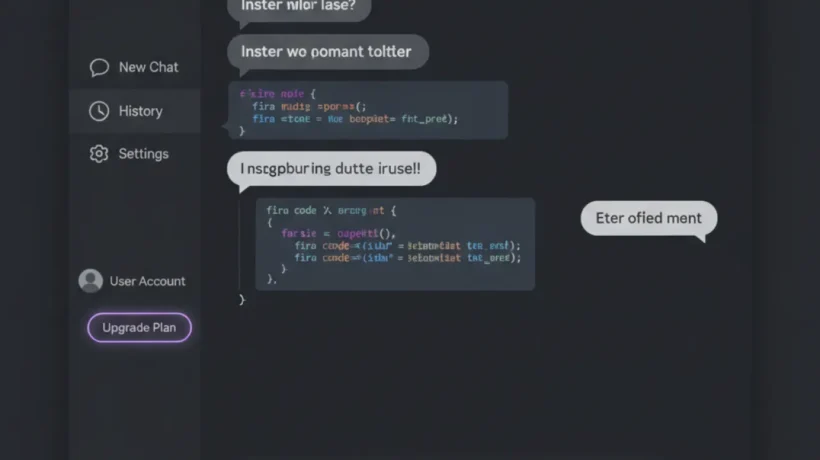

ChatGPT uses a font stack based on system UI fonts rather than a custom typeface downloaded from Google Fonts or a similar service. This means the exact font you see depends on your operating system and browser, but the visual result is consistent and clean across platforms.
The Exact ChatGPT Font Stack
ChatGPT’s CSS uses the following font-family declaration for most interface text:
font-family: ui-sans-serif, -apple-system, system-ui, 'Segoe UI', Helvetica, Arial, sans-serif;What this means in practice:
- On macOS: You see San Francisco (SF Pro), Apple’s system font used across macOS and iOS.
- On Windows: You see Segoe UI, Microsoft’s interface font used in Windows 10 and 11.
- On Android: You see Roboto, Google’s Material Design font used across Android.
- On Linux: You typically see the default GTK font, which is often Ubuntu, Cantarell, or Noto Sans depending on your distribution.
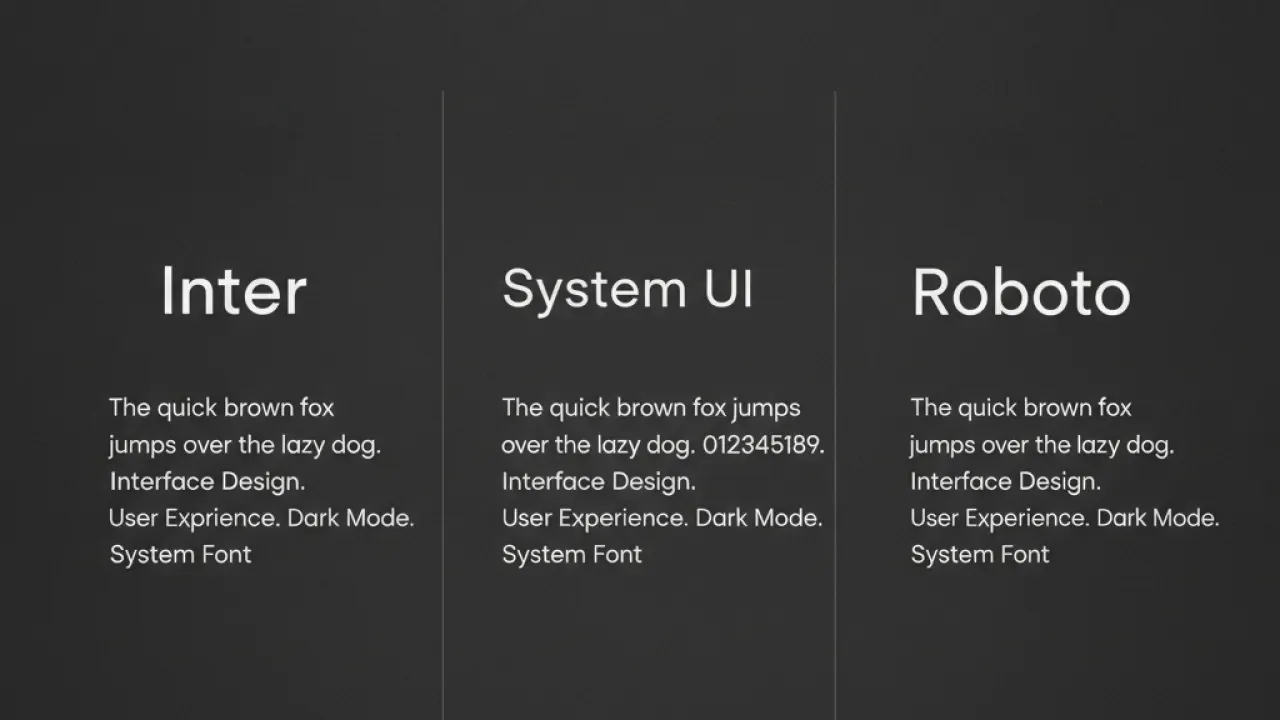
Why ChatGPT Uses System Fonts
Choosing system fonts isn’t laziness. It’s a deliberate technical decision with several advantages.
Speed: System fonts are already on your device. Loading a custom font requires an additional network request, which adds latency. For an interface where every keystroke and response should feel instant, eliminating that request matters.
Rendering quality: System fonts are optimized by the OS manufacturer for the specific rendering engine on that platform. San Francisco renders perfectly on macOS because Apple designed both the font and the rendering engine together. The same logic applies to Segoe UI on Windows.
Familiarity: Users are already comfortable reading their system font for hours every day in emails, documents, and other apps. Using the same font removes a small visual friction that custom fonts can introduce when they’re slightly different from what you’re used to.
Font Sizes and Weights in ChatGPT
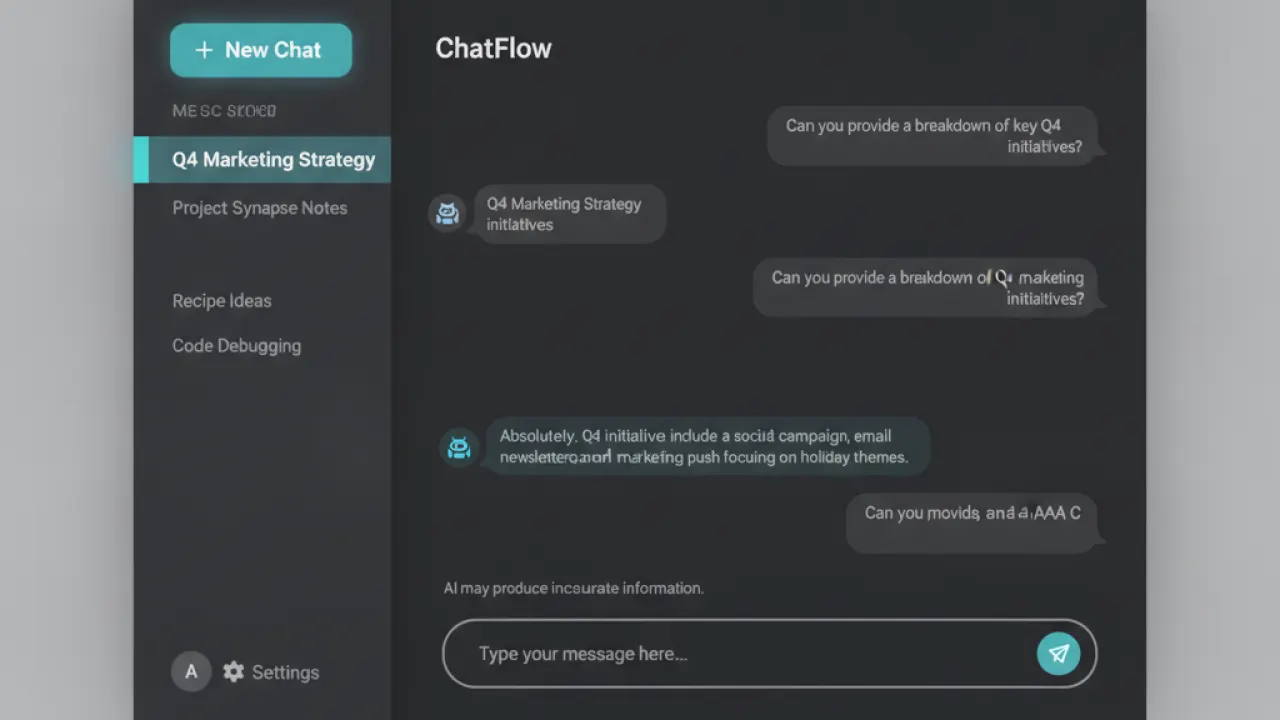
ChatGPT uses different font sizes for different interface elements. The conversation text (both your prompts and ChatGPT’s responses) is set at approximately 16px, which is the recommended minimum for comfortable body text reading on screens.
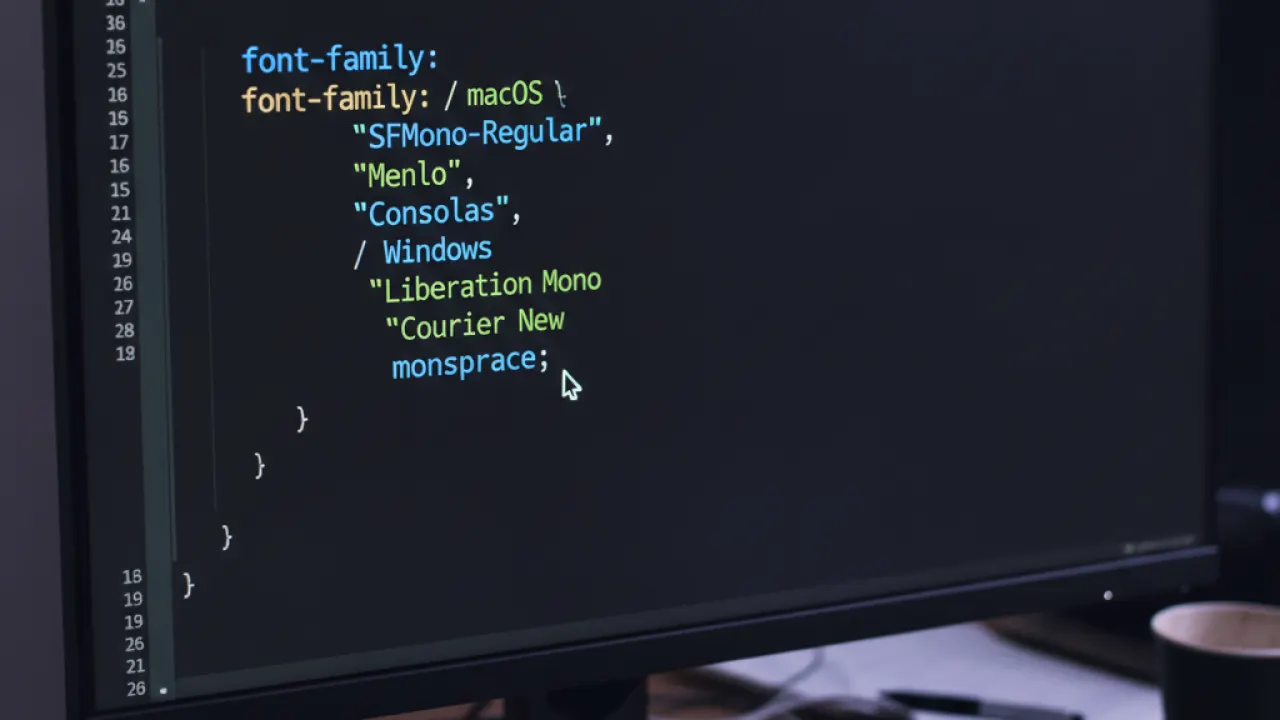
Code blocks in ChatGPT use a monospace font stack: font-family: 'SFMono-Regular', Consolas, 'Liberation Mono', Menlo, monospace. This gives you the system monospace font appropriate for your platform, with fallbacks for Linux and older Windows systems.
Font weight varies by element. The interface chrome (navigation, labels) uses medium weights (500). Response text uses regular weight (400). Model names and timestamps use lighter weights for visual hierarchy.
How ChatGPT’s Typography Compares to Other AI Interfaces
Anthropic’s Claude uses a very similar approach: system UI fonts with the same fallback chain. Google’s Gemini uses Google Sans as its primary font, which is a custom typeface. Microsoft Copilot uses Segoe UI directly, consistent with the broader Microsoft design language.
ChatGPT, Claude, and Gemini all make different choices, but they all prioritize readability over brand distinctiveness in the text rendering. This makes sense when users spend hours reading text generated by these systems.
How to Change the Font You See in ChatGPT
If you want to change the font in ChatGPT for your own viewing experience, you have a few options:
Browser extension: Extensions like Stylus (available for Chrome, Firefox, and Edge) let you inject custom CSS into any website. You can write a rule that overrides ChatGPT’s font with any font you prefer.
System font change: On Windows, you can change the default system font. On macOS, the system font is fixed at San Francisco and can’t be changed without third-party tools.
Browser developer tools: For a temporary test, press F12 to open DevTools, go to the Elements panel, find a text element, and override the font-family in the Styles pane. This resets on page reload.
Why This Question Gets So Many Searches
Designers and developers frequently search for the fonts used in popular apps when they want to match a style in their own work. ChatGPT’s clean, readable interface has become a reference point for AI product design. The question “what font does ChatGPT use” is essentially “how do I get my interface to feel as clean as ChatGPT?”
The answer, as you now know, is that it’s not a specific font. It’s the principle of using system fonts with appropriate size, weight, line height, and spacing. A 16px body text with 1.6 line height in your system’s default sans-serif will produce results very close to what ChatGPT delivers.
Applying These Typography Principles to Your Own Projects
If you’re building a web app or blog and want the same clean feel as ChatGPT, use this CSS as a starting point:
body {
  font-family: ui-sans-serif, -apple-system, system-ui, 'Segoe UI', sans-serif;
  font-size: 16px;
  line-height: 1.6;
  color: #1a1a1a;
  -webkit-font-smoothing: antialiased;
}

code, pre {
  font-family: 'SFMono-Regular', Consolas, 'Liberation Mono', Menlo, monospace;
  font-size: 14px;
}
This stack gives you platform-optimized fonts, readable body text, and appropriate code formatting. It’s what most well-designed web apps use in 2026, and it’s why they all look clear without loading any external fonts.
For more on AI tools and how to use them effectively, our guide to the best AI tools covers the practical side. And if you’re a developer interested in best AI coding agent, that comparison will help you pick the right tool for your workflow.
Did you find this answer surprising? Most people expect a fancy named typeface when the reality is a practical system font stack. Leave a comment if you have questions about web typography or how to apply these principles to a project you’re working on.

