
Pi-hole does not reliably block YouTube ads in 2026. This is one of the most common misconceptions about DNS-level ad blocking. Here’s the exact reason why, and what actually works for blocking YouTube ads.
Why Pi-hole Can’t Block YouTube Ads
Pi-hole works by blocking DNS requests to known ad-serving domains. When your device asks for the IP address of an ad server, Pi-hole returns nothing, so the ad never loads.
YouTube ads don’t work this way. Google serves YouTube ads from the same domains as the video content itself: googlevideo.com, youtube.com, and yt.be. If Pi-hole blocked those domains, it wouldn’t just block the ads. It would break YouTube entirely, because the same domain delivers both the video and the ad.
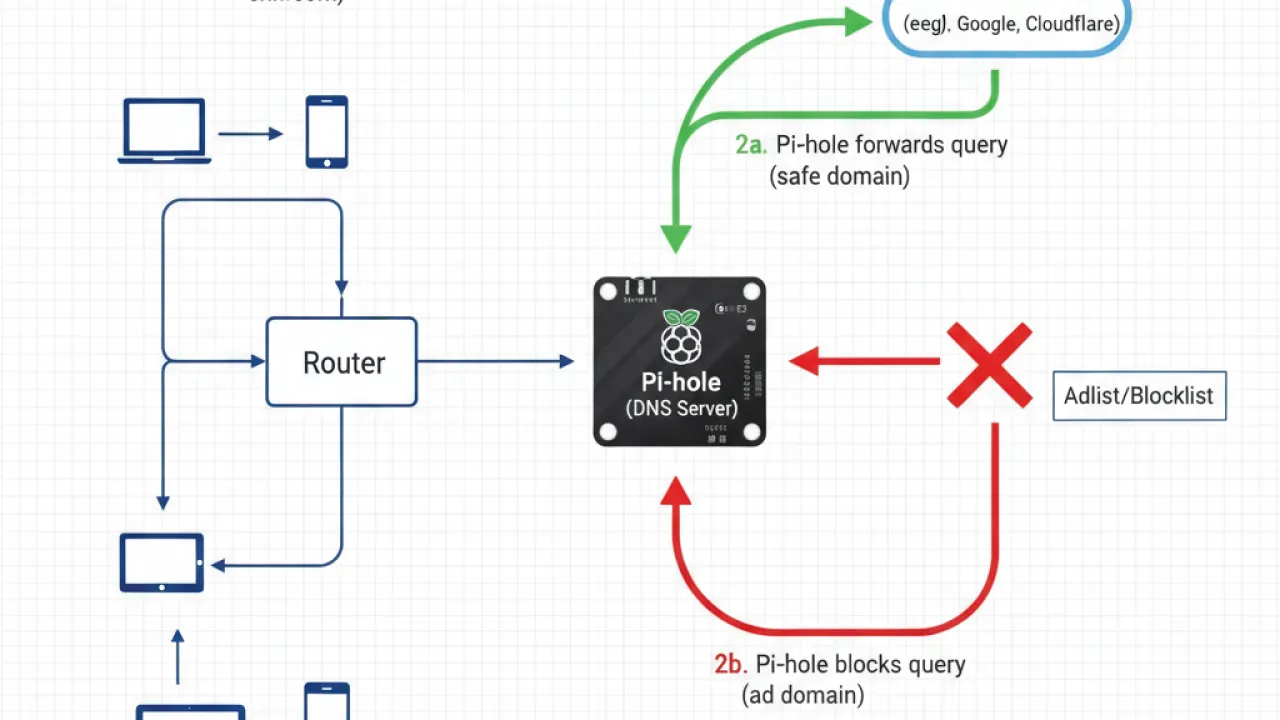
Google has deliberately designed this to be difficult to block. The ad and video streams are mixed in a way that makes DNS-level filtering ineffective. This is not a gap in Pi-hole’s design. It’s a deliberate technical architecture by YouTube.
Some Pi-hole blocklists claim to block YouTube ads. They might reduce some tracking or analytics requests, but they don’t reliably stop the video ads themselves. Don’t expect Pi-hole to solve the YouTube ad problem, regardless of which blocklists you add.
What Actually Blocks YouTube Ads in 2026
These methods genuinely work:

1. uBlock Origin (Free)
uBlock Origin is a browser extension available for Chrome, Firefox, Edge, and Opera. It blocks YouTube ads at the browser level, which means it can intercept ad requests that DNS blocking can’t touch. It works by analyzing the actual page code rather than just the domain being requested.
In 2024 and 2025, YouTube actively tried to block ad blockers, detecting them and preventing video playback for users with ad blockers installed. uBlock Origin responded with filter list updates that bypassed YouTube’s detection. As of 2026, uBlock Origin works on most browsers. Google has added YouTube ad blocker detection to Chrome specifically, which has made uBlock Origin less effective on Chrome than on Firefox.
For the most reliable YouTube ad blocking in 2026: use Firefox with uBlock Origin.
2. Brave Browser (Free)
Brave Browser blocks YouTube ads natively using its built-in Shields system. You don’t need to install any extension. Brave handles the blocking at the browser engine level.
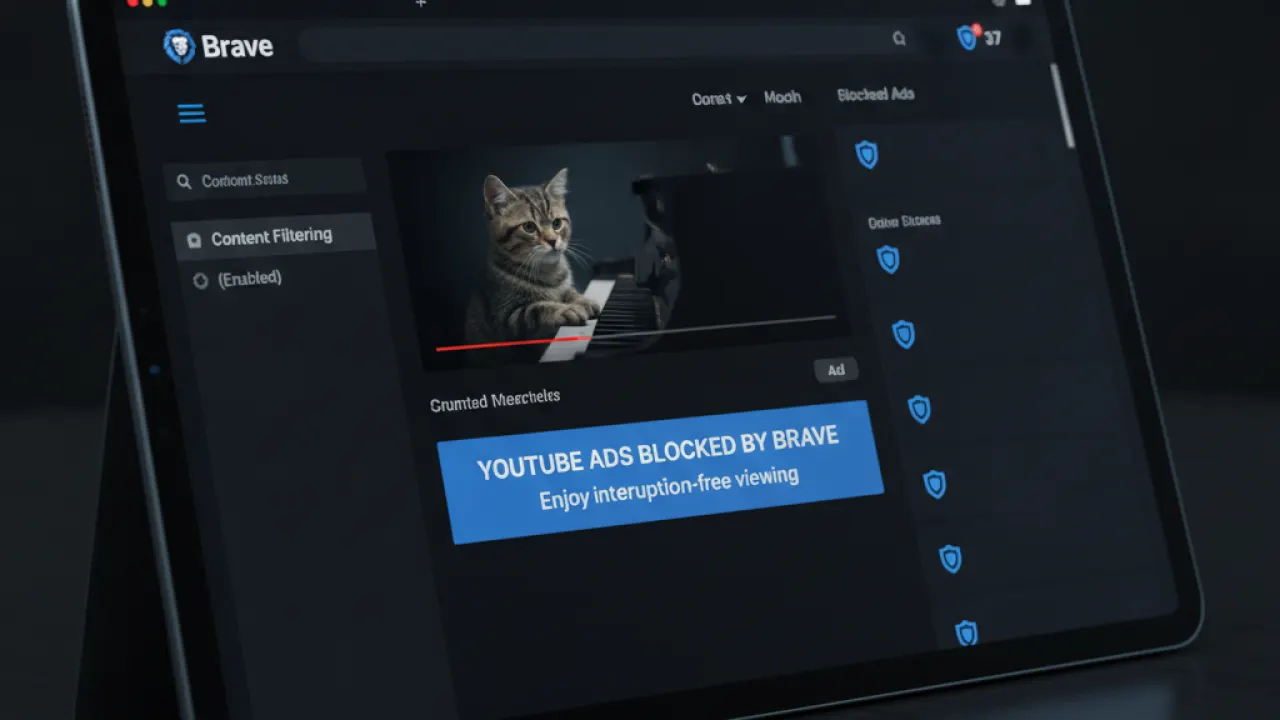
Brave is based on Chromium (the same engine as Chrome) so all Chrome extensions work in it. It also passes most website compatibility tests. For users who want YouTube ad blocking without any setup, Brave is the easiest option.
3. YouTube Premium
YouTube Premium removes all ads and adds background playback (so videos continue when you close the app) and offline download support. Individual pricing in the USA is around $14 per month. Family plans bring the per-person cost down.

For heavy YouTube users who watch several hours per day, Premium may be worth it for the ad-free experience alone, without factoring in the other features. For occasional viewers, an ad blocker is a better value.
4. Alternate YouTube Clients
Several alternate YouTube clients bypass ads by accessing video content through different APIs. ReVanced for Android, Invidious (a web-based frontend), and NewPipe for Android all play YouTube videos without ads. These work by not using YouTube’s official player, which is where the ads are injected.
The trade-off is that these clients don’t contribute to creator revenue, which is why many YouTube creators vocally oppose ad blockers.
What Pi-hole Is Actually Good For
Pi-hole and AdGuard Home are excellent at blocking ads on websites, in mobile apps, in smart TVs, and in IoT devices where you can’t install a browser extension. They’re particularly useful for:
- Blocking ads in Android apps that use ad networks like AdMob.
- Blocking tracking and analytics on your smart TV.
- Blocking ads on game consoles like Xbox and PlayStation.
- Reducing tracking across your entire household without touching each device.
For this use case, Pi-hole is very effective. Our full Pi-hole vs AdGuard Home comparison covers the differences in detail. YouTube is just the one major exception where DNS blocking doesn’t help.
Summary: Pi-hole and YouTube Ads
- Pi-hole cannot reliably block YouTube ads because ads and video content share the same domains.
- uBlock Origin on Firefox is the most effective free option for YouTube ad blocking in 2026.
- Brave Browser blocks YouTube ads natively without any extension.
- YouTube Premium is the only fully reliable, officially supported ad-free YouTube experience.
- Pi-hole is still excellent for blocking ads everywhere else.
Are you using a YouTube ad blocker, or have you given up and accepted the ads? Share your current setup in the comments. If you’ve found an approach that works consistently in 2026, that’s worth sharing with other readers.

