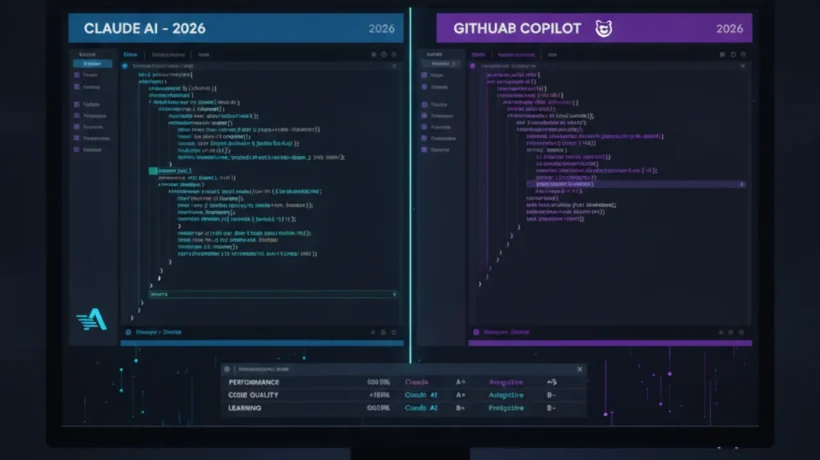

Claude Code and GitHub Copilot both help you write code faster, but they work in fundamentally different ways. Copilot is an extension inside your editor. Claude Code is a terminal-based agent that can take over and work through a task while you watch, or while you do something else. Choosing between them depends on what kind of coding help you actually want.
How GitHub Copilot Works
GitHub Copilot is an editor extension. You install it in VS Code, JetBrains, or another supported IDE, and it adds two things: inline suggestions as you type, and a chat sidebar where you can ask questions and request code changes.
When you’re typing a function, Copilot predicts what comes next and shows it as grey ghost text. Press Tab to accept. It’s fast, it’s smooth, and after a few days it becomes second nature.

The chat sidebar is where you ask Copilot to do more complex tasks. You can highlight a block of code and ask “refactor this to use async/await” or “write tests for this function” and Copilot will generate the result. You review it, accept or edit, and move on.
Copilot’s context window in 2026 covers the current file and some surrounding files. It understands your project through GitHub’s indexing if your repository is on GitHub. For straightforward completion and small-to-medium code changes, it’s excellent.
How Claude Code Works
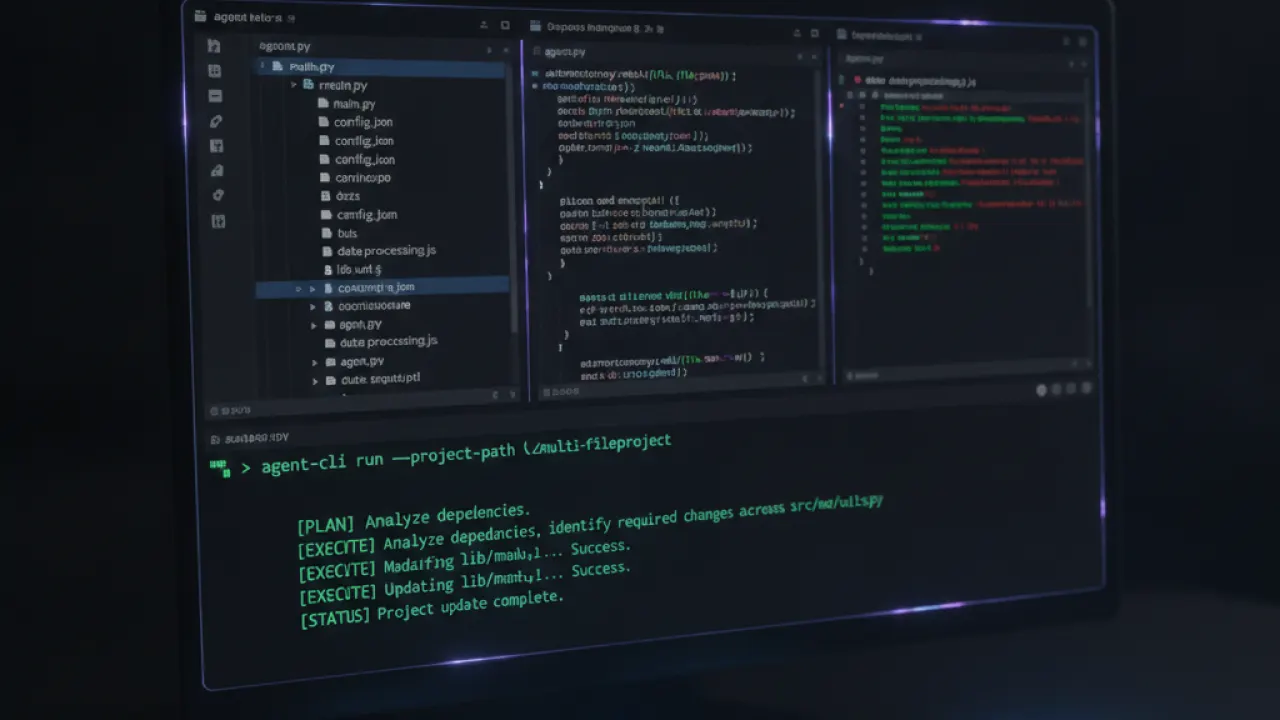
Claude Code is an agentic coding tool that runs in your terminal. You give it a task in plain language, and it takes over: reading files, writing code, running commands, running tests, seeing the results, and continuing until the task is done or until it gets stuck and asks for your input.
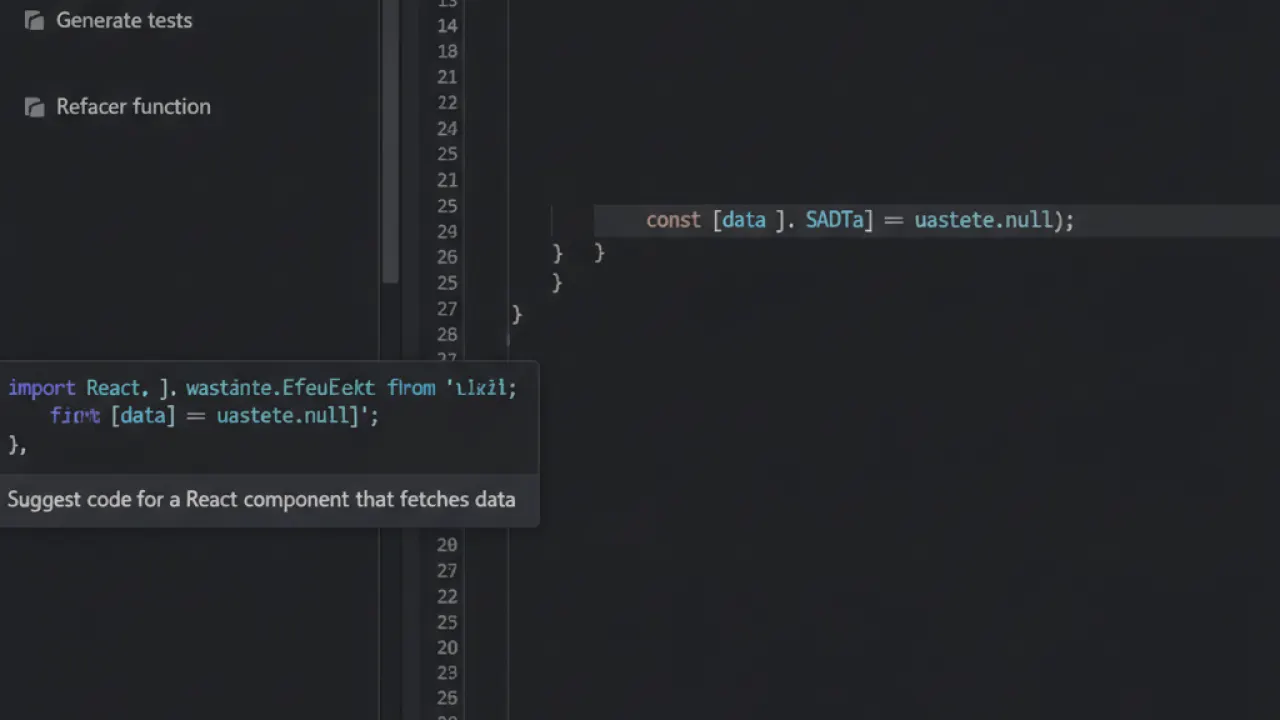
The difference from Copilot is that Claude Code acts, not just suggests. If you say “add user authentication to this Express app,” it might read your existing routes, install the relevant packages, write the middleware, update the route files, add the database schema, and run the tests to check it works. Then it shows you a summary of what it did.
This is what “agentic” means: the AI takes sequential actions over multiple steps to complete a goal, rather than generating one piece of code for you to accept or reject.
Context Window and Understanding Your Codebase
Claude Code uses Claude’s 200K token context window. It can read and understand hundreds of files in a codebase before it starts making changes. This is a genuine advantage for large projects where a bug spans multiple files or where refactoring requires touching many components simultaneously.
Copilot’s workspace context is more limited. It reads the files you have open plus what GitHub’s indexing has processed from your repository. For medium-sized projects this is usually enough. For very large codebases, Claude Code’s approach is more thorough.
Pricing
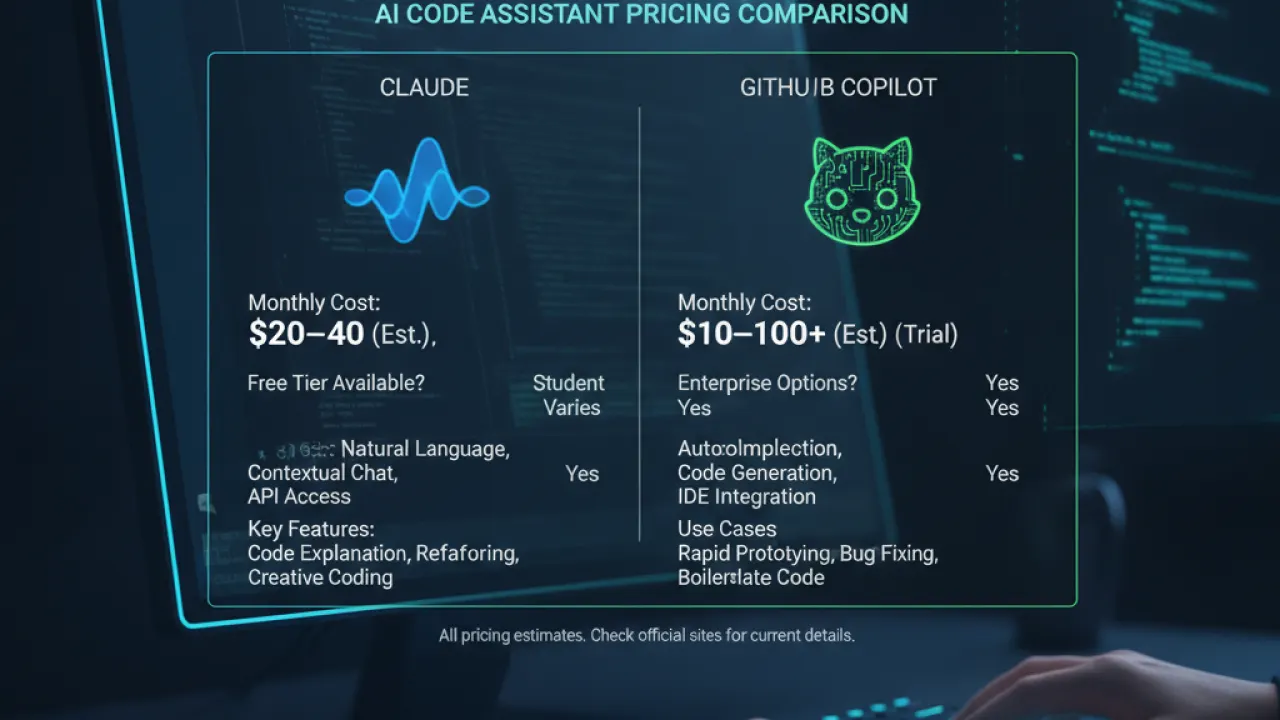
GitHub Copilot: Free tier with 2,000 completions and 50 chat messages per month. Individual Pro at $10/month unlimited. Business at $19/user/month.
Claude Code: Usage-based pricing through the Anthropic API. You pay per token (input and output). For moderate use, costs are typically $5-25 per month. For heavy use across large codebases, costs can be higher. There’s no flat monthly rate, which makes budgeting less predictable.
For a developer doing several hours of coding per day, Copilot Pro at $10/month is likely cheaper than typical Claude Code API usage. For occasional use on specific complex tasks, Claude Code’s per-usage model may come out cheaper.
Which One Is Better for Which Tasks?
Copilot wins for:
- Daily inline suggestions while writing code from scratch.
- Quick explanations of existing code blocks.
- Small refactors and targeted code generation.
- Developers who want AI embedded in their normal editor workflow.
- Teams with a predictable monthly budget per developer.
Claude Code wins for:
- Long, multi-step tasks where you want to describe a goal and step away.
- Large codebases where understanding many files at once is necessary.
- Tasks that require running tests, reading output, and iterating automatically.
- Debugging complex issues that span multiple files and layers.
- Developers comfortable with terminal-based workflows.

Can You Use Both?
Yes, and many professional developers do. Copilot handles the moment-to-moment completion while coding. Claude Code handles the bigger tasks that would take too long to direct line by line.
The workflows don’t conflict. Copilot runs inside the editor. Claude Code runs in a terminal window. Using both adds cost but provides different capabilities that genuinely complement each other.
For a guide to more AI tools beyond coding, our roundup of the best AI tools covers the full picture. And if you’re choosing between Cursor, Copilot, and Codeium as your primary editor-integrated tool, the best AI coding agent comparison has the full breakdown.
Final Verdict: Claude Code vs GitHub Copilot in 2026
If you want one recommendation: GitHub Copilot Pro at $10/month for most developers. The inline suggestions are daily useful, the cost is predictable, and the editor integration is smooth. Add Claude Code for the heavy-lift tasks where you need an agent to take over and work through a problem autonomously.
If budget forces a choice, Copilot’s free tier covers basic needs. Codeium is a fully free Copilot alternative worth trying before committing to a subscription.
What’s your current AI coding setup? Are you using a subscription tool, paying per token, or using free alternatives? Share your workflow and what’s working in the comments.

