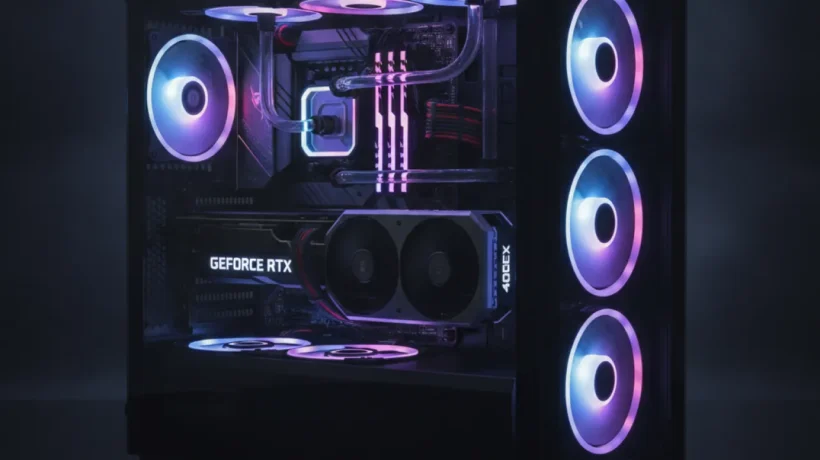

Building your own gaming PC in 2027 is still one of the smartest ways to get the performance you want at the price you want to pay. The best gaming PC build 2027 for each budget gives you more power than a prebuilt at the same price, and you learn exactly what’s inside your machine. This guide covers four complete builds from $500 to $2,000, with real part recommendations and honest trade-offs at each level.
Every build here uses parts available today, with prices accurate for 2027. No filler components, no sponsored picks. Just the parts that make sense for each budget.
What You Need to Know Before Picking a Gaming PC Build in 2027
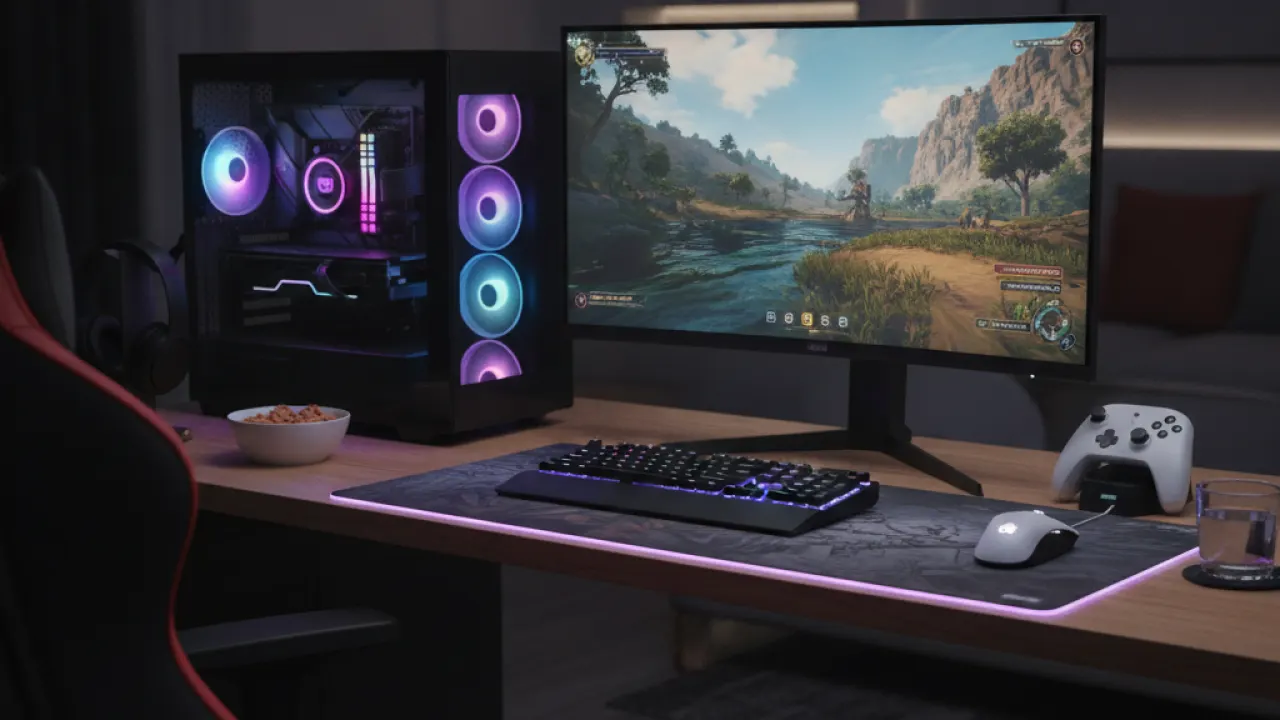
Before picking a best gaming PC build 2027 option, get clear on two things: what games you want to play and what resolution you want to play them at. Those two answers determine everything else.
Resolution Changes Everything
1080p gaming is the least demanding. A mid-range GPU handles it easily and lets you push frame rates high, which matters a lot for competitive games. 1440p is the sweet spot in 2027 for visual quality and performance. 4K gaming requires a high-end GPU and the cost jumps significantly.
CPU and GPU Balance
The GPU does the heavy lifting in gaming. Most of your budget should go there. The CPU matters less than people think for pure gaming, though it becomes more important if you stream, record, or run other apps while gaming. A mid-range CPU paired with a strong GPU beats a top-end CPU with a budget GPU every time.
Parts That Don’t Need a Big Budget
Some components don’t need to be expensive. Cases, power supplies of appropriate wattage, and coolers don’t need to be premium brands to do the job well. Put money into the GPU and CPU first, then fill in the rest at reasonable prices.
Best Gaming PC Build 2027 for $500: 1080p Entry-Level
A $500 gaming PC build in 2027 plays most games at 1080p medium to high settings with solid frame rates. You won’t max out the latest AAA titles, but you’ll have a fully functional gaming machine that can be upgraded later.
Recommended Parts
- CPU: AMD Ryzen 5 7600 — Six cores, fast clock speeds, and an included cooler. The best value gaming CPU at this price point.
- GPU: AMD Radeon RX 7600 XT — Handles 1080p high settings in most games and has 16GB of VRAM, which is generous at this price.
- Motherboard: Gigabyte B650M DS3H — Solid B650 board at a low price. Supports AM5 so you can upgrade to future CPUs.
- RAM: 16GB DDR5 5600MHz — The minimum for gaming in 2027. Go for a reputable kit from Corsair or G.Skill.
- Storage: 1TB NVMe SSD — Any mainstream 1TB NVMe drive. Games load fast and you have room for a good library.
- Power Supply: 650W 80+ Bronze — Enough headroom for this build with room to upgrade. Don’t skimp here.
- Case: Fractal Focus 2 or similar mid-tower — Good airflow, decent build quality, keeps the GPU cool.
This build runs games like Fortnite, Valorant, CS2, and FIFA at 1080p with 100+ fps. More demanding games like Hogwarts Legacy or Cyberpunk run at medium to high with 60+ fps. It’s a legitimate gaming machine, not a compromise.
Best Gaming PC Build 2027 for $900: 1080p High or 1440p Entry
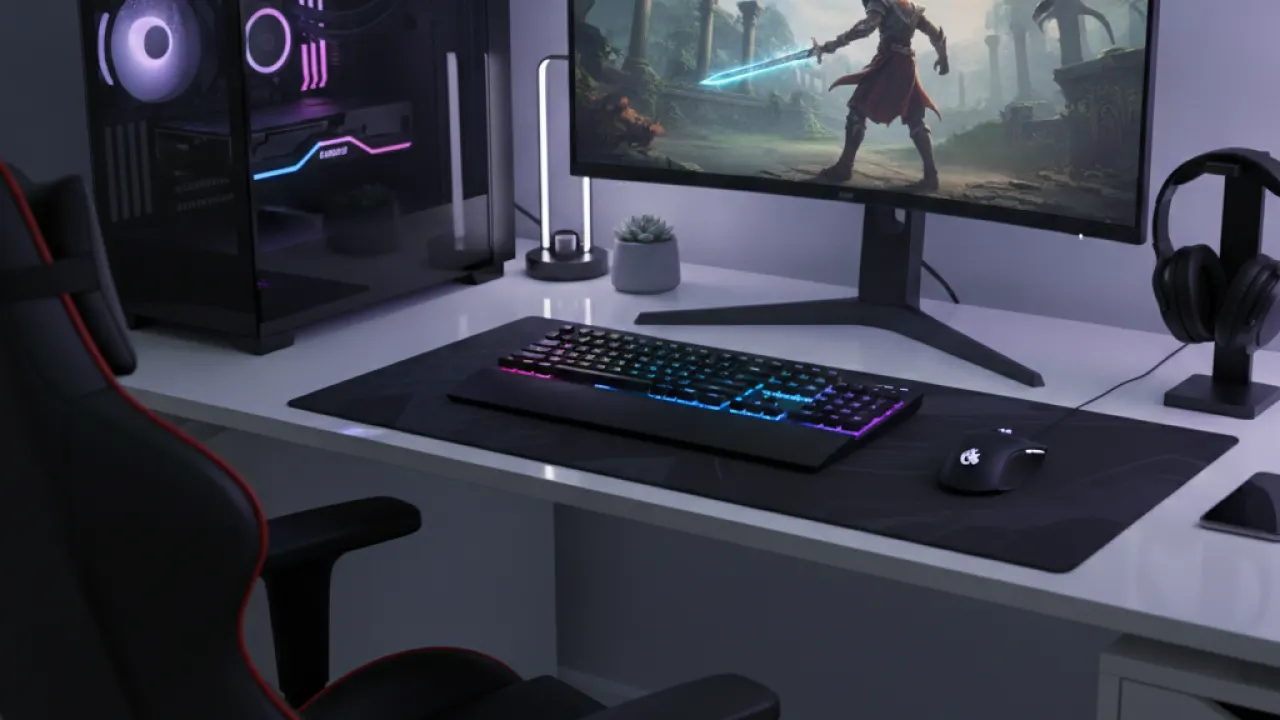
The $900 best gaming PC build 2027 is the best performance-per-dollar option. You get genuine high-refresh 1080p performance in any game and a solid 1440p experience in most titles. This is where the builds start to feel truly capable.
Recommended Parts
- CPU: AMD Ryzen 5 7600X — Faster than the base 7600 with better single-core performance for gaming. Skip the included cooler and add a decent aftermarket one.
- GPU: NVIDIA RTX 5060 Ti — The real star of this build. Strong rasterization performance and DLSS 4 support for boosted frame rates in supported games.
- Motherboard: MSI MAG B650 Tomahawk — More robust VRM, better features, still affordable.
- RAM: 32GB DDR5 6000MHz — 32GB is the new recommended minimum for gaming in 2027 as game memory usage has grown. Get fast RAM; it makes a measurable difference on AMD platforms.
- Storage: 2TB NVMe SSD — Modern game installs are large. 2TB gives you a comfortable library without constantly managing space.
- CPU Cooler: Deepcool AK400 or similar — A good air cooler keeps the CPU running cool and quiet at full load.
- Power Supply: 750W 80+ Gold — Gold efficiency and enough headroom for this GPU at full load.
This build hits 1080p 144fps in most competitive titles and runs demanding AAA games at 1440p high settings. It’s a strong all-rounder that doesn’t need any apologies.
Best Gaming PC Build 2027 for $1,400: 1440p High or 4K Entry
At $1,400, the best gaming PC build 2027 enters genuinely high-end territory. This build handles 1440p at maximum settings in any current game and dips into 4K gaming with help from upscaling technologies.
Recommended Parts
- CPU: Intel Core Ultra 7 265K — Strong single-core performance for gaming, excellent multi-core for streaming or content creation on the side.
- GPU: NVIDIA RTX 5070 — The GPU that changes the value proposition at this price tier. Ray tracing performance is excellent and DLSS 4 makes 4K gaming viable on a non-flagship card.
- Motherboard: ASUS TUF Gaming Z890-Plus — Solid VRM, good thermal design, and reliable build quality.
- RAM: 32GB DDR5 6400MHz — Fast RAM matters on Intel platforms too. Don’t buy slow kit to save $20.
- Storage: 2TB PCIe Gen 5 NVMe SSD — Gen 5 storage is noticeably faster for games with DirectStorage support. Worth the upgrade at this budget level.
- CPU Cooler: Noctua NH-D15 or be quiet! Dark Rock Pro 5 — The best air coolers available. Quieter than most 240mm AIOs and more reliable long-term.
- Power Supply: 850W 80+ Gold — The RTX 5070 wants proper headroom. An 850W quality PSU handles it without stress.
- Case: Fractal Torrent or Lian Li Lancool 216 — Good airflow cases that keep a high-end GPU cool under sustained load.
Best Gaming PC Build 2027 for $2,000: No-Compromise 4K Gaming
The $2,000 best gaming PC build 2027 is for users who want maximum performance at 4K or top-end 1440p with zero compromises. Every component is chosen for sustained performance and longevity.
Recommended Parts
- CPU: AMD Ryzen 9 9900X — 12 cores for gaming, streaming, and anything else at once. No bottlenecks at this GPU tier.
- GPU: NVIDIA RTX 5080 — The best gaming GPU without paying flagship prices. Handles native 4K in most games and DLSS makes everything smooth in titles that don’t reach native 4K easily.
- Motherboard: ASUS ROG Strix X870E-E Gaming — Premium X870E platform, excellent power delivery, and every feature you’d want.
- RAM: 64GB DDR5 6000MHz — Overkill for pure gaming but correct for any serious multi-tasking workload alongside gaming. Future-proof for several years.
- Storage: 2TB PCIe Gen 5 SSD (primary) + 4TB Gen 4 SSD (secondary) — Primary for OS and active game library, secondary for archives and larger storage needs.
- CPU Cooler: 360mm AIO liquid cooler — Needed to keep the 9900X at full boost clock during sustained workloads. A quality 360mm AIO from Arctic, Corsair, or Fractal handles it well.
- Power Supply: 1000W 80+ Gold — The RTX 5080 draws serious power under load. 1000W gives you clean headroom.
This build plays any game at 4K with maximum settings and achieves 4K 60fps or higher in every current title. With DLSS quality mode, most games hit 4K 120fps. It’s a system you won’t need to upgrade for 4 to 5 years.
Tips for Actually Building Your Gaming PC
Knowing the parts is half the job. Here’s what makes the build go smoothly the first time.
Read the Manual Before You Touch Anything
The motherboard manual tells you where to install RAM (not all slots work at full speed), which M.2 slot to use for your primary drive, and how to connect front panel headers. Read it before you start, not after something doesn’t work.
Don’t Overtighten Anything
Screws in a PC build should be snug, not cranked tight. Stripping a CPU cooler mounting screw or cracking a PCB trace from over-torquing is a fixable but avoidable mistake. Finger-tight plus a quarter turn is enough for most screws.
Test Outside the Case First
Before installing everything in the case, lay the motherboard on a flat non-conductive surface and test that it posts with the CPU, one stick of RAM, and power supply connected. This lets you catch problems before you spend an hour routing cables.
Cable Management Matters for Airflow
Cables bunched up in front of your GPU intake restrict airflow and raise temperatures. Take ten extra minutes to route cables behind the motherboard tray. Your GPU runs cooler and the build looks better inside the case.
A complete gaming PC build in 2027 at any of these budgets beats a console and matches or beats most prebuilts at equivalent prices. You control the components, you can upgrade any part later, and you understand exactly what’s in your machine.
More gaming hardware guides, part comparisons, and honest reviews are at TechDeft, updated regularly as new parts release and prices change.
Which best gaming PC build 2027 budget tier are you considering, and is there a part on this list you’d swap out for something different? Share your build idea in the comments below.
For checking compatibility and comparing part prices before you buy, PCPartPicker is the standard tool that flags incompatibilities automatically.