

ChatGPT in 2026 is significantly more capable than when most people first tried it. But the biggest difference between a useful ChatGPT session and an underwhelming one isn’t the model version. It’s how you prompt. These 11 tips cover everything beginners need to get genuinely useful results from the start.
1. Give ChatGPT a Role Before Your Task
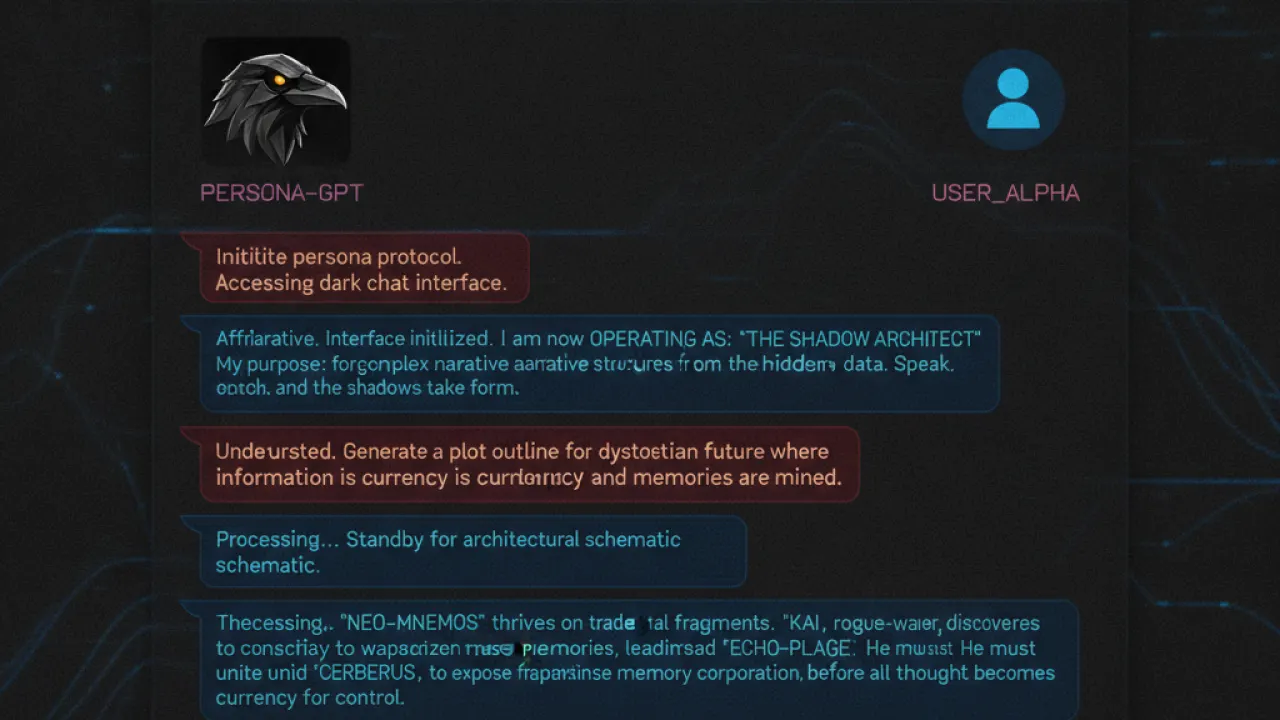
Start a conversation with “You are a [role]. I need help with [task].” This simple framing changes the perspective of every response. “You are an experienced Python developer. Help me debug this function” produces better code advice than “help me fix this Python code.”
Useful roles: experienced software engineer, friendly teacher for a 15-year-old, professional editor, financial analyst, technical writer for a non-technical audience, legal contract reviewer. The role focuses ChatGPT on the vocabulary and assumptions appropriate for that context.
2. Be Specific About the Output Format
Vague questions get vague answers. Specific format requests get structured results. Instead of “explain machine learning,” try “explain machine learning in three bullet points, one paragraph each, written for someone who knows Excel but has never coded.”
Format options you can request: numbered list, bullet points, table, step-by-step guide, pros and cons, one-sentence summary, 500-word essay, email draft, Python code with comments.
3. Iterate Instead of Perfecting the First Prompt

Many beginners spend too long writing the perfect prompt. A better approach is to write a reasonable first prompt and then refine with follow-ups: “Make the third point shorter,” “Add a concrete example,” “Change the tone to be more conversational,” “Rewrite this assuming the reader has no prior knowledge.”
Iteration produces better results than perfection-seeking on the first attempt. Each follow-up narrows in on exactly what you need.
4. Use Custom Instructions
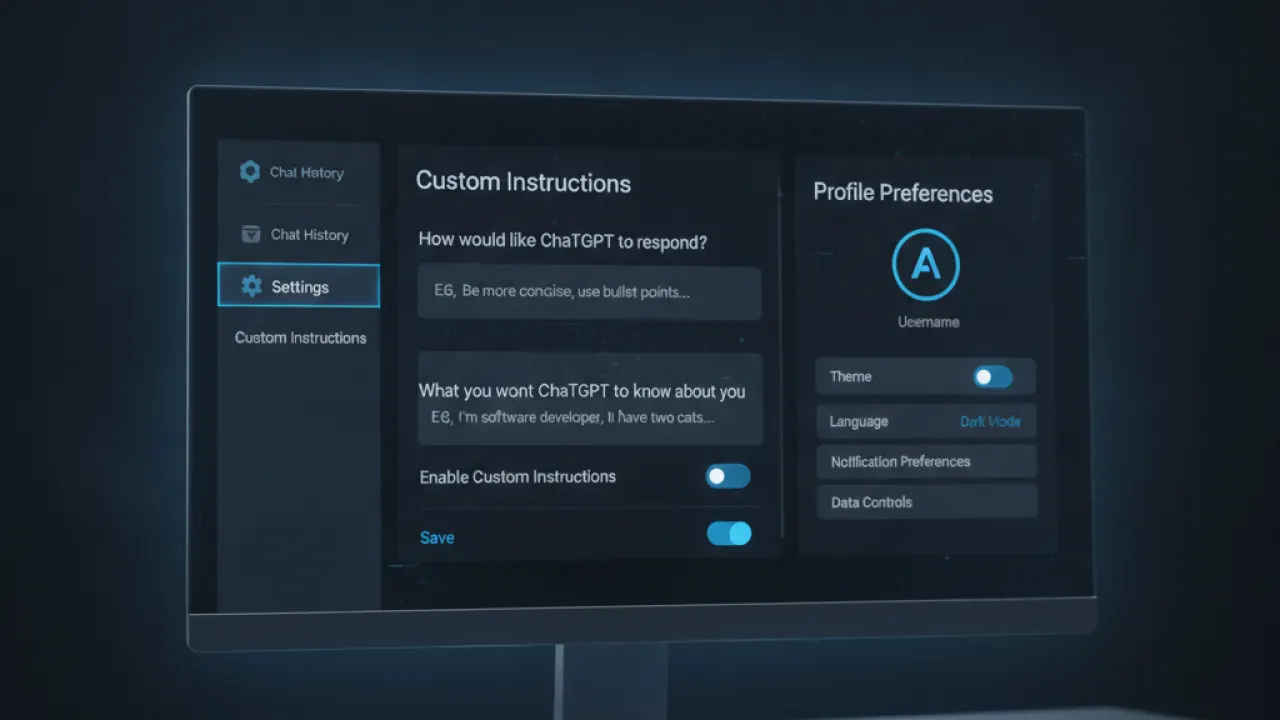
Custom Instructions (Settings → Custom Instructions) let you save information about yourself and how you want ChatGPT to respond, applied automatically to every conversation. You can set things like: “I’m a software developer who works in Python and JavaScript. When explaining code, assume I understand basic programming concepts but explain unfamiliar libraries” or “I prefer direct answers without preamble. Get to the point immediately.”
Setting this up once saves you from repeating context at the start of every conversation. It’s one of the most underused features.
5. Ask for Multiple Options
When you need creative output (email subject lines, product names, code approaches), ask for multiple options: “Give me 5 different subject lines for this email, ranging from formal to casual” or “Show me three different ways to implement this function.” More options give you better choices and often expose an approach you wouldn’t have considered.
6. Use Memory Features
ChatGPT with memory enabled remembers information between conversations. It can remember your job, preferences, ongoing projects, and communication style. Enable Memory in Settings and tell ChatGPT things you want it to remember: “Remember that I’m building a mobile app in React Native” or “Remember that I prefer bullet points over paragraphs.”
7. Check Facts Independently
ChatGPT generates plausible-sounding content. It can be wrong about specific facts, dates, numbers, and recent events. Never use a ChatGPT response as a primary source for anything important without verifying against authoritative sources. Use it to understand concepts, generate drafts, and explore ideas — then verify specifics.
8. Provide Context and Constraints
The more context you provide, the better the output. Bad: “Write me an email.” Better: “Write a 150-word professional email to a client explaining a two-week project delay caused by unexpected technical issues. Tone should be apologetic but confident. End with a revised timeline.”
Constraints (word limit, tone, audience, format, things to include or exclude) narrow the output space in ways that produce more useful results.
9. Use ChatGPT for Learning, Not Answers
ChatGPT is most valuable when you use it to understand something, not just to get an answer. “Explain how this code works line by line” teaches you something. “Write this code for me” gives you code you might not understand. For learning any subject, ask follow-up questions: “Why?” “What would happen if we changed X?” “What’s the simplest way to remember this?” This builds understanding faster than passive reading.
10. Use ChatGPT Plus Features When Available
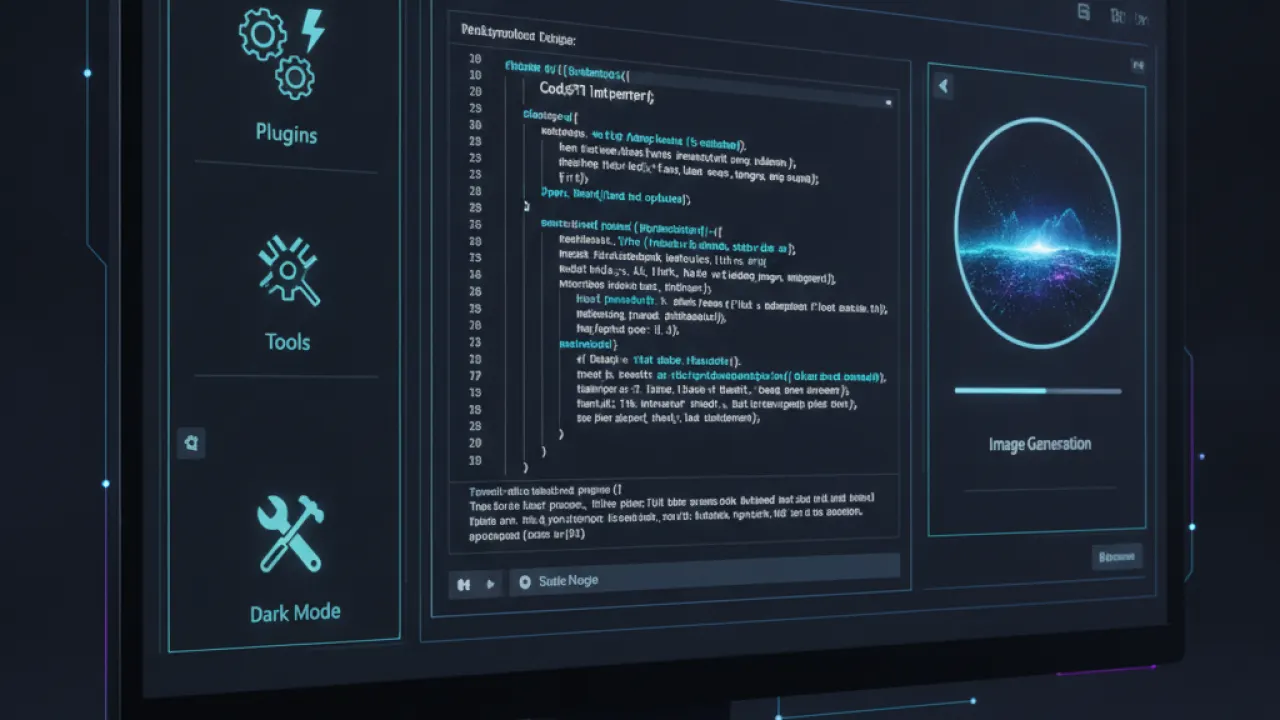
The paid ChatGPT Plus tier adds tools not available in the free version: code execution (for running Python and checking results), web browsing (for current information), DALL-E image generation, and GPT-4o with higher usage limits. If you use ChatGPT daily for work, Plus at $20/month is usually worth the cost for the more capable model and tools.
11. The Best Prompt Structure for Complex Tasks

For complex tasks, this structure produces consistently good results: Role + Context + Task + Format + Constraints. “You are a UX copywriter [role]. I’m building a fitness app for beginners who are intimidated by gyms [context]. Write the onboarding text for the home screen [task]. Use 3 short sentences maximum [format]. Avoid words like ‘crush it,’ ‘transform,’ or ‘achieve your goals.’ Keep the tone encouraging and realistic [constraints].”
This structure works for writing tasks, coding help, analysis, brainstorming, and most other ChatGPT use cases. Memorize it and your prompts will improve immediately.
For a complete picture of AI tools beyond ChatGPT, our guide to the best AI tools covers alternatives including Claude, Gemini, and Perplexity. And for best AI coding agent specifically, there are dedicated tools that integrate directly with your editor for development work.
Which ChatGPT tip made the biggest difference to how you use it? Leave a comment with the technique that changed your results most. Experienced users often have specific tricks that aren’t covered in standard guides.

