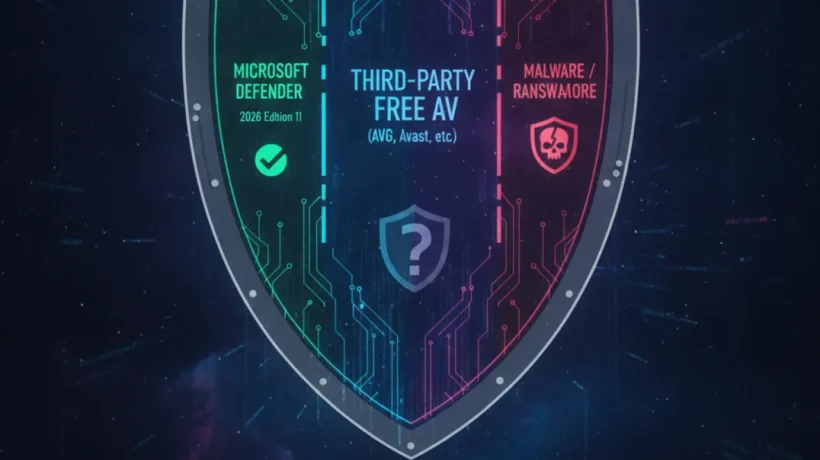

The best free antivirus for Windows 11 in 2026 is one you already have: Windows Defender, which Microsoft calls Windows Security. Independent lab tests consistently rate it alongside paid products. But it’s not the only tool worth knowing about, and for some users, a second scanner adds meaningful coverage.
Windows Defender: Already Excellent, Already Free

Windows Defender is built into Windows 11 and runs automatically. It provides real-time protection, scheduled scans, cloud-delivered protection, and automatic definition updates. AV-Test and AV-Comparatives (the two most respected independent antivirus testing organizations) consistently give Windows Defender scores in the top tier — above many paid products from household-name antivirus companies.
For most home users, Windows Defender alone is sufficient in 2026. The era where third-party antivirus was clearly superior to Microsoft’s built-in protection ended several years ago. The question is whether you need anything additional, not whether you need to replace it.
Malwarebytes Free: Best Companion Scanner
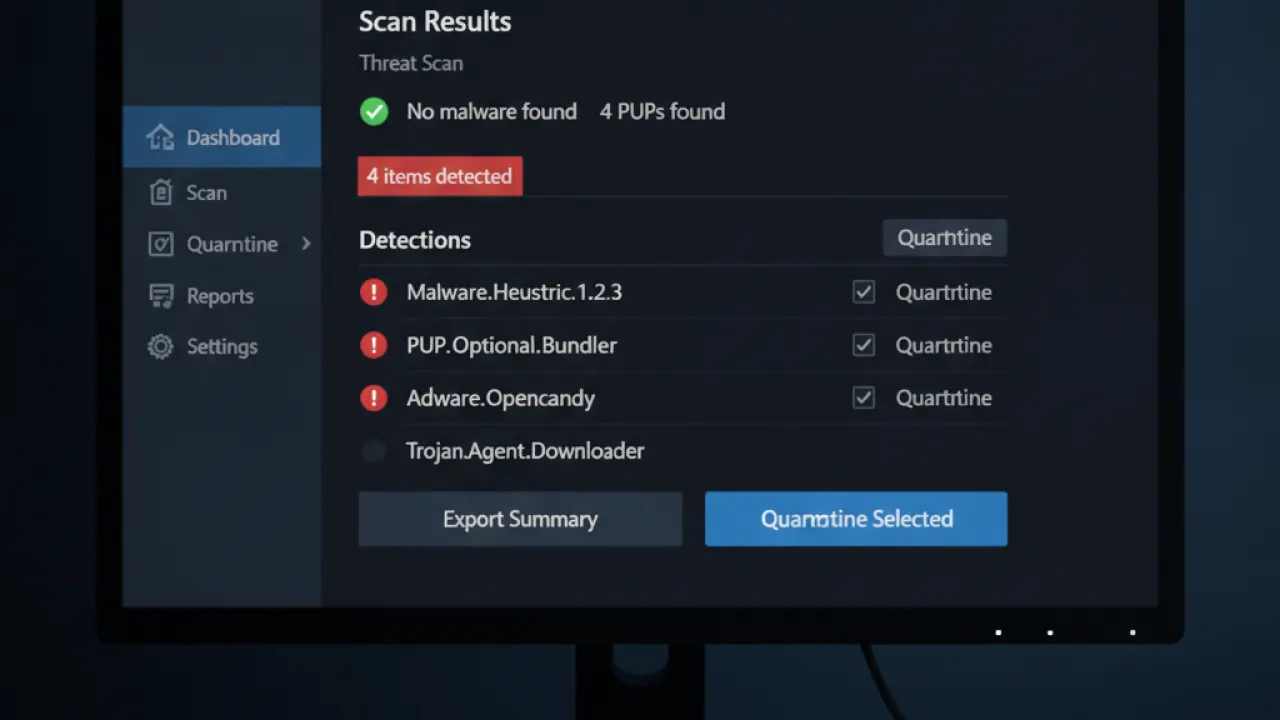
Malwarebytes Free doesn’t run in real-time (that requires the paid version), but it excels at detecting malware types that Windows Defender sometimes misses: adware, browser hijackers, potentially unwanted programs (PUPs), and certain rootkits. Run it monthly as a second opinion scanner alongside Windows Defender. The combination is more thorough than either tool alone.
Installation is simple, scans are fast (10-20 minutes for a threat scan), and it’s free indefinitely with no subscription. The paid version adds real-time protection but most users don’t need it.
Bitdefender Free: Best Lightweight Alternative
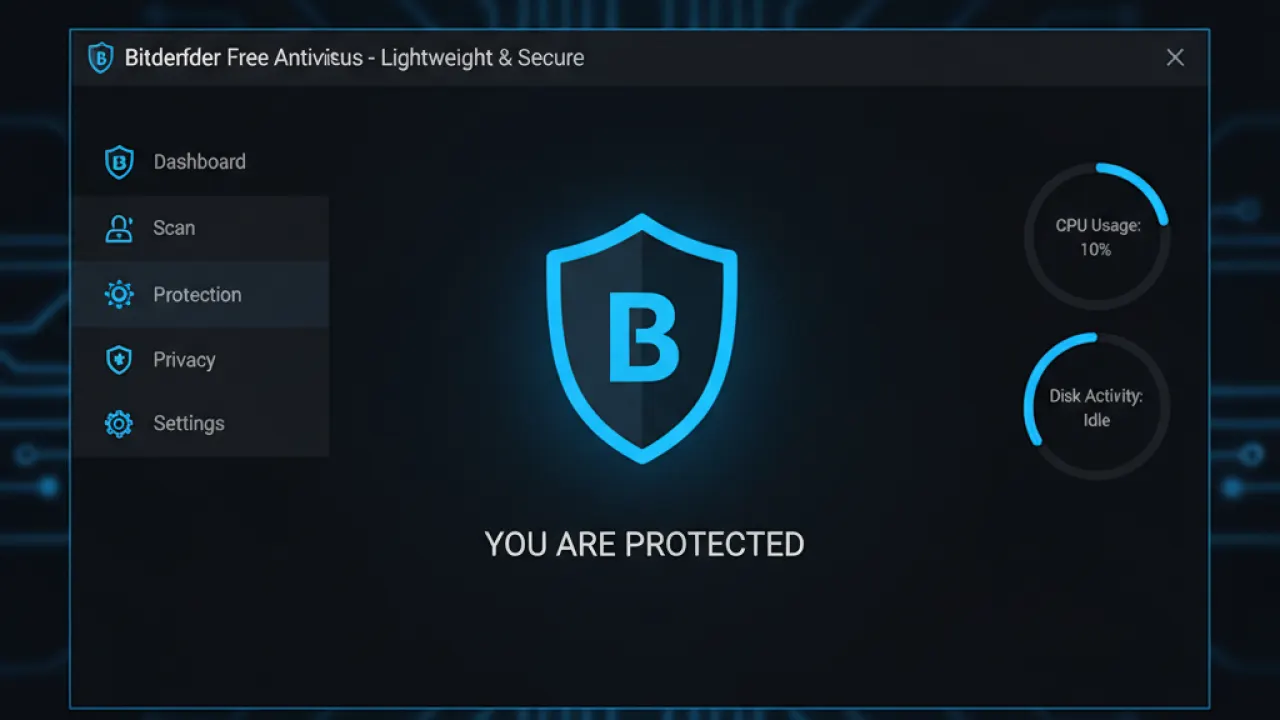
Bitdefender Free is worth considering on older Windows 11 machines where Windows Defender’s resource use is noticeable. Bitdefender has consistently high detection rates (regularly above 99% in lab tests) and its free version is notably lightweight — it uses less CPU and RAM than Windows Defender during scans.
The trade-off: Bitdefender Free doesn’t include a firewall, ransomware protection, or the extra features of the paid product. For basic real-time malware detection on older hardware, it delivers excellent coverage with minimal overhead.
What About Kaspersky and Avast Free?
Kaspersky Free has excellent detection rates but US government agencies have banned Kaspersky software on government networks due to concerns about Russian government influence. For private use, the detection quality is high, but the ownership concerns are real. Users in the UK, Canada, and Australia have fewer formal restrictions but similar geopolitical concerns.
Avast Free has good detection but the company was fined by the FTC in 2024 for selling user browsing data through a subsidiary despite privacy policy claims. The detection quality is solid but the privacy track record is a serious concern for a security product that monitors all your files and network traffic.
What Free Antivirus Doesn’t Include
Free antivirus products consistently omit: VPN (route your internet traffic through a server), password manager (store and autofill passwords), dark web monitoring (check if your email appears in breaches), ransomware rollback (restore files encrypted by ransomware), and 24/7 customer support. These features are sold as premium add-ons. Our guide to the best free password manager covers the free password manager alternatives that don’t require paying for an antivirus bundle.
The Recommended Free Setup for Windows 11
- Windows Defender (built-in, always on) — real-time protection
- Malwarebytes Free — monthly second-opinion scan
- Regular Windows Update — patch known vulnerabilities
- Good browsing habits — the most important factor overall
This combination costs nothing and provides protection comparable to most paid antivirus suites for everyday home use. Combined with the basic cybersecurity tips habits that reduce your exposure to threats in the first place, it’s a complete baseline.
Are you using Windows Defender alone or do you add a secondary scanner? Leave a comment with your setup and whether you’ve had any infections that your antivirus missed — that kind of real-world data is more useful than lab benchmark comparisons.

