
The best free AI image generators in 2026 produce results that would have required expensive creative tools a few years ago. Several work without a sign-up. Here are the best options organized by use case.
Microsoft Designer / Bing Image Creator (Best Free with Daily Credits)
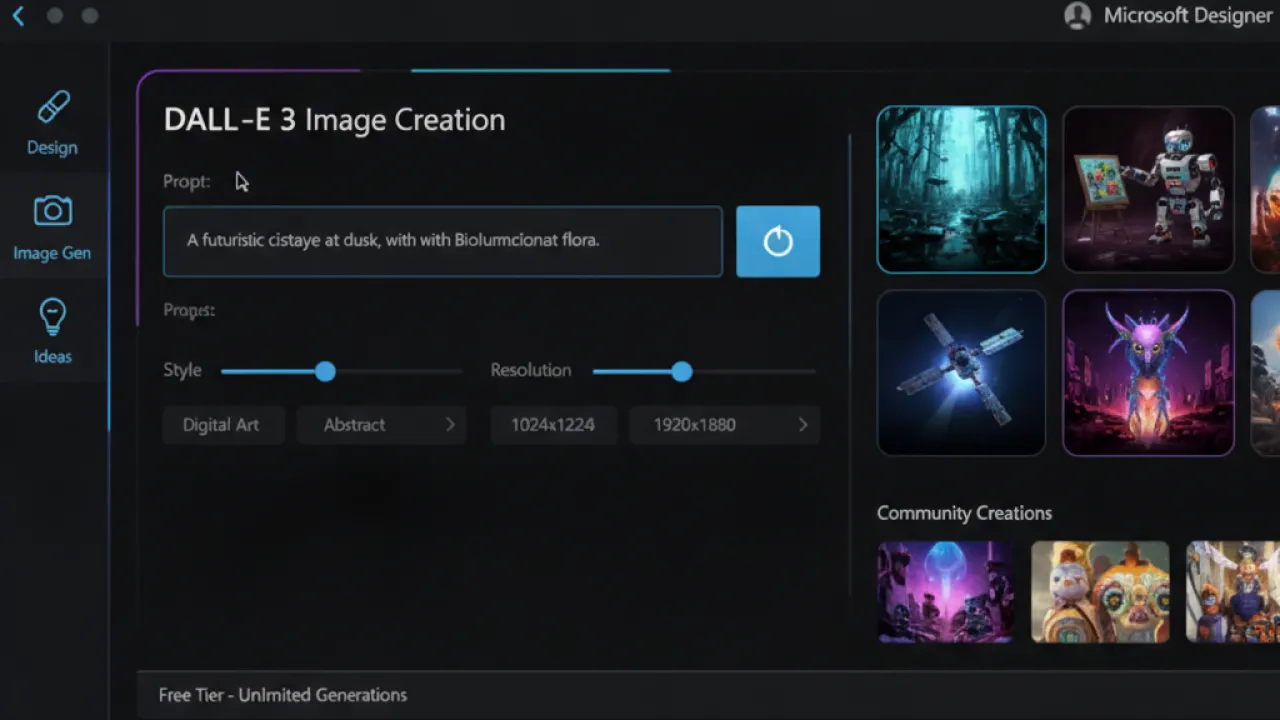
Microsoft’s Image Creator (at bing.com/images/create or designer.microsoft.com) uses DALL-E 3 and gives free credits that refresh daily. Sign in with a Microsoft account (free) and you get around 15 “boosts” per day — fast generation. After boosts run out, generation is slower but still free.
Quality is consistently high. Photorealistic scenes, artistic styles, and specific object compositions all produce good results. The interface is simple: type a description, select an aspect ratio, and generate. Downloading images is free.
Ideogram (Best for Text in Images)
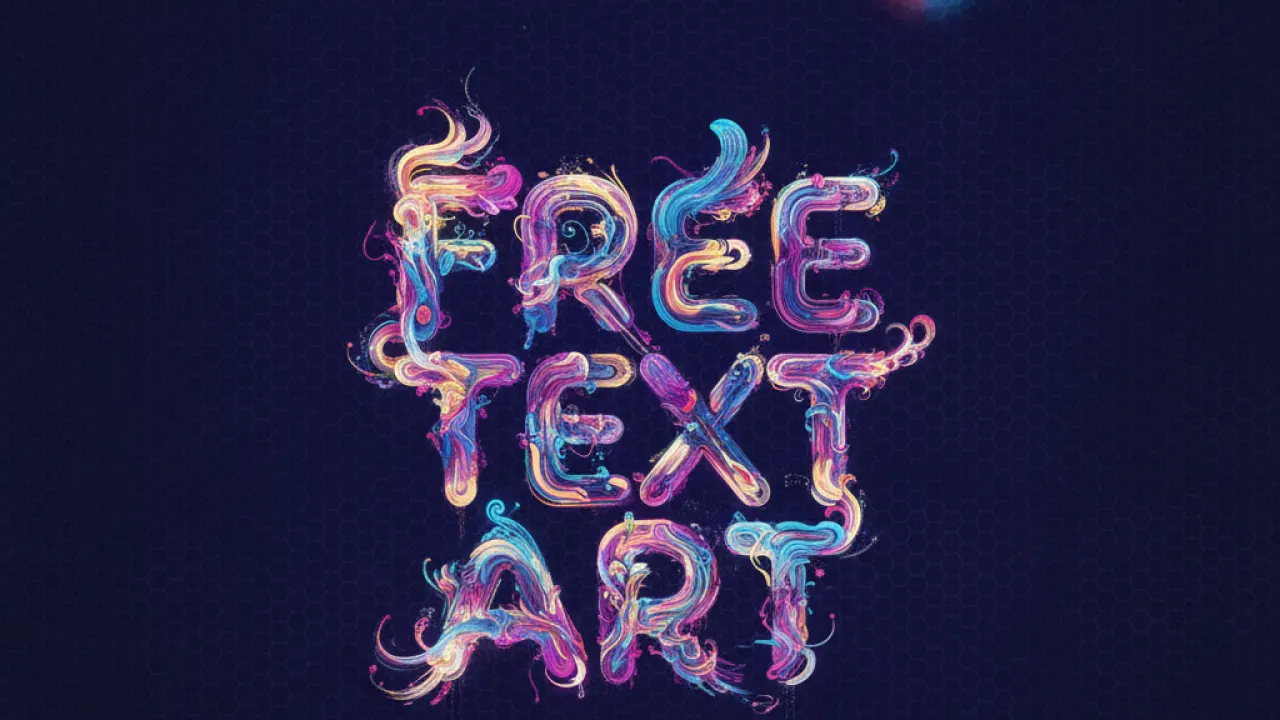
Ideogram is one of the few AI image generators that handles text in images accurately. Ask it to generate a poster with specific wording and the text appears correctly spelled and naturally integrated. This is a common failure point in Midjourney, DALL-E, and others where text in generated images is often garbled or misspelled.
The free tier gives you a limited number of high-quality generations per day. For marketing materials, thumbnails with text, or any design work where readable text in the image matters, Ideogram is the best free option.
Stable Diffusion (Truly Unlimited — Run Locally)
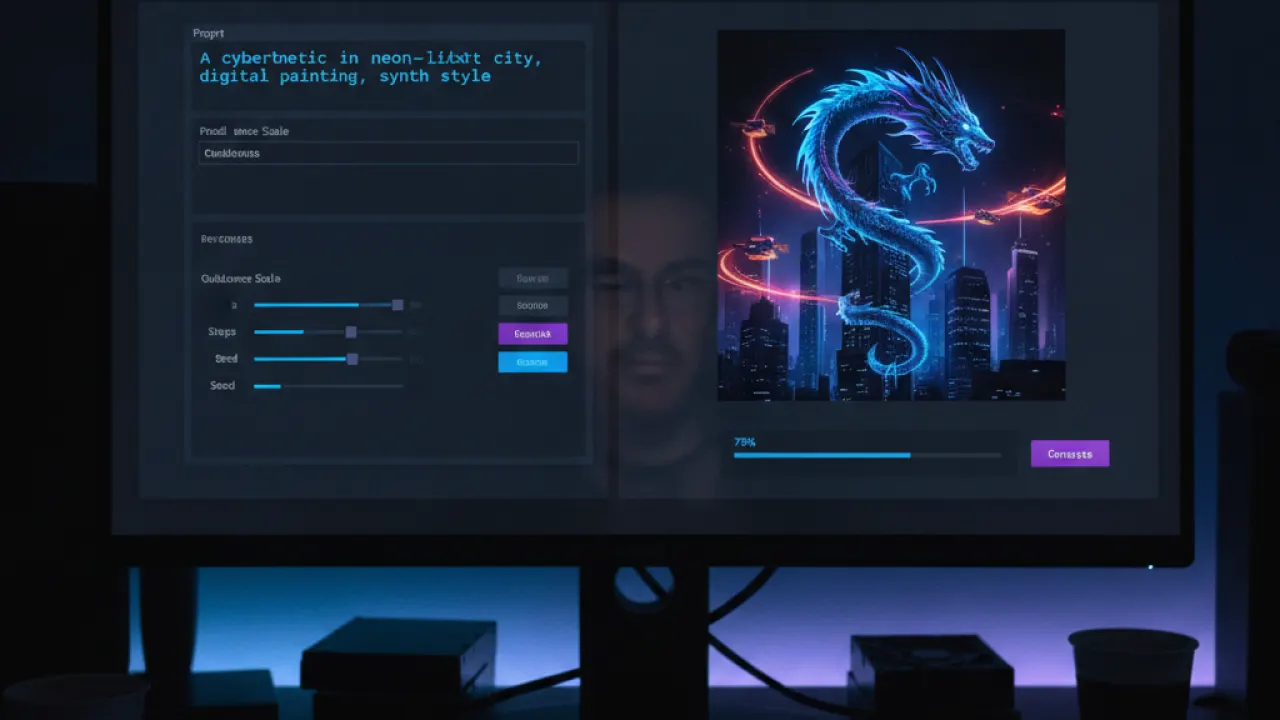
Stable Diffusion is an open-source AI image model you install and run on your own GPU. Once installed, image generation is unlimited with no credits, no subscriptions, no account, and no internet connection required. Your prompts and images never leave your machine.
Hardware requirement: an Nvidia GPU with 8GB VRAM minimum (RTX 3070/4060 or better). The setup takes about 30-60 minutes for first-time installation. After that, generating images is instant and free forever. For users with compatible hardware, this is the best long-term option for heavy use. See our run AI locally guide for a broader look at running AI models locally.
Flux Models (Best Quality Open-Source)
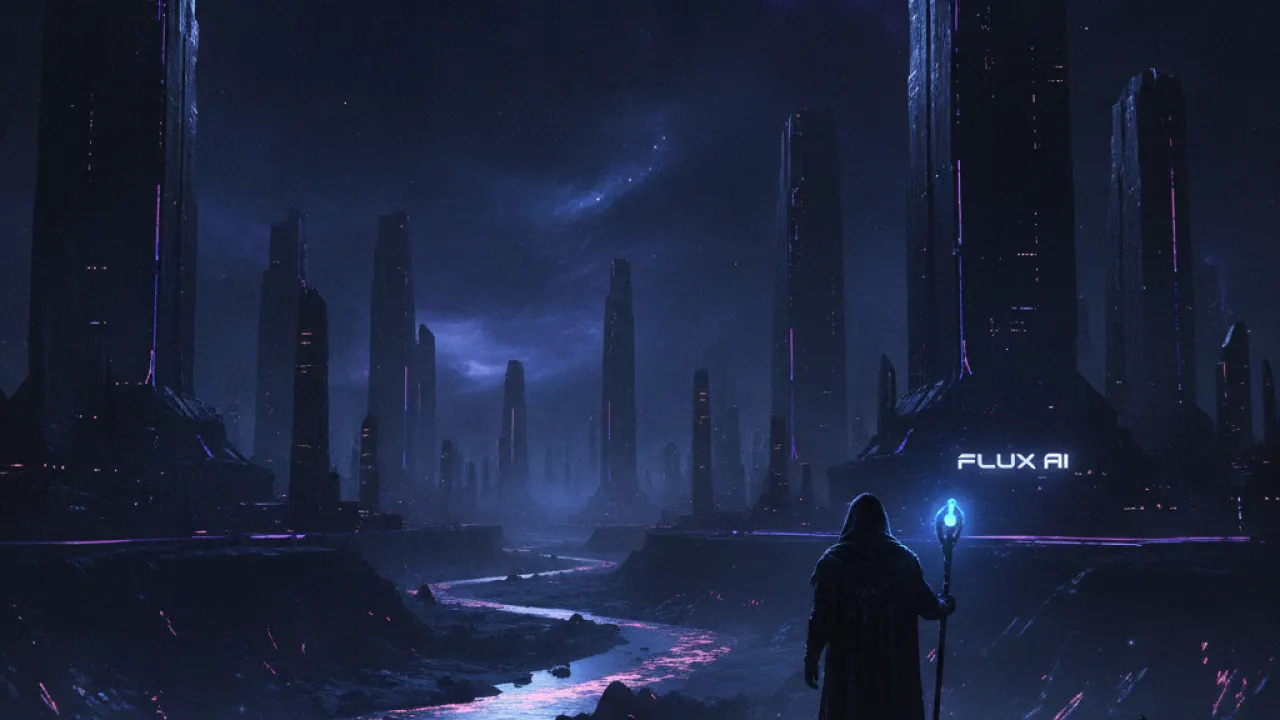
Flux is a newer open-source image model from Black Forest Labs that produces more photorealistic results than Stable Diffusion 1.5 or SDXL. Flux models are available through several free interfaces: Replicate (free tier), Fal.ai, and as a Stable Diffusion extension. The Flux.1 Schnell model is particularly fast and available under a permissive Apache license.
Canva (Best for Design Integration)
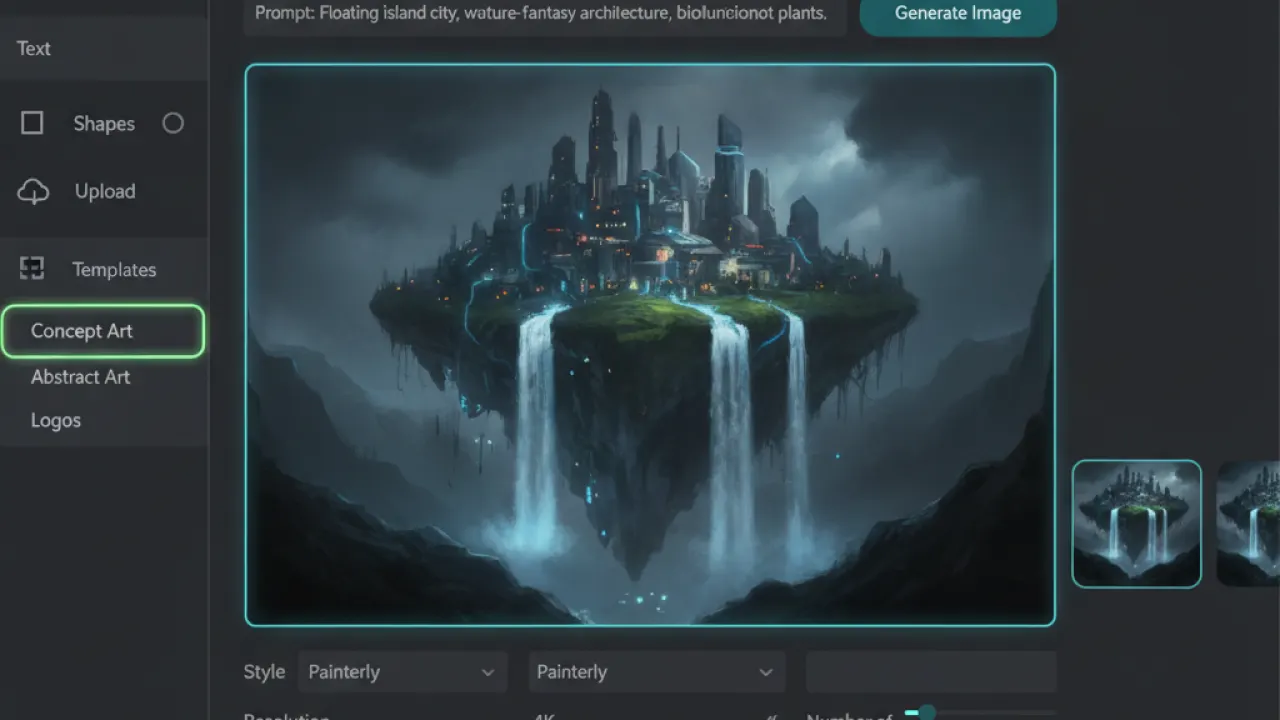
Canva’s AI image generator is built into Canva’s free tier. The advantage is that generated images appear directly in your design canvas, where you can immediately use them in social media posts, presentations, and marketing materials. The generation quality is good and the workflow integration saves the step of downloading and re-uploading from a separate tool.
What Free Tools Don’t Do Well
Free tools have limitations: lower resolution outputs (typically 1024×1024 maximum), rate limits that prevent rapid bulk generation, watermarks on some platforms, and usage rights that may restrict commercial use. For professional commercial work, paid tools like Midjourney ($10/month) or Adobe Firefly give you better resolution, more consistent style control, and commercially licensable outputs.
For AI tools beyond image generation, our guide to the best AI tools covers the full landscape of free tools across text, code, and research. And our best AI coding agent comparison covers AI tools specifically for software development.
Which free AI image generator do you get the best results from? Leave a comment with the tool and a description of what you use it for — seeing how different people are using these tools is the most interesting part of this category.

