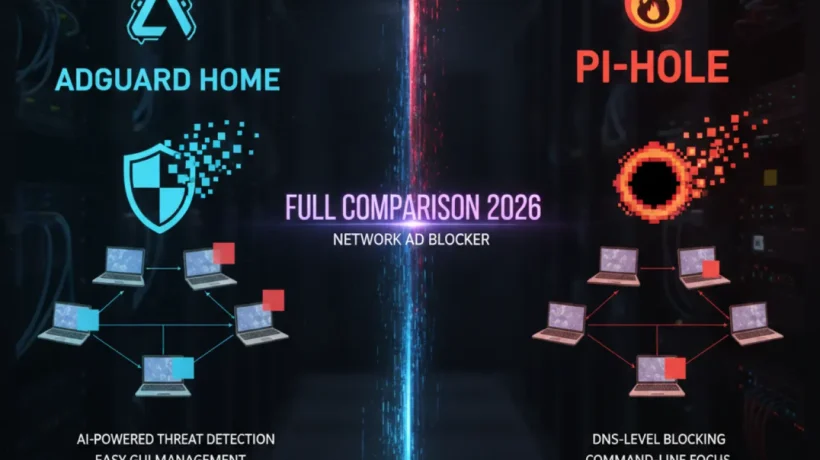

AdGuard Home and Pi-hole do the same core job: they block ads and trackers for every device on your home network at the DNS level. But they take different approaches to setup, configuration, and features. This is the complete comparison so you can pick the right one for your home setup.
What Both Tools Do
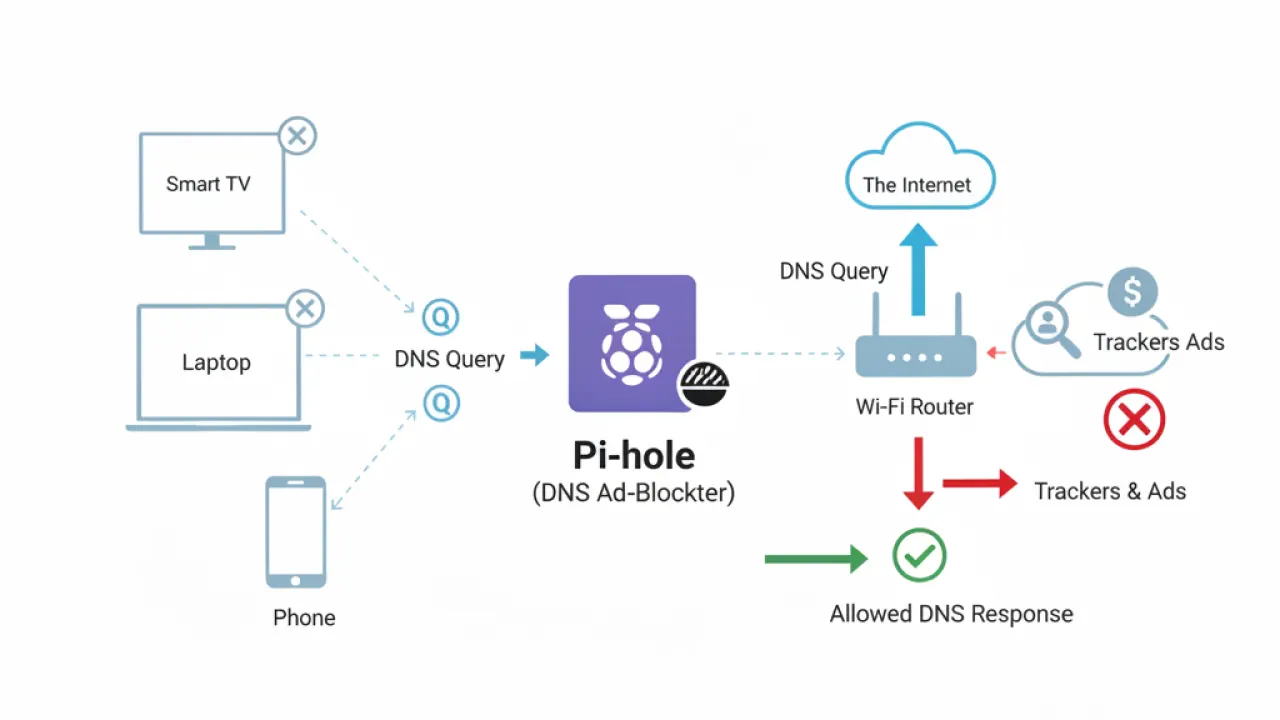
Both AdGuard Home and Pi-hole work as DNS resolvers for your home network. When a device on your network wants to visit a website, it asks the DNS resolver to translate the domain name into an IP address. Pi-hole and AdGuard Home sit between your devices and the internet. When a device asks for the address of a known ad server or tracker, the resolver returns nothing. The ad never loads.
This approach blocks ads across your entire home network without touching individual devices. Your smart TV, game console, router-connected devices, and every phone and laptop on your Wi-Fi benefit simultaneously. No browser extensions, no per-device setup.
Setup: AdGuard Home Is Easier for Beginners
Pi-hole has a well-known one-liner installation script. On a Raspberry Pi or any Debian-based Linux system, you run curl -sSL https://install.pi-hole.net | bash and follow the interactive prompts. If you’ve used a Linux terminal before, this is straightforward. If you haven’t, it’s the first hurdle.
AdGuard Home provides a binary that you download and run. It then launches a web-based setup wizard accessible from your browser. No terminal commands after the initial binary execution. For users uncomfortable with the terminal, AdGuard Home is noticeably more accessible.

Both tools need to be told to your router as the DNS server for your network. This is one setting in your router’s admin panel regardless of which tool you choose. The process is the same for both.
The Interface: AdGuard Home Is More Polished
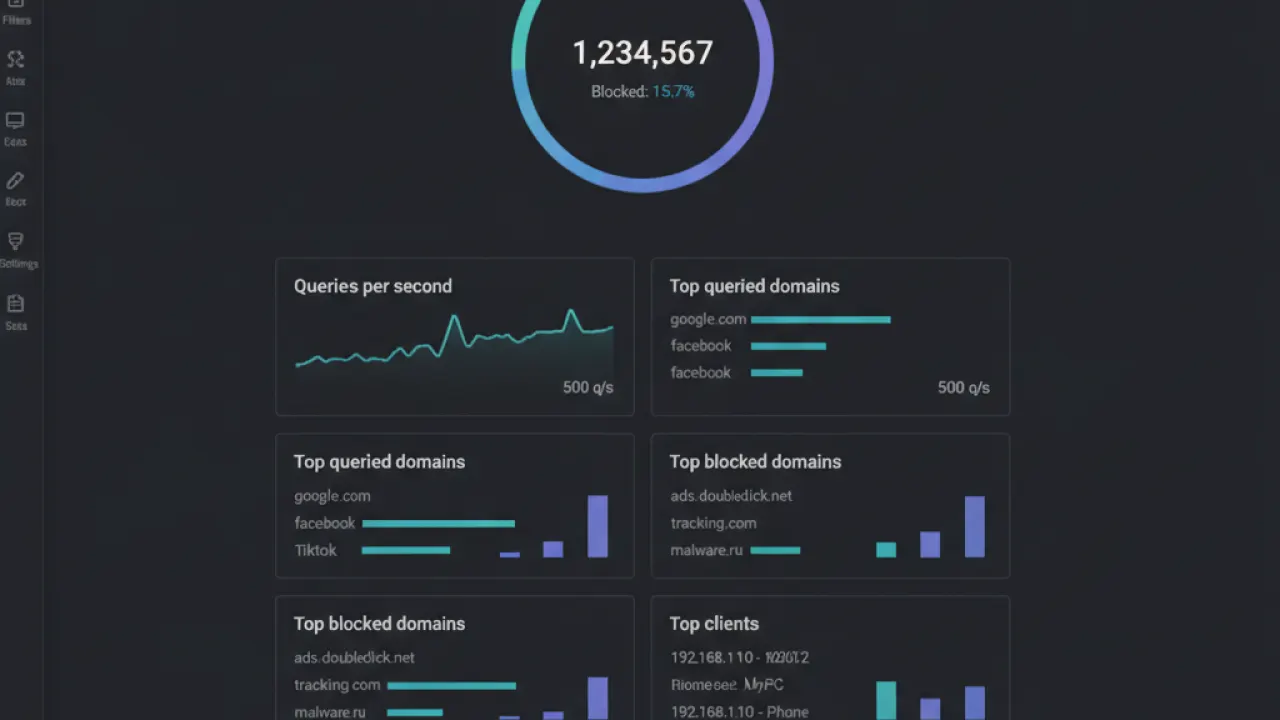
AdGuard Home’s web interface is modern and well-organized. The dashboard shows real-time statistics, a query log, client management, and filter settings in a clean layout. Navigation is intuitive for users who haven’t configured DNS blockers before.
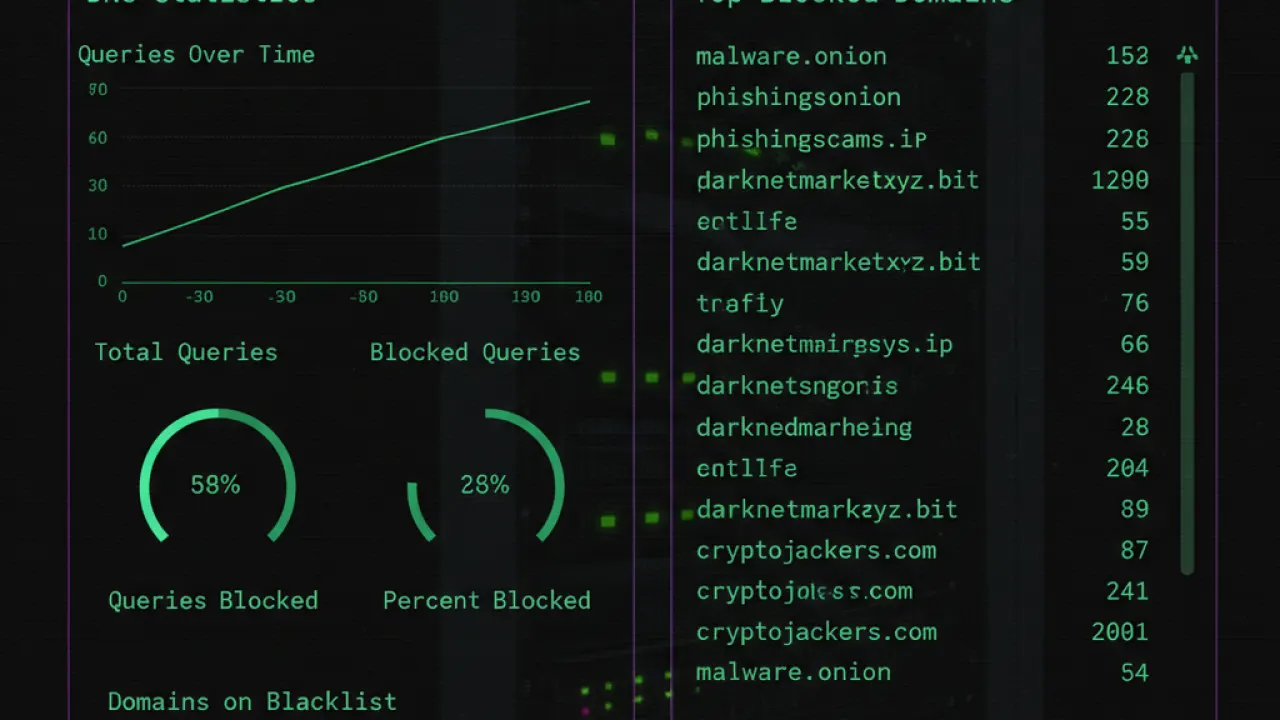
Pi-hole’s admin interface is functional but older in design. It provides similar statistics and management tools, but the layout takes more time to learn. The query log and whitelist management work well once you know where to find them.
If you’re configuring this for a family member or non-technical user who might need to manage it themselves, AdGuard Home’s interface is less likely to confuse them.
Filtering: AdGuard Home Supports More Powerful Rules
Pi-hole uses hosts-file based blocking. You point it at blocklists, and it blocks any domain in those lists. The syntax is simple: one domain per line.
AdGuard Home supports the same hosts-file syntax but also supports AdGuard filter syntax, which is much more powerful. AdGuard filter rules can block specific URLs on a domain rather than the entire domain, use wildcards and regex, create exceptions for specific pages on a blocked site, and apply different rules per client.
In practice, this means fewer false positives with AdGuard Home. You can block ads.example.com but allow content.example.com. With Pi-hole, it’s all or nothing for the domain.
DNS Encryption: Both Support DoH, But Differently
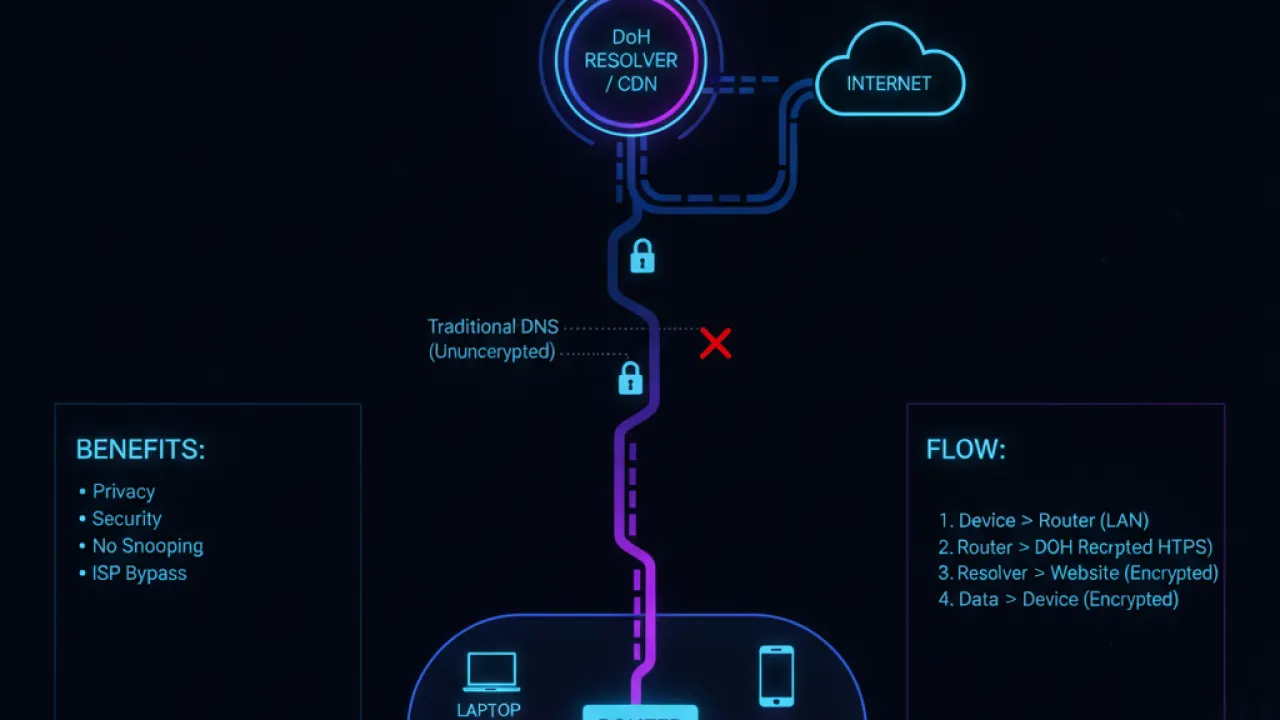
DNS over HTTPS (DoH) encrypts your DNS queries so your ISP can’t see which domains you’re resolving. Both tools support this, but the setup differs.
AdGuard Home has DoH built in as a first-class feature. You select it from the settings screen and choose your preferred DoH provider (Cloudflare, Google, AdGuard DNS, etc.). No additional configuration required.
Pi-hole supports DoH but requires installing a separate tool called cloudflared (from Cloudflare) and configuring it to act as a DoH proxy. It’s a few extra commands and a configuration file edit. Not difficult for a Linux user, but it’s a separate step that AdGuard Home handles automatically.
Per-Client Rules: AdGuard Home Wins
AdGuard Home allows you to set different filtering rules for different devices on your network. You can have aggressive ad blocking for the family TV but more permissive rules for your work laptop where some business sites might be incorrectly blocked. You can give children’s devices stricter filtering than adults’.
Pi-hole added some per-group functionality in Pi-hole version 5, but it’s less intuitive to configure than AdGuard Home’s client management system.
Community and Blocklist Availability
Pi-hole has been around since 2014 and has a significantly larger community. The r/pihole subreddit has hundreds of thousands of members. There are more forum threads, more troubleshooting resources, and more community-created blocklists available for Pi-hole.
AdGuard Home benefits from AdGuard’s company resources and the active development team that also maintains the browser extension and mobile app. Updates come regularly. The documentation is excellent. But if you have an obscure problem at midnight, Pi-hole’s community resources are more likely to have encountered it before.
Hardware Requirements
Both run on Raspberry Pi hardware of any generation. A Raspberry Pi Zero 2 W (about $15) handles either tool for a typical home network. A Pi 4 handles larger networks or additional services running on the same device.
AdGuard Home has broader platform support: Windows, macOS, Linux, FreeBSD, and Docker. Pi-hole is Linux-focused (Raspberry Pi OS, Debian, Ubuntu). If you want to run your DNS blocker on a Windows mini PC or an old Mac, AdGuard Home is the simpler choice.
AdGuard Home vs Pi-hole: Which Should You Choose?
Choose AdGuard Home if:
- You want the simplest setup experience without terminal commands.
- You want DNS over HTTPS built in without extra configuration.
- You want per-device filtering rules from a clean interface.
- You want to run it on Windows or macOS without a separate Linux machine.
- You prefer a more modern interface for daily use.
Choose Pi-hole if:
- You want the largest community and the most troubleshooting resources.
- You’re comfortable with Linux and prefer traditional tools.
- You want the most extensive community-maintained blocklist ecosystem.
- You already have a Pi-hole setup and there’s no compelling reason to switch.
Both work. Both are free and open source. The blocking quality depends almost entirely on which blocklists you use, which are identical between the two tools. For most new users in 2026, AdGuard Home is the better starting point.
For more on how DNS ad blocking compares to browser-based blocking, our Pi-hole vs AdGuard Home comparison explains the full picture. And for network security beyond ad blocking, our guide to basic cybersecurity tips covers the habits that matter most.
Which DNS ad blocker are you running, and what’s the one thing that made you choose it over the alternative? Leave a comment with your setup and experience.

