
Obsidian is a free note-taking app that stores your notes as plain Markdown files on your own device. It’s the most popular tool in 2026 for people who want to build a connected knowledge base, sometimes called a second brain. This review explains what Obsidian does well, where it falls short, and whether it’s right for how you work.
What Makes Obsidian Different
Most note-taking apps store your notes in their own format, on their own servers. Obsidian works differently. Your notes are plain Markdown files (.md) stored in a folder on your computer called a vault. You own those files completely. They open in any text editor. They work offline. They never disappear if the company shuts down.
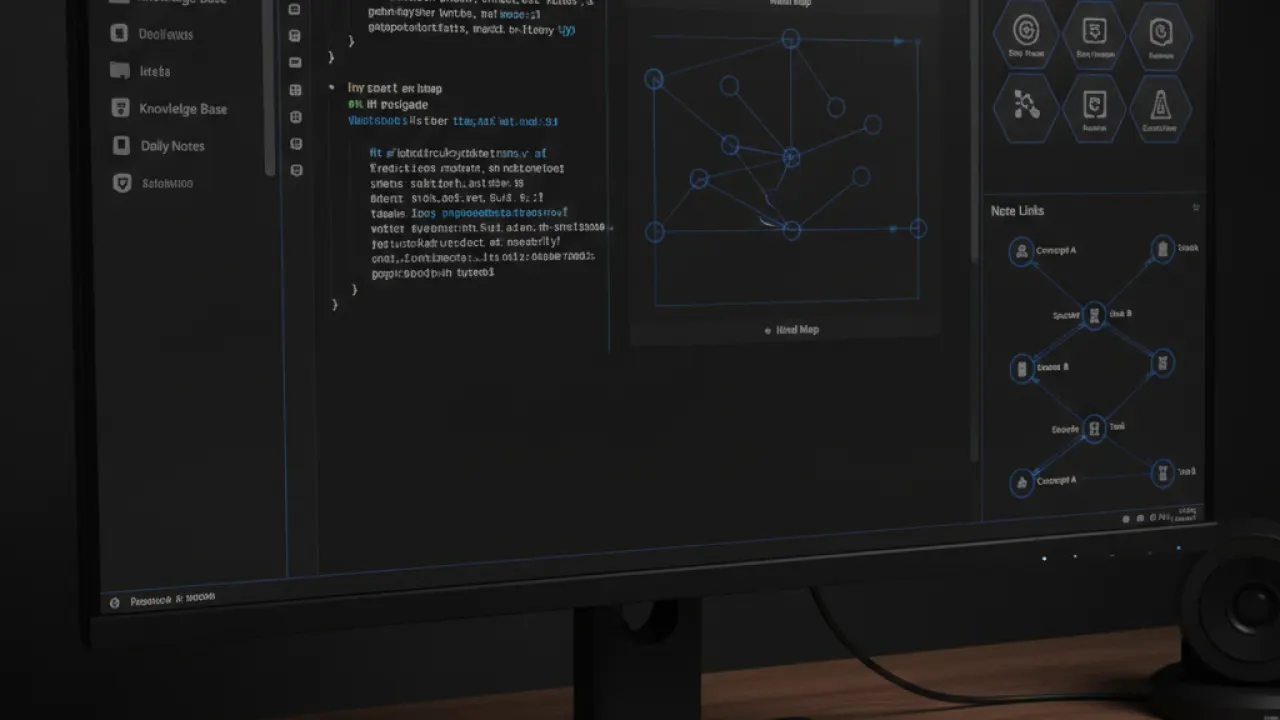
This local-first approach is the foundation of everything Obsidian does. It also means Obsidian works completely without an internet connection. For writers, researchers, and developers who work on planes, in areas with unreliable internet, or who simply prefer offline-first tools, this matters.
The Graph View
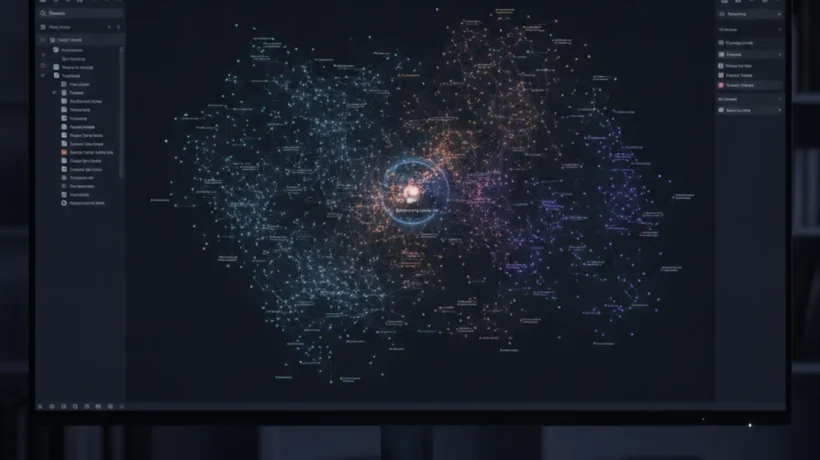
Obsidian’s most distinctive feature is the graph view. When you link notes together using [[double bracket]] syntax, Obsidian builds a visual map of all your notes and their connections. Click on any node to jump to that note. Zoom out to see the entire shape of your knowledge base.

The graph view isn’t just visual decoration. It reveals connections between concepts that you might not consciously notice when writing individual notes. A note on machine learning links to a note on statistics which links to a note on experimental design which links to a research paper you read last month. Following those connections often leads to insights that linear note-taking doesn’t surface.
For heavy users with thousands of notes, the graph view becomes genuinely useful for discovery. For new users with 50 notes, it’s mostly interesting rather than functional. Give it three months of consistent note-taking before judging the graph’s usefulness.
The Plugin Ecosystem

Obsidian’s community plugin directory has over 1,500 plugins in 2026. The most popular ones add functionality that many users consider essential:
- Dataview: Treat your notes as a database and query them. Show all notes tagged “research” created this month. List all incomplete tasks across your vault. Build dashboards from your notes.
- Calendar: Adds a calendar view for daily notes with visual indicators for days that have notes.
- Templater: A more powerful template system with dynamic content, dates, and JavaScript snippets.
- Spaced Repetition: Turns flashcard-format notes into a review system, useful for language learning and studying.
- Excalidraw: Adds a whiteboard drawing tool embedded within notes.
- Tasks: A comprehensive task management system that pulls tasks from across your entire vault.
The plugin ecosystem is both Obsidian’s greatest strength and its biggest source of friction. New users who install too many plugins too early end up with a cluttered, confusing experience. The recommendation from experienced users is to start with the core app, use it for a month, and only then add plugins for specific problems you’ve encountered.
Obsidian vs Notion: The Core Difference
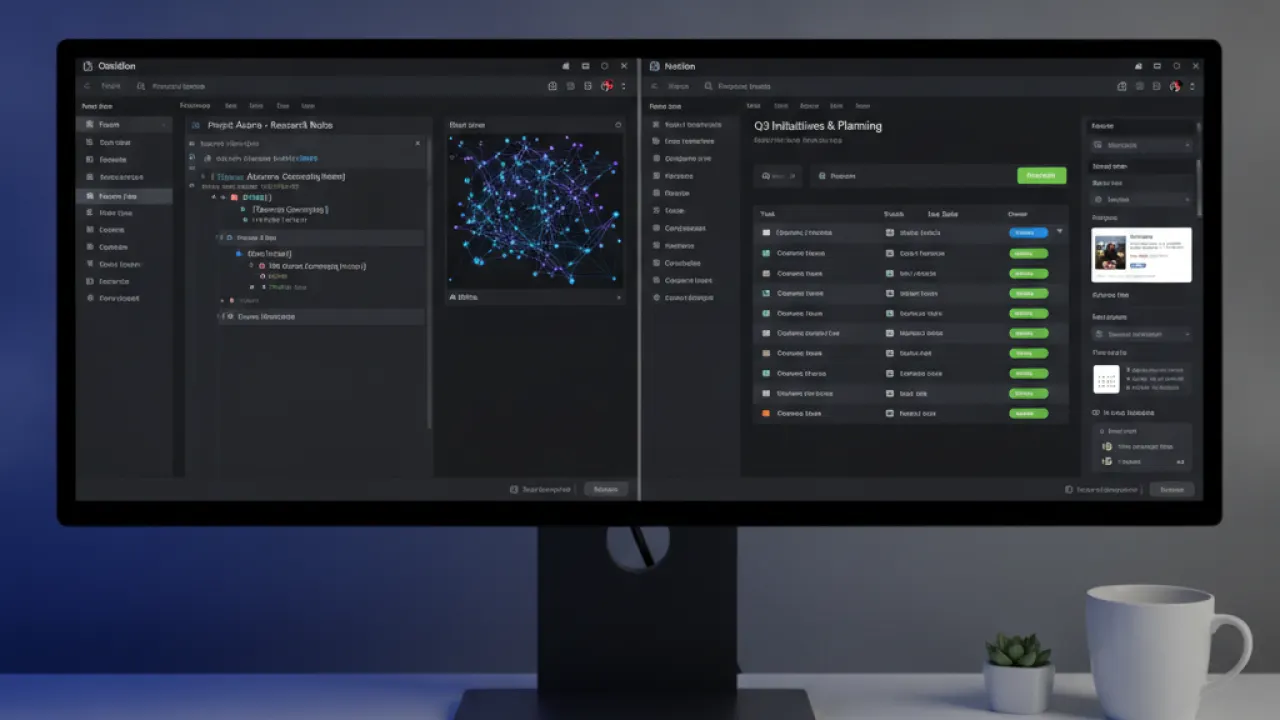
Notion and Obsidian are both popular with knowledge workers but serve different needs.
Notion is cloud-based, collaborative, and structured. It works like a flexible database-driven wiki. Teams use it for project management, documentation, and shared knowledge. It has a beautiful interface and works in any browser without installation. Everything syncs instantly across all devices.
Obsidian is local-first, personal, and link-centric. It works best for individual knowledge management where the connections between ideas matter more than structured databases. It requires installation and doesn’t collaborate in real-time natively (though plugins exist for this).
Most people who use both use Notion for team work and shared documentation, and Obsidian for personal notes and research. They complement rather than replace each other.
Sync: The One Area Where You Pay
Obsidian itself is free for personal use with no feature limits. The one paid service is Obsidian Sync, at $4-8 per month depending on the plan. Sync keeps your vault up to date across all your devices and stores version history.
If you’d rather not pay, free alternatives work well:
- Syncthing: Free, open source, peer-to-peer sync that works without a cloud server.
- iCloud, Dropbox, or Google Drive: Store your vault folder in a synced cloud storage folder. Works but has occasional conflict issues.
- Git: For technical users, a Git repository gives you version control and sync.
Who Should Use Obsidian?
Obsidian is best for:
- Writers, researchers, and academics who need to connect ideas across a large body of reading and notes.
- Developers who prefer Markdown and want their notes in plain text files they control.
- People who’ve tried cloud-based note apps and found them too limiting or too dependent on a company’s continued operation.
- Anyone interested in building a personal knowledge management system.
Obsidian is not the best choice for:
- Users who need team collaboration built in. Use Notion or Confluence for that.
- People who want a simple, minimal note app without configuration. Apple Notes or Bear are simpler starting points.
- Users who need database-style views and properties as a core feature. Notion handles this better.

Getting Started: The Minimal Setup That Works
If you’re new to Obsidian, start with this minimal setup:
- Download Obsidian from obsidian.md and create a vault in a folder on your computer.
- Write one note per idea. Use short, descriptive titles.
- Link notes with [[double brackets]] when one idea relates to another.
- Don’t create a complex folder structure yet. Let organization emerge naturally.
- After one month, look at your graph view and see what connected.
Resist the urge to set up an elaborate system before you have notes. Many people spend weeks configuring Obsidian without writing a single note. The notes are the point.
For managing your tasks alongside notes, our guide on best AI tools covers AI tools that integrate with note-taking workflows. And for students who want to use Obsidian for studying, our AI tools for students guide covers how note-taking tools fit into a broader study system.
Are you using Obsidian, Notion, or something else for your notes? Share your setup and what made you choose it. People who’ve switched from one system to another often have the most useful perspective on what each does well.

