

NextDNS and Pi-hole both block ads and trackers at the DNS level, but they take fundamentally different approaches. Pi-hole runs on hardware you own. NextDNS runs in the cloud. That one difference shapes everything about the trade-offs between them.
How Both Work
Both tools act as DNS resolvers for your network. When a device asks for the IP address of a known ad server, the resolver returns nothing, so the ad never loads. The blocking quality depends on which blocklists you use — both support the same major lists. The difference is in where the resolver runs and who manages it.
NextDNS: Cloud-Based, No Hardware Required
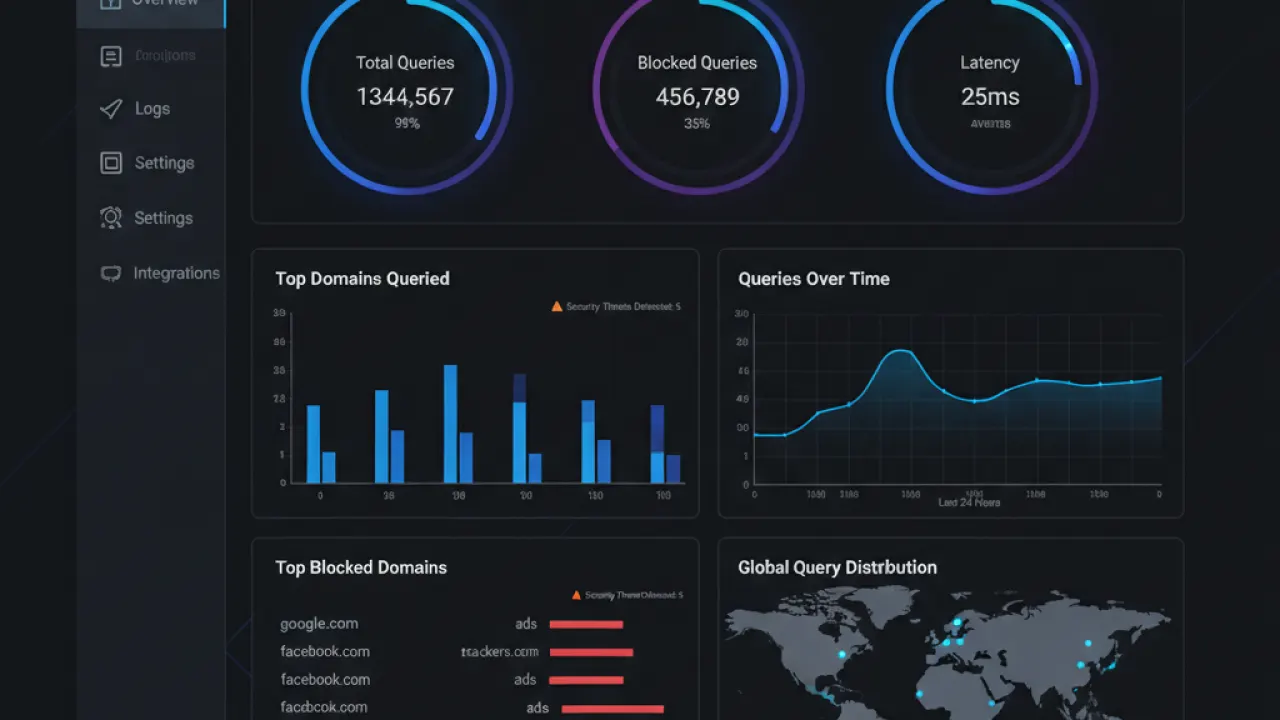
NextDNS is a managed DNS service. You create an account, get a custom DNS address, and configure your router to use it. Setup takes 5 minutes. No Raspberry Pi, no Linux server, no command line. The blocking works immediately and updates automatically as NextDNS maintains the blocklists.
The free tier allows 300,000 DNS queries per month. For a small household with moderate usage, this lasts the full month. Paid plan is $1.99/month or $19.90/year for unlimited queries. The analytics dashboard shows which domains are being blocked, which devices are querying what, and allows per-device profiles with different rules.
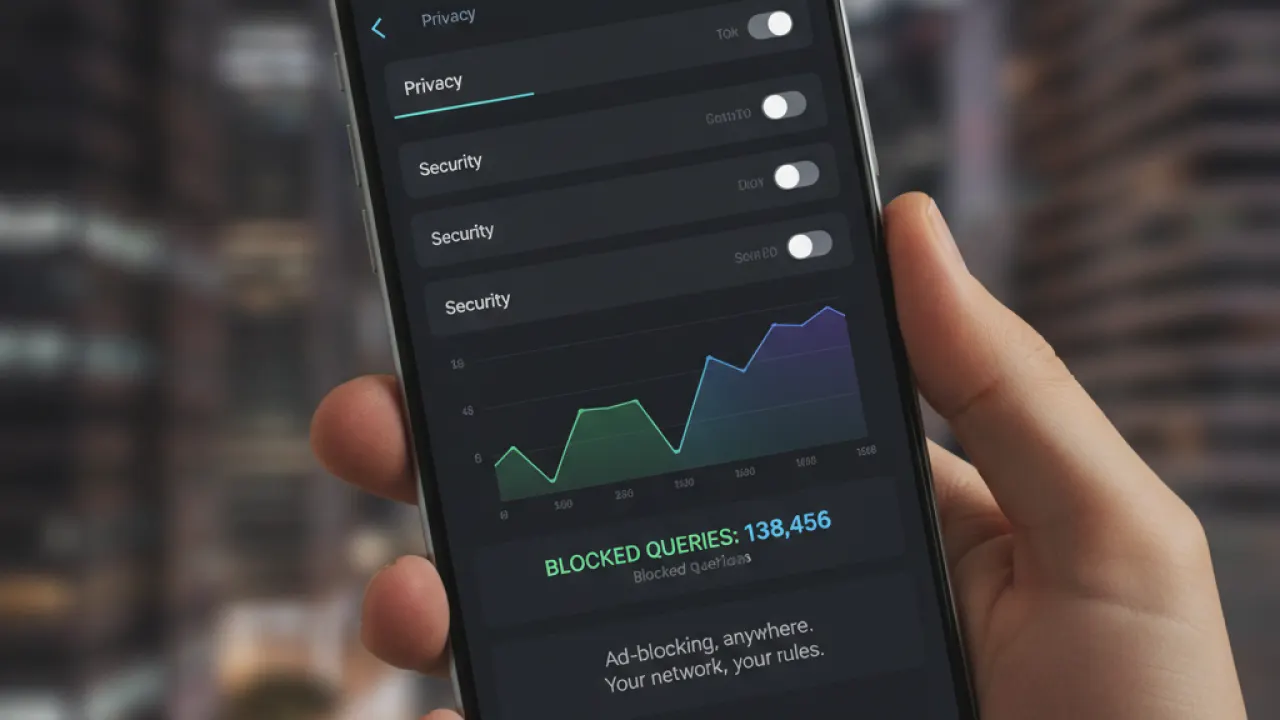
NextDNS works outside your home network. Configure your phone to use NextDNS and it blocks ads on mobile data, at coffee shops, and anywhere else you connect — something Pi-hole can’t do without additional VPN setup. For mobile users who want consistent blocking everywhere, this is NextDNS’s clearest advantage.
Pi-hole: Self-Hosted, Maximum Control
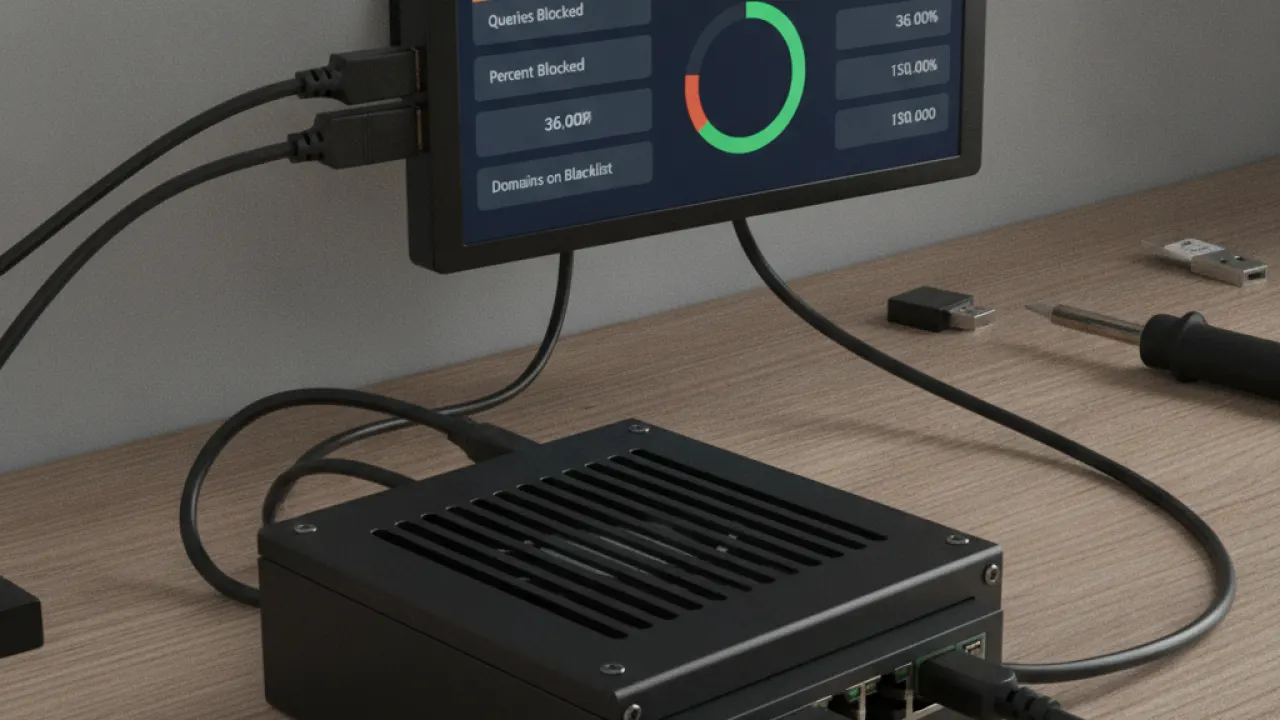
Pi-hole runs on hardware you own — typically a Raspberry Pi ($35-80) or a spare Linux machine. Your DNS queries never leave your home network. There’s no monthly fee beyond the cost of the hardware. And you have complete control over every aspect of the configuration.
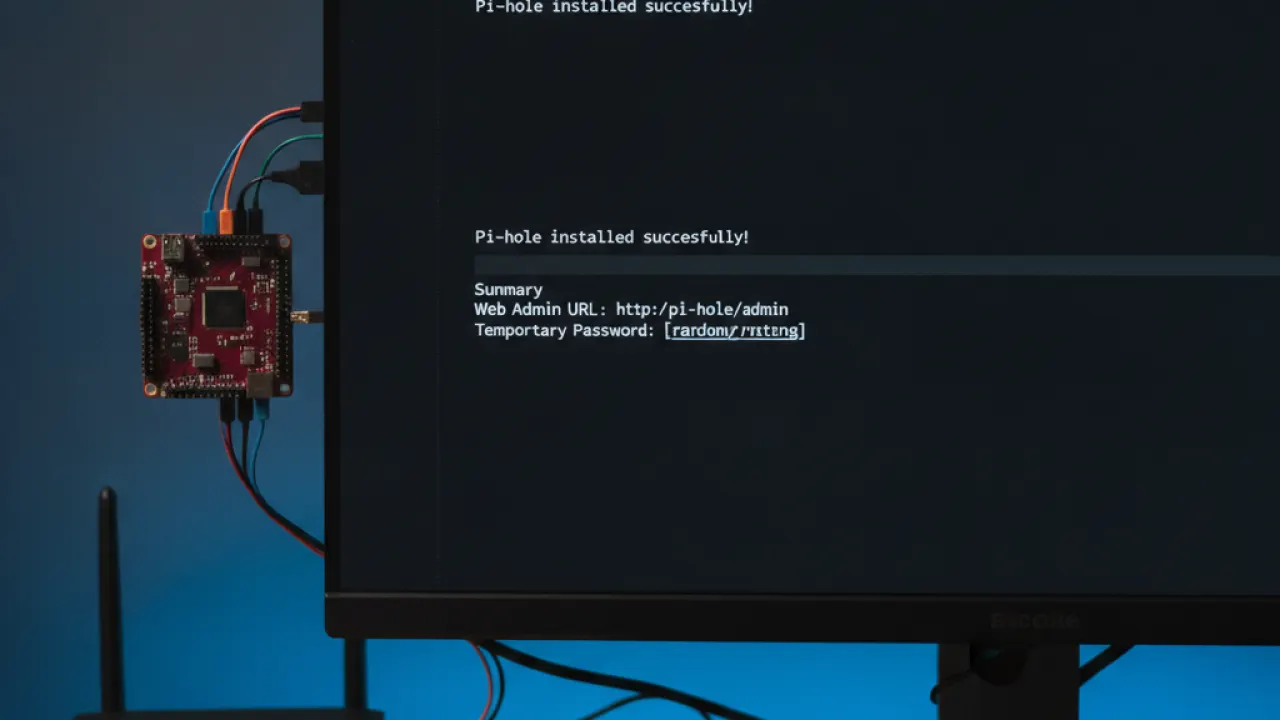
The trade-off is setup complexity. Pi-hole requires basic Linux terminal comfort: SSH access, running installation commands, understanding how to configure your router’s DNS settings. For users who are comfortable with this, it’s not difficult. For users who aren’t, it’s a meaningful barrier. Our Pi-hole vs AdGuard Home guide covers both Pi-hole and AdGuard Home, including how their setup processes compare.
The Trust Question

This is the most important difference for privacy-focused users. With Pi-hole, your DNS queries stay on your hardware. Nobody else sees what domains your devices are resolving. With NextDNS, your queries go to NextDNS’s servers. Their privacy policy is strong (no query logging for paying users, no selling data), but you’re trusting a company rather than your own hardware.
For most users, this trust question is theoretical. NextDNS’s privacy policy is better than most DNS providers (including your ISP, which definitely logs your queries). But for users whose threat model includes third-party access to metadata about their internet usage, Pi-hole is the privacy-superior choice.
Which Should You Choose?
Choose NextDNS if: You don’t have a Raspberry Pi or spare server. You want zero setup time. You want ad blocking on mobile and away from home. You want a subscription-based service rather than maintaining hardware.
Choose Pi-hole if: You’re comfortable with Linux and want to learn. You want complete control over your DNS infrastructure. You don’t want any DNS queries going to a third-party service. You have spare hardware to dedicate to it.
For users who are budget-conscious and want to start immediately, NextDNS’s free tier is the fastest path to network-wide ad blocking. For users who want long-term cost savings and maximum control, Pi-hole’s hardware cost pays for itself quickly. And for the full comparison of all DNS ad blocking options including AdGuard Home and Blocky, our complete guide covers every tool in the category.
Which DNS blocker are you using, and would you switch if you could start over? Leave a comment with the factor that matters most to your decision — the cloud vs self-hosted question comes up differently for every household.

