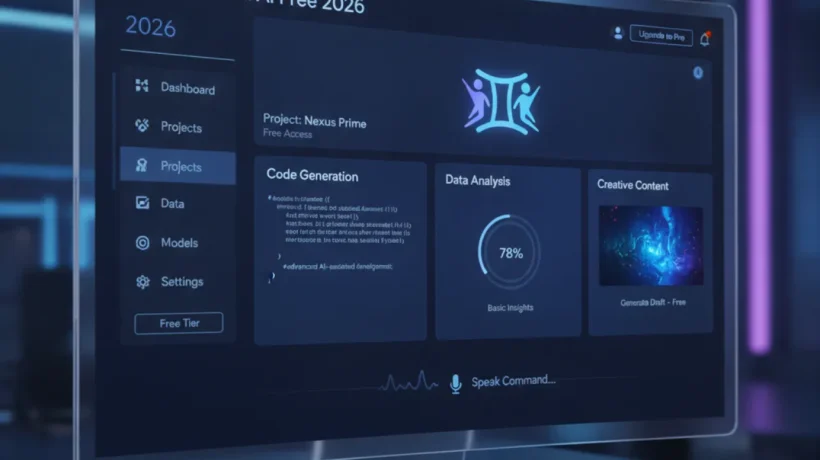

Google Gemini is free to use at gemini.google.com — no sign-up required for basic use, and more features with a free Google account. Here’s how to get started, what Gemini does better than alternatives, and how to use the features most people miss.
Accessing Gemini for Free
Go to gemini.google.com. You can use it without signing in for basic questions, or sign in with your Google account for conversation history, Google Workspace integration, and higher usage limits. The free tier uses Gemini 2.0 Flash, which handles everyday tasks well.
Gemini’s Real-Time Web Search
Unlike ChatGPT’s free tier (which uses training data up to a cutoff date), Gemini searches Google in real time and includes source links in its answers. For current events, recent product releases, news, and anything where up-to-date information matters, this is a significant practical advantage. Ask a question about something from this week and Gemini finds and summarizes current sources.
Image Analysis

Upload an image to Gemini by clicking the image icon in the prompt box. Gemini can identify objects, read text in images, describe scenes, analyze charts and graphs, and answer questions about uploaded photos. Useful for: identifying what something is, extracting text from a photo of a document, understanding a chart without transcribing it manually.
Extensions: Connect to Your Google Workspace
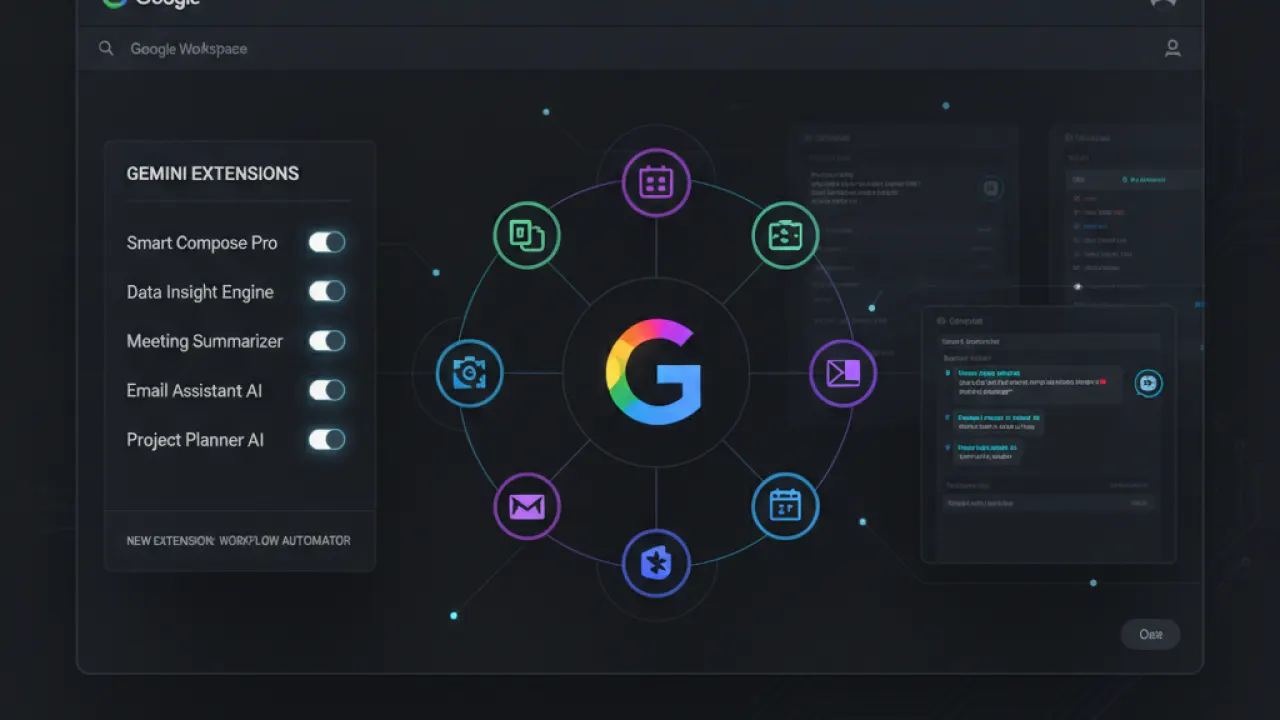
Gemini Extensions (Settings icon then Extensions) connect Gemini to Gmail, Google Docs, Drive, YouTube, and Google Maps. With Extensions enabled, you can ask “summarize the last 5 emails from my boss” or “find the project brief I saved in Drive last week” and Gemini searches your actual accounts. This integration goes beyond what most AI assistants offer for Google users.
Gemini on Android
The Gemini Android app replaces Google Assistant as the default voice assistant. Long-press the home button to activate Gemini or open the app. It handles the same tasks as Google Assistant (timers, reminders, app control) while adding AI conversation, image analysis, and web search capabilities. On Pixel phones, Gemini integrates most deeply with native Android features.
Free vs Advanced ($20/month)
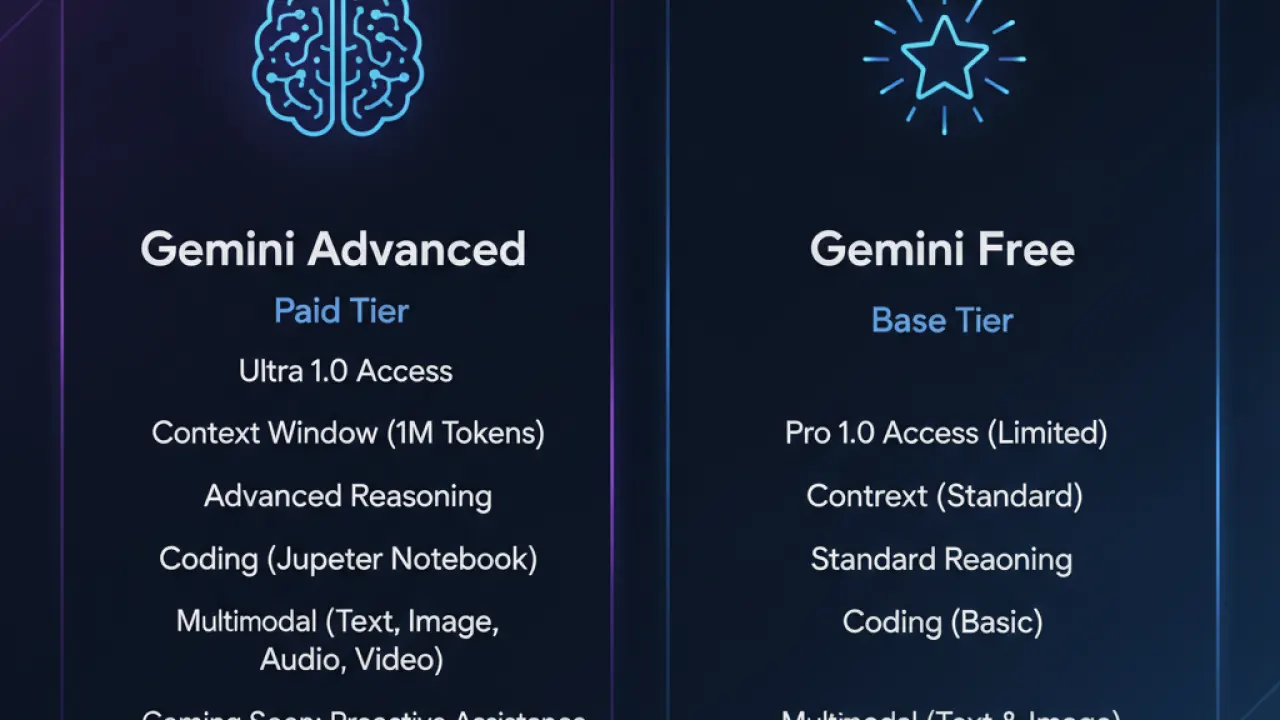
Gemini Advanced unlocks Gemini 2.5 Pro (more capable on complex reasoning and long documents), a 1 million token context window for very large files, priority access, and integration with Google Workspace apps in deeper ways. For most users, the free tier is sufficient. Advanced is worth considering if you work with very long documents or need the best performance on complex analytical tasks.
Gemini vs ChatGPT: Key Differences
Gemini wins: real-time web search on free tier, Google Workspace integration, image analysis capability, deeper Android integration. ChatGPT wins: larger ecosystem of custom GPTs, broader plugin/extension library, more established community of users sharing prompts and use cases. For Google-centric users, Gemini often fits more naturally into existing workflows.
For the full picture of free AI tools, our best AI tools guide compares Gemini alongside ChatGPT, Claude, and Perplexity. What’s the most useful thing you’ve done with Gemini? Leave a comment with your use case.

