

Cursor and GitHub Copilot are the top two AI coding tools in 2026. Cursor is an AI-first editor built on VS Code. Copilot is an AI extension that works inside your existing editor. The right choice depends on whether you want deep integration or flexible compatibility.
How Cursor Works
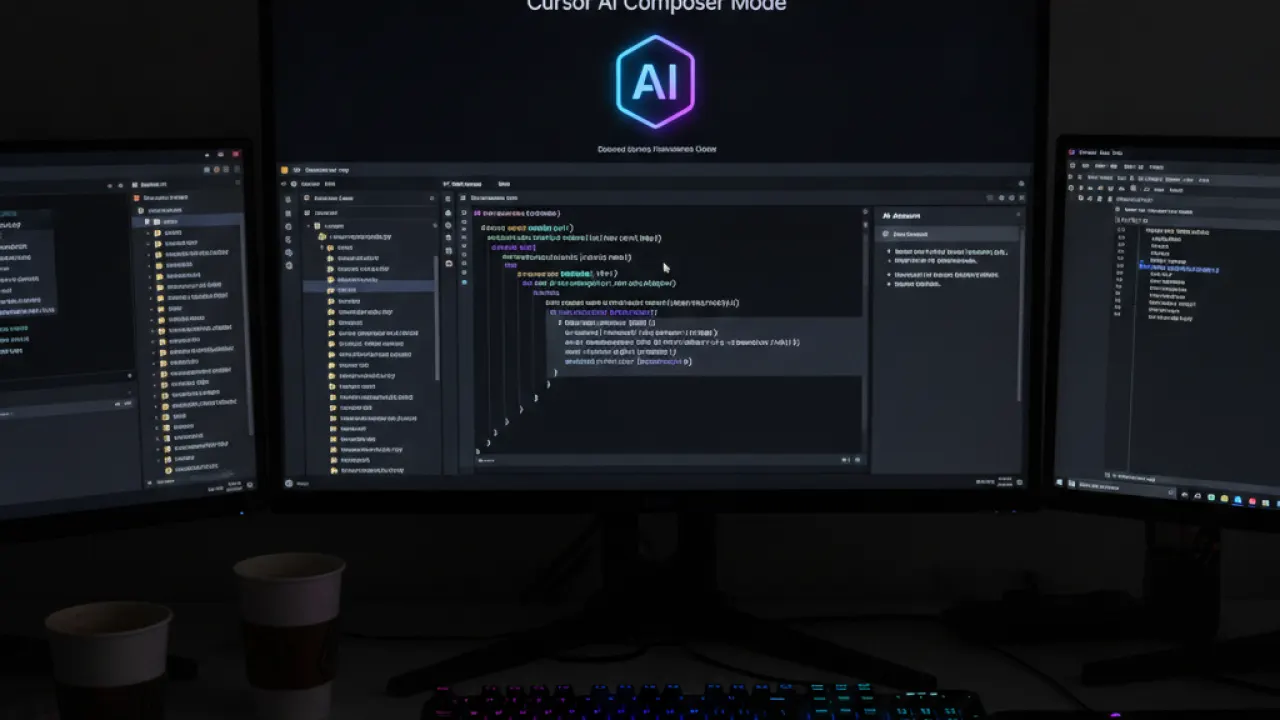
Cursor is a VS Code fork with AI at the core. Its Composer mode lets you describe a task and it writes code across multiple files at once — adding a feature, updating tests, and changing documentation in a single operation. This multi-file editing is the key capability that extension-based tools can’t match.
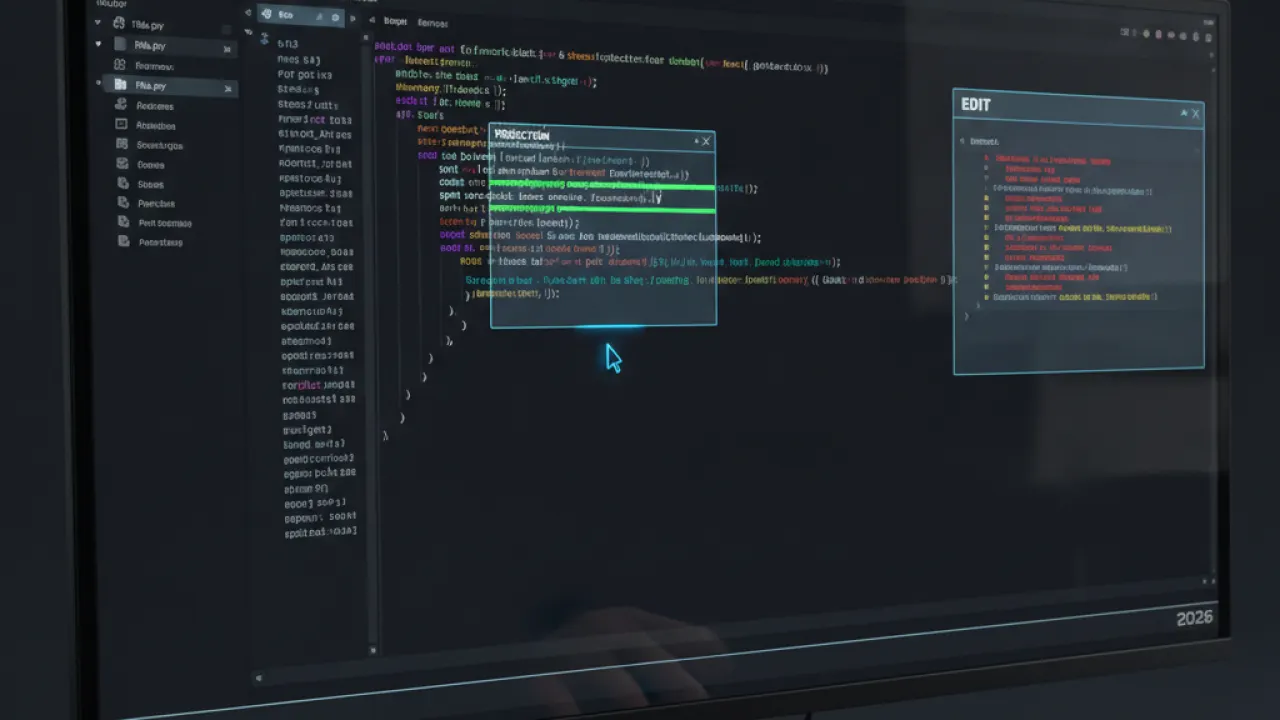
Cursor’s Tab completion predicts logical next edits throughout your file, not just the next line. After changing a variable name once, Tab accepts the predicted change everywhere else. After writing a function signature, Tab accepts a reasonable implementation.
How GitHub Copilot Works
Copilot is an extension for VS Code, JetBrains, Neovim, and others. Fast inline completions appear as you type. A chat sidebar handles refactoring and explanation. The GitHub integration indexes your repository for project-wide context and enables pull request review directly in GitHub.
Pricing

Cursor: Free tier (limited), Pro $20/month (unlimited Claude/GPT-4o). Copilot: Free (2,000 completions + 50 chat/month), Pro $10/month unlimited, Business $19/user/month.
Which Should You Use?

Choose Cursor if: you do significant multi-file work and refactoring, you want the deepest AI editor integration, $20/month is justified for daily use. Choose Copilot if: you use multiple editors and want one tool everywhere, you need GitHub PR review integration, $10/month is the starting budget. Many developers use both — Copilot for daily completions, Cursor for large architectural tasks. Our best AI coding agent guide covers Codeium, Claude Code, and Gemini Code Assist alongside these two.
Which AI coding tool has changed your workflow most? Leave a comment with the specific task type where you’ve found the biggest improvement.

