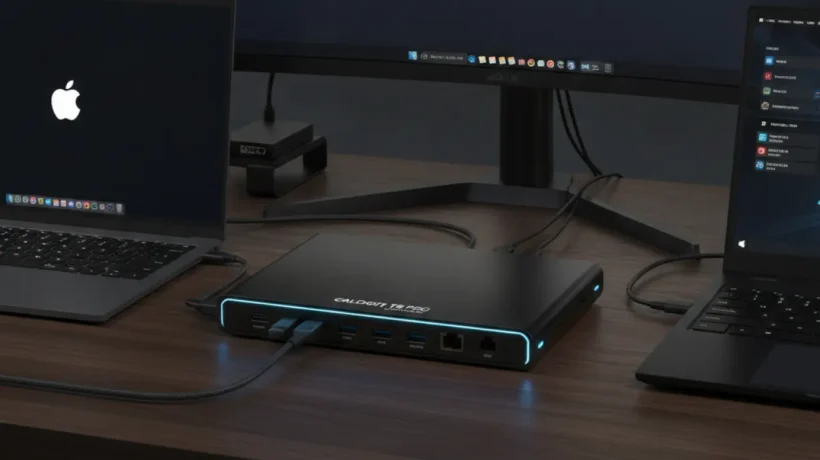

Modern thin laptops ship with USB-C ports and little else. A USB-C hub or dock adds back the HDMI, USB-A, SD card, and Ethernet ports that your laptop doesn’t have. Here’s what to look for and the best options in 2026.
Hub vs Dock: What’s the Difference
A USB-C hub is a small, bus-powered device. Plug it into your laptop’s USB-C port and it adds several ports. It draws power from the laptop itself. Good for travel and light use. A dock is larger, has its own power supply, and connects more devices including high-power peripherals like external drives and dual monitors. Good for fixed desk setups.
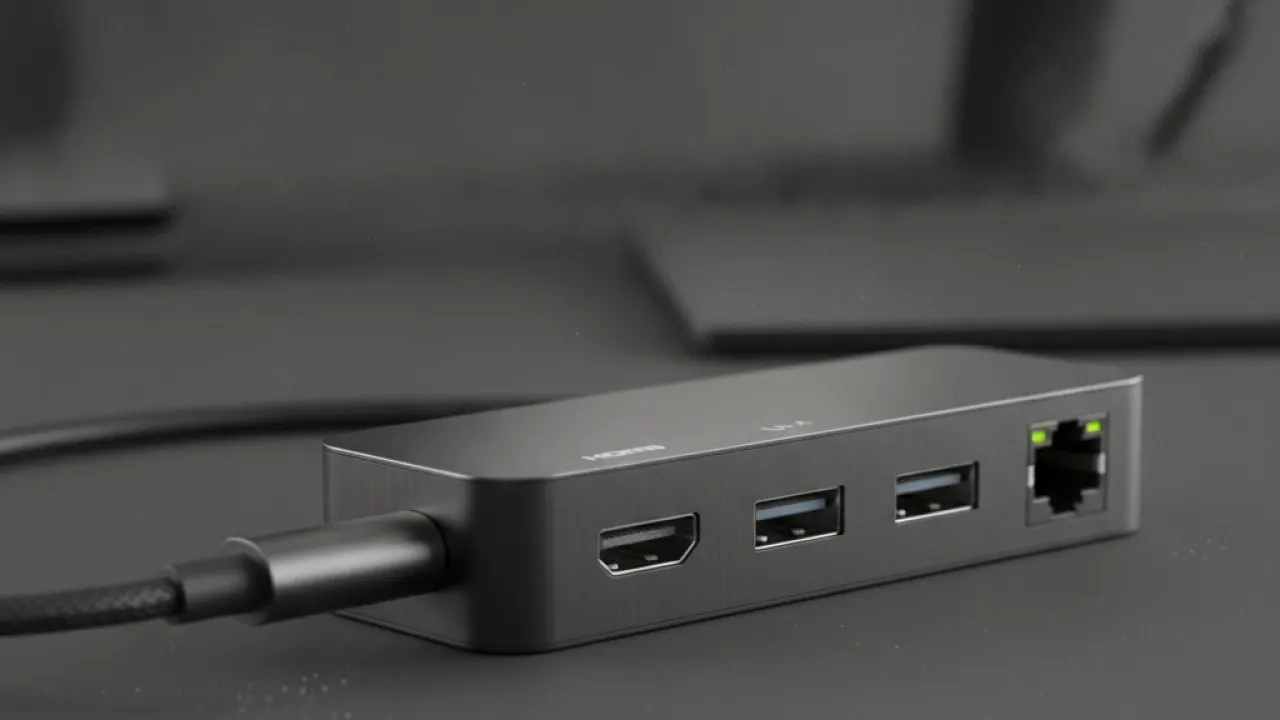
What to Look for in a USB-C Hub
- Pass-through charging: The hub can charge your laptop while being used. Essential — otherwise using the hub means your laptop runs on battery.
- HDMI resolution: 4K@60Hz HDMI is the target. Some budget hubs only do 4K@30Hz, which is noticeably choppy for mouse cursor movement.
- USB-C data speed: USB 3.2 Gen 2 (10Gbps) is the standard. Older Gen 1 (5Gbps) is slower for file transfers.
- Thunderbolt compatibility: MacBook Pro users specifically need Thunderbolt 4-compatible hubs for full bandwidth. Non-Thunderbolt USB-C hubs work but at reduced speeds.
Best Compact Travel Hub: Anker 555 7-in-1 ($40-50)
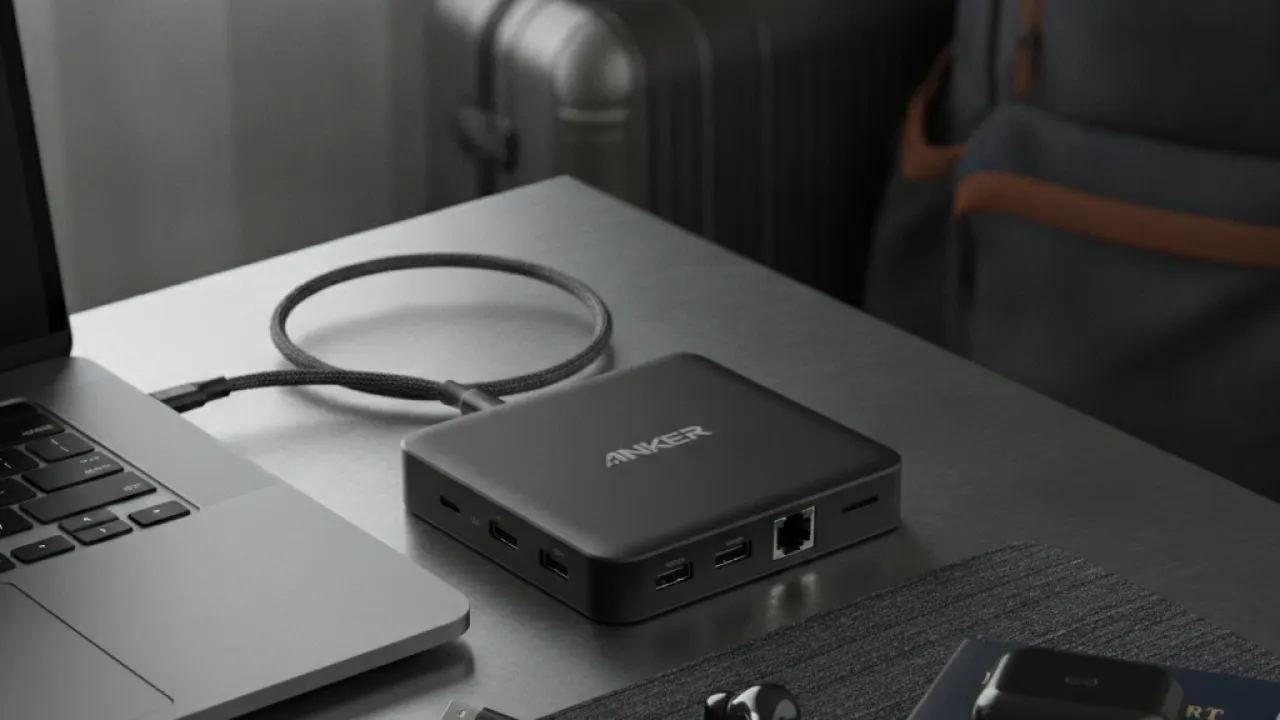
The Anker 555 adds USB-A (10Gbps), USB-C data, HDMI 4K@60Hz, SD card slot, microSD slot, and 100W pass-through charging. Compact enough for a laptop bag pocket. Build quality is solid and the HDMI works reliably. For travel use where you need HDMI in hotel rooms and a few USB ports, this covers all the needs at a fair price.
Best Mid-Range Hub: Satechi 8-in-1 Slim Hub Pro ($60-75)
Satechi makes hubs that feel premium without Thunderbolt dock prices. The Slim Hub Pro adds HDMI 4K@60Hz, 3x USB-A, USB-C, SD card, and 4K USB-C video out — eight connections total. The aluminum construction matches MacBook aesthetics and doesn’t feel cheap. More ports than the Anker at a moderate price increase.
Best Thunderbolt 4 Dock: CalDigit TS4 ($200-250)
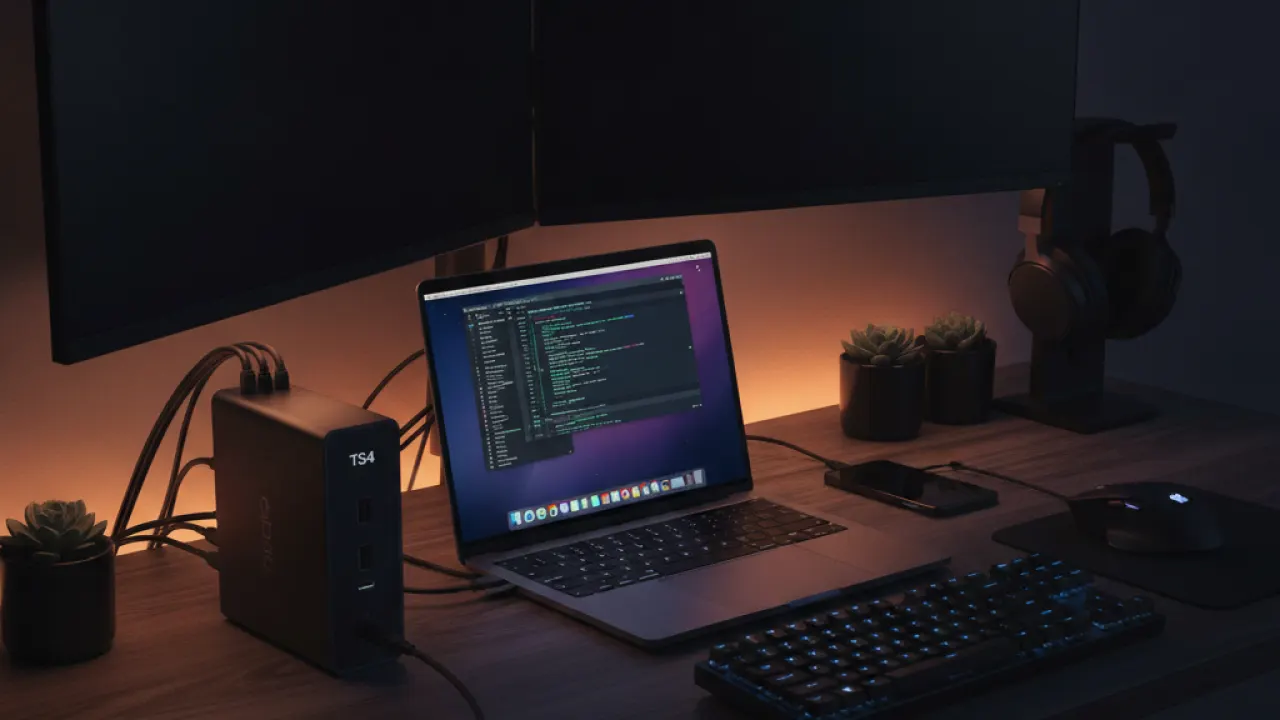
For MacBook Pro users who work at a desk with dual monitors, external drives, and multiple peripherals, the CalDigit TS4 is the benchmark. It provides 98W laptop charging, dual Thunderbolt 4 downstream ports, HDMI 2.1, DisplayPort, 2x USB-A 10Gbps, 3x USB-A 5Gbps, USB-C 3.2, SD card, headphone jack, and 2.5Gb Ethernet. One cable to the laptop connects everything. The price reflects the quality and port count.
Best Budget Dock: Plugable 11-in-1 ($75-90)
For Windows users who want more ports at a desk without spending on Thunderbolt, the Plugable 11-in-1 offers good value. HDMI, DisplayPort, USB-A, USB-C, Ethernet, and SD/microSD in a USB-C dock with its own power supply. Compatible with USB 3.0 laptops so you don’t need a Thunderbolt port.
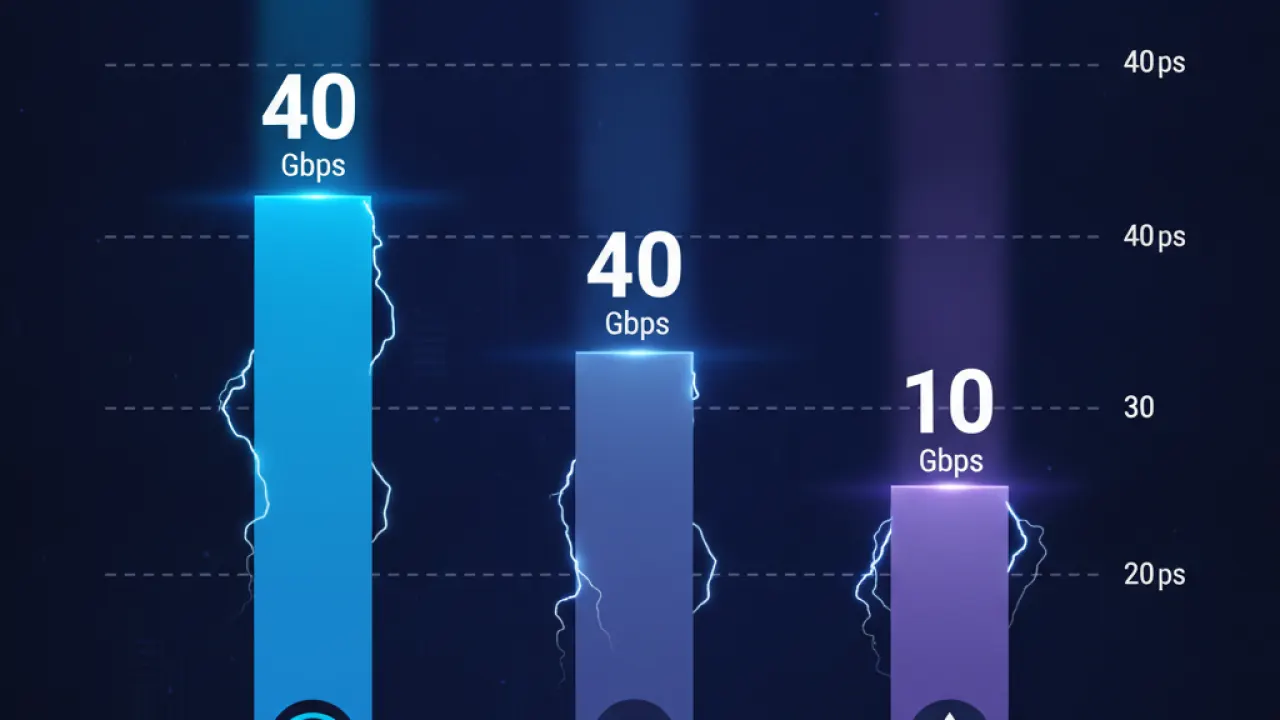
Thunderbolt 4 vs USB 3.2 vs USB4
Thunderbolt 4: 40Gbps bandwidth, supports dual 4K or one 8K monitor, up to 100W charging. Required for full-bandwidth use on Thunderbolt-equipped Macs and modern Windows laptops. USB 3.2 Gen 2: 10Gbps, sufficient for most single-monitor setups and file transfers. USB4: 40Gbps, essentially Thunderbolt 4 under a different name. Increasingly common on recent Windows laptops.
If your laptop has a Thunderbolt port (marked with a lightning bolt symbol), use a Thunderbolt-compatible hub for best performance. If it has standard USB-C, a USB 3.2 hub is sufficient and less expensive.
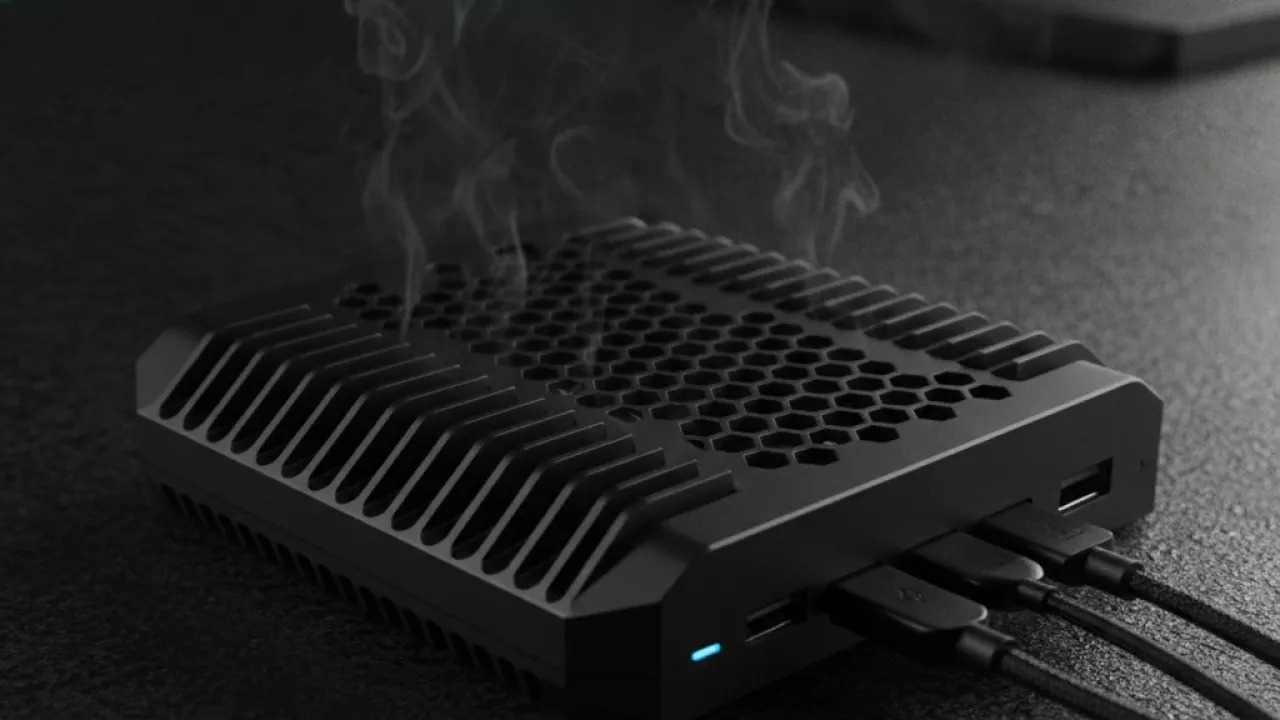
Thermal Management: A Hidden Issue
High-bandwidth hubs that handle 100W charging, HDMI output, and multiple USB devices simultaneously generate significant heat. Cheap hubs that don’t manage heat well throttle their performance or fail prematurely. The CalDigit TS4 and Anker products use aluminum housings that dissipate heat passively. Unknown-brand hubs often have plastic housing that traps heat, leading to inconsistent performance over time.
For the full work-from-home setup, our guide to the best budget laptops covers the laptops that pair best with USB-C hubs at every budget. And our DDR5 RAM guide guide covers the internal hardware upgrades that complement an external dock setup.
Which USB-C hub or dock are you using and what’s the most important feature for your setup? Leave a comment with the ports you use most — it’s often illuminating how different people’s priorities are.

