
Setting up a new PC in 2027 means picking the right free software from day one. The best free PC software 2027 has covers everything you actually need: security, a good browser, productivity apps, media tools, and a few system utilities that make daily life easier. This guide gives you the full list so you don’t have to figure it out yourself.
Every app here is completely free. No trials, no bait-and-switch freemium traps. Just apps that work.
Best Free PC Software 2027: Security Tools First
Security comes before anything else on a new PC. The best free PC software 2027 offers for protection stops viruses, malware, and privacy threats without costing you anything. Windows 11 ships with decent built-in tools, but a couple of additions make a real difference.
Windows Security
Windows 11 includes Windows Security, a full antivirus and firewall built into the OS. Independent tests consistently rank it alongside paid alternatives. For most users, it’s enough on its own. Open the Start menu, search “Windows Security,” and confirm that real-time protection and firewall are both active before you do anything else on a new machine.
Malwarebytes Free
Malwarebytes is the right second-opinion scanner to have alongside Windows Security. It catches adware, browser hijackers, and potentially unwanted programs that slip through standard antivirus. The free version doesn’t run in real time but the manual scanner is excellent. Run it once a month. It’s available at malwarebytes.com.
Bitwarden
Bitwarden is the best free password manager in 2027. It creates strong, unique passwords for every account, stores them in an encrypted vault, and syncs across all your devices at no cost. Most paid competitors charge for cross-device sync. Bitwarden gives it free. It’s open-source and audited by independent security firms, so you can actually trust it with your data.
ProtonVPN Free
ProtonVPN’s free tier is the only free VPN worth recommending. It has no data cap, a genuine no-logs policy, and it doesn’t sell your browsing data the way most free VPNs do. You get three server locations, which is enough for basic privacy on public Wi-Fi. Speed isn’t as fast as the paid plans, but it works.
The Best Free Browsers for Windows 11
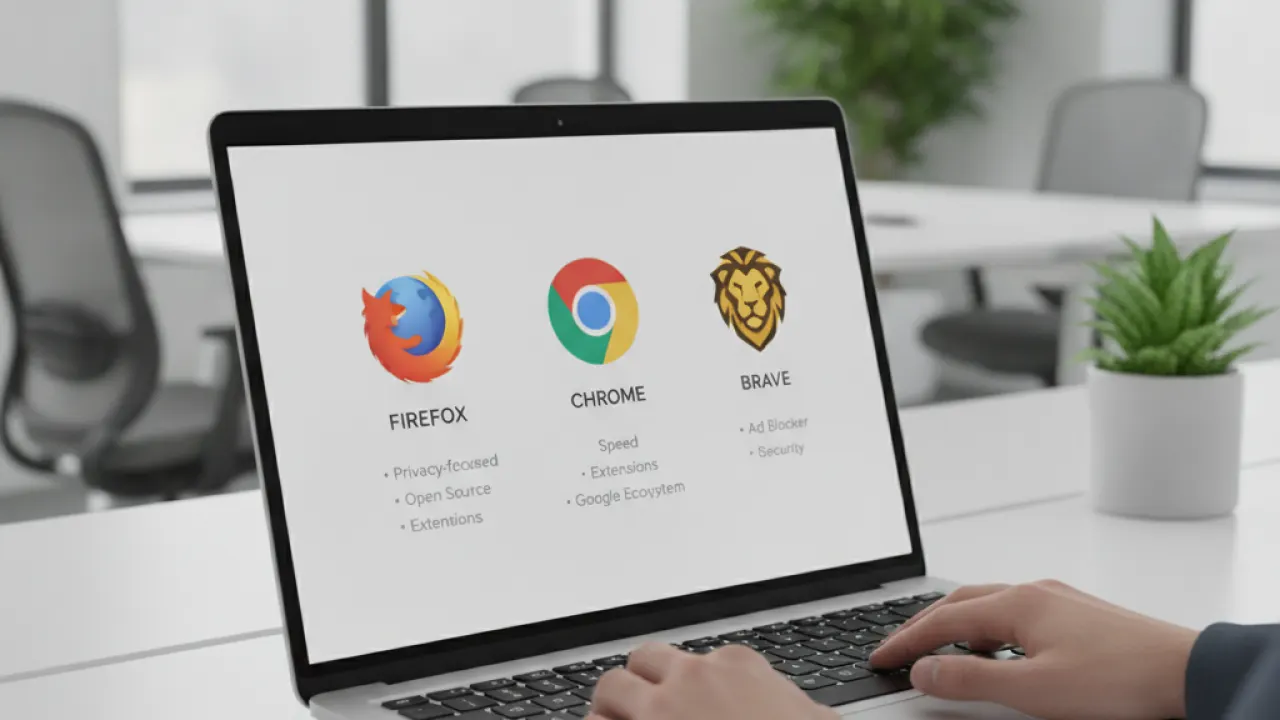
Microsoft Edge comes installed on Windows 11 and it’s decent enough now. But the best free PC software 2027 includes browser options that are better for specific needs, and you should know what’s available before defaulting to Edge or Chrome.
Mozilla Firefox
Firefox is the best free browser for anyone who cares about privacy. It blocks trackers by default, it’s fully open-source, and it doesn’t funnel your data back to a tech company the way Chrome does. The enhanced tracking protection works well straight out of the box. Firefox also supports uBlock Origin better than any Chromium browser, because Firefox’s extension system handles the necessary permissions properly.
Google Chrome
Chrome is the most compatible browser for web apps. If your work involves Google Docs, Google Meet, or anything built in Google’s ecosystem, Chrome integrates more cleanly than anything else. The downside is RAM usage and privacy. Chrome is a memory hog and collects significant telemetry. If neither of those is a concern for you, Chrome is a fine default.
Brave
Brave is built on the same Chromium base as Chrome, so compatibility is identical, but it blocks ads and trackers at the browser level. Pages load faster. It also has a built-in crypto wallet and rewards system you can completely ignore if you don’t want them. For users who want Chrome’s compatibility with Firefox’s privacy approach, Brave is a strong pick.
Free Productivity Apps That Replace Paid Office Software

The best free PC software 2027 includes productivity tools good enough that you may never need to pay for Microsoft Office. These apps handle word processing, spreadsheets, notes, and file management without a subscription.
LibreOffice
LibreOffice replaces Microsoft Office for most users. It has a word processor, spreadsheet editor, and presentation tool. It opens, edits, and saves Office formats, so you can share files with anyone using Word or Excel without issues. It’s not as polished as Office but it handles 95% of what most people actually need from office software.
Microsoft 365 Online
If you specifically need actual Microsoft Office formatting and you have a Microsoft account, the free web versions of Word, Excel, and PowerPoint at office.com are good. They’re not the full desktop apps, but they’re compatible, they autosave to OneDrive, and they cost nothing. A reasonable middle ground if full LibreOffice feels like too much of a change.
Notion
Notion’s free plan covers unlimited notes, pages, and basic databases. It works as a note-taking app, a project tracker, and a personal wiki. The free tier is genuinely complete for personal use, not a crippled version designed to push you to upgrade. If you’ve been looking for a better notes and task app, this is it.
7-Zip
7-Zip opens ZIP, RAR, 7z, and every other archive format. It’s tiny, fast, and has no advertising. Windows 11 handles ZIP files natively now, but for RAR files and anything else, 7-Zip is the one to have. Install it, set it as the default for archives, and forget about it.
Free Media Software Worth Having on Any PC
The best free PC software 2027 includes media tools that cover music, video, photos, and streaming without cost. Some of these are genuinely better than apps people pay for.
VLC Media Player
VLC plays every video and audio format without needing extra codecs. It’s been the most reliable free media player for over 20 years and 2027 is no different. If a file won’t play in anything else, VLC will play it. Lightweight, no ads, no nonsense.
Spotify Free
Spotify’s free tier gives you the full music library on shuffle with ads. That’s a real limitation on desktop, but if you’re building a playlist or using it for background music, the free plan is functional. No cost for access to more music than anyone could listen to in a lifetime is a reasonable trade-off for ads.
GIMP
GIMP is the best free photo editor for Windows in 2027. It handles layers, masks, filters, RAW files, and everything else you’d use Photoshop for. The interface is different from Adobe’s and takes adjustment, but the capability is there. If you need serious photo editing and don’t want to pay for Creative Cloud, GIMP is the answer.
DaVinci Resolve Free
DaVinci Resolve’s free version includes the same professional video editing tools that Hollywood productions use. Color grading, multi-track audio, visual effects, and full 4K export are all in the free version. The paid Studio version adds AI features and collaboration tools, but most users will never need them. One of the best pieces of free software available anywhere, not just among video editors.
System Utilities That Every Windows PC Needs
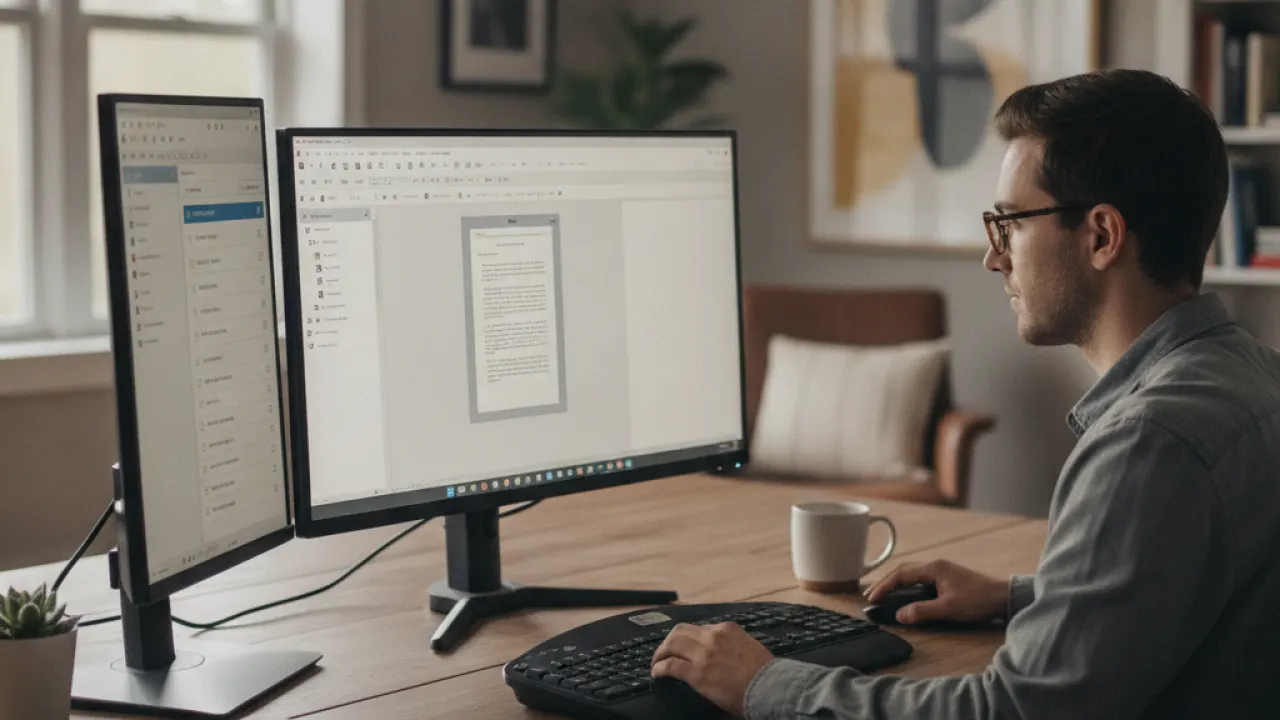
The best free PC software 2027 list wouldn’t be complete without system utilities. These tools keep your PC healthy, help you find files fast, and give you visibility into what’s actually happening under the hood.
Everything by Voidtools
Everything indexes every file on your PC in seconds and finds anything the moment you start typing. Windows 11’s built-in search is slow and unreliable by comparison. Everything is instant and accurate. Install it, set it to start with Windows, and your file search problem is permanently solved.
CPU-Z
CPU-Z shows detailed specs for your processor, RAM, and motherboard. Useful for confirming what hardware you actually have when you can’t find the documentation, or when checking compatibility before upgrades.
CrystalDiskInfo
CrystalDiskInfo reads your drive’s health data and tells you if anything looks like an early warning sign of failure. SSDs and hard drives have built-in diagnostics that most people never check. This tool reads them and shows you the results clearly. Run it occasionally so you’re not caught off guard by a dying drive.
ShareX
ShareX is the best free screenshot and screen recording tool in 2027. It captures full screens, windows, regions, and scrolling content. It annotates, uploads, and organizes screenshots automatically. It’s more capable than most paid screenshot tools and it costs nothing. If you take frequent screenshots, this replaces everything else.
Visual Studio Code
VS Code is the standard free code editor in 2027. If you write any code at all, in any language, VS Code is the tool to use. It’s fast, it has extensions for everything, and it’s what most developers use day to day. Even if you only write occasional scripts or edit config files, it’s worth having installed.
The best free PC software 2027 has available means you can set up a fully functional, secure, and productive Windows PC without spending anything on software. Start with the security tools, add a browser and productivity apps, then fill in media and utilities as you need them. Your PC stays lean and fast when you install things intentionally instead of all at once.
Visit TechDeft for more honest software guides, hardware comparisons, and Windows tips updated regularly.
Which of these best free PC software 2027 picks did you already have installed, and which one are you adding first? Tell us in the comments.
