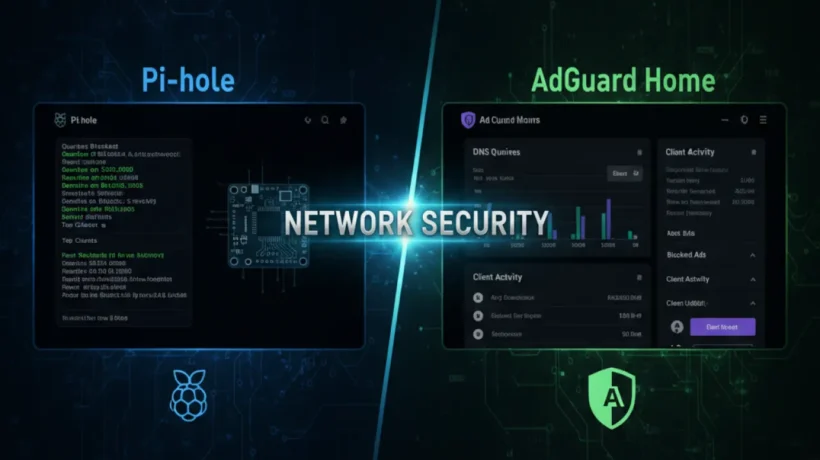

Pi-hole and AdGuard Home both block ads across your entire home network. You set one up once, and every device in your house stops seeing ads without touching the browser on each one. But they work differently, they suit different people, and picking the wrong one wastes time. This guide tells you which one to use based on your situation.
What Are Pi-hole and AdGuard Home?
Both tools work as DNS sinkholes. Your devices ask DNS servers to translate website names into IP addresses. Pi-hole and AdGuard Home sit between your devices and the internet. When a device asks for the address of an ad server, the tool returns nothing, so the ad never loads.
This works on every device on your network without installing anything extra. Your phone, TV, laptop, game console, and smart bulb all get ad blocking the moment you set it up.
Pi-hole is the original DNS ad blocker. It was built for Raspberry Pi but runs on any Linux system. It’s open source, maintained by a small community, and has been around since 2014.
AdGuard Home came later, built by the team behind the popular AdGuard browser extension and mobile app. It runs on Linux, Windows, Mac, and Raspberry Pi. It launched in 2018 and has grown steadily since.
Setup Difficulty: AdGuard Home Wins for Beginners
This is the biggest practical difference between the two.
Pi-hole requires running terminal commands, editing config files, and understanding how DNS works at a basic level. The official setup guide walks you through it, but if you’ve never used a Linux terminal, you’ll spend a few hours learning before you’re done.

AdGuard Home has a web-based setup wizard that walks you through every step. Download the binary, run it, open your browser, and follow the on-screen instructions. Most people finish in under 20 minutes. No terminal required after the initial launch.
If you’re comfortable with Linux and command-line tools, Pi-hole is not hard. If you’re not, AdGuard Home is the easier path.
The AdGuard Home Interface vs Pi-hole Interface
Pi-hole has a functional admin panel. You can see query logs, view statistics, add blocklists, and whitelist domains. It does the job, but the design hasn’t changed much in years.
AdGuard Home has a noticeably better interface. The dashboard shows real-time stats, the filter management is cleaner, and the settings are more logically organized. You can also set up client-specific rules, meaning different devices can have different filter settings from the same panel.
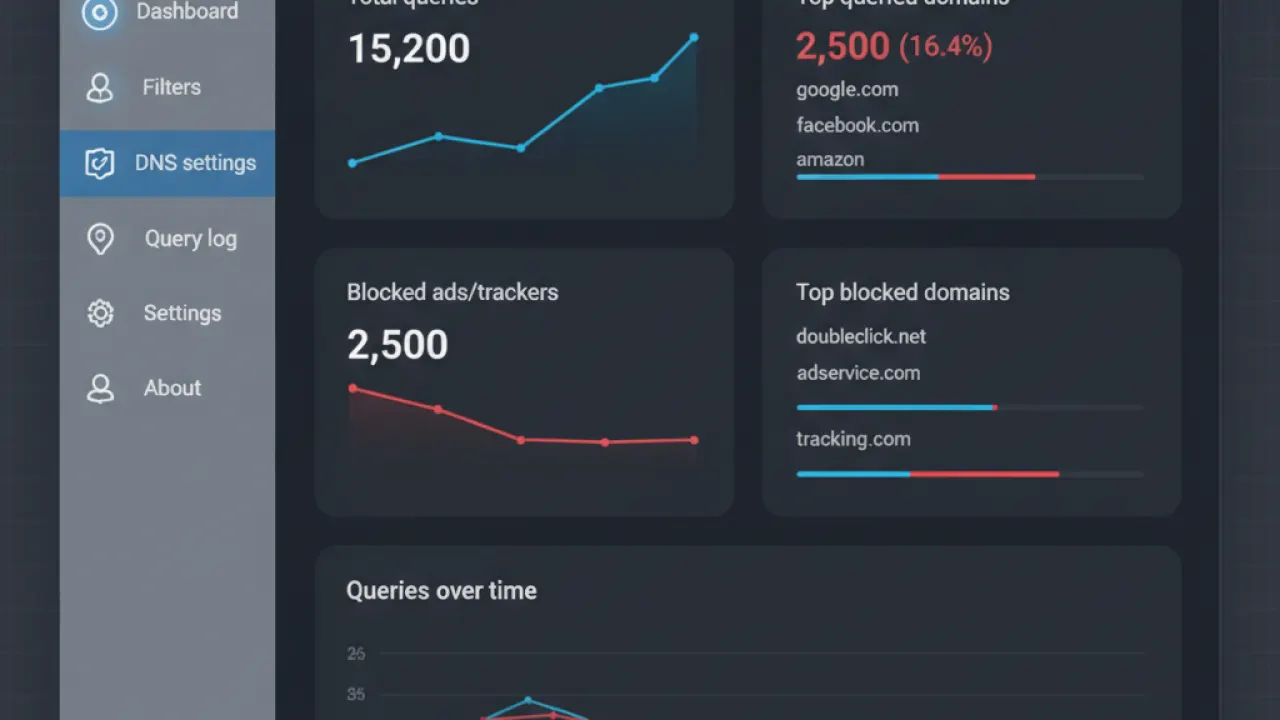
AdGuard Home also supports DNS over HTTPS (DoH) and DNS over TLS (DoT) out of the box. These encrypt your DNS queries so your ISP can’t see which domains you’re visiting. Pi-hole supports DoH but requires installing a separate tool called cloudflared to make it work.
Blocking Performance: Which One Blocks More?
Both tools use blocklists. You point them at lists of known ad, tracking, and malware domains. When a device on your network asks for one of those domains, the request gets blocked.
The quality of blocking depends almost entirely on which blocklists you use, not which tool you pick. Both support the same major blocklists, including the EasyList, Steven Black’s Hosts, and OISD.
Where AdGuard Home pulls ahead is filtering syntax. Pi-hole uses basic host-based blocking. AdGuard Home supports AdGuard filter syntax, which allows more precise rules including wildcard matching, regex, and exception rules for specific pages on a blocked domain. This means fewer false positives with the right lists.
Does Pi-hole Block YouTube Ads?
No, and neither does AdGuard Home. This question comes up constantly, and the honest answer is that DNS-level blocking can’t reliably block YouTube ads because Google serves ads from the same domains as the actual video content. Blocking the ad domain also breaks the video.
The best way to block YouTube ads is with a browser extension like uBlock Origin, or by using the YouTube Premium subscription. Pi-hole and AdGuard Home are not the right tools for this specific job, no matter what you read online.
Both tools do block ads on websites, in apps, and on smart TVs where browser extensions aren’t available. For everything except YouTube, DNS blocking works well.
Hardware Requirements
Pi-hole is most commonly run on a Raspberry Pi. A Raspberry Pi Zero 2 W costs around $15 and handles Pi-hole easily for a small household. A Pi 4 handles a larger network. Pi-hole also runs on any Debian or Ubuntu Linux machine, in Docker, or in a virtual machine.
AdGuard Home runs on Raspberry Pi, Linux, Windows, macOS, FreeBSD, and in Docker. The cross-platform support is better than Pi-hole. If you want to run your DNS blocker on a Windows mini PC or an old Mac Mini, AdGuard Home is simpler.
Both tools use very little RAM. A Raspberry Pi Zero 2 W with 512MB RAM handles either tool without problems for most home networks.
Privacy: Which One Handles Your Data Better?
Both tools are self-hosted. Your DNS queries stay on your own hardware and never go to a third-party server. This is already better for privacy than using your ISP’s DNS or even popular third-party DNS servers like Google’s 8.8.8.8.
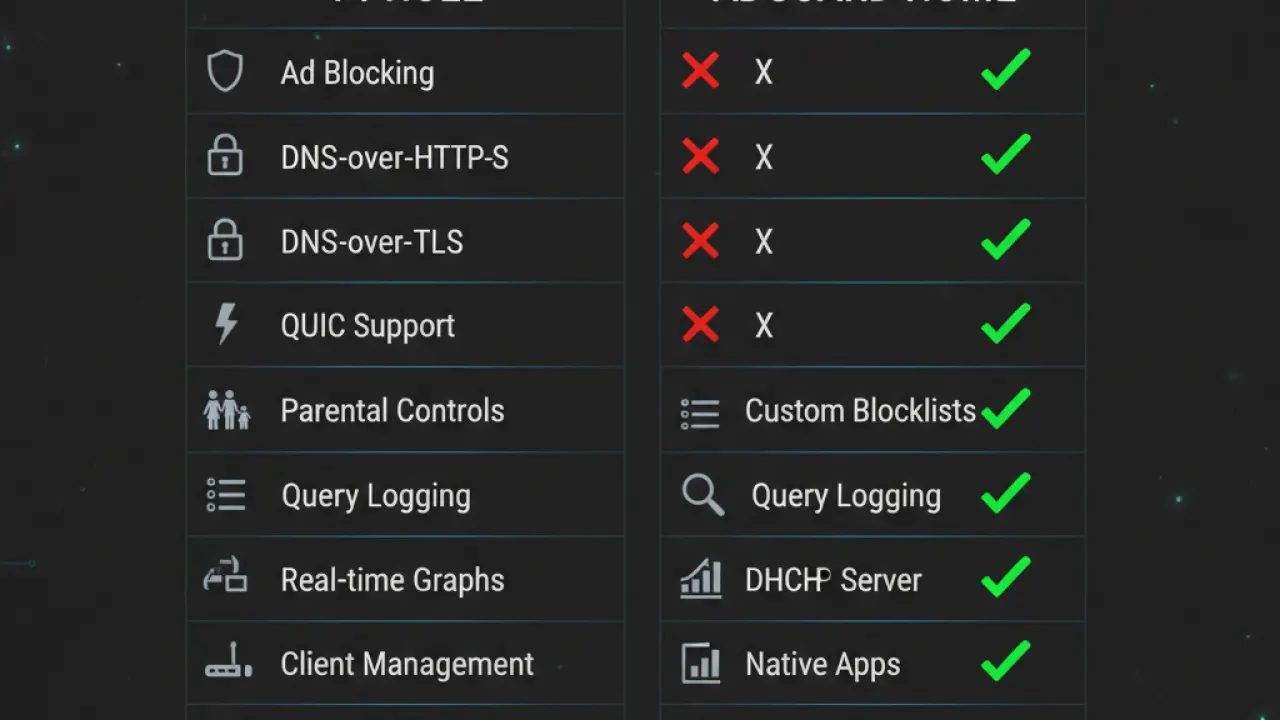
Pi-hole is fully open source. AdGuard Home is also open source under the GPL license, but the company behind it (Adguard Software Ltd) also sells commercial products. Some users prefer Pi-hole for this reason alone.
AdGuard Home stores query logs by default. You can turn this off. Pi-hole also logs queries. Both let you clear logs and adjust retention periods. Neither sends your data anywhere without your knowledge.
For general privacy on your home network, either tool is a solid choice. Building good #{IL1} habits alongside DNS blocking is what makes the real difference.
Community and Support
Pi-hole has a large, established community. The subreddit r/pihole has hundreds of thousands of members. The documentation is detailed, and most common problems have been solved many times over in forum threads.
AdGuard Home has a smaller community but active GitHub discussions and solid documentation. The team responds quickly to bug reports. Updates come regularly.
If you hit a problem at 11pm and need a forum answer in minutes, Pi-hole has the larger knowledge base to search through. AdGuard Home has better official docs but less community-generated troubleshooting content.
Pi-hole vs AdGuard Home: Which Should You Choose?
Here’s the plain answer:
Choose AdGuard Home if:
- You want the easiest setup with no command-line work.
- You want DNS over HTTPS built in without extra tools.
- You want per-device filtering rules from one panel.
- You want to run it on Windows or macOS without a separate Linux machine.
- You prefer a cleaner, more modern interface.
Choose Pi-hole if:
- You’re comfortable with Linux and enjoy the command line.
- You want the largest possible community for support and customization.
- You want to run it in Docker or on a minimal Linux server.
- You prefer fully community-driven open source software with no company behind it.
- You already have a Raspberry Pi and want the classic setup.
Both tools do the same core job well. For most home users in 2026, AdGuard Home is the better starting point because the setup is faster and the interface is easier to use day to day. Pi-hole is the better choice if you want maximum community support or prefer to avoid software from a commercial company.
Quick Setup Guide for AdGuard Home on Raspberry Pi
If you’ve decided on AdGuard Home, here’s the short version of how to get started:
- Download the AdGuard Home binary for your architecture from the GitHub releases page.
- Run
./AdGuardHome --service installin terminal to install it as a service. - Open your browser and go to
http://[your-pi-ip]:3000for the setup wizard. - Set up your admin account and choose your listen port (default is port 80).
- Change your router’s DNS settings to point to your Pi’s IP address.
- All devices on your network now use AdGuard Home for DNS resolution.
The full setup takes about 15 minutes on a fresh Raspberry Pi. You’ll also want to add a few blocklists. OISD and Steven Black’s Unified Hosts list are good starting points that balance blocking effectiveness with low false-positive rates.
Quick Setup Guide for Pi-hole
If Pi-hole is your choice:
- On a Raspberry Pi or Linux server, run:
curl -sSL https://install.pi-hole.net | bash - Follow the interactive setup prompts.
- Note the admin password shown at the end of installation.
- Access the admin panel at
http://[your-pi-ip]/admin - Point your router’s DNS to your Pi’s IP address.
Pi-hole is also easy once you know Linux basics. The one-liner install script handles most of the work. Configuring your router to use it is the same step for both tools and takes 2 minutes once you find the DNS settings in your router admin panel.
While you’re improving your home network, check out our guides on #{IL2} and finding the #{IL3} for home security setups.
Final Verdict: Pi-hole vs AdGuard Home in 2026
AdGuard Home is the better tool for most users in 2026. It’s easier to set up, has a better interface, and includes DNS encryption without extra steps. The blocking quality is equal to Pi-hole when you use the same blocklists.
Pi-hole is still excellent, especially if you want the largest community of people who’ve already solved every problem you’re likely to encounter. It’s not going away, and for Linux enthusiasts it remains the first choice.
Both are free. Both are self-hosted. Both are dramatically better for your network than relying on your ISP’s DNS. Pick one and set it up this weekend. You’ll notice the difference on the first page load.
Which one are you running, or thinking about trying? Drop a comment below with your setup and tell us how it’s been working for you.